
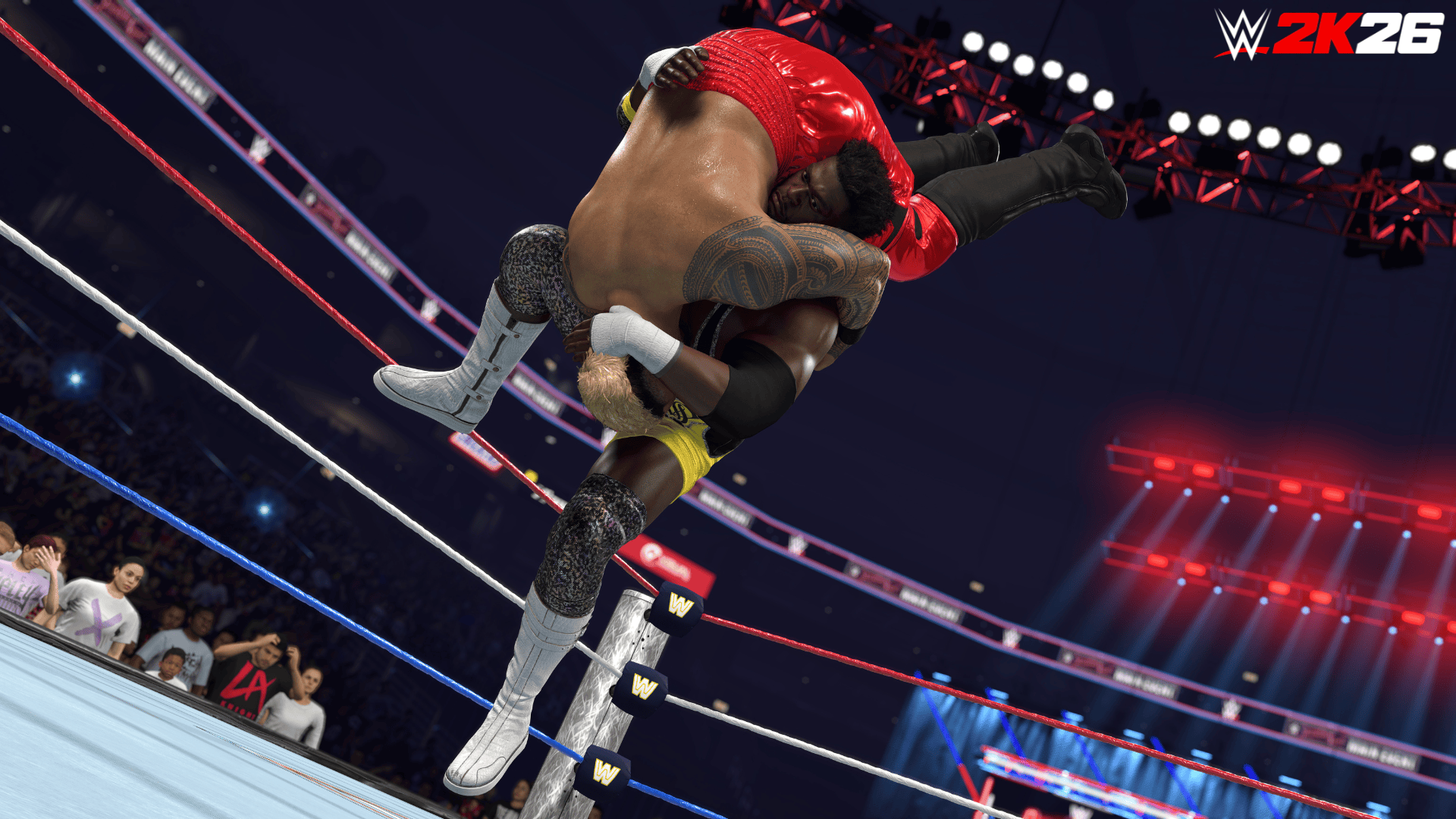
WWE 2K26 RXP not counting after a match? Start by checking the match setup. Ringside Pass does not award XP in Online Lobbies, matches with platform friends, sessions with two or more local human players, or matches ended by quitting or disconnecting.
Ringside Pass also requires an online connection and direct participation in most modes. Work through these checks before retrying, including 2K’s exception for Universe Watch Mode.
Why is WWE 2K26 RXP not counting?
RXP comes from eligible completed matches in Play Now, Universe, MyRISE, Showcase, MyGM, MyFACTION and The Island. A win won’t award XP if the match was set up in an excluded mode.
Check your internet connection first
Ringside Pass requires an online connection throughout the match. Playing offline or losing connection midway prevents the award. Reconnect and complete another eligible match.
Even solo Play Now matches need an online connection to earn Ringside XP.
Online Lobbies and matches with friends don’t earn RXP
For WWE 2K26 RXP not counting after multiplayer, look at who joined the match. Online Lobbies don’t count, and neither do games with Steam, PlayStation Network or Xbox friends. Playing with two or more human players on the same console is also excluded.
A qualifying solo match avoids those multiplayer exclusions. Premium ownership doesn’t change the RXP rules.
Simulated matches have a specific exception
Most matches run entirely by AI without your direct participation don’t earn Ringside Pass experience. Universe Watch Mode is the exception identified by 2K, so its watched matches can count even though AI controls the action.
A simulated MyGM or Universe result isn’t the same as playing the match. Outside Universe Watch Mode, take direct control and finish the contest.
Finish the match without quitting or disconnecting
Quitting or disconnecting before the match finishes prevents the XP award, regardless of how the match was going.
To fix WWE 2K26 RXP not counting after a quit, play another eligible match while connected and finish it. Don’t delete save data or reinstall the game to test a match that never qualified.
Check which Ringside Pass season is active
All six Ringside Pass seasons remain selectable. If you have Season 5 active and check Season 6 afterwards, you’ll be looking at the wrong rewards track. Select the pass you want to level before playing.
WWE 2K26 RXP not counting on Season 6 may just mean Season 5 was selected instead. XP goes to the active pass, and switching seasons doesn’t erase rewards you’ve already claimed.
Check Premium ownership and claim the rewards
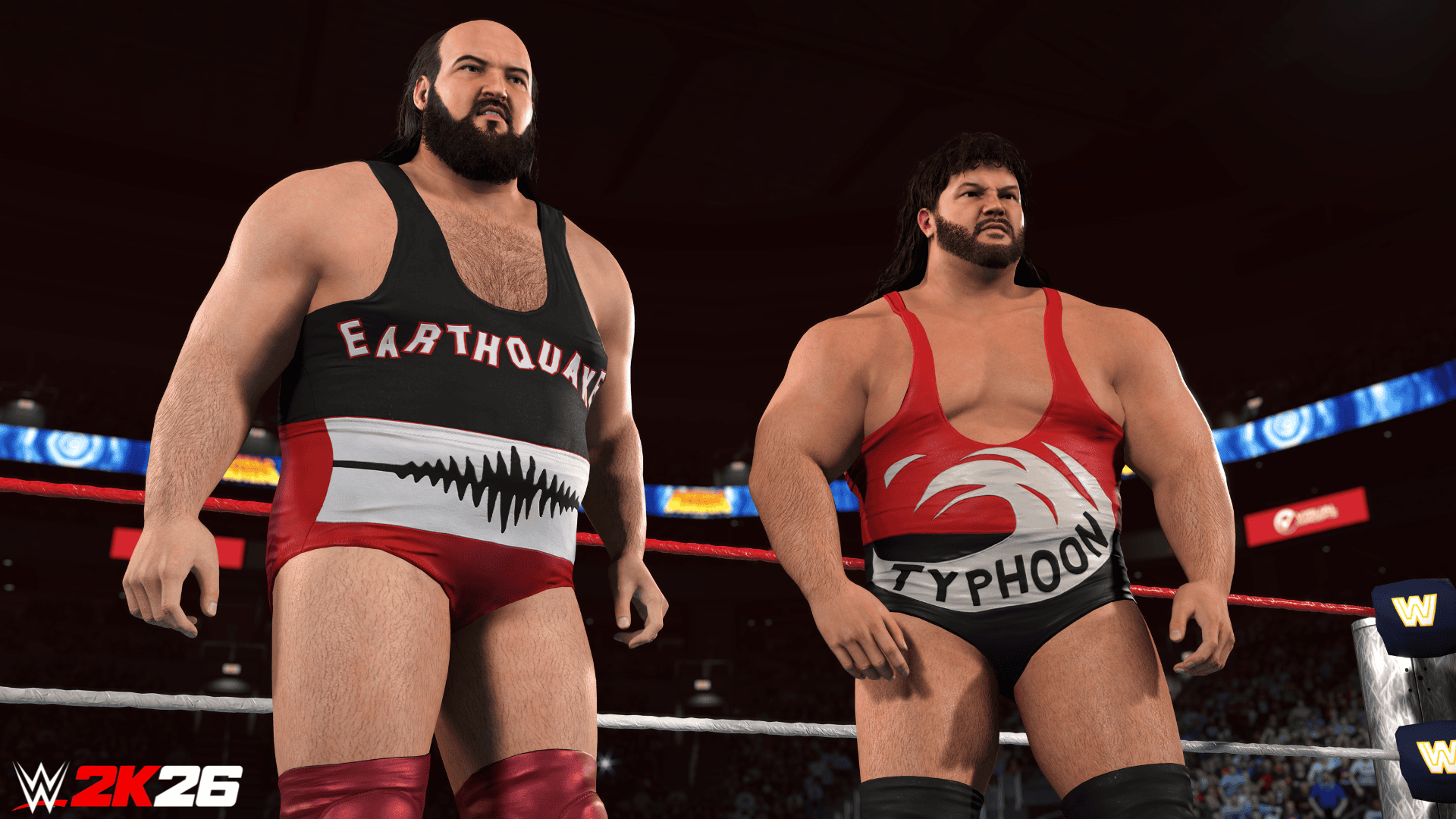
Free and Premium tiers progress together, but Premium rewards require a paid entitlement. In Season 6, Royce Keys, Earthquake, Typhoon and Octagón Jr. are Premium Tier 1 rewards. AJ Styles Masked needs Premium Tier 33 and Bray Wyatt ’23 requires Premium Tier 40.
A locked Premium reward does not necessarily mean your XP failed. Check the tier level, whether you own that season’s Premium track and whether the reward needs to be claimed from Ringside Pass.
WWE 2K26 RXP not counting: quick fix checklist
- Confirm the game is connected to online services.
- Select the Ringside Pass season containing your target reward.
- Pick Play Now or another eligible mode.
- Avoid Online Lobbies, platform friend matches and multiple local human players.
- Play the match yourself unless you’re using Universe Watch Mode.
- Finish without quitting or disconnecting.
- Return to Ringside Pass and check your progress and available reward claims.
If WWE 2K26 RXP not counting continues after a completed, eligible solo match, contact 2K Support with the game mode, match setup and selected pass. Those details help them investigate your progress.
Our WWE 2K26 RXP earning guide covers the seven modes in more detail, and the Season 6 rewards guide lists the current character tiers.





