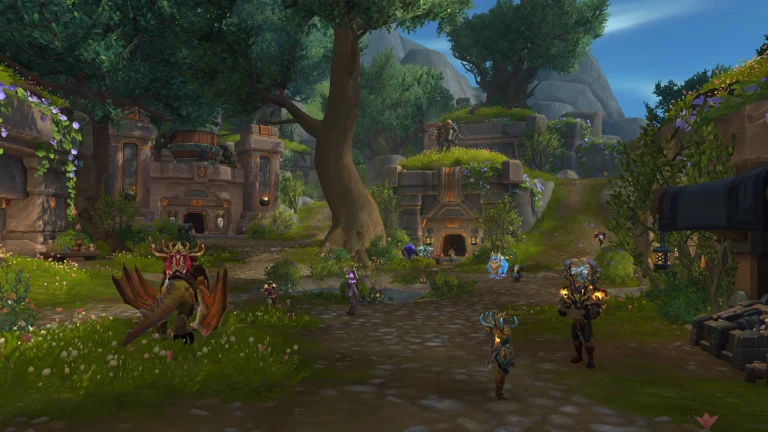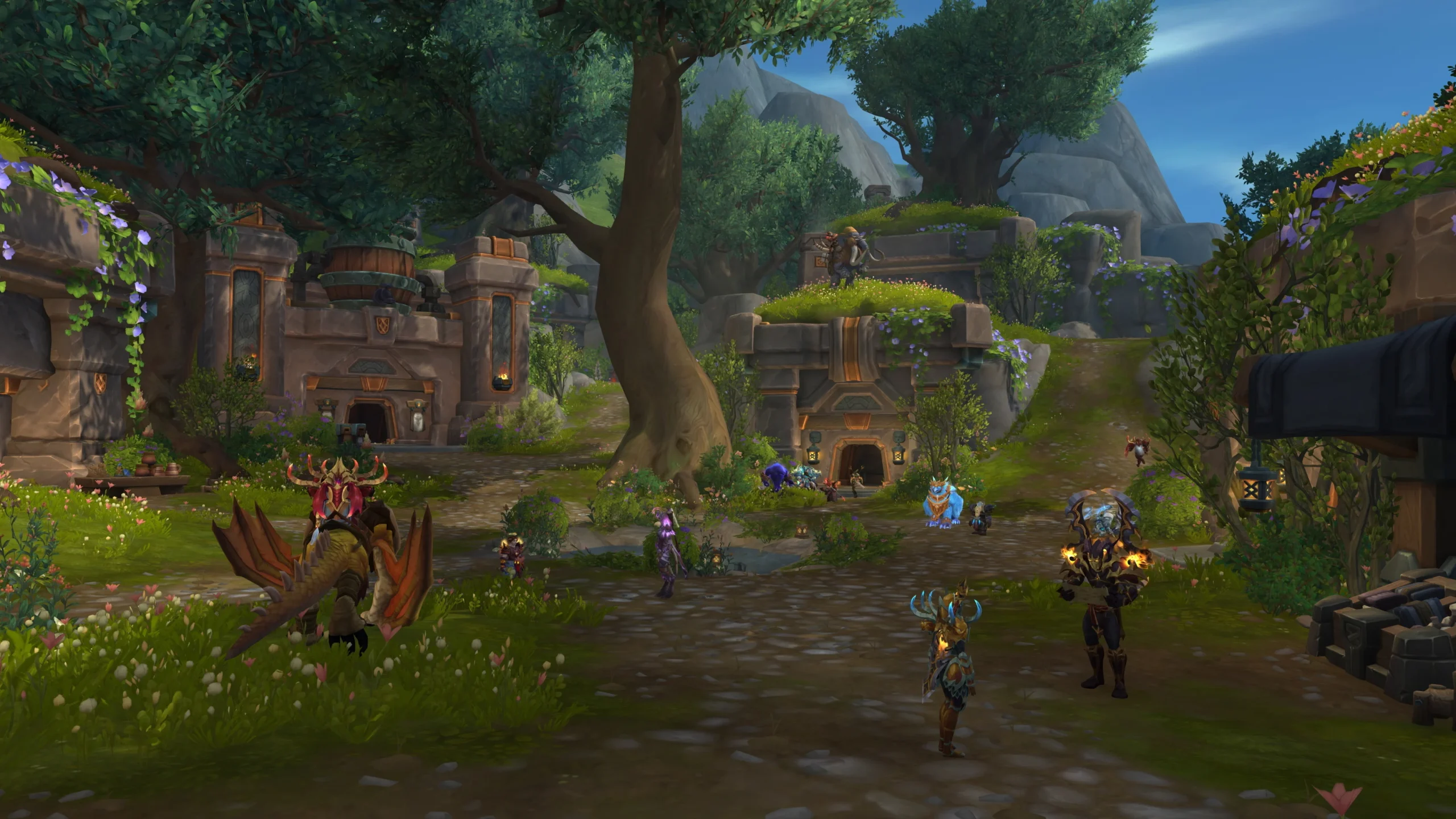
WoW Forever Classic vs Enhanced is the first choice you make when World of Warcraft: Forever launches on 4 November 2026 at 23:00 GMT. Classic starts with standard-definition character models and fewer interface helpers, while Enhanced enables HD models, quest markers, combined bags and transmog. The choice has no effect on your stats, combat performance or progression.
The preset simply gives you a starting set of preferences. You can change its individual settings later, and there’s a separate HD or SD character appearance decision when you create a character. If you want to spend less time changing options before your first quest, this comparison shows exactly what each selection does.
WoW Forever Classic vs Enhanced: all six default settings
The WoW Forever Classic vs Enhanced comparison comes directly from Blizzard’s launch instructions. These options are enabled or disabled by default; neither version removes features from the game.
| Setting | Classic | Enhanced |
|---|---|---|
| Character models | Standard Definition | High Definition |
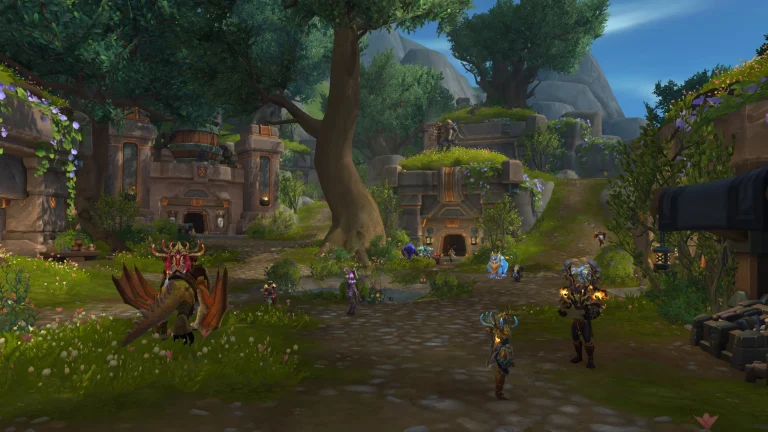
| Quest points and objective blobs | Off | On |
| Combined one-bag inventory | Off | On |
| Transmog | Off | On |
| Keyboard movement defaults | Camera turning | Strafing |
| Interface layout | Classic style | Centred layout |
For a returning player, the biggest differences may be movement and quest guidance. Classic starts with keys bound to turn the camera and hides quest objective blobs. Enhanced favours strafing controls and visible objective markers. Check the bindings first if your character doesn’t move the way you’re used to.
When does the preset selection appear?
Blizzard says Choose Your Experience Preset appears on your first login, before choosing a ruleset. The order is preset first, then Normal, PvP, Roleplay or Roleplay-PvP. Hardcore is being added later, not as a fifth launch ruleset.
The WoW Forever Classic vs Enhanced decision does not determine whether enemy players can attack you in the open world. That is a ruleset choice. If you’re joining friends, agree on a ruleset and faction separately. Our rulesets guide covers those differences.
How to change WoW Forever Classic vs Enhanced later
You aren’t locked in. Blizzard lists Options > System > Preset in its return-to-Azeroth overview, and its new-player guide confirms individual settings are available through Game Menu > Options. You can switch the overall presentation or customise individual preferences instead of restarting.
The initial prompt does not reappear after the first login, so don’t look for it when creating your next character. Change the preferences in the Options screen. Exact labels for individual bag or transmog settings should be checked against the live launch interface rather than inferred from the preset name.

HD and SD character models are a different choice
At character creation you can select High Definition or Standard Definition models and animations for that character. The choice is cosmetic. You can revisit it through Options or with a Barbershop in the game; it doesn’t change your class’s strengths.
That distinction is useful when choosing WoW Forever Classic vs Enhanced: you can use the quieter Classic interface with the character model you like, or retain Enhanced’s conveniences while switching the model. The game isn’t divided into separate Classic-preset and Enhanced-preset populations.
Does Enhanced change difficulty or progression?
No. Both choices use the same quests, classes, levelling systems, dungeons and world. Enhanced adds interface conveniences; Classic reduces the initial number of hints and modern presentation features. You can still use a gamepad in the supported controller beta regardless of the visual preset.
For WoW Forever Classic vs Enhanced, choose Enhanced if you want objective markers and combined bags from the start, or Classic if you prefer discovering objectives with a simpler interface. Blizzard suggests Enhanced as a starting point if you’re unsure because its defaults are easier to learn with.
Which option should you pick for launch night?
Neither option makes you arrive faster at level 60, and there’s no separate cost. What matters is whether you prefer an old-style interface or want the extra guidance switched on immediately. You can always revise that later without losing character progress.
The best WoW Forever Classic vs Enhanced setup is whichever makes your first session enjoyable. For the exact UK unlock time and subscription access, see our Forever launch guide. You only need a WoW subscription or Game Time to enter Forever’s standard content.
Related Guides
Official Blizzard source: New Player’s Starter Guide: Welcome to World of Warcraft: Forever.