
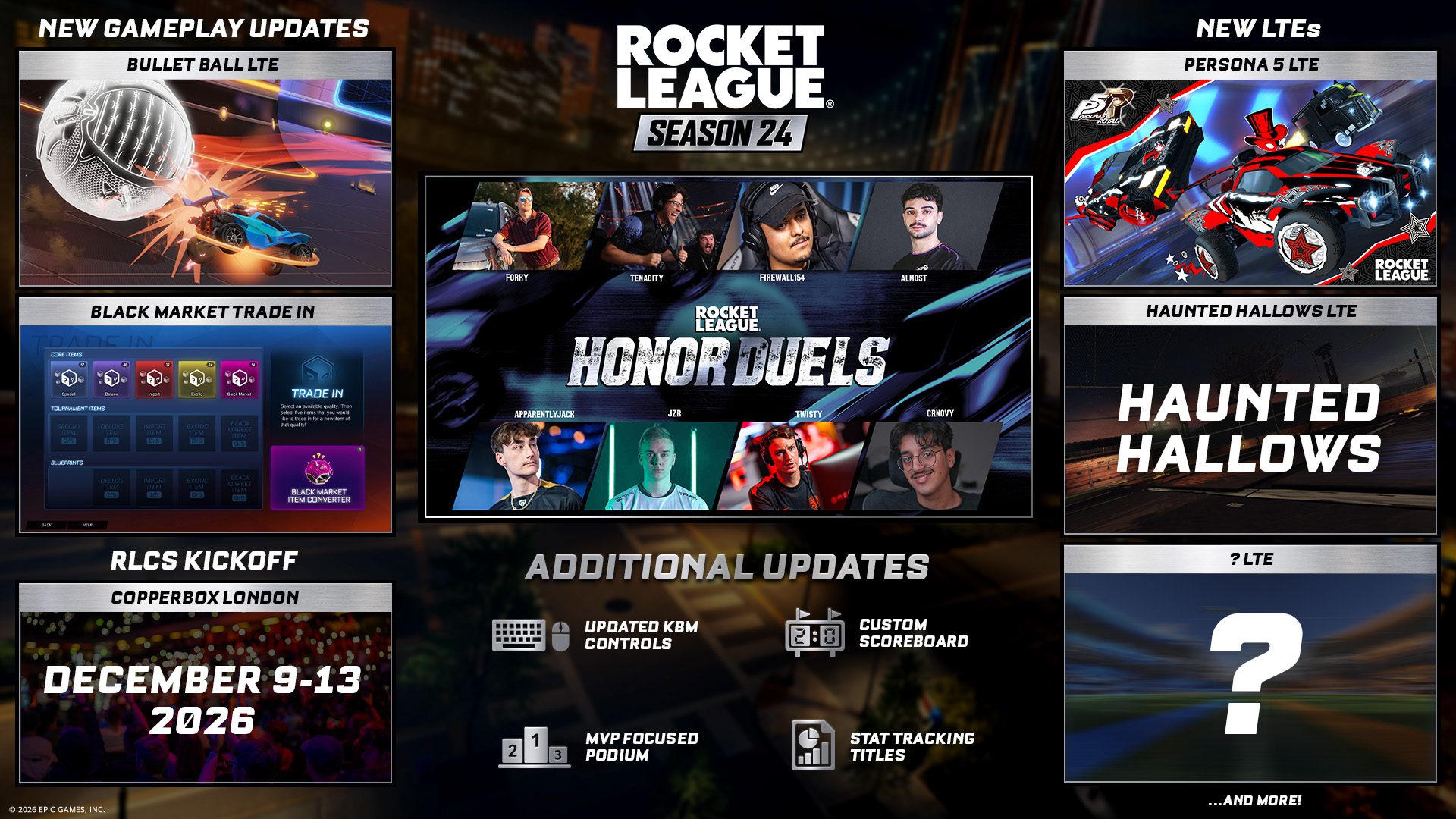
Rocket League Free Look Camera is a new Season 24 camera mode that lets players look wherever they want instead of relying only on the traditional car and ball camera behaviour. It launches as part of the modernised keyboard and mouse controls, but controller players can enable the feature as well.
The version 2.76 patch also adds an optional centre-dot reticle to support the new camera movement. Rocket League Free Look Camera is therefore more than a single keybind: it is part of a wider controls refresh intended to make mouse camera movement and custom settings more flexible.
What is the Rocket League Free Look Camera?
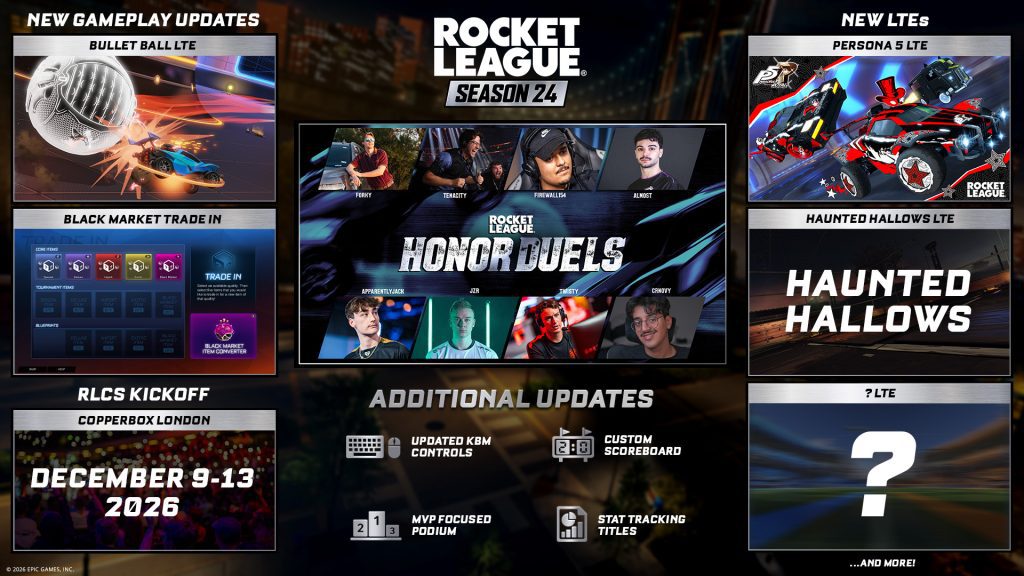
Image credit: Psyonix / Epic Games
Rocket League Free Look Camera allows independent camera movement so you can focus the view where you want rather than staying locked to the usual forward or ball-centred perspective. Psyonix describes it as a camera mode that can focus “whenever and wherever” the player wants.
The feature is confirmed in both the Season 24 announcement and version 2.76 patch notes. The patch notes also confirm that controller players can use Free Look, even though the larger control overhaul is aimed mainly at mouse and keyboard users.
How to enable Free Look Camera
Rocket League Free Look Camera is available after installing version 2.76 or later, then opening Rocket League’s control settings to find the new camera and input options introduced with Season 24. The exact bind you choose will depend on whether you use mouse and keyboard or controller.
Psyonix has not published one mandatory universal binding in the launch notes for existing players. That is important because the modernised defaults are specifically described as the defaults for new mouse and keyboard players, while existing players can experiment with the new settings without being told that every old bind is forcibly replaced.
Does Free Look work on controller?
Yes. Rocket League Free Look Camera works on controller, with controller support explicitly confirmed. The feature was announced under the updated keyboard and mouse section, which can make it sound PC-input-only at first glance, but Psyonix says controller players can enable it too.
Controller users should still expect the experience to depend on the available stick and button layout. Adding a new camera action can compete with existing binds, particularly on controllers without back buttons, so test the setup in Free Play before taking it into a competitive match.
What is the center-dot reticle?
Rocket League Free Look Camera can be paired with the centre-dot reticle added in version 2.76 to support the new camera movement. It gives you a fixed visual reference point while moving the view more freely, which can make orientation easier when the camera is no longer behaving exactly like the classic setup.
The reticle is optional. Players who prefer an uncluttered screen can keep their familiar presentation while still experimenting with the new camera controls.
What changed for keyboard and mouse controls?
Season 24 modernises the default keyboard and mouse bindings and adds more settings that can be adjusted around the new camera behaviour. New keyboard and mouse players receive the updated defaults automatically.
Existing players should review the control menu instead of assuming an old muscle-memory setup has been deleted. The announcement encourages existing players to try the new controls, which suggests the update is intended to offer a modern alternative rather than silently force every veteran onto the same binding layout.
Is Free Look worth using?
Rocket League Free Look Camera is worth testing if you want more independent camera information during play. Free Look can be useful when tracking opponents or checking space without committing the car itself, but any camera system becomes a disadvantage if the bind is awkward enough to interfere with jump, boost, powerslide or air-roll inputs.
Try Rocket League Free Look Camera in Free Play or an Exhibition match first. Season 24 also makes free-for-all modes such as Bullet Ball available in Exhibition, which gives you low-stakes places to test the new controls before returning to Ranked.





