Roblox error code 529 appears with an HTTP-related message when the client has trouble completing a request, often while trying to join a game. It can happen during wider Roblox problems, but the code alone does not prove that every Roblox server is down.
Roblox players have reported error 529 in the platform’s own developer forum, including cases involving joining experiences and verification flows. The best approach is to check Roblox’s service status first, then find out whether the error is affecting every experience or only your device or connection.
What does Roblox error code 529 mean?
Roblox error code 529 is associated with an HTTP error and failed communication during a Roblox action. Reports have included wording asking players to close the client and try again. That can happen during a temporary service disruption or when something on the local side prevents a request from completing.
Don’t confuse it with a ban notice or a confirmed account suspension. The specific message accompanying the code, the timing and whether other players are affected matter more than any generic explanation that claims the number always has one cause.
Check Roblox service status before changing settings
Open Roblox’s official status information and look for an incident affecting gameplay or experience joins. Roblox advises players to check service status when they cannot join games. During a platform-wide incident, attempts to join may be delayed or fail, and there may be little you can fix locally until services recover.
If Roblox error code 529 appears suddenly for multiple players or different devices on separate networks, a wider service problem becomes more likely. Try again after the status page shows recovery instead of immediately reinstalling Roblox on every device.
Restart Roblox if error code 529 affects only you
- Completely close the Roblox player or app instead of simply returning to the website.
- On Windows, check Task Manager for a Roblox process that did not exit correctly.
- Restart the device and open Roblox again.
- Try joining a different public experience to see whether the message is game-specific.
- If the same Roblox error code 529 returns, note the full message and whether it happens before or after loading the experience.
A full restart is a sensible first local test because it refreshes a failed client session. Roblox also recommends rebooting the computer in its broader desktop troubleshooting, particularly where app processes or temporary files may be involved.
Test your internet connection and different experiences
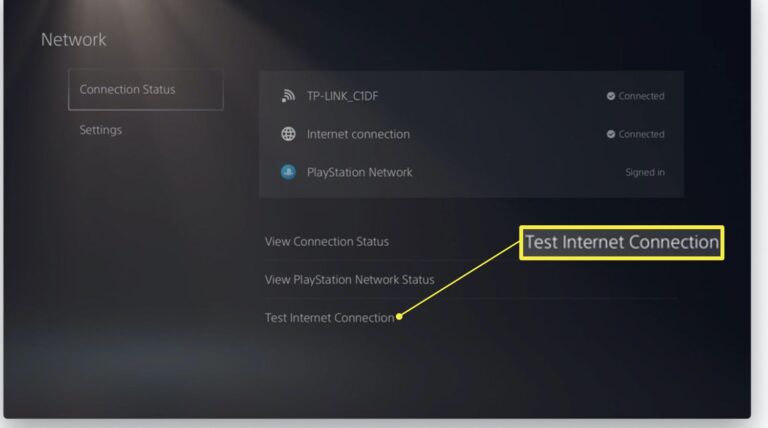
See whether ordinary websites work on the device, then try Roblox on another trusted connection where practical. If you can join over one connection but not another, investigate router settings, firewall restrictions or the network itself. A successful connection elsewhere is a useful clue, not proof that the account has been fixed.
Roblox error code 529 can be reported during particular joining actions, so a second experience matters. If one experience fails while several others work, note the game name and time of the failure. The experience may be affected differently from the wider service.
Should you clear cache or reinstall Roblox?
Roblox’s general desktop support describes corrupted temporary files and client installation files as possible causes of broader Roblox problems. If there is no active Roblox outage and the error persists across several games, you can work through its normal desktop troubleshooting before a reinstall.
Avoid deleting unknown files or installing third-party ‘error 529 fixers’. If you reinstall, use Roblox’s official installation route and restart the PC first. Make sure you can sign into the correct account afterwards.
A reported 529 error isn’t a reason to change Windows registry settings, disable antivirus protection permanently or buy a VPN. Those changes are far more invasive than the evidence warrants.
What if Roblox error code 529 keeps returning?
Keep a record of the exact HTTP error wording, device, operating system, network used and whether the issue happens in all experiences. Compare that with the Roblox status page and reports from other players at the same time.
If the status page is clear and Roblox error code 529 still prevents you joining experiences after a restart and normal network checks, contact Roblox Support with the details. Support will have a much better starting point than a vague report that the game refuses to load.
The useful distinction is between a temporary communication failure and a persistent account or device-specific issue. Test that distinction before making changes that don’t address the actual symptom.
More Roblox Error Guides
Roblox Keeps Crashing on PC · Roblox Error Code 279 / ID 17 · Roblox Error Code 277 · Roblox Error Code 268 · Roblox Error Code 264 · Roblox Error Code 280 · Roblox Error Code 524
Official source: Roblox Support: What Happens When Roblox Is Down?