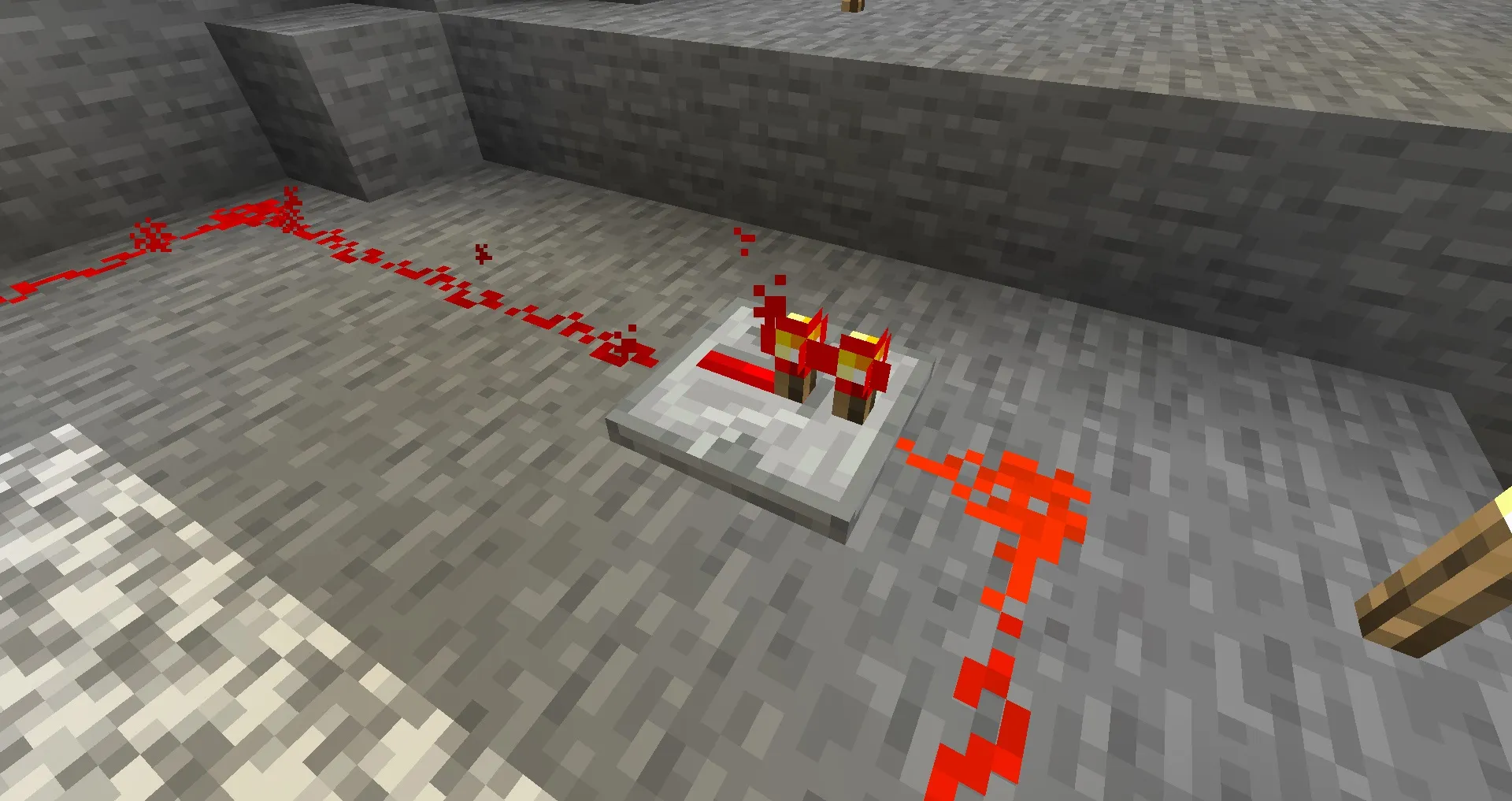
Minecraft Repeater is one of the most important redstone components in the game, allowing players to extend redstone signals, create delays, and build more advanced redstone circuits. Whether you’re creating automatic farms, hidden doors, item sorters, or complex redstone machines, understanding how a Minecraft Repeater works is essential.
Many players learn basic redstone using Redstone Dust alone, but repeaters unlock far more possibilities and are often required for larger builds. In this Minecraft Repeater Guide, we’ll explain how repeaters work, how to craft them, and the most common ways they are used.
What Is a Minecraft Repeater?
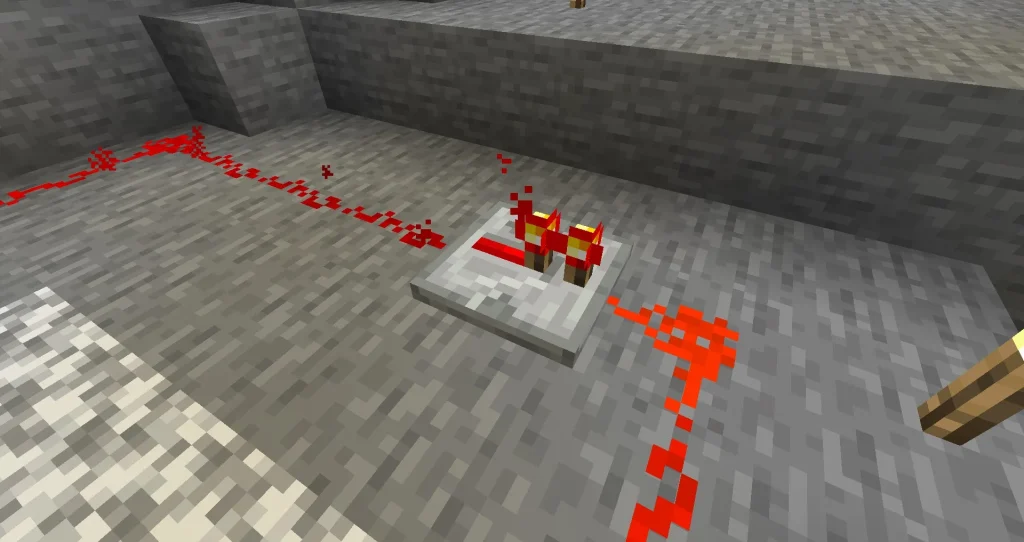
A Minecraft Repeater is a redstone component that transmits redstone signals in a single direction.
Unlike Redstone Dust, repeaters can:
| Function | Description |
|---|---|
| Extend Signals | Refresh redstone power |
| Add Delays | Control timing |
| Direct Signals | Force one-way signal flow |
| Prevent Backflow | Stop signals travelling backwards |
| Power Components | Activate redstone devices |
Repeaters are one of the building blocks of advanced redstone engineering.
If you’re new to automated circuits, our Minecraft Redstone Clock guide is a great place to start before learning more advanced repeater mechanics.
Repeaters are one of the most important redstone components in the game. If you’re still learning the basics, check out our What Is Redstone in Minecraft? guide for a complete introduction to Minecraft’s automation system.
How to Craft a Minecraft Repeater
To craft a repeater, you’ll need:
| Material | Quantity |
|---|---|
| Redstone Dust | 1 |
| Redstone Torches | 2 |
| Stone Blocks | 3 |
Arrange the materials on a crafting table:
| Top Row | Middle Row | Bottom Row |
|---|---|---|
| Empty | Redstone Torch | Empty |
| Redstone Torch | Redstone Dust | Redstone Torch |
| Stone | Stone | Stone |
This recipe produces one Minecraft Repeater.
How Repeaters Work
A repeater accepts a redstone signal from one side and outputs it from the other.
The signal only travels in one direction.
This allows players to control the flow of power within a circuit.
Benefits include:
- Cleaner redstone builds
- Better signal management
- Timing control
- Longer-distance circuits
- More advanced automation
Without repeaters, many large redstone systems would not function correctly.
Extending Redstone Signals
One of the most common uses for a Minecraft Repeater is extending signal range.
Normally, Redstone Dust loses power after 15 blocks.
| Signal Strength | Distance |
|---|---|
| 15 | Source |
| 14 | 1 Block |
| 10 | 5 Blocks |
| 5 | 10 Blocks |
| 1 | 14 Blocks |
| 0 | 15+ Blocks |
A repeater refreshes the signal back to full strength.
This allows players to create much larger redstone systems.
Repeater Delay Settings
Every repeater can introduce a delay into a circuit.
Right-clicking the repeater changes its delay setting.
| Setting | Delay |
|---|---|
| 1 Tick | Fastest |
| 2 Ticks | Medium |
| 3 Ticks | Slow |
| 4 Ticks | Slowest |
These delays are extremely useful for:
- Redstone Clocks
- Piston Doors
- Trap Systems
- Timed Mechanisms
- Note Block Machines
Why Delays Matter
Many redstone machines require actions to occur in a specific order.
Without delays, components may activate too quickly.
For example:
| Build Type | Why Delay Helps |
|---|---|
| Piston Doors | Prevents timing issues |
| Farms | Controls harvesting cycles |
| Note Blocks | Creates rhythms |
| Item Systems | Organises movement |
| Traps | Improves activation timing |
Repeaters give players precise control over redstone timing.
Repeater Locking Explained
One advanced feature of Minecraft Repeaters is signal locking.
A powered repeater can lock another repeater from the side.
When locked:
- Delay settings cannot change
- Signal timing remains fixed
- Complex circuits become more reliable
Repeater locking is commonly used in advanced redstone contraptions.
Common Repeater Builds
Repeaters appear in countless Minecraft creations.
Popular examples include:
Redstone Clocks
Repeaters are often used to create loops that continuously send redstone pulses.
For more information, check out our Minecraft Redstone Clock guide.
Automatic Doors
Hidden entrances and piston doors often rely on repeaters to ensure proper timing.
Item Sorters
Many storage systems use repeaters to manage signal flow.
Note Block Machines
Musical builds frequently depend on repeaters to control tempo and rhythm.
Future redstone projects often combine repeaters with note blocks, observers, and hoppers to create increasingly advanced machines.
Common Minecraft Repeater Mistakes
Many players struggle with repeaters when they first begin using redstone.
Common problems include:
| Problem | Solution |
|---|---|
| Signal Won’t Travel | Check repeater direction |
| Build Doesn’t Activate | Verify power source |
| Timing Problems | Adjust delay settings |
| Signal Stops | Add additional repeaters |
| Circuit Loops Incorrectly | Check connections |
Most repeater issues come from incorrect placement or direction.
Repeater vs Comparator
New players often confuse repeaters and comparators.
While they look similar, they serve different purposes.
| Feature | Repeater | Comparator |
|---|---|---|
| Extend Signals | Yes | No |
| Add Delays | Yes | No |
| Compare Signals | No | Yes |
| Measure Strength | No | Yes |
| Beginner Friendly | Yes | Moderate |
If you’re interested in more advanced signal management, our upcoming Minecraft Comparator Guide will explain how comparators work.
Advanced Repeater Uses
Experienced redstone builders often use repeaters for:
- Automated farms
- Secret bases
- Complex storage systems
- Timed traps
- Music machines
- Large-scale automation
Combined with observers, hoppers, droppers, and dispensers, repeaters become one of the most versatile components in Minecraft.
Minecraft Repeater Guide
A Minecraft Repeater is one of the most important redstone components available, allowing players to extend signals, create delays, and build more advanced automated systems. Whether you’re creating your first Redstone Clock or designing a large-scale redstone machine, understanding repeaters is a fundamental part of mastering Minecraft automation.
Looking for more Minecraft tutorials, redstone builds, farming guides, and survival tips? Visit our Minecraft Guides Hub for all our latest Minecraft content.