Love and Deepspace November 6 update not installing? The game now requires a new client version, and the old one can’t connect after the update. Install the update over your existing app through the App Store or Google Play. Don’t uninstall first: Infold warns you could lose photos stored only on your device.
If you’re seeing an insufficient-storage error, Infold recommends 27 GB free before updating. That’s space for downloading and unpacking files, not the size of the pre-download itself. If the app is stuck, work through the checks below before deleting anything.
How to fix Love and Deepspace November 6 update not installing on iOS and Android
Start by opening Love and Deepspace and following its Update prompt. You can also open the game’s listing in the App Store or Google Play. An update can take another one to two hours to appear on a storefront, so a missing button immediately after maintenance isn’t necessarily a fault.
Use the same official client channel you had before. Installing a different channel version can make an existing account appear empty or unrecognised. If that happens, check the original download source and login details before assuming your Hunter has been deleted.
Love and Deepspace November 6 update not installing: How much free storage is required?
The 27 GB recommendation is for the installation process, which needs room to decompress resources. The optional pre-download is around 4.9 GB, so don’t use that smaller figure as your storage target. Check the free space reported by your phone or tablet.
If the game displays Clear Cache on a storage warning, try that first. There’s also Quick Cleanup in your Profile for unused resources. Review anything listed under Deep Cleanup carefully, because it may remove game content you will need to download again.
Keep any local Albums, Journals and photos you care about. Deleting the app can remove photos you haven’t uploaded to the cloud, which is why Infold recommends an overlay installation instead.
Why is Love and Deepspace November 6 update not installing still downloading after pre-download?
Pre-downloading was optional. Even if you finished the approximately 4.9 GB download before November 6, you still need the replacement client. Infold says resources already pre-downloaded, including partially downloaded files, are retained for the update.
After installing the client, you may need another 130 MB to 2.3 GB, depending on the resources already on your device. You can review downloaded content through Resource Management in your Profile.
What if Love and Deepspace November 6 update not installing shows Download Error or stops at decompression?
For repeated Download Error messages, tap the retry control, try a different reliable network and free more space if required. If the space figure keeps changing, Infold says to trust the first detected Space Available value, not repeated rapid retries. Restart the game to get a fresh required-space prompt.
If the app is unpacking resources, leave it running until decompression finishes. Closing it mid-process can make the update take longer. On first launch, the Infold logo can remain visible for 10 to 20 seconds; that brief pause alone doesn’t mean the game has frozen.
Love and Deepspace November 6 update not installing: Play While Downloading
With Play While Downloading, new players can fetch roughly 1.5 GB of essential resources, then play Under Deepspace 1-5 while the rest downloads. You’ll need the remaining files for later story content.
Returning players can also encounter Play While Downloading after the client update. If the Love and Deepspace November 6 update not installing issue persists, make sure the app-store update has completed and that its additional resources are finished too.
Love and Deepspace November 6 update not installing: Maintenance and servers
Maintenance was scheduled for November 6 from 04:50 to 10:00 UTC+8, equivalent to November 5 at 20:50 through November 6 at 02:00 GMT. Infold warned that the actual opening time could be adjusted. Connection errors during maintenance aren’t necessarily installation faults.
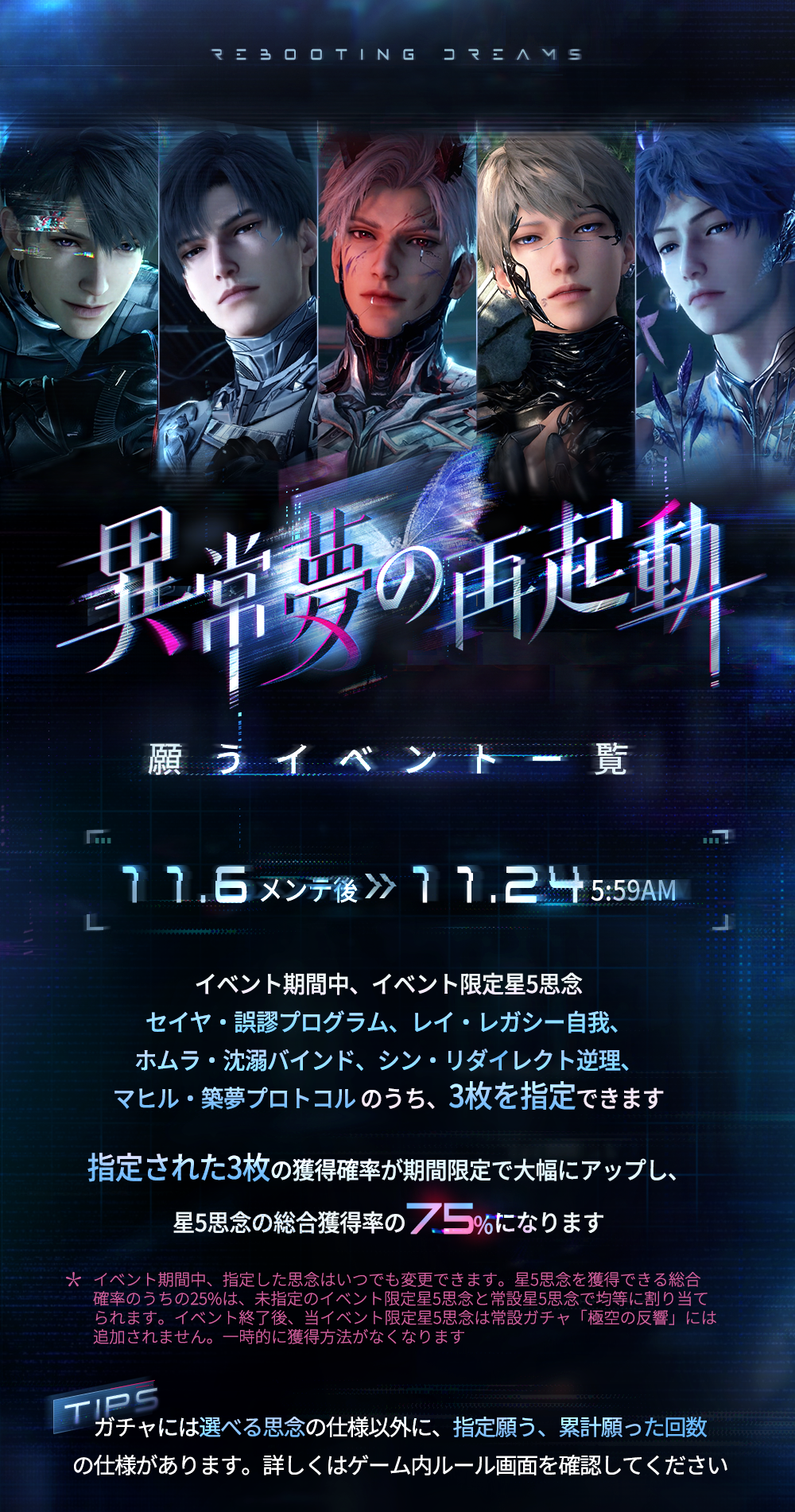
The event’s server-time clock is separate from the UTC+8 maintenance schedule. Don’t assume the Rebooting Dreams banner starts at the same moment your local app store offers its new client.
Who can help if Love and Deepspace November 6 update not installing persists?
Check compatibility if the client still fails to launch. Infold recommends an iPhone 12/A14 or newer with iOS 13+, or Android 7+ with at least 6 GB RAM and a Dimensity 9000 or Snapdragon 8 Gen 1-class processor. Older hardware may have trouble with the new version.
For a persistent error or a missing character, contact loveanddeepspace-en@infoldgames.com. Include your Hunter ID, device model, original app channel and the exact error message. That gives Infold enough detail to investigate the right account and installation.
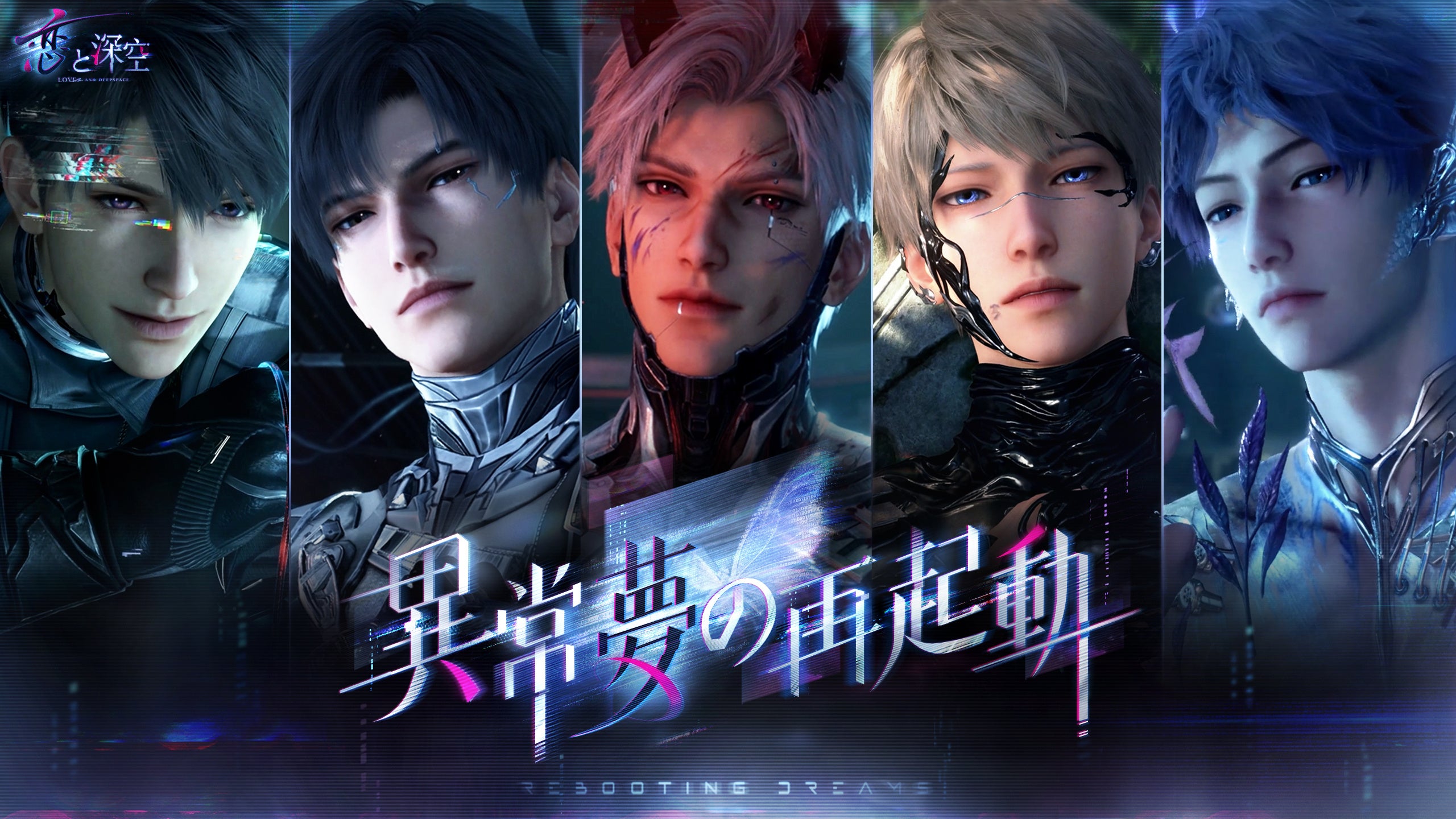
Once you’re in, the November 6 version gift is available through Mail after clearing Story 1-9. The Rebooting Dreams guide covers the banner itself. Neither requires uninstalling the game.
Official source: Infold’s November 6 client update FAQ.