
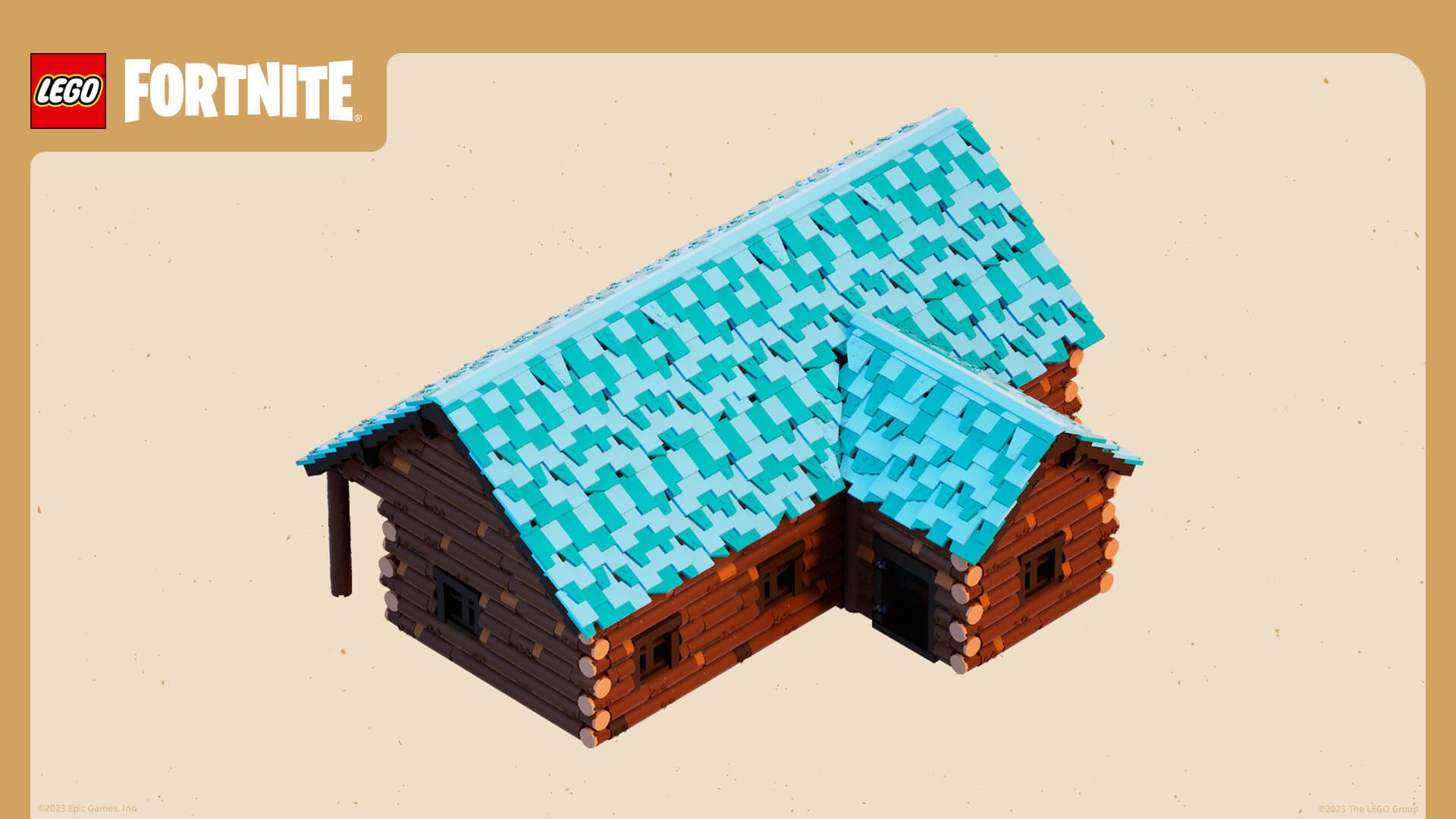
LEGO Fortnite Brick Editor 42.40 added 50 new bricks for UEFN creators on October 15, 2026. They’re permanent pieces in the LEGO Brick Editor library, not 50 free items or crafting recipes for people playing LEGO Fortnite Odyssey.
There are some useful changes beyond the extra pieces: better-organised categories, improved rendering for larger creations and an adjustment to how primitive bricks behave when Kragled. If you’ve been struggling to find the right shape, the updated library is worth a look.
Where to find LEGO Fortnite Brick Editor 42.40 bricks
Open a LEGO-compatible project in Unreal Editor for Fortnite. Use the Selection Mode dropdown in the top toolbar and select LEGO Brick Editor. Alternatively, press Shift+6, Epic’s documented shortcut. The editor opens its Brick Gallery panel, where you can select pieces to build with.
The LEGO Fortnite Brick Editor 42.40 library now groups pieces by brick type. Open a category, pick the shape you need and drag it into the viewport. The Brick Gallery also has a search field, which is useful if you already know the name of the part.
What are the 50 new bricks?
Epic describes the additions as decorative pieces and shapes suited to smaller, more intricate builds. That gives you more options for everything from furniture and scenery to detailed props. The 50 additions are permanent, even though they arrived in the Fortnitemares period.
Epic’s release notes give the total but don’t identify the exact 50 additions by individual part number. The separate official LEGO Brick Index documents the available brick types, and the in-editor Brick Gallery shows what you can actually place. LEGO Fortnite Brick Editor 42.40 expands that library; it isn’t an in-game reward checklist.
How to use the bricks in LEGO Fortnite Brick Editor 42.40
Once you’re in Brick Editor mode, select a part from its category and place it into your scene. Use the snapping and positioning tools to line up pieces, and choose colours from the LEGO palette. You can keep adding bricks until you’ve built the shape you want, whether that’s a small decoration or a larger prop.
When you’ve assembled a section, select the pieces and use Kragle to turn them into a reusable static mesh. Need to change the shape or colours? Select the object and use Separate to edit the constituent bricks before Kragling it again. For a large structure, Kragling smaller modules is usually more manageable than treating the whole building as one mesh.
What does Kragling change in v42.40?
One LEGO Fortnite Brick Editor 42.40 change is easy to miss: primitive bricks dragged straight from the library now transform into a different brick type when Kragled. Epic says the adjustment makes that part of the build process more consistent. Check an existing model before making lots of new copies if it relies on those primitives.
The change concerns the primitive’s type, not its colour. You still control brick colours through the editor’s palette. Once a section is Kragled, the result is a static mesh, so test it in the project before reusing it across a level.
How LEGO Fortnite Brick Editor 42.40 improves LOD
LOD means level of detail. The editor uses it to handle how a model is presented as players move around a scene. Epic expanded the LOD system for brick-built creations so large and complex builds render more efficiently and gameplay can feel smoother.
The LEGO Fortnite Brick Editor 42.40 LOD improvements help with rendering, but you still need to test performance on your own island. Launch a session and view your build close up and from a distance. If a large structure creates problems, break it into smaller, reusable Kragled sections and test again. Creators building a complete island can pair their LEGO environments with UEFN template abilities for custom powers or UEFN text chat channels for team communication.
Are these new bricks free in LEGO Fortnite Odyssey?
No. These are bricks for creators working in UEFN, not new rewards for Odyssey players. The Brick Editor gives island developers pieces to build their own assets. Quick Build and Creator Builds are separate, player-facing features with different menus and mechanics.
If you’re looking for help building while playing, our LEGO Fortnite Quick Build guide covers that system. LEGO Fortnite Brick Editor 42.40 is for creators making their own assets and experiences.
What if the new categories aren’t showing?
First check that your editor is in LEGO Brick Editor mode, not the normal Selection Mode. Open the Brick Gallery itself rather than only looking through completed prefabs in the Content Browser. Then make sure the UEFN installation contains the October 15 v42.40 update and you’re using a LEGO-compatible project.
Start with a small model in LEGO Fortnite Brick Editor 42.40. Try pieces from a few categories, Kragle one section and Separate it again to make a change. Once that works, it’s much easier to use the same process in a larger island.
Related Guides
- UEFN Template Abilities: Custom Powers
- UEFN Text Chat Channels: Teams and Factions
- How to Get Creator Builds in LEGO Fortnite
- LEGO Fortnite Quick Build
- Fortnite Creator Tools Update
- Fortnite UEFN Source Assets on Fab
- Epic AI MegaJam 2026 UEFN Entry Guide
- Fortnite Island Gameplay Video Requirements
- Fortnite Island Thumbnail Requirements 2026
Official source: Epic Games, Fortnite Ecosystem v42.40 Release Notes.





