
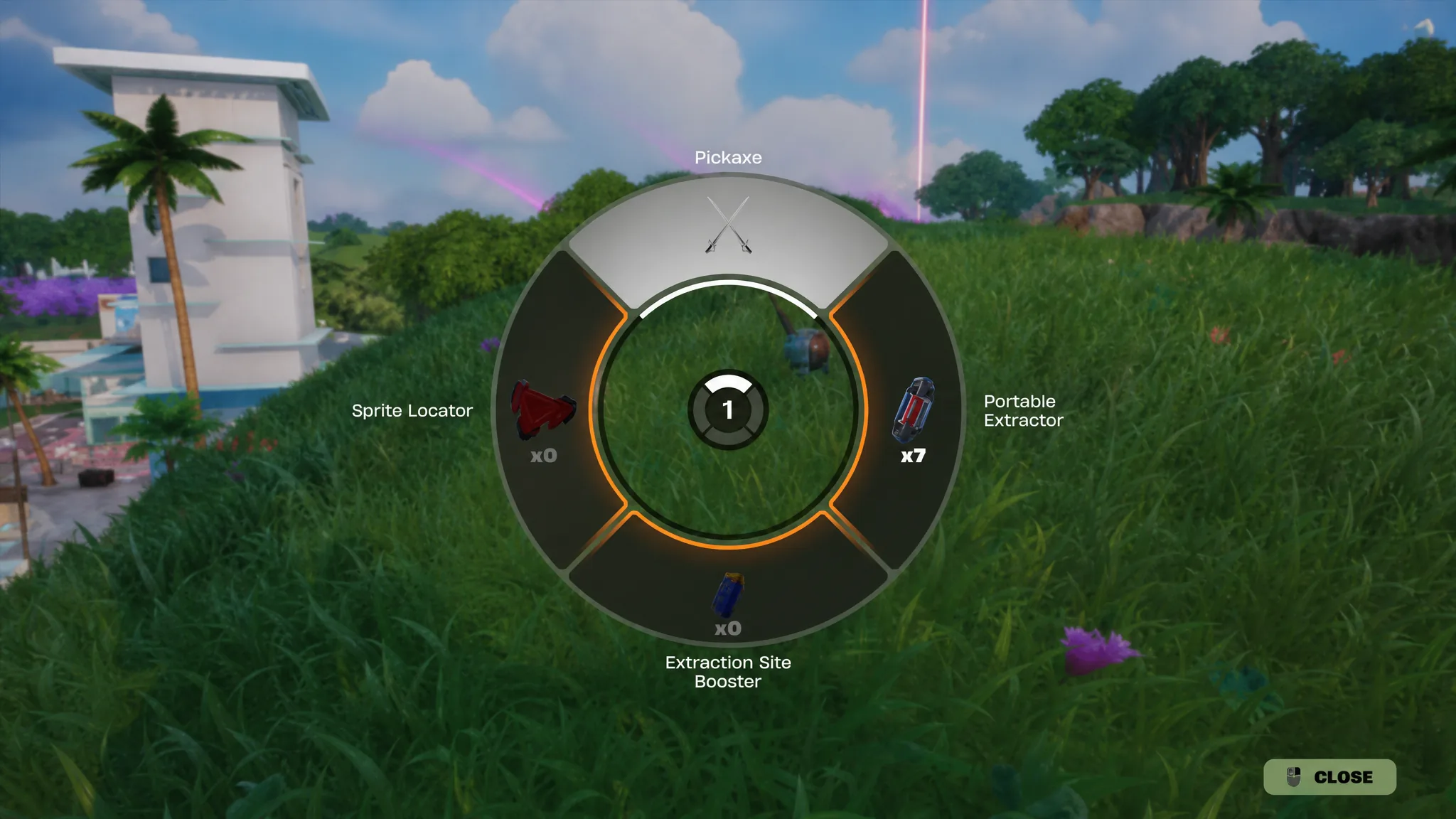
If you’re wondering how to use a Gizmo From Your Pickaxe Slot in Fortnite, the process is quick once you know where to look. Fortnite’s new Gizmo system stores Sprite abilities separately from your inventory, allowing you to activate them directly from your Pickaxe Slot without sacrificing a weapon or healing item.
In this guide, you’ll learn how to use a Gizmo From Your Pickaxe Slot in Fortnite, what each Gizmo does, and which one is best for different situations.
How to Use a Gizmo From Your Pickaxe Slot in Fortnite
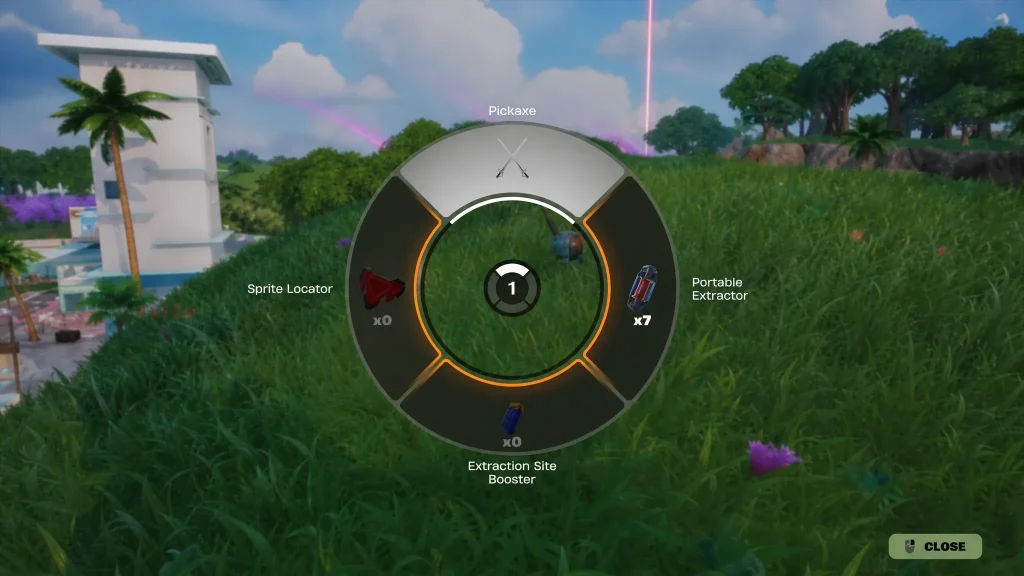
The easiest way to use a Gizmo From Your Pickaxe Slot in Fortnite is by holding your Pickaxe button instead of tapping it.
Doing this opens the Gizmo wheel, where every unlocked Gizmo is stored. Move your cursor or analogue stick to the Gizmo you want to activate, then release the button to use it.
The default controls are:
| Platform | Control |
|---|---|
| PC | Hold F |
| PlayStation | Hold Triangle |
| Xbox | Hold Y |
Once you’ve learnt how to use a Gizmo From Your Pickaxe Slot in Fortnite, you’ll be able to switch between Sprite abilities in just a few seconds.
Why You Should Use a Gizmo From Your Pickaxe Slot in Fortnite
Understanding how to use a Gizmo From Your Pickaxe Slot in Fortnite gives you access to powerful Sprite tools without filling one of your inventory slots.
Instead of carrying Gizmos alongside your weapons, Fortnite keeps them attached to your Pickaxe. This means you can continue carrying your preferred loadout while still using Sprite abilities whenever you need them.
If you’re collecting Sprites regularly, learning how to use a Gizmo From Your Pickaxe Slot in Fortnite is well worth it.
Every Gizmo You Can Use From Your Pickaxe Slot in Fortnite
After learning how to use a Gizmo From Your Pickaxe Slot in Fortnite, the next step is understanding what each Gizmo does.
| Gizmo | Effect |
|---|---|
| Portable Extractor | Extracts a Sprite from your current location. |
| Sprite Locator | Reveals nearby buried Sprite Chests. |
| Extraction Site Booster | Increases Sprite Dust earned from Boosted Extraction Sites. |
Each Gizmo has a different purpose, so switching between them during a match can make collecting Sprites much easier.
How to Use the Portable Extractor in Fortnite
One of the most useful reasons to use a Gizmo From Your Pickaxe Slot in Fortnite is the Portable Extractor.
Normally, you’ll need to travel to an Extraction Site before securing a Sprite. The Portable Extractor removes that requirement by allowing you to complete the extraction wherever you’re standing.
This is especially useful if the Storm is closing, you’ve discovered a rare Sprite, or enemy players are nearby.
How to Use the Sprite Locator in Fortnite
Another reason players learn how to use a Gizmo From Your Pickaxe Slot in Fortnite is to activate the Sprite Locator.
This Gizmo helps reveal buried Sprite Chests across the island, making it easier to discover additional Sprites while exploring.
If your goal is to expand your Sprite collection, the Sprite Locator is one of the best Gizmos to equip early in a match.
How to Use the Extraction Site Booster in Fortnite
Once you’ve mastered how to use a Gizmo From Your Pickaxe Slot in Fortnite, the Extraction Site Booster becomes an excellent way to earn more Sprite Dust.
Activating this Gizmo before extracting Sprites at a Boosted Extraction Site increases the amount of Sprite Dust you receive, helping you progress faster.
Players focusing on Sprite upgrades should make regular use of this Gizmo.
Can You Change the Gizmo From Your Pickaxe Slot?
Yes. After you use a Gizmo From Your Pickaxe Slot in Fortnite, you can switch to another unlocked Gizmo at any time.
Simply hold the Pickaxe button again to reopen the Gizmo wheel before selecting another Gizmo.
There’s no need to drop items or reorganise your inventory, making the system quick and easy to use.
Why Can’t I Use a Gizmo From Your Pickaxe Slot in Fortnite?
If you can’t use a Gizmo From Your Pickaxe Slot in Fortnite, there are a few things to check.
- Make sure you’re holding the Pickaxe button instead of tapping it.
- Confirm you’ve unlocked a Gizmo.
- Check you’re using the correct default controls.
- Ensure the Gizmo wheel is available during your match.
If the wheel appears, selecting a Gizmo should activate it immediately.
Best Times to Use a Gizmo From Your Pickaxe Slot in Fortnite
Knowing how to use a Gizmo From Your Pickaxe Slot in Fortnite is only part of the strategy. Choosing the right Gizmo at the right time is equally important.
| Situation | Best Gizmo |
|---|---|
| Searching for more Sprites | Sprite Locator |
| Protecting a valuable Sprite | Portable Extractor |
| Farming Sprite Dust | Extraction Site Booster |
Switching Gizmos throughout a match allows you to make the most of Fortnite’s new Sprite system.
Tips for Using a Gizmo From Your Pickaxe Slot in Fortnite
Now that you know how to use a Gizmo From Your Pickaxe Slot in Fortnite, keep these tips in mind.
- Hold your Pickaxe button to open the Gizmo wheel.
- Learn where each Gizmo is positioned for faster selection.
- Save the Portable Extractor for valuable Sprites.
- Activate the Sprite Locator while exploring new areas.
- Use the Extraction Site Booster before farming Sprite Dust.
- Swap back to your weapons immediately if another player attacks.
Mastering how to use a Gizmo From Your Pickaxe Slot in Fortnite will help you take full advantage of the new Sprite mechanics in Chapter 7 Season 3. Because Gizmos are always available from your Pickaxe Slot, you’ll spend less time managing your inventory and more time collecting, extracting and upgrading Sprites.





