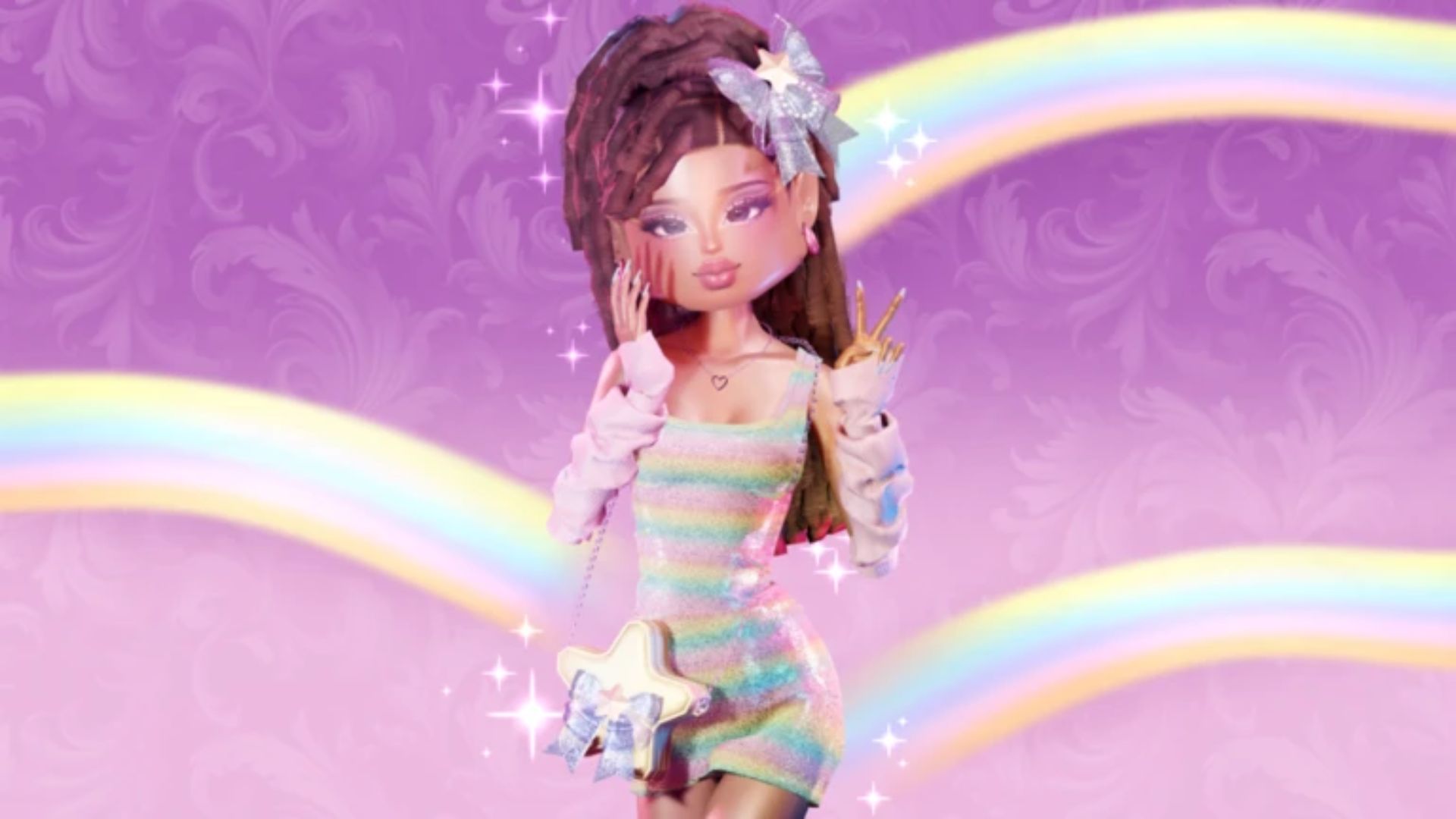
If you’re wondering how to redeem Dress to Impress codes, the process only takes a few seconds and rewards you with free clothing, accessories, hairstyles, and other exclusive cosmetics.
Whether you’ve just started playing or you’ve found a brand-new code, this guide explains exactly how to redeem Dress to Impress codes, why a code might not work, and where to find the latest active rewards.
How to Redeem Dress to Impress Codes
Redeeming codes in Dress to Impress is quick and easy.
Follow these steps:
| Step | What to Do |
|---|---|
| 1 | Launch Dress to Impress in Roblox. |
| 2 | Wait for the game to load completely. |
| 3 | Click the Codes button on the left side of the screen. |
| 4 | Enter or paste an active code exactly as shown. |
| 5 | Press Redeem. |
| 6 | Your reward will instantly be added to your wardrobe if the code is valid. |
Copying and pasting codes is recommended, as Dress to Impress codes are case-sensitive.
Where Is the Codes Button?
Many new players struggle to find the code redemption menu.
The Codes button is located on the left-hand side of the game interface once you’ve entered Dress to Impress. Selecting it opens a small text box where you can enter active redemption codes.
If you don’t see the button immediately, make sure the game’s interface has fully loaded.
What Rewards Do Dress to Impress Codes Give?
Dress to Impress codes unlock cosmetic rewards that let you create even more unique outfits.
Rewards can include:
| Reward Type | Examples |
|---|---|
| Dresses | Exclusive dresses and reworks |
| Clothing | Shirts, sweaters and jackets |
| Accessories | Bags, bows, necklaces and hats |
| Footwear | Boots, slippers and shoes |
| Hairstyles | Exclusive hairstyles |
| Pets | Limited companions like the Black Cat |
| Special Items | Wands, axes and seasonal cosmetics |
New rewards are usually added during major game updates or special events.
Why Isn’t My Dress to Impress Code Working?
If a code doesn’t redeem successfully, there are usually only a handful of reasons.
| Problem | Solution |
|---|---|
| Code has expired | Use one of the latest active codes. |
| Incorrect spelling | Double-check every letter and number. |
| Wrong capitalisation | Codes are case-sensitive. |
| Already redeemed | Codes can normally only be claimed once per account. |
| Code not released yet | Wait until the update officially goes live. |
If you’re unsure whether a code is still active, checking an updated codes page is always the safest option.
Do Dress to Impress Codes Expire?
Yes.
Most Dress to Impress codes remain active for a limited time before being retired by the developers.
Some celebration or event codes may only remain available for a few days, while milestone rewards can stay active for months.
For that reason it’s always worth redeeming new codes as soon as they’re announced.
How Often Are New Codes Released?
Although there isn’t an official schedule, new Dress to Impress codes commonly arrive during:
- Major game updates
- Seasonal events
- Holiday celebrations
- Collaboration events
- Community milestones
- Developer announcements
Keeping an eye on new updates is the best way to avoid missing free rewards.
Tips for Redeeming Codes Quickly
If you regularly collect free rewards, these tips can help.
- Copy and paste codes instead of typing them.
- Redeem new codes as soon as possible.
- Check for updates after major game patches.
- Bookmark a regularly updated codes guide.
- Don’t wait until the last minute, as some rewards expire quickly.
How to Redeem Dress to Impress Codes- Frequently Asked Questions
Where do I redeem Dress to Impress codes?
Open Dress to Impress, select the Codes button on the left side of the screen, enter an active code, then press Redeem.
Are Dress to Impress codes free?
Yes. Every official Dress to Impress code can be redeemed free of charge.
Can I redeem a Dress to Impress code more than once?
No. Most codes can only be claimed once per Roblox account.
Why can’t I find the Codes button?
Make sure the game has fully loaded before looking for the Codes menu. If it’s still missing, the interface may have changed as part of a recent update.
Related How to Redeem Dress to Impress Codes Guides
Continue your collection with these guides: