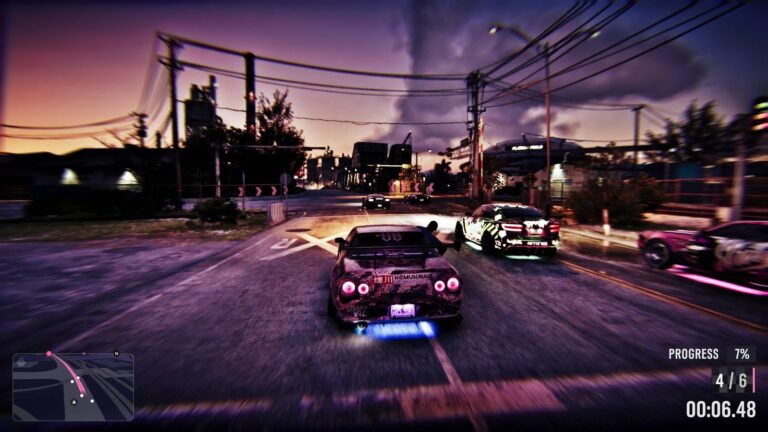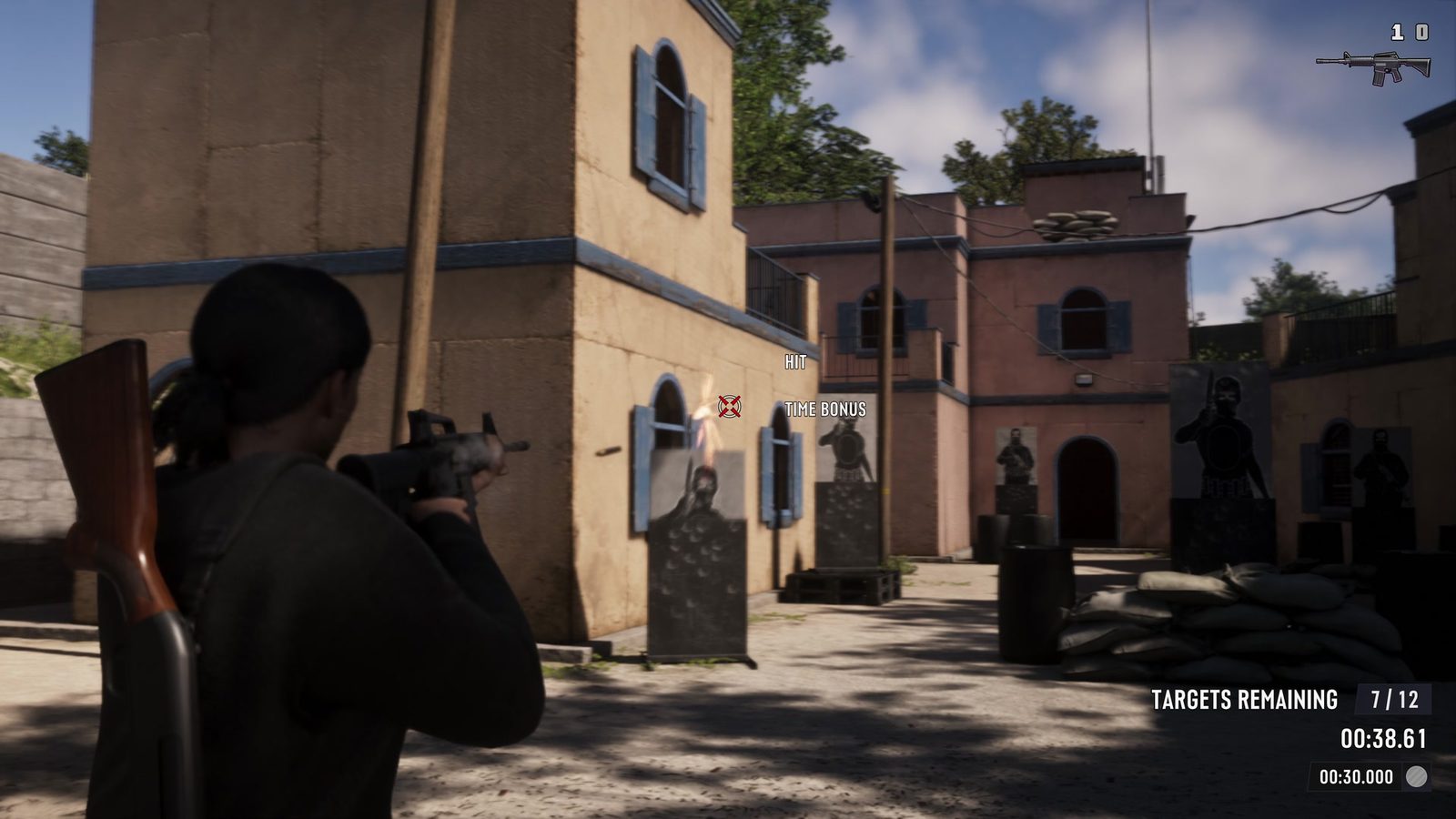
GTA 6 Keyboard and Mouse Support isn’t available for normal gameplay on Xbox Series X in the launch build. Connecting a USB keyboard and mouse doesn’t let you move Jason, aim a weapon or drive using those controls. PS5 native support has not been established through an equivalent direct test, so players should plan to use a controller rather than buying a keyboard specifically for GTA 6.
Both Xbox and PlayStation recognise keyboards for typing, but that doesn’t mean GTA 6 can use them to steer or aim. That doesn’t mean every game accepts them. GTA 6 needs its own mouse aiming and keyboard bindings to offer native support, and plugging peripherals into a console won’t create those controls by itself.
GTA 6 Keyboard and Mouse Support on Xbox Series X
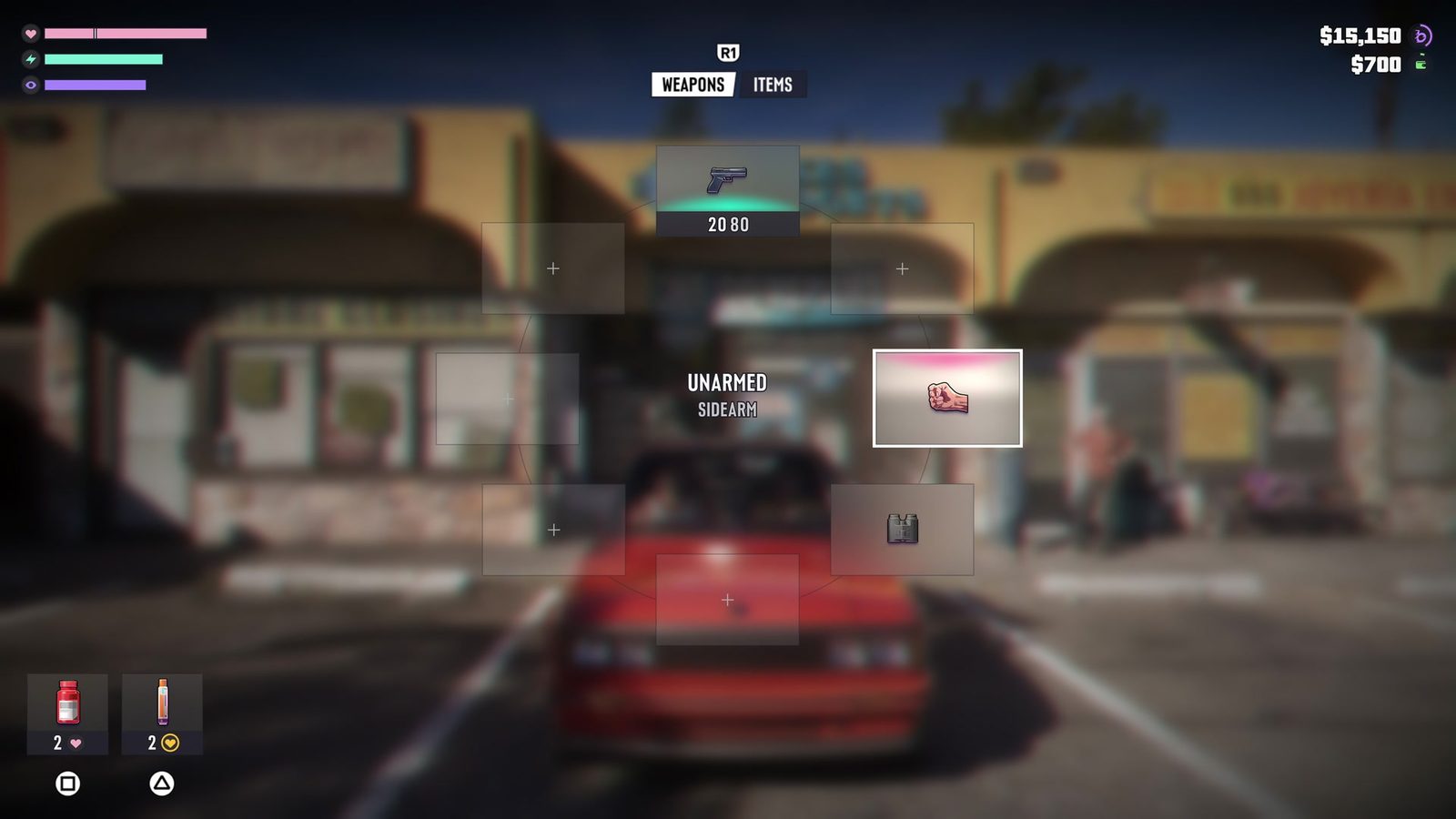
On Xbox Series X, a keyboard and mouse connected directly to the console can work on the home screen but have no effect once GTA 6 starts. Movement, driving and aiming still need the supported controller. If your keyboard types in an Xbox search box but won’t move Jason, changing USB ports isn’t going to unlock a hidden keyboard preset.
That’s a game-level limitation rather than a broken keyboard. The Xbox platform supports keyboard and mouse in games whose developers have added the feature, but there isn’t a GTA 6 console bindings menu to switch to on Series X. The tested launch build remains a controller game.
GTA 6 Keyboard and Mouse Support: Does GTA 6 support keyboard and mouse on PS5?
PlayStation 5 has system-level USB and Bluetooth keyboard support, and some games allow mouse input. For GTA 6, however, there is no established native PS5 mouse-and-keyboard control scheme or confirmed set of in-game bindings. The Xbox result doesn’t by itself prove the behaviour of every peripheral on PS5.
On PS5, a DualSense controller is the reliable choice. If a keyboard works in the PS5 interface but does nothing in GTA 6, that doesn’t mean you’ve missed a setting. There isn’t a confirmed keyboard-and-mouse option you can simply turn on to replace the game’s controller controls.
What about adapters that imitate a controller?
You may see accessories that translate keyboard and mouse movement into virtual controller signals. Those adapters aren’t the same as native GTA 6 Keyboard and Mouse Support: the game still sees analogue-stick inputs, so camera control, acceleration and aiming can feel different from a computer shooter.
Accessibility is a separate consideration. If you use adaptive or specialised hardware, check your console’s approved accessibility options and the manufacturer’s game-compatibility information. A device may be helpful through controller emulation even when the game doesn’t directly understand mouse movement.
GTA 6 Keyboard and Mouse Support: Controller settings that can make aiming easier
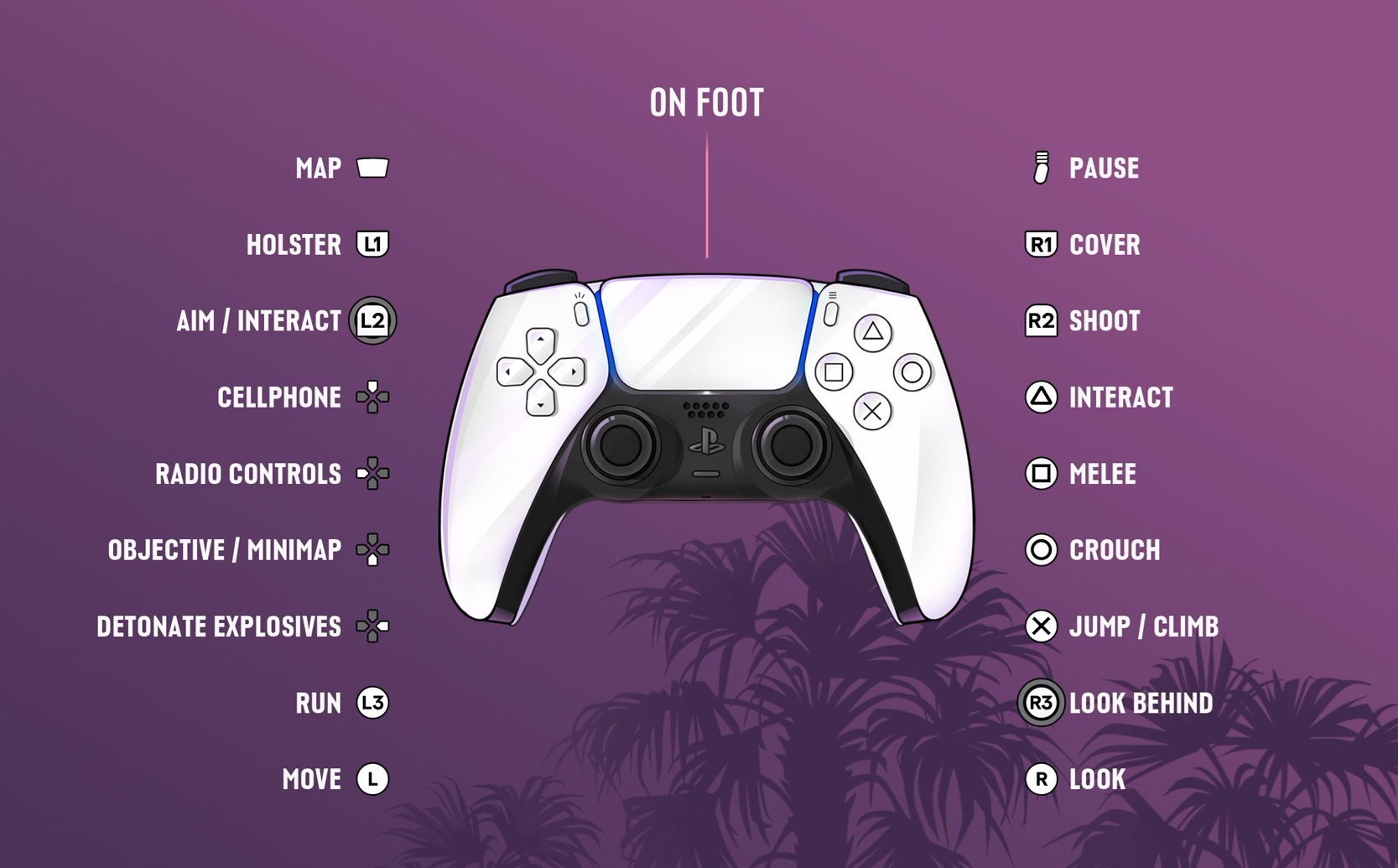
For steadier aiming, open Pause > Settings > Controller and adjust sensitivity or camera speed. Try small changes and test them in a quiet part of the map. A comfortable controller setup is more useful than endlessly changing keyboard settings the game doesn’t expose.
You can also try the game’s alternative controller layouts, aim settings and weapon-wheel controls. The PS5 and Xbox controls guides cover the available inputs, while the Change Weapons guide explains how to switch equipment quickly. These are genuine in-game adjustments, though they won’t add a mouse cursor to aiming.
GTA 6 Keyboard and Mouse Support: Is there an official GTA 6 PC keyboard-and-mouse version?
GTA 6 launched on 19 November 2026 for PlayStation 5 and Xbox Series X|S. There isn’t a released Windows or Steam edition with PC keyboard bindings to copy over to console. Rockstar has not announced a confirmed PC release date, so don’t treat screenshots of supposed PC settings as instructions for your current version.
It’s possible that a future update could add more input options, but there is no announced keyboard-and-mouse patch for GTA 6’s console release. Until an update actually introduces the controls, buying new peripherals solely for this game is a gamble.
GTA 6 Keyboard and Mouse Support: How to check for changes without wasting money
When checking a new claim about console mouse support, look for an actual GTA 6 settings screen with mouse sensitivity or key bindings, and check which console and game version it shows. A keyboard plugged into the USB port, or typing in the console menu, isn’t proof that it works during a mission.
For launch-day GTA 6 Keyboard and Mouse Support, the Xbox Series X result is clear: keyboard and mouse do not control the game natively. PS5 hasn’t had the same level of direct confirmation, so it would be misleading to promise working bindings there. A controller remains the dependable way to play on both systems.
Official source: Rockstar Games, Grand Theft Auto VI.