Gran Turismo 7 Car Concierge lets you request older cars through the Vintage section of Brand Central. Added in Spec IV Part 1 on October 15, 2026, the service searches for a car matching your choice of model, colour and condition. That gives collectors another option when the vehicle they want isn’t appearing in the normal Used Cars or Legend Cars rotation.
There are two requirements worth knowing before you start: you must have reached the game’s ending, and your Collector Level determines how many searches you can run at once. Here is where to find the menu, how to place a request and what the official update actually says about the order limits.
How to unlock Gran Turismo 7 Car Concierge
Gran Turismo 7 Car Concierge becomes available after you reach the ending of Gran Turismo 7. In the Café campaign, that means completing Menu Book No. 39, Championship: World GT Series, and watching the ending sequence. Finishing that part of the game matters more than owning a particular car or reaching the new Collector Level cap.
- Install Update 1.72, released on October 15, 2026.
- Complete the Café’s Menu Book No. 39: Championship: World GT Series.
- Watch the ending after finishing the championship.
- Return to the World Map and open Brand Central.
- Choose a manufacturer with a Vintage section and enter Car Concierge.
If you cannot see Gran Turismo 7 Car Concierge, check that the game has updated and you’ve completed the ending. Vintage and its ordering service are inside Brand Central, not another dealership icon next to Used Cars and Legend Cars.
How to order a used or Legend car with Gran Turismo 7 Car Concierge
The ordering screen lets you specify the model, colour and condition of the car you’re looking for. Once you submit the request, Car Concierge searches for a vehicle matching those details. It’s not the same as simply clicking Buy on a car that’s already listed for sale.
- Open the relevant manufacturer’s Brand Central page.
- Go to Vintage and select Car Concierge.
- Choose the model you’re after from the cars available to request.
- Set the desired colour and condition.
- Review the order details and confirm the request.
- Return to the Concierge screen to check what the game reports about the search and available matches.
The official patch description doesn’t promise that every vehicle is orderable or state a fixed delivery time. Follow the instructions the menu shows for your chosen car rather than expecting an instant delivery.
Gran Turismo 7 Car Concierge order limit: up to four searches
Gran Turismo 7 Car Concierge supports up to four simultaneous requests, with the number available depending on your Collector Level. Polyphony has confirmed the maximum but hasn’t published the individual Collector Level requirements for slots one through four.
Update 1.72 raises the Collector Level cap from 70 to 90. That does not mean you must reach Level 90 to open Car Concierge: the service’s entry requirement is finishing the game, while Collector Level governs how many orders can be placed concurrently.
Where to find the Vintage section in Brand Central
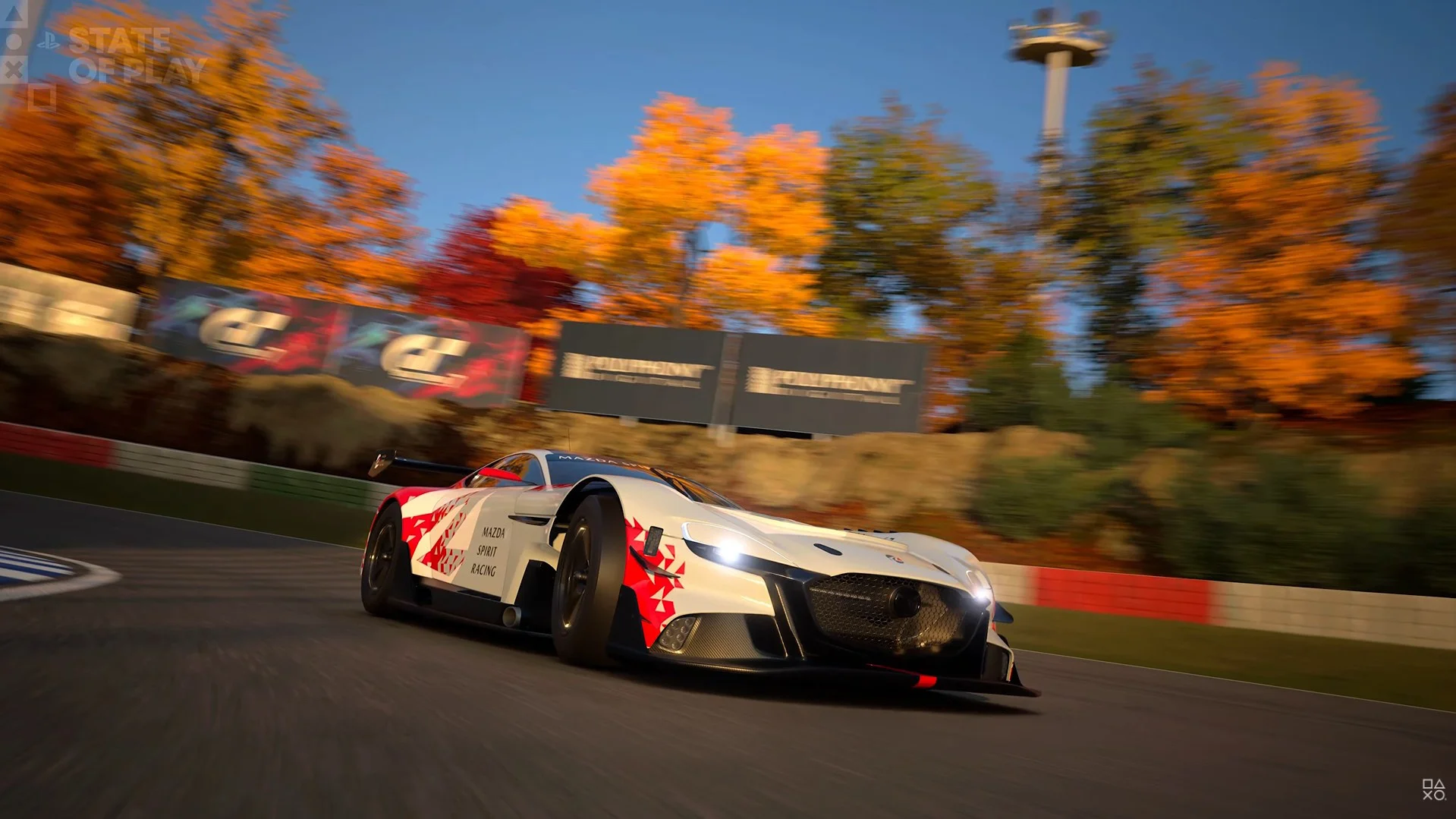
The Vintage section is found inside Brand Central, organised by manufacturer. It showcases cars from 2000 and earlier and links directly to Used Cars and Legend Cars for models sold through those dealerships.
You can browse vintage models without confusing this feature with a new standalone dealership. Update 1.72 adds Vintage and Car Concierge sections to numerous marques, including Ferrari, Ford, Honda, Jaguar, Mazda, Nissan, Porsche, Renault and Toyota.
Gran Turismo 7 Car Concierge versus Used Cars and Legend Cars
Used Cars and Legend Cars still show their own changing inventory. Vintage provides a manufacturer-based place to browse older cars, while Gran Turismo 7 Car Concierge lets you specify a model, colour and condition for the service to seek out. The three menus work together; one hasn’t replaced the others.
A missing car from the dealership doesn’t guarantee that an order can be fulfilled immediately. Polyphony’s published description doesn’t list every eligible model, so check the available choices inside the Concierge before you make plans around a particular vehicle.
Does Gran Turismo 7 Car Concierge use tokens or charge a fee?
The official Spec IV Part 1 explanation confirms the preferences you can set and the four-order maximum. It does not provide a fixed token allowance, universal service fee or standard search timer. Any pricing or timing you see in the live order interface should be checked for the specific request rather than guessed from pre-release screenshots.
For more details on the other menus, use our Vintage guide and Spec IV Update 1.72 overview. They cover the older-car section and the broader launch content without repeating the ordering steps.
Official source: Polyphony Digital’s Spec IV Part 1 feature details for Update 1.72.