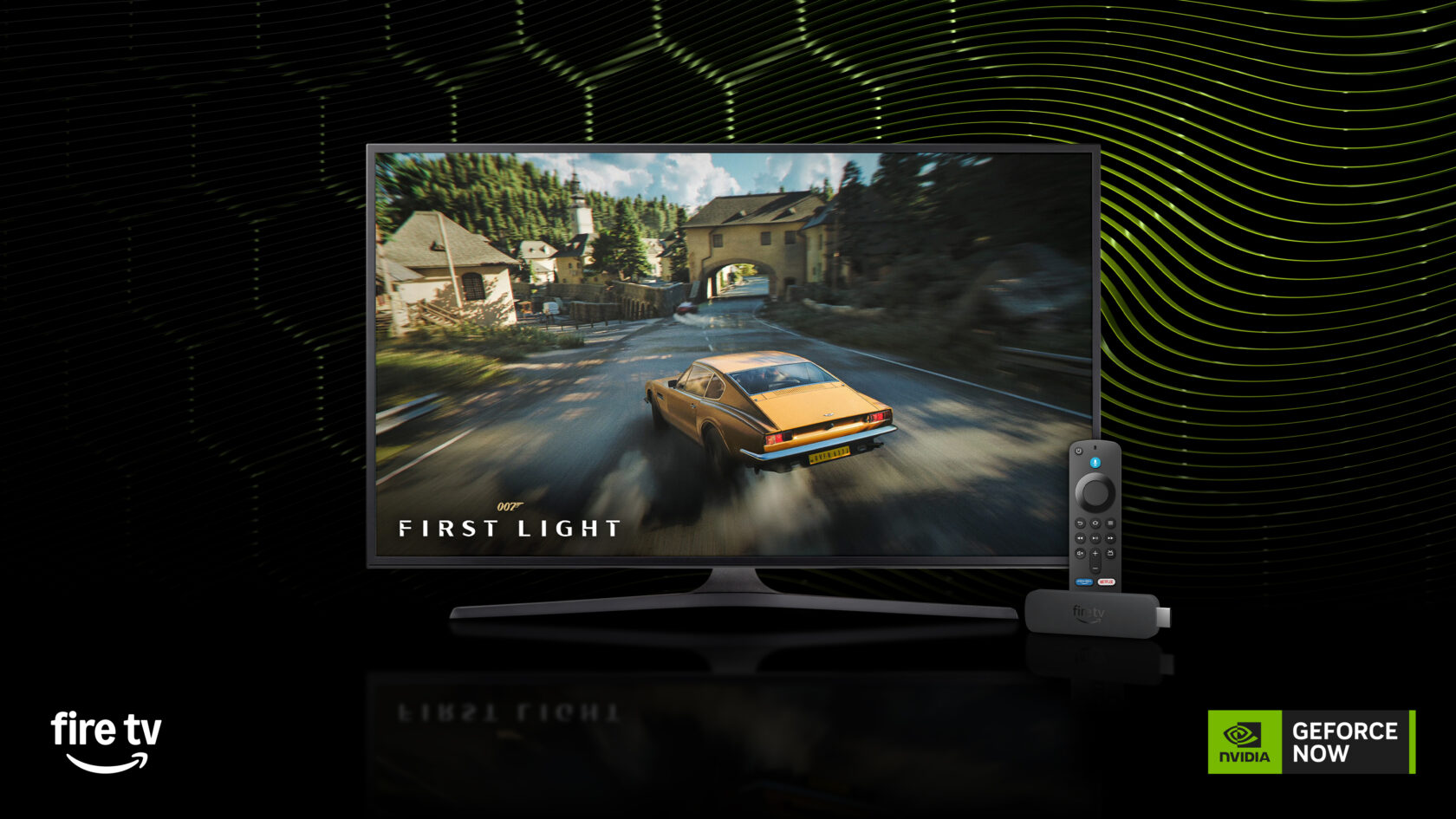
The GeForce NOW Fire TV Stick Discount takes 90% off your first month of Performance or Ultimate when you purchase an eligible membership through Amazon on a supported Fire TV device. The promotion runs until 31 December 2026 in participating regions, making it a useful way to try PC cloud gaming on a television without committing to a longer membership.
If you’re already a member and simply want to move your games from the computer to the living room, you can sign in with the same account. Before buying a new stick, though, check its generation and software version, as not every Fire TV model supports cloud gaming.
How to claim the GeForce NOW Fire TV Stick Discount
Once you’ve installed GeForce NOW from the Fire TV app store and signed in, look for the membership purchase options inside the app. Choose Performance or Ultimate and check the Amazon checkout total before confirming, as the discounted first-month price is only available on eligible purchases.
The GeForce NOW Fire TV Stick Discount applies to the membership rather than the streaming stick itself, and only covers the first month. Because you’re buying through Amazon, your Amazon subscription settings are where you’ll manage subsequent payments or cancel the membership.
The GeForce NOW Fire TV Stick Discount is separate from the six-month Black Friday sale, which ends on 30 November. Existing subscribers aren’t guaranteed an extra discounted month, so check the price offered on your account rather than paying for a second membership.
Which Fire TV Stick models can run GeForce NOW?
The three newer Vega OS models added in November are the Fire TV Stick HD (2026), Fire TV Stick 4K (2026) and first-generation Fire TV Stick 4K Select, all of which require OS 2.0 or later.
For older Fire OS devices, the supported list includes the Fire TV Stick 4K Plus (first generation), Fire TV Stick 4K Max (second generation) and Fire TV Stick 4K (second generation) with Fire OS 8.1.6.0 or later. The first-generation Fire TV Stick 4K Max requires Fire OS 7.7.1.1 or later. The 4K Select can run the app, but its Amazon membership checkout is not yet confirmed in the billing documentation, so don’t buy one specifically for the promotion without checking. Amazon billing also has regional restrictions.
Check the model and generation in your device’s settings rather than relying on the name printed on the remote. The generation matters because several Fire TV sticks have almost identical names.
Setting up your TV after claiming the GeForce NOW Fire TV Stick Discount
Pair your gamepad with the Fire TV, then open GeForce NOW and search for the game you want to play. Pick the storefront where you own it and sign in to that store if prompted; a paid membership provides the cloud PC, not a licence for every game in the library.
Supported gamepads include Xbox controllers, the PS5 DualSense, DualShock 4 and Amazon Luna controller. If you’re buying a new stick for the GeForce NOW Fire TV Stick Discount, budget for a compatible controller too if you don’t already have one; the TV remote is for navigating menus.
What internet speed do you need?
You’ll need at least 15 Mbps for 720p at 60 FPS or 25 Mbps for 1080p at 60 FPS, with network latency below 80 milliseconds to the cloud data centre. Ethernet or 5 GHz Wi-Fi is recommended for a steadier stream. If the picture keeps breaking up while someone else is streaming video in the house, try lowering the streaming resolution or using a wired connection.
The current Fire TV requirements cover streaming at up to 1080p and 60 FPS; the 4K in the name of your stick refers to the device’s capabilities, not a guaranteed 4K GeForce NOW stream.
When does the GeForce NOW Fire TV Stick Discount end?
The GeForce NOW Fire TV Stick Discount is scheduled to end on 31 December 2026. Your Amazon-billed plan is linked to your NVIDIA account, so you can also use it on your other supported devices. After the introductory offer, review the ongoing membership price before your next payment.
Official source: NVIDIA — GeForce NOW Black Friday and Fire TV offers.