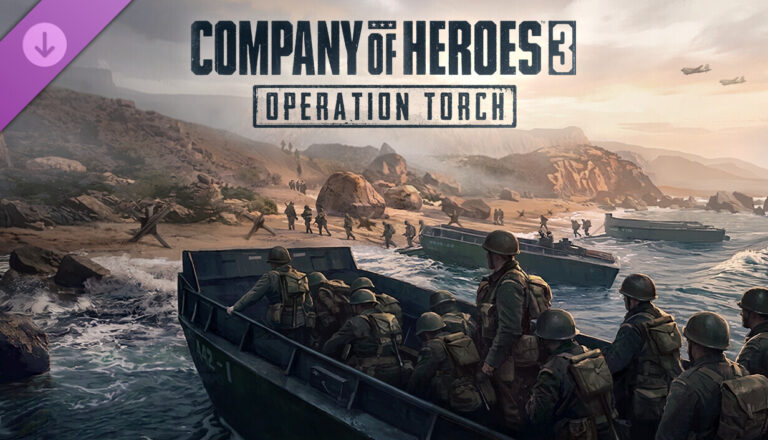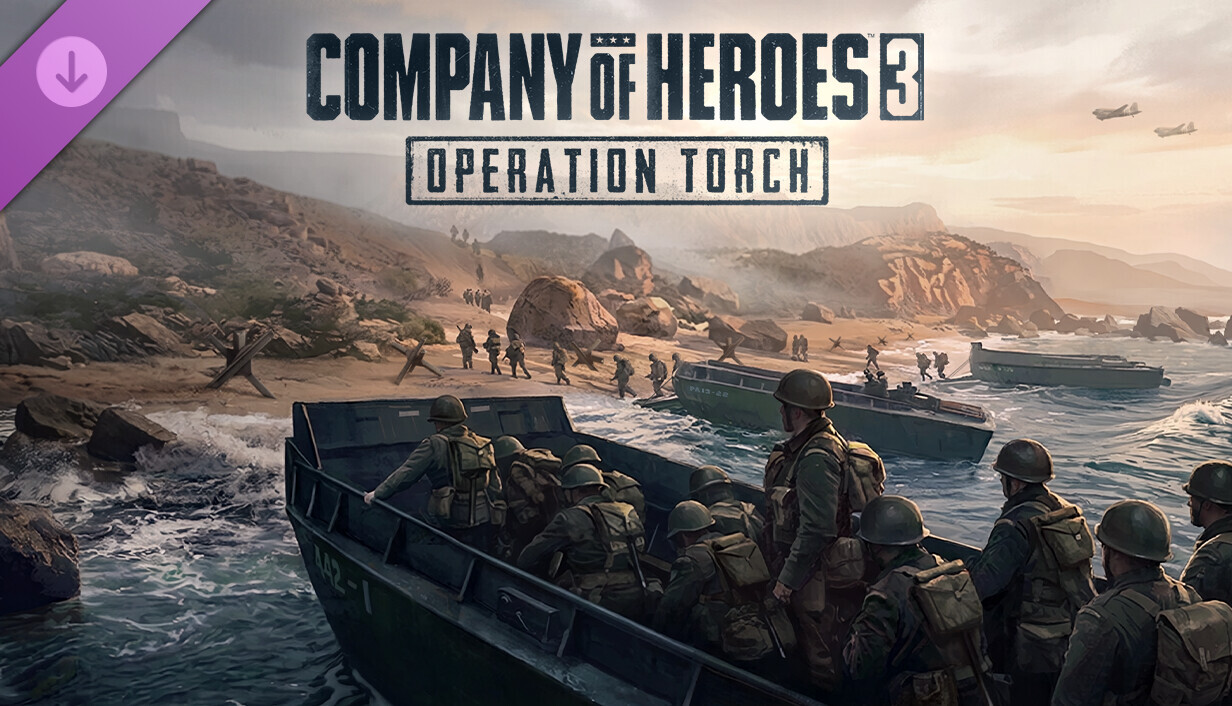
If you’re wondering how to start Operation Torch in Company of Heroes 3, you’ll need both the base game and the DLC on Steam. The expansion has its own single-player campaign, separate from the original North African and Italian campaigns.
Operation Torch arrived on 25 November 2026 and follows the US forces through 15 battles in North Africa. Unlike the Italian campaign, which gives you a strategic map to work through, this one takes you from mission to mission, with choices between battles that shape the army you’ll use later.
How to Start Operation Torch in Company of Heroes 3 on Steam
Open Company of Heroes 3 in your Steam library and make sure the base game is up to date. Operation Torch is a paid expansion, priced at £14.99 in the UK at launch. If you’ve already bought it, right-click the base game in your library, choose Properties and select DLC to check that the expansion is listed and enabled.
Launch Company of Heroes 3 itself, open the single-player campaign selection and choose Operation Torch. Select your campaign difficulty and begin the new campaign. Your first mission is Operation Flagpole, which begins with the nighttime landings.
Choosing Your Campaign Difficulty
Easy or Standard is a sensible starting point if you’re returning to Company of Heroes after a break. You’ll be switching between stealth, defensive battles and larger assaults as the campaign progresses, so it’s worth getting comfortable with the controls before tackling the harder difficulties.
Tactical Pause is particularly handy when you’re juggling orders in single-player. Instead of trying to select several squads while they’re under pressure, pause the action, look at the objectives and queue your orders before resuming. It’s a useful way to learn how the controls and abilities work without rushing every decision.
How to Start Operation Torch if the Campaign Is Missing
If the campaign is absent from the selection screen, check Steam’s Downloads page before doing anything more drastic. The campaign launched alongside update 3.0.3 on 25 November, followed by hotfix 3.0.4 the next day. If you bought the DLC while the game was running, close it and relaunch once any pending downloads have finished.
The campaign is not a separate executable or a multiplayer battlegroup. If it still doesn’t appear, our Operation Torch DLC troubleshooting guide covers the ownership and installation checks.
What Happens After You Start the Campaign?
After Operation Flagpole, the campaign gives you your first upgrade choice before you move on to Charlie Beach. Keep an eye on the optional objective during the opening mission, as completing it can earn you a second upgrade and give your army another advantage in subsequent battles.
For the official release details and requirements, visit the Operation Torch Steam page.
Related How to Start Operation Torch in Company of Heroes 3 on Steam
Guides
Company of Heroes 3 Operation Torch Campaign Upgrades Explained
Company of Heroes 3 Operation Torch DLC Not Showing Up: How to Fix It