
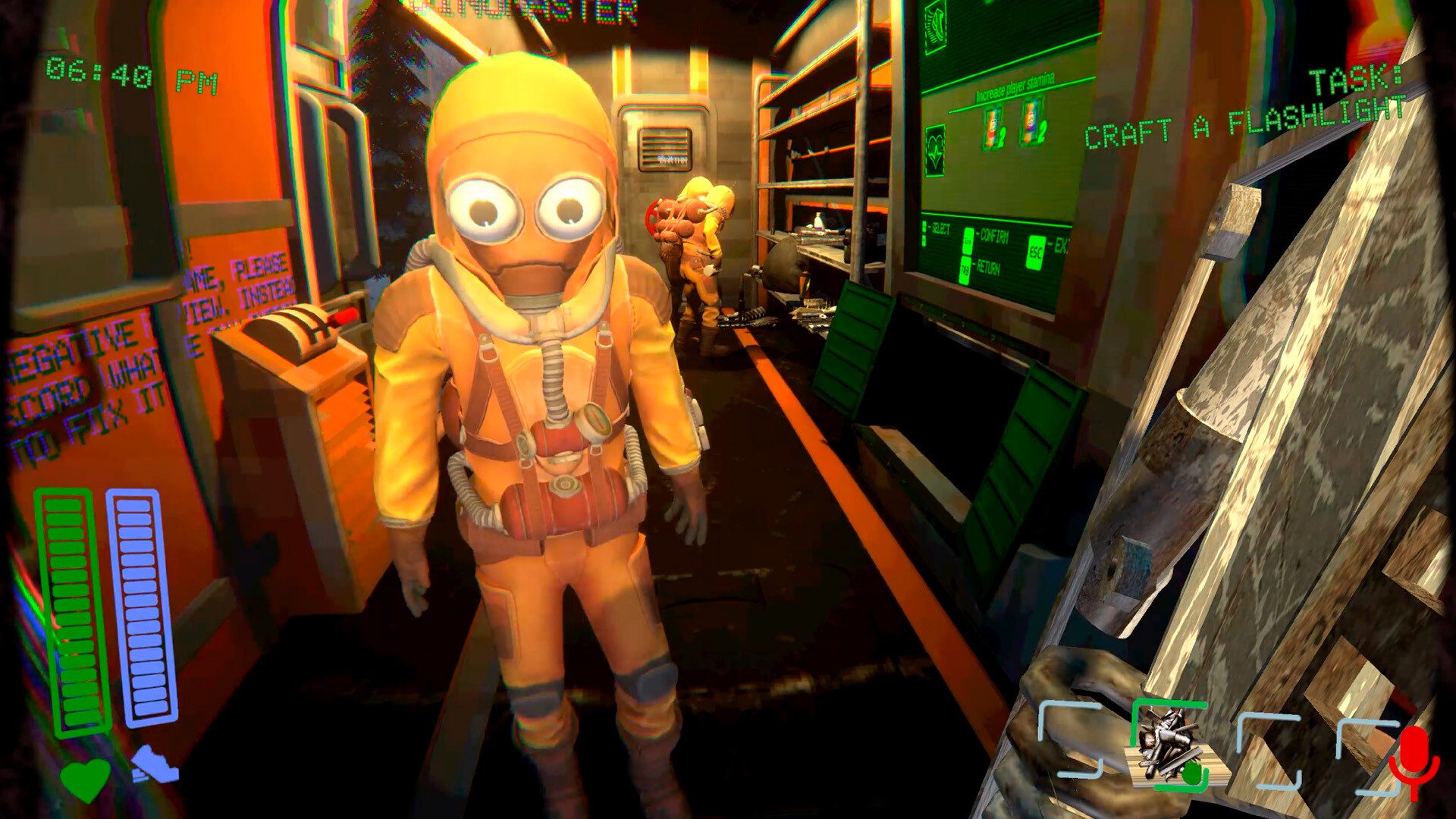
Dreadway co-op uses proximity voice chat as part of an online survival horror experience for up to four players. The Xbox Series X|S version launches October 22, 2026, bringing microphone-controlled puzzles, monsters that react to speech, scavenging and a train that must be refuelled to keep the group alive.
You and your friends travel across a post-apocalyptic world, visit bunkers and collect useful junk while avoiding dangerous creatures. Voice chat can help you solve a puzzle or warn a teammate, but being too loud can also attract an enemy. That’s why good communication matters more than simply having a headset connected.
How to play Dreadway co-op with friends
Choose the online multiplayer option in Dreadway, then invite teammates through the game’s supported session interface. The Xbox Store confirms two-to-four-player online multiplayer. It doesn’t document every invitation button, so check the menu that appears in your console version rather than expecting the same steps as a PC lobby.
The Dreadway co-op Xbox listing also says console online multiplayer requires an eligible subscription. Make sure your Xbox account can join multiplayer sessions before buying the game for a group, and remember that the total party size is four including you.
Dreadway co-op proximity voice chat explained
Players hear each other when they’re close enough, so moving apart changes how useful voice communication becomes. Monsters can also react to player speech. That creates situations where calling for help is necessary but may reveal your position.
Microphone controls extend beyond ordinary communication. The developer says players can open code locks and doors through spoken words, and even scare certain monsters away by yelling a specific code word. The complete command list isn’t documented in the current Xbox description, so follow the prompts you encounter in each bunker.
Do you need a microphone for Dreadway?
A headset or microphone is strongly recommended because the game advertises voice-based puzzles and monster interactions. The official console listing doesn’t establish a full non-voice alternative for every encounter. If you’re unable to speak during a session, that could limit some interactions.
For Dreadway co-op voice issues, check that your device isn’t muted and that voice permissions are enabled in the console settings. Make sure other players can hear you nearby, then try the puzzle again using the words shown by the game.
How to refuel the train and craft equipment
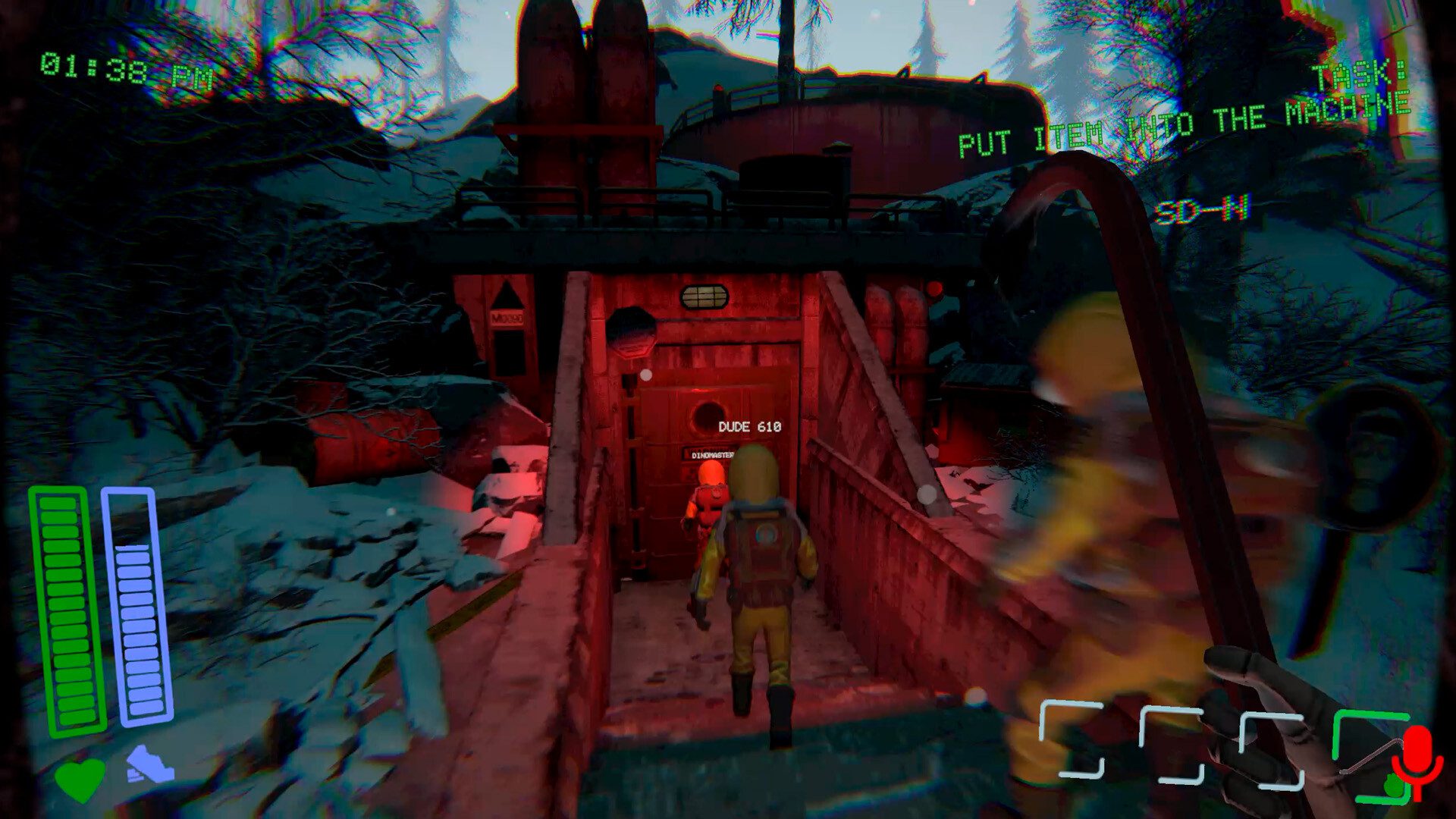
The train is central to the experience, requiring regular fuel from materials you collect in the wasteland. Gather scrap, bring it back and decide whether to burn it to keep moving or use it to craft tools, devices and other survival gear. The developer highlights that every item can help or complicate your journey.
In Dreadway co-op, splitting tasks between the group is useful: one player can gather fuel while someone else searches for crafting supplies. Be careful with monsters while exploring. Kicks can be used to interrupt teammates or create chaos, and environmental traps can punish a careless group.
Can you fight or scare monsters using voice?
Yes. Monsters react to nearby speech, and the developers mention yelling a code word to scare some of them away. That doesn’t mean every enemy obeys the same phrase or that screaming continuously is an effective defence.
The Dreadway co-op emphasis is on adapting: sometimes you need quiet movement; sometimes a spoken command is necessary to solve the puzzle or protect a teammate. Watch for environmental clues before shouting near an unfamiliar creature.
Does Dreadway support offline or solo play?
The Xbox listing primarily advertises online co-op for two to four and doesn’t confirm a full offline single-player experience. Although its platform capability list also includes shared/split screen, it doesn’t explain every supported combination of local and online players. Check the live multiplayer options after October 22 if offline play is important to you.
The Dreadway co-op Xbox release is optimised for Series X|S, with achievements and cloud saves. For confirmed details, use the official Xbox listing or Steam’s game description.





