College Football 27 QB Sneak Audible Not Working has a confirmed October 1 fix for a specific pre snap bug involving the defensive front. EA says the defensive line could automatically pinch or spread when the offense audibled into or out of QB Sneak, changing the defensive alignment even though the defensive player had not called that adjustment.
That distinction matters because College Football 27 QB Sneak Audible Not Working did not necessarily mean the offensive audible itself failed. The QB Sneak play could still be selected, but the audible could cause an unintended defensive line movement. Title Update 5 is designed to stop that automatic pinch or spread behaviour.
College Football 27 QB Sneak Audible Not Working: what was fixed?
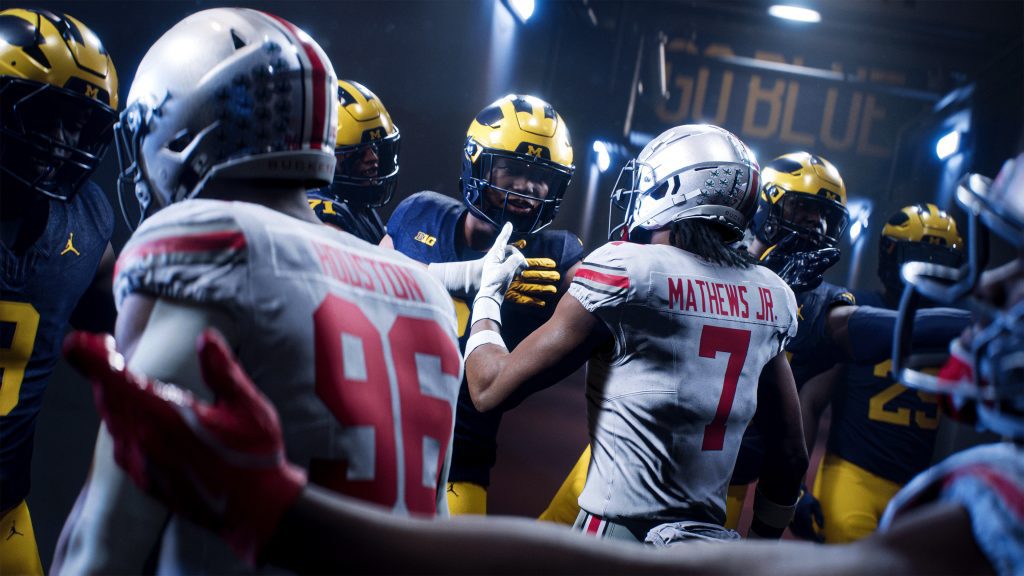
Image EA Sports
EA describes the College Football 27 QB Sneak Audible Not Working fix as an issue where the defensive line would auto pinch or spread when audibling in or out of QB Sneak. After installing the October 1 update, changing to or from QB Sneak should no longer force that defensive line shift by itself.
The fix is narrow. It does not remove manual defensive line adjustments, and it does not guarantee that every defender will stay frozen in exactly the same spot after every offensive change. It specifically targets the unwanted automatic pinch or spread tied to the QB Sneak audible transition.
How to test the October 1 QB Sneak audible fix
The easiest way to check College Football 27 QB Sneak Audible Not Working after the patch is in Practice Mode. Choose an offensive formation with QB Sneak available as an audible, line up against a normal defensive front, then change into QB Sneak and back out again while watching the defensive line.
- Install the October 1 title update and restart College Football 27.
- Open Practice Mode with an offense that can audible to QB Sneak.
- Leave the defensive line in its normal alignment.
- Audible into QB Sneak and watch whether the line automatically pinches or spreads.
- Audible back out of QB Sneak and check the front again.
- Repeat the test without making any manual defensive line adjustment.
If the front stays where the defense left it, the specific College Football 27 QB Sneak Audible Not Working bug is no longer reproducing. If the line still moves automatically, save a short clip showing the formation before the audible, the audible itself and the defensive alignment immediately afterward.
How to call an audible in College Football 27
EA’s official audible guide lists Square on PlayStation, X on Xbox and Q on PC to open the audible menu. You then choose one of the available plays for the current formation. If College Football 27 QB Sneak Audible Not Working still seems to affect you, first make sure QB Sneak is actually assigned as an available audible for that formation.
On PlayStation, the available audible choices use Square, Triangle, L1 or R1. On Xbox, the corresponding choices use X, Y, LB or RB. PC uses the numbered choices shown in the menu. The October 1 patch does not change those basic audible controls.
Why the defensive line movement mattered
College Football 27 QB Sneak Audible Not Working could affect a short yardage play before the snap because a pinch or spread changes how defenders line up across the offensive front. QB Sneak is already built around leverage, strength, weight and the timing of the sneak meter, so an unintended defensive front change could alter the look of the play without the defense choosing it.
College Football 27 evaluates the push strength of the center, guards and quarterback against nearby defenders before the sneak. A heavier quarterback and stronger interior line can improve the offensive side of that battle, while strong defenders can reduce the timing window. The October 1 fix does not change those QB Sneak mechanics. It removes the unintended audible side effect.
What if College Football 27 QB Sneak Audible Not Working still happens?
If College Football 27 QB Sneak Audible Not Working still happens after the October 1 update, restart the game and verify the latest title update is installed before testing again. Then reproduce it without custom defensive adjustments so you can tell whether the line is moving because of the old bug or because of another pre snap command.
Record the offense, formation, playbook, defense, game mode and exact audible sequence if the problem returns. Those details are much more useful than simply saying the audible is broken. College Football 27 QB Sneak Audible Not Working now has a clear expected result after Title Update 5: audibling into or out of QB Sneak should not automatically pinch or spread the defensive line.
The October 1 patch is therefore a direct fix for the reproducible alignment problem. College Football 27 QB Sneak Audible Not Working should no longer force the defense into an unwanted front simply because the offense changes to or from QB Sneak.
Official EA SPORTS College Football 27 October 1 Title Update