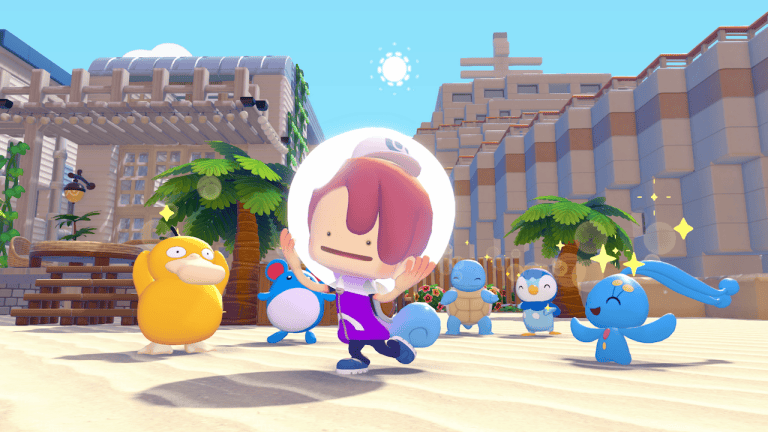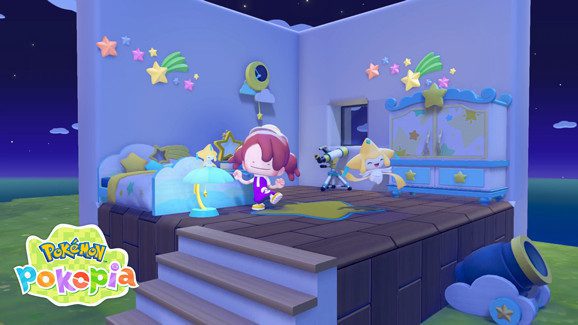
The Pokémon Pokopia 2.0.0 update arrived on 5 August 2026, bringing Dive, shared portal pod storage and underwater building to Nintendo Switch 2. It also makes everyday jobs, from sorting inventory to decorating houses, much easier. All of these changes are free.
Bubbly Basin arrived on the same date, but that underwater town is paid DLC. You can still learn Dive and use the other new features without purchasing the Expansion Pass. The Pokémon Company’s article dated 12 October is a recap of the August update, not a second release.
Is the Pokémon Pokopia 2.0.0 update free?
Yes. The Pokémon Pokopia 2.0.0 update is free for anyone who owns the game. Nintendo lists 5 August 2026 as the UK release date, followed by a smaller version 2.0.1 bug-fix patch on 8 September.
The paid Expansion Pass is separate. Its first installment, Bubbly Basin, launched alongside the free update, but you can use Dive and the other version 2.0.0 improvements without buying the pass. Bubbly Basin is an additional area, not the only place where the new underwater movement exists.
Pokémon Pokopia 2.0.0 update: main changes
| Free change | What it does |
|---|---|
| Dive | Allows free underwater movement |
| Underwater Build | Lets Build-specialty Pokémon construct houses underwater |
| Portal pod | Connects storage between different locations and areas |
| Safe | Adds another craftable item after Palette Town progression |
| Photo patterns | Lets Smearguru learn painting patterns from References photos |
| Bulk transfers | Moves multiple items between bag and storage box |
| Camera settings | Adds motion-sickness reduction choices |
The Pokémon Pokopia 2.0.0 update goes beyond these headline features. There are changes to Pokémon interactions, furniture placement, movement abilities and the camera, especially useful if you spend a lot of time building.
Dive, underwater houses and easier travel
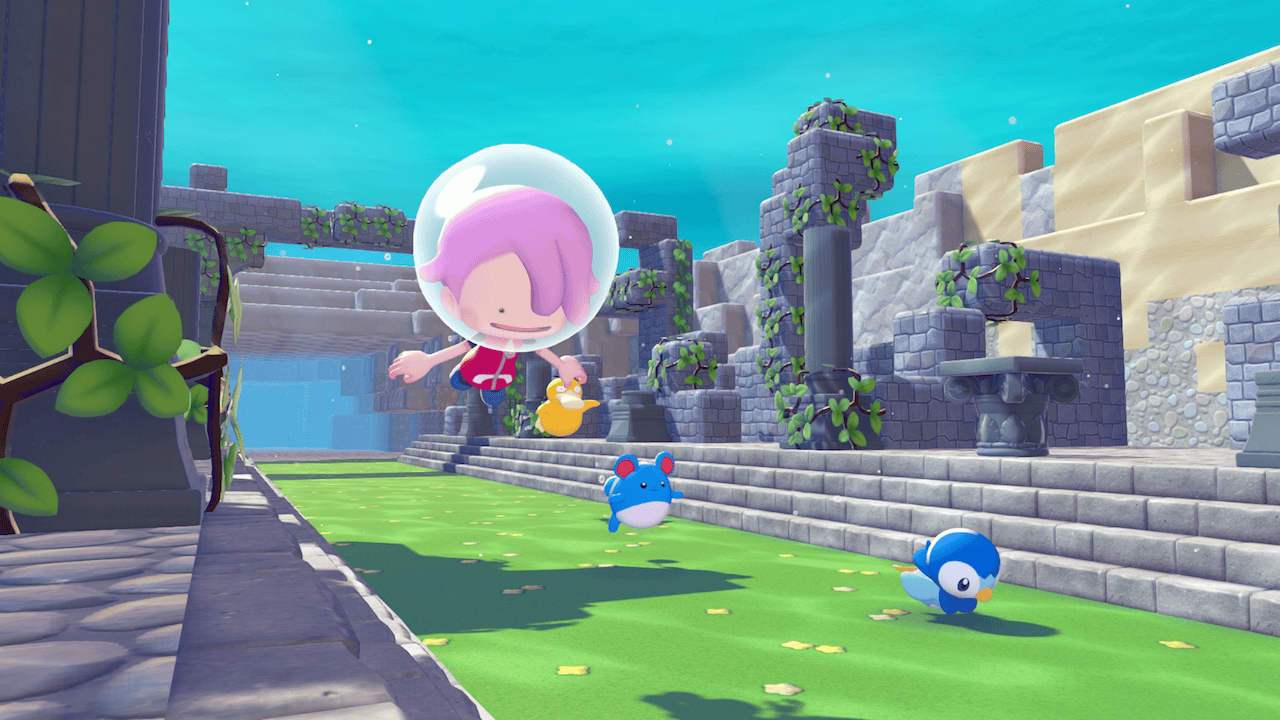
Dive lets Ditto travel underwater. Strength can now be used there too, and Pokémon with the Build specialty can construct houses below the surface. To learn Dive, complete “Raise the environment level!” in Bleak Beach and make sure Ditto already knows Surf and how to jump. Manaphy then teaches the move. Nintendo has not published a full underwater house-building sequence.
Surf has an additional way to activate: hold the focus button and press the Surf button while on land. Companions can now follow while you travel with Surf, Glide, Rollout or Magnet Rise. Rollout also lets you inhale items and open the bag while rolling.
Our Pokémon Pokopia Dive move guide explains these movement changes and why they shouldn’t be confused with the requirements for the paid underwater town.
Portal pods, safes and better inventory management
Portal pods solve a familiar building problem: materials left in another town. Put an item in one portal pod and you can retrieve it from another, even across areas. You no longer have to travel back just to collect supplies.
Recipes for portal pods and safes become available to purchase as Palette Town’s environment level increases. Neither the exact level nor the crafting ingredients are specified in the official patch notes. See our Pokémon Pokopia portal pod guide for the unlock requirement and how linked storage works.
The Pokémon Pokopia 2.0.0 update also allows bulk transfers between storage boxes and your bag. Rubbish bins can dispose of unwanted items, although removal is delayed so you have a chance to retrieve something thrown in by mistake.
Smearguru patterns, relic appraisals and Pokémon
Smearguru can learn to paint patterns from pictures stored in References. Professor Tangrowth can appraise as many as ten lost relics together, while Smearguru, Vespiquen, Gimmighoul and Gholdengo now handle several transactions in one conversation.
After you earn the diploma, Smearguru can provide the dynamic Ditto print pattern. That is a version 2.0.0 feature and is distinct from the dynamic Ditto print blocks-and-wallpaper recipe Nintendo offers as an Expansion Pass purchase bonus. Photographing something for Smearguru does not automatically make a physical copy of it.
The Pokémon Pokopia Smearguru photo patterns guide
Building adjustments and comfort settings
Builders can now adjust how deep windows and doors sit in their walls. Pokémon respond more quickly when removed furniture is replaced, and Pokémon whose habitats were destroyed can return if the same habitat is rebuilt nearby. A storage box beside a workbench is prioritised for crafting materials before your bag.
The Pokémon Pokopia 2.0.0 update adds camera settings designed to reduce motion sickness, an option to move with the move wheel open and a choice to hide Magnet Rise cancellation confirmation. New hair colours are orange, light pink, yellow-green, blue-green and brown.
There are two new emotes, Lie Down and Ready, Set, Go!, found in Bleak Beach and on Dream Islands. Additional paintable items include the workbench, vending machine, bookcase, Pokémon Center counter, rope and metal chain. Photo display capacity increased from ten to 40 distinct photos per town.
How to install the Pokémon Pokopia 2.0.0 update
Highlight Pokémon Pokopia on the Nintendo Switch 2 HOME Menu without opening it, press + or − to see the version, then choose Software Update and Via the Internet. Automatic downloads may already have installed a newer patch.
Version 2.0.1 followed on 8 September and includes the earlier changes. You should use the newest version available rather than try to revert to 2.0.0. All players need the same software version for multiplayer. The Pokémon Pokopia 2.0.0 update is the foundation for these new features even when the console shows a later version.
Related Guides
Official source: Nintendo Pokémon Pokopia version history and patch notes.