Pokemon Pokopia DLC not showing is the right search if you bought the Expansion Pass and the extra content is not appearing in the game. Nintendo already has a support article for this exact problem, and the answer usually comes down to updating the game, checking the right menu and remembering which parts of the DLC are actually live.
The most important fact behind Pokemon Pokopia DLC not showing is that only Part 1 and the purchase bonuses are available right now. Nintendo says Part 2 is scheduled for late 2026 and Part 3 is scheduled for 2027, so those later features will not appear before release no matter how many times you reload the game.
How to fix Pokemon Pokopia DLC not showing
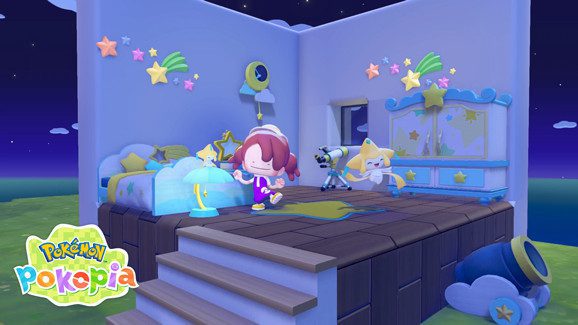
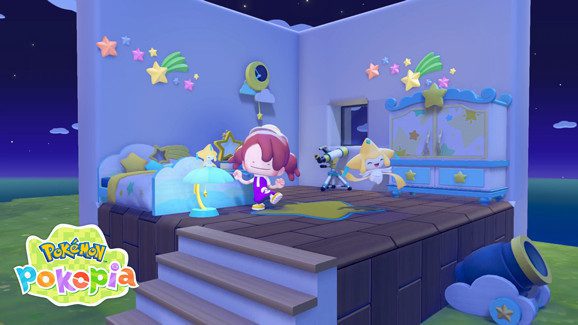
Pokemon Pokopia DLC not showing Image Nintendo.
- Make sure Pokemon Pokopia is fully updated.
- Load the game using the Nintendo Account or user that purchased the Expansion Pass.
- Open the Pokedex with the + Button and select Downloadable Content.
- Choose Check Items to see whether the dynamic Ditto print recipe has been received.
- Remember that Part 2 and Part 3 have not released yet.
- If needed, redownload the DLC or reload the virtual game card.
Those are Nintendo’s core troubleshooting steps for Pokemon Pokopia DLC not showing, and they solve most of the confusion around missing content.
Check what is actually available
Before doing anything more complicated, verify what content should be visible. For Pokemon Pokopia DLC not showing, Nintendo says the current live elements are Part 1: Bubbly Basin and the purchase bonus for the dynamic Ditto print recipe.
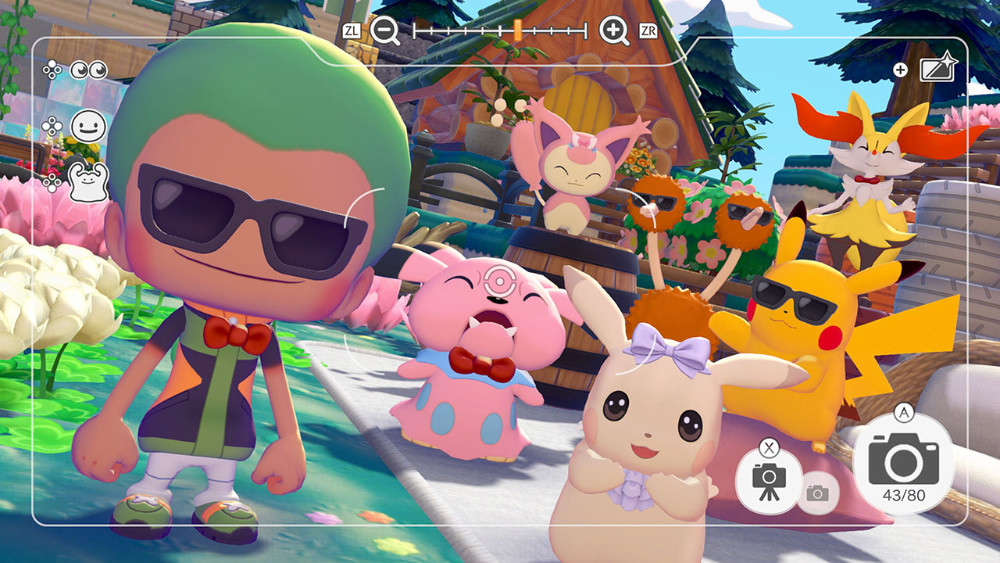
That means sunglasses, ribbons, bow ties and the rest of the Pokemon Pokopia Part 2 content will not appear until the late-2026 release window.
Update the game software
One of the first official steps for Pokemon Pokopia DLC not showing is updating the software. Nintendo says you should highlight the game icon on the HOME Menu, press the + or – button, then choose Software Update followed by Via the Internet.
This matters for the bonuses too, because Nintendo’s store page says Ver. 1.1.0 is needed to receive the dynamic Ditto print recipe.
Check Downloadable Content in the game
Another official step for Pokemon Pokopia DLC not showing is checking the in-game Downloadable Content screen. Nintendo says to start Pokemon Pokopia, press the A Button on the title screen, open the Pokedex with + and select Downloadable Content in the bottom-right corner.
From there, choose Check Items to see whether you have already received the recipe content tied to the Expansion Pass.
Redownload the DLC if needed
If the basic checks do not solve Pokemon Pokopia DLC not showing, Nintendo’s support article moves on to redownloading the DLC. The exact route depends on whether you are using a digital copy, a virtual game card setup or a physical copy of the game.
Nintendo also points players toward Online License settings and Virtual Game Cards if the item needs to be loaded again on the current system.
Do not confuse missing DLC with unreleased DLC
This is probably the biggest trap in the Pokemon Pokopia DLC not showing search. Part 2 and Part 3 are officially unreleased, so their features are not supposed to appear yet.
If what you are looking for is actually the release timing for those missing features, our Pokemon Pokopia Part 2 release date guide explains the current late-2026 window.
When to contact Nintendo
If you still have Pokemon Pokopia DLC not showing after updating the game, checking Downloadable Content, confirming the correct user and redownloading the DLC, then it makes sense to move on to direct Nintendo support.
At that point you have already completed the first-party troubleshooting flow, so a platform or license issue is more likely than a simple missed menu step.
Official Pokemon Pokopia DLC not showing source
Nintendo’s official Pokopia DLC support page is the source for every troubleshooting step in this guide, including the reminder that Parts 2 and 3 have not released yet.
So the practical answer for Pokemon Pokopia DLC not showing is to check the update, check the Downloadable Content menu and then make sure you are not chasing unreleased features.