Pokémon Pokopia Star Pieces let you bring another Pokémon of a species you’ve met in a friend’s world into your own town. The process begins by speaking to that Pokémon while visiting, then collecting Stardust on a Dream Island and crafting it into a Star Piece.
The gift needs to be opened at a vacant habitat, not just anywhere in your town. Some species are also excluded from this method, so it’s worth knowing the steps before spending your Stardust.
Pokémon Pokopia Star Pieces: How to bring a friend’s Pokémon home
Start by visiting a friend’s town through Link Play and speaking to the Pokémon you want to invite. Meeting a new species there also registers it in your Pokédex, whether or not you bring a new resident home.
- Join a friend’s world through Link Play at a Pokémon Center PC.
- Find a Pokémon you’re interested in and speak to it while visiting.
- Use the conversation to invite that Pokémon to visit your town in the future.
- Return to your own world and prepare a Star Piece for the visitor.
- When the invited Pokémon visits, give it the Star Piece and accept the gift it gives you.
- Find a vacant habitat and open the Pokémon’s gift there. A Pokémon of the same species can appear.
You’ll get a new Pokémon of the same species, rather than moving your friend’s resident out of their world. Not every species is eligible, so Pokémon Pokopia Star Pieces won’t bring every Pokémon into your town.
Where to get Stardust for Pokémon Pokopia Star Pieces
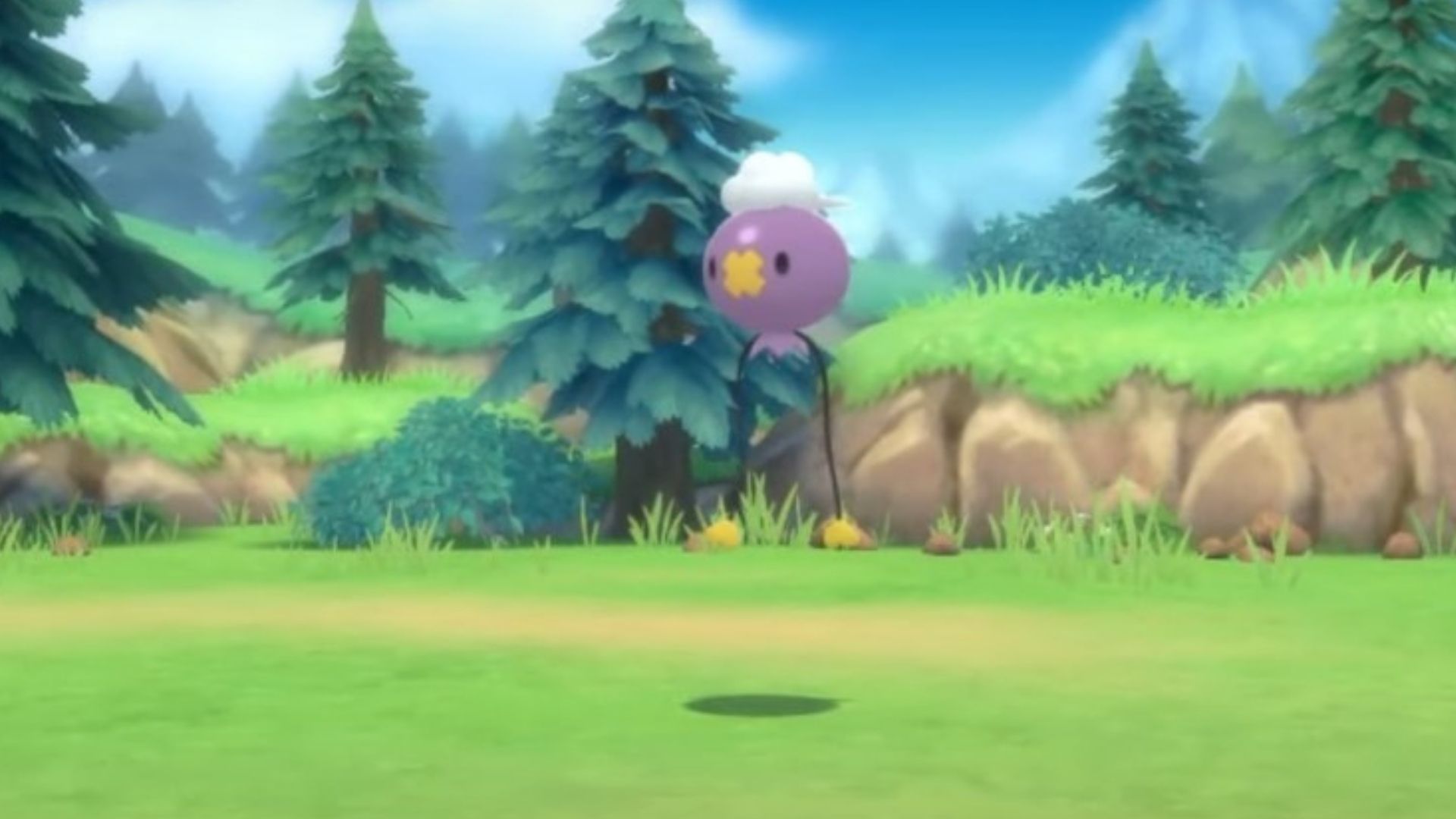
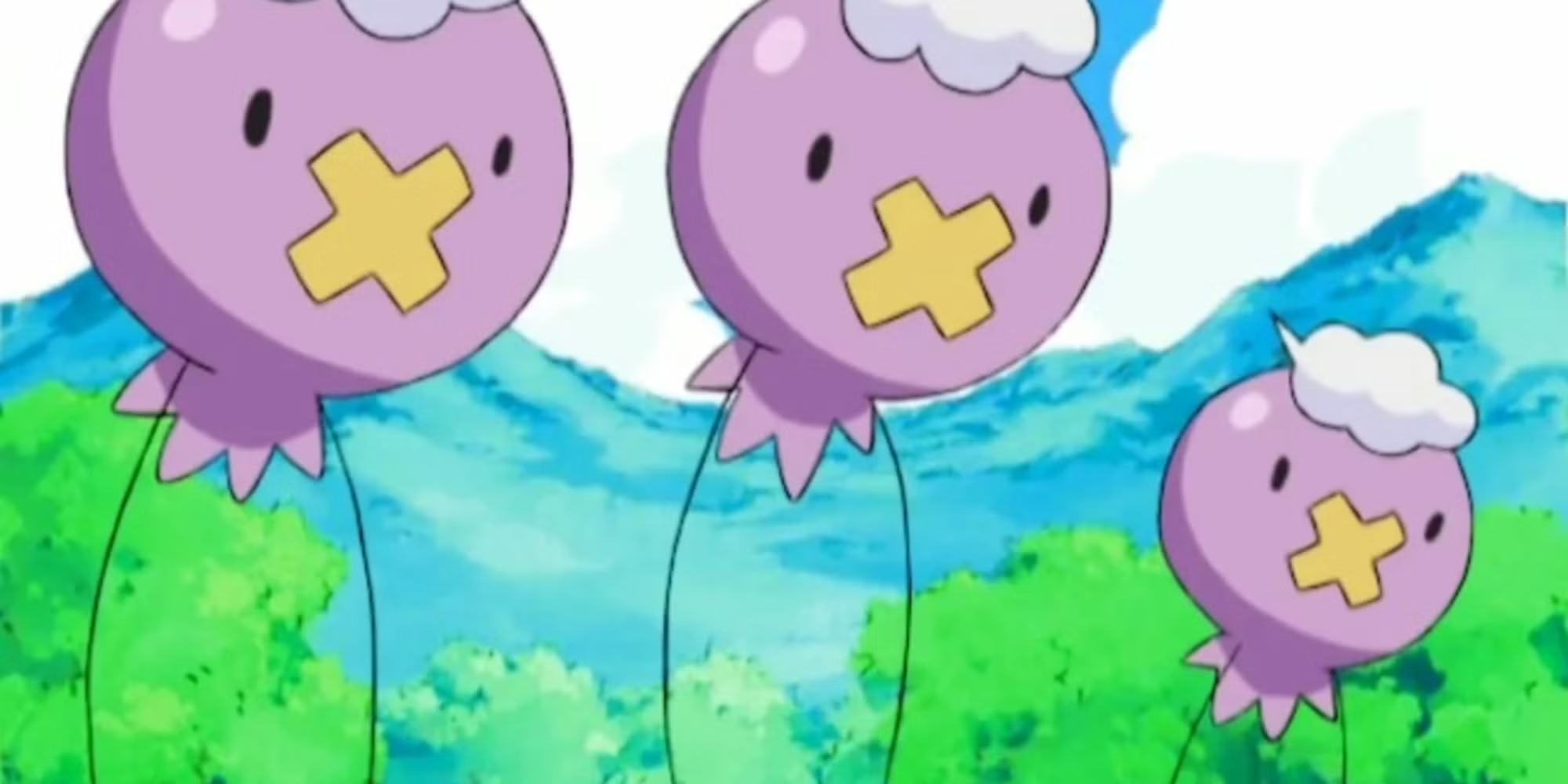
To make Pokémon Pokopia Star Pieces, collect Stardust on Dream Islands. Speak to Drifloon with a doll in your bag, or interact with a placed doll to summon Drifloon. You’ll need to befriend Drifloon and build its habitat before it can take you there.
Look for small pink, shell-shaped piles on the ground. Check beaches and caves first, then search the rest of the island. These are the Stardust deposits you need for crafting.
Drifloon takes players to Dream Islands, where Stardust for Pokémon Pokopia Star Pieces can be found. Image: Pokémon
Drifloon in your town can take you to one Dream Island type per day, although you can revisit that same island. If you need more Stardust than you’ve collected, come back later or explore the island again for any piles you missed.
How to craft a Star Piece
Back in your own world, use the Star Piece crafting recipe and check how much Stardust it requires. You must craft the item before giving it to an invited Pokémon. The Star Piece isn’t itself a gift you open at a habitat; that comes later.
Keep your crafted Pokémon Pokopia Star Pieces in your bag when the invited Pokémon visits. Speak to it with a Star Piece ready, give it the item and collect the gift it offers in return.
Where to open the Pokémon’s gift
Take the Pokémon’s gift to an empty habitat in your town and open it there. This is what makes a new Pokémon of the same species appear. Don’t use an occupied habitat and assume the result will be the same.
If all your suitable habitats are occupied, prepare a vacant one first. Check your Habitat Dex for ideas before opening the gift; you want somewhere for the newcomer to appear.
The Pokémon Company notes that some Pokémon may not appear even after you give them a Star Piece. Making more Pokémon Pokopia Star Pieces does not remove that stated limitation.
Do you need Star Pieces just to fill the Pokédex?
No. A Pokémon you meet and interact with in a friend’s world can be added to your Pokédex during that visit. Similarly, interacting with an unfamiliar habitat can add it to your Habitat Dex. Neither registration requires bringing a new resident into your own world.
Use Pokémon Pokopia Star Pieces when you want a species to appear back in your town, not when you’re simply trying to record its existence. For collectors, visiting friends offers two different benefits: new Pokédex information straight away and an invitation that may lead to a new resident later.
Why isn’t my invited Pokémon appearing?
If Pokémon Pokopia Star Pieces aren’t bringing a new resident, check the sequence before gathering more materials. Did you speak to the Pokémon while visiting a friend and invite it? Has it visited your own world? Did you give it a Star Piece, receive its gift and open that gift at a vacant habitat? Each of those actions belongs to a different stage.
If you haven’t made the Star Piece, check your Stardust supply on Dream Islands. If the gift isn’t producing a newcomer, confirm that you opened it at a vacant habitat. Even with the steps completed, Pokémon Pokopia Star Pieces cannot guarantee a Pokémon from an excluded species.
Official source: The Pokémon Company’s official guide to Star Pieces and visiting friends.