
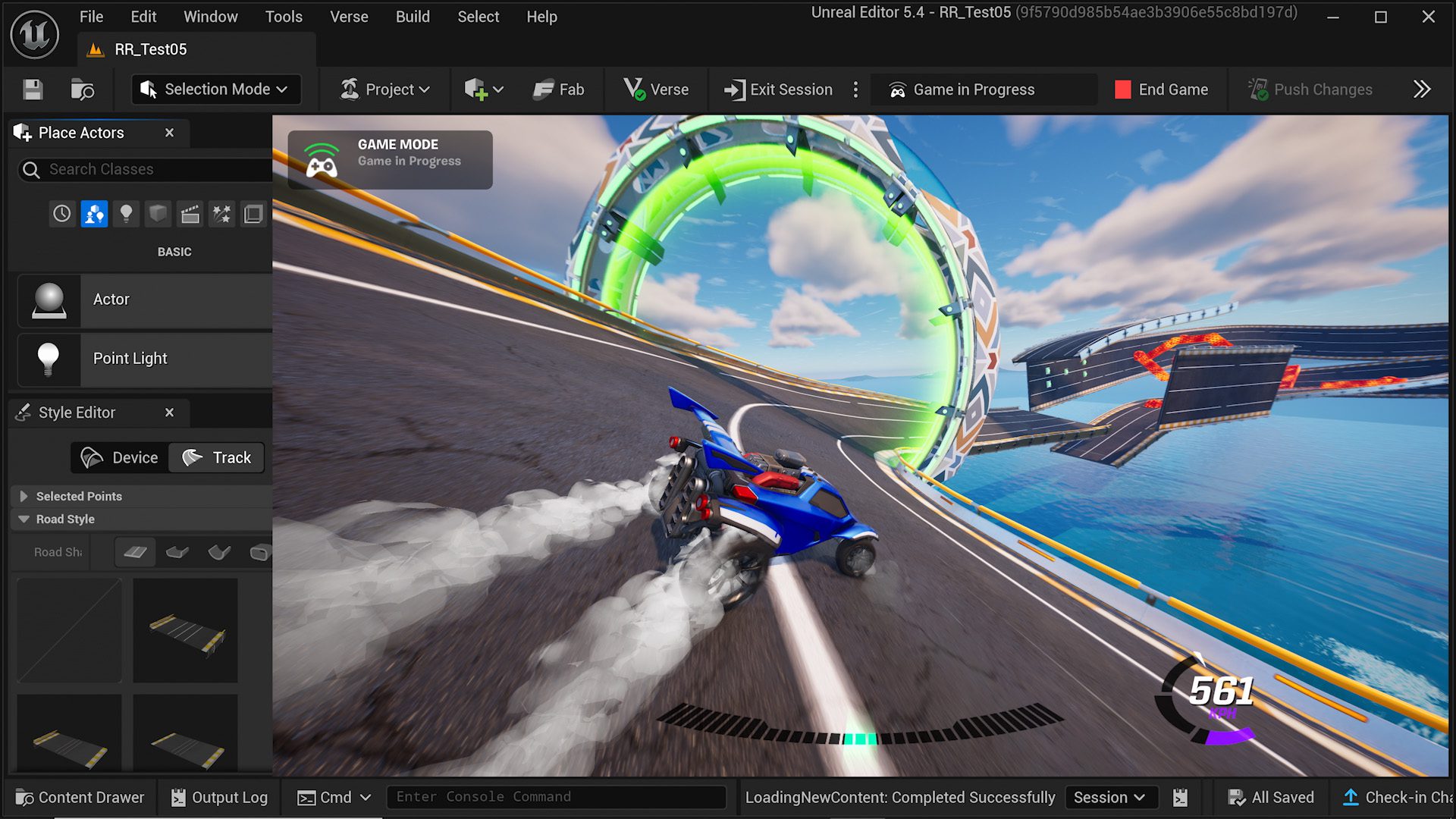
Rocket Racing island conversion is the route Epic Games documents for moving an eligible branded UEFN project towards a regular Fortnite island. Rocket Racing and its template-based creator tracks were retired on 1 October 2026, leaving those old islands unpublished and unplayable. That does not stop creators making racing games using the tools Epic moved into standard UEFN projects.
If your old track has disappeared from Discover, start by opening its project in UEFN. A project you can still access may be eligible for conversion. If it no longer opens or cannot use the conversion controls, the alternative is to create a standard Fortnite island and rebuild your race there.
Rocket Racing island conversion: what happened to old tracks?
In the v42.30 update, Epic unpublished every island built with a Rocket Racing template and disabled publishing updates to those templates. An unpublished old track is therefore not necessarily a moderation penalty or a broken island code. It is part of the retirement announced by Epic.
A Rocket Racing island conversion doesn’t automatically restore that old listing. It changes the project to a supported island format where the creator can continue building and submit a playable experience through the normal review process.
How to convert an existing Rocket Racing island in UEFN
Epic provides the following route for eligible projects that still open in UEFN. Check your permissions and save your own working project files before changing its brand, especially if a team owns the island.
- Open your existing UEFN project. Select the island that used the Rocket Racing template, provided you still have access to it.
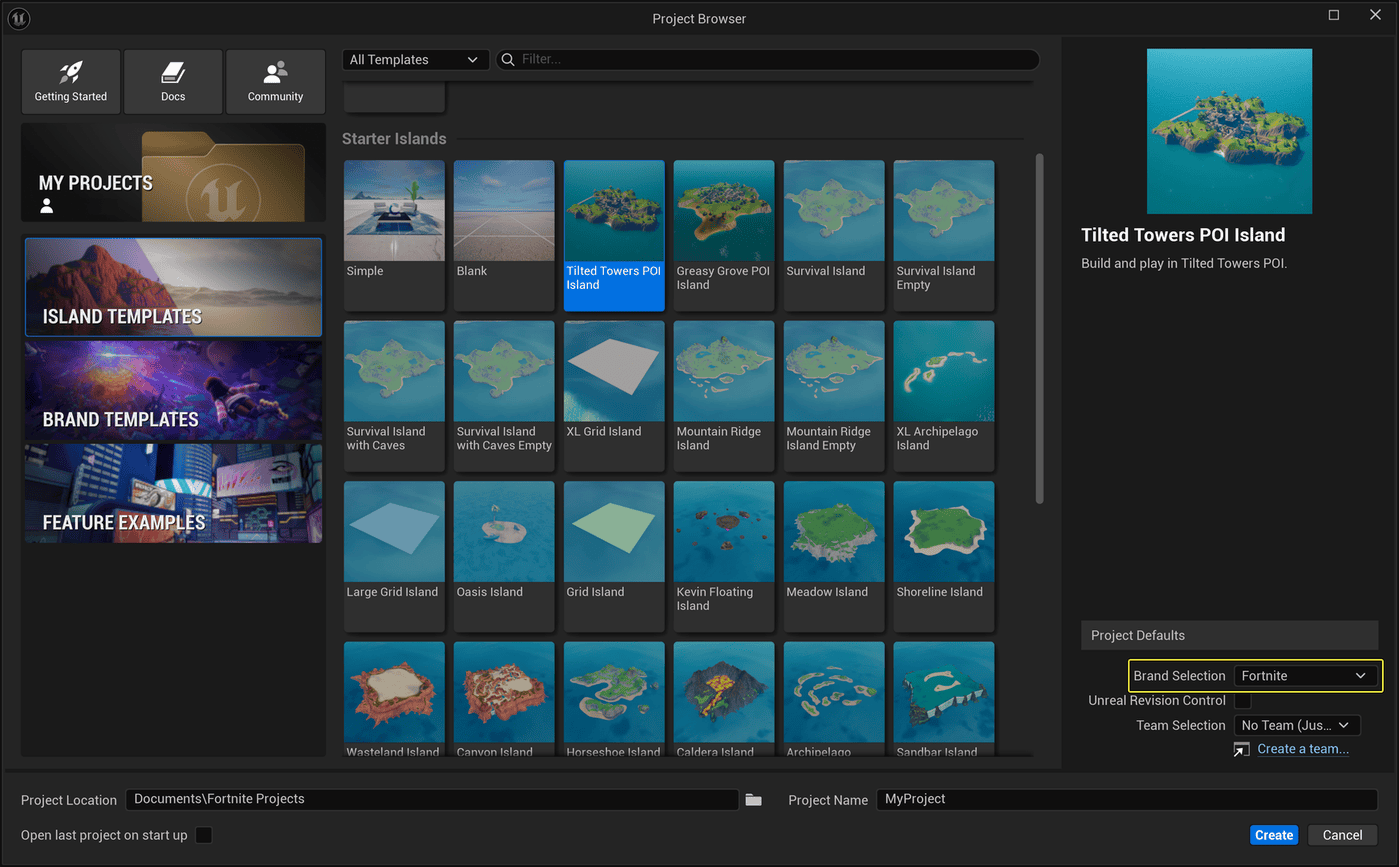
- Open Menu > Project > Project Settings. Under Brand Selection, choose the supported destination for your project and confirm the brand change.
- Reload the project when UEFN requests it. Inspect the Content Browser and Outliner for objects or devices that no longer belong in a standard island.
- Add the standard IslandSettings blueprint from the Content Browser into the Outliner. Epic lists this when converting away from Rocket Racing and other branded island types.
- Replace incompatible assets and devices. Only retain your own work or material you have permission to use, and check that your race logic still works.
- Validate the project. At Launch Session, open the three-dot menu, select Sync and choose Validate Project. Resolve the issues listed in the validation results.
- Test the full course and submit your updated project for moderation and publishing. Passing local validation is not the same as being approved for Discover.
The exact Rocket Racing island conversion route depends on the project. Epic’s documentation describes the normal brand-conversion workflow, but does not guarantee that every retired template project is still editable. If you cannot open yours, use the rebuilding steps below rather than trying to republish the disabled template.
What to check during Rocket Racing island conversion
Epic kept the Track Spline Tool, Boost Pads, Volume Hazards and vehicle Spawner devices for standard UEFN islands. These let creators build new racing experiences without selecting the retired Rocket Racing template.
For a Rocket Racing island conversion, check each track section and device instead of assuming the original setup transfers perfectly. Make sure vehicles spawn correctly, checkpoints record progress, hazards behave as intended and players can finish a race. Our Fortnite creator tools guide covers other changes in UEFN.
What if the old Rocket Racing project will not open?
Create a new standard Fortnite island in UEFN. Build the course again with the available racing tools, using your own layout and licensed materials. Test the start positions, routes, hazards, finishing rules and multiplayer flow before you submit anything.
This is a rebuild rather than Rocket Racing island conversion of the original project. You cannot make retired branded content reusable simply by copying it into a new island. For importing and licensing other creator assets, see our UEFN source assets on Fab guide.
Can a converted island keep its original code?
Epic’s retirement announcement does not promise restoration of an unpublished Rocket Racing island code. Check the actual project and publication status in Creator Portal before sharing a code with players. A new standard island must complete its own publishing review.
The Rocket Racing island conversion process should be treated as a way to preserve or rebuild your gameplay, not a guarantee that an old Discover listing, player rankings or engagement history will transfer.
Rocket Racing island conversion rules and the 30-day hold
Epic’s brand-conversion documentation lists eligibility conditions, including Fortnite Developer Program membership, a signed IP Partner Licensing Agreement, project ownership and compliance with the relevant brand rules. Once a brand conversion has been published, Epic requires it to remain in that state for at least 30 days before another brand change.
That publishing hold is not a general rule that forces every brand-new standard Fortnite island to wait 30 days. Check the project and the available conversion controls rather than treating every racing rebuild as the same type of request.
Fixing validation and publishing errors
If validation flags a missing device, incompatible branded component or asset problem, address that specific error and run Validate Project again. Check the Outliner and Output Log, then retest the race. Errors in race checkpoints or vehicle spawns should be caught in a playable session before submitting.
For a Rocket Racing island conversion that still fails, keep the exact error message and your project details. Epic asks creators to report conversion problems through its Developer Community forums so the team can investigate the actual fault.
Once the new track has passed validation and moderation, finish the publishing materials. Our drafts on island thumbnail requirements and gameplay video rules cover the assets you may need for the Creator Portal release.
Related Guides
- Rocket Racing Shutdown: What Happened to the Mode and Cars
- Fortnite Island Thumbnail Requirements 2026
- Fortnite Island Gameplay Video Requirements
- UEFN Template Abilities: Build and Publish Custom Powers
- UEFN Text Chat Channels: Set Up Team Chats
- Fortnite Creator Tools Update
- Fortnite UEFN Source Assets on Fab
- Fortnite UEFN Prefabs and Galleries
Official source: Epic Games, Converting Your Island Into a Brand Island.





