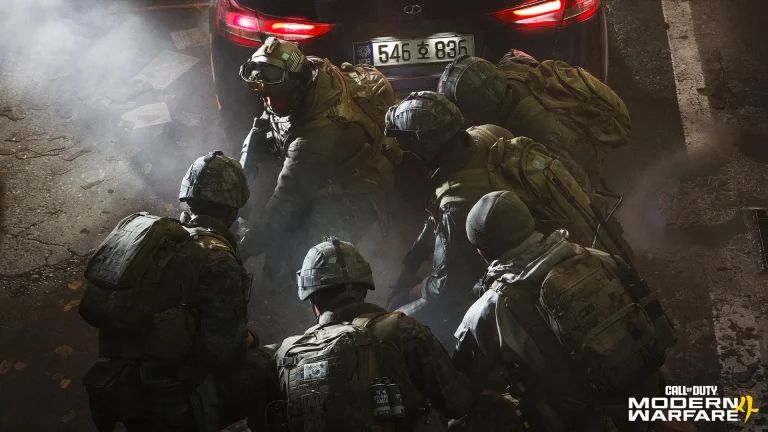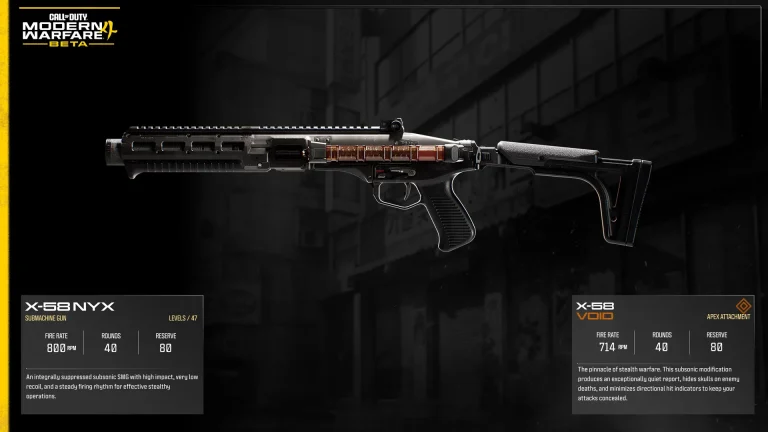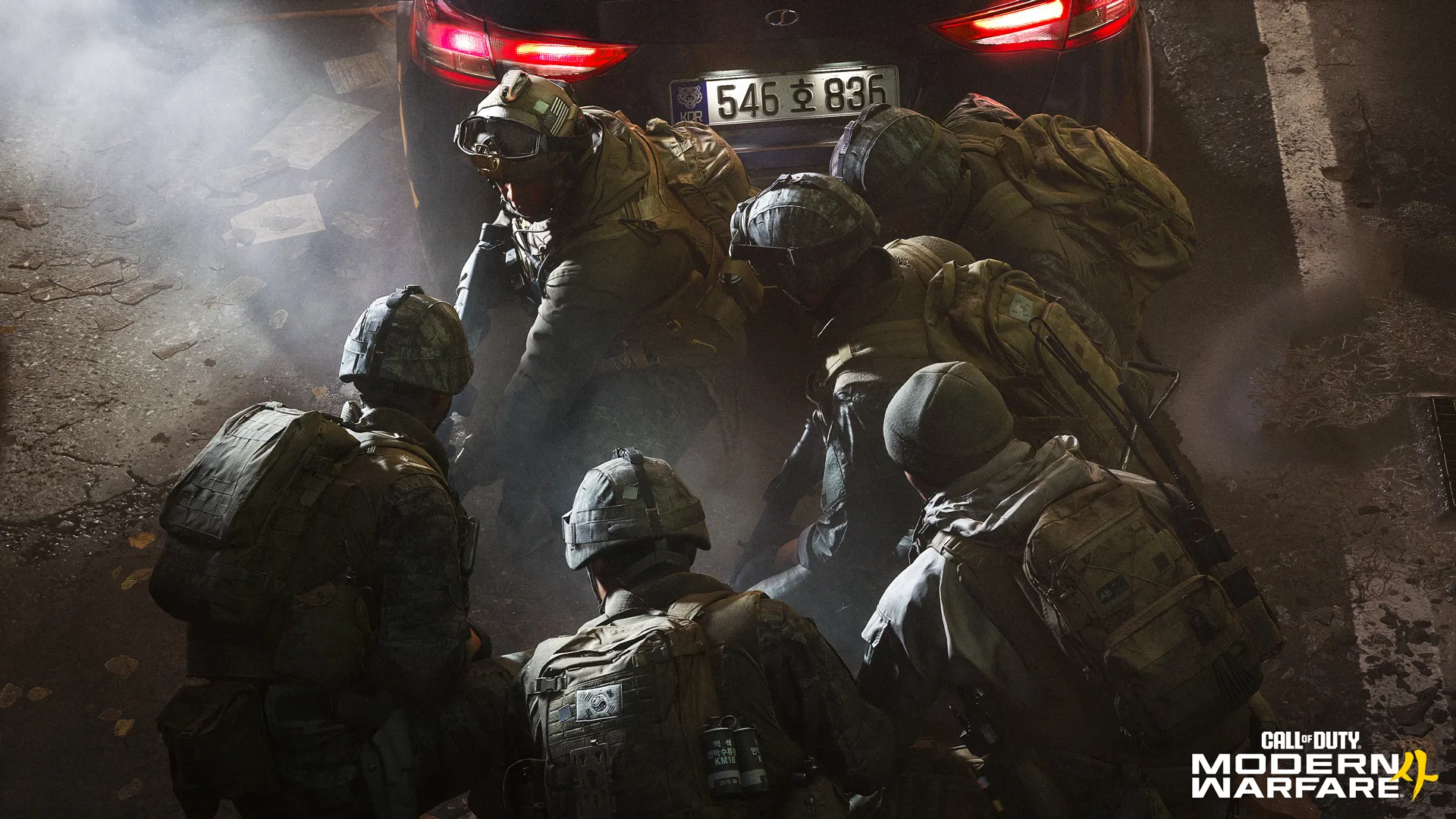
Modern Warfare 4 Carry Forward keeps older Operators, weapons and Blueprints available in Call of Duty: Warzone when the new Season 1 integration arrives. Activision has confirmed the content that carries over from Modern Warfare II, Modern Warfare III, Black Ops 6 and Black Ops 7, with restrictions that change how older guns are equipped.
There’s also a new option to hide the appearance of legacy Operator Skins on your own screen. The major catch is that previously customised weapon loadouts won’t carry over as they were, and Activision has corrected an earlier claim about weapon camos. Here’s the confirmed list and how the system will work.
Modern Warfare 4 Carry Forward: what transfers?
The Modern Warfare 4 Carry Forward announcement applies to Warzone Season 1. It confirms access to Operators, Operator Skins and Weapon Blueprints from four previous Call of Duty releases.
| Item from older games | Warzone Season 1 | Rules |
|---|---|---|
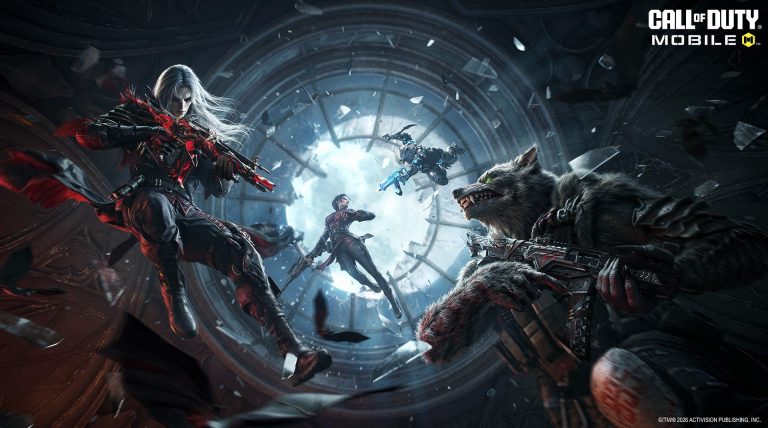
| Operators and Skins | Available | Optional display filter may replace their appearance locally |
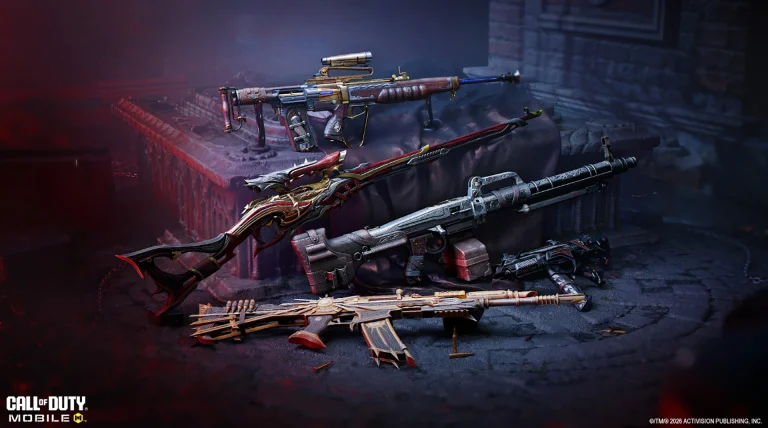
| Legacy weapons | Available | Legacy Loadout tab, with five-attachment versions available through the Armory |
| Weapon Blueprints | Available | Keep the attachments already included in the Blueprint |
| Legacy Gunsmith changes | Not supported | No customising old guns with new attachment combinations |
| Previous custom loadouts | Not supported | Your old bespoke legacy-weapon loadouts don’t transfer intact |
| Legacy Weapon Camos | Not available | Activision has corrected its original announcement |
These are Warzone rules. Activision has not announced that the entire older collection becomes playable inside Modern Warfare 4’s separate Multiplayer mode.
Which games are covered?
Modern Warfare 4 Carry Forward includes eligible content from Modern Warfare II, Modern Warfare III, Black Ops 6 and Black Ops 7. This is the precise group Activision named, not every older Call of Duty entry.
Warzone will still let you use weapons from those games through its Legacy tab, while its new chapter focuses on Modern Warfare 4 equipment. If you’re deciding which new weapons to develop first, our Modern Warfare 4 weapon progression guide explains the latest game’s separate unlock system.
How to use your older weapons in Warzone
To find older guns after Modern Warfare 4 Carry Forward begins, open Warzone’s Loadout menu and find the Legacy tab. Activision says those weapons remain available there, but with fewer customisation options than players have had in previous seasons.
Each legacy base weapon gets a five-attachment version that is unlockable through the Armory. Legacy Weapon Blueprints remain available with the attachment setup that came with that Blueprint. What you can’t do is open the old Gunsmith and rebuild an entirely different attachment arrangement for these legacy choices.
That is particularly relevant if you’ve spent time on carefully tuned custom builds. The guns aren’t being removed, but you’ll choose from the supported versions rather than recreate your old loadouts slot for slot.
Do weapon camos transfer?
Legacy Weapon Camos will not transfer into the new Warzone experience. Activision initially said older camos would be included, then added a correction to the September blog stating that this was wrong.
That correction is part of the official Modern Warfare 4 Carry Forward information. Older Operators, Skins and Weapon Blueprints from the named games remain supported, but separately equipped legacy camos are not.
The difference between a Blueprint and a camo matters. A supported Blueprint retains its own attachment configuration. It doesn’t give you permission to apply every previously earned mastery camo in the new chapter.
What does the Operator Skin toggle change?
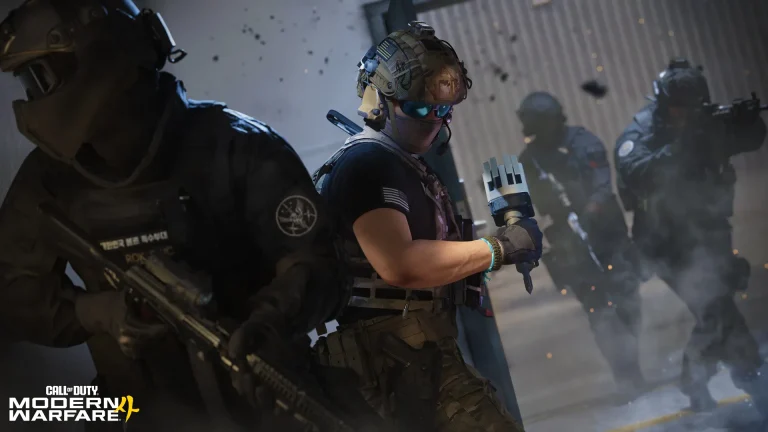
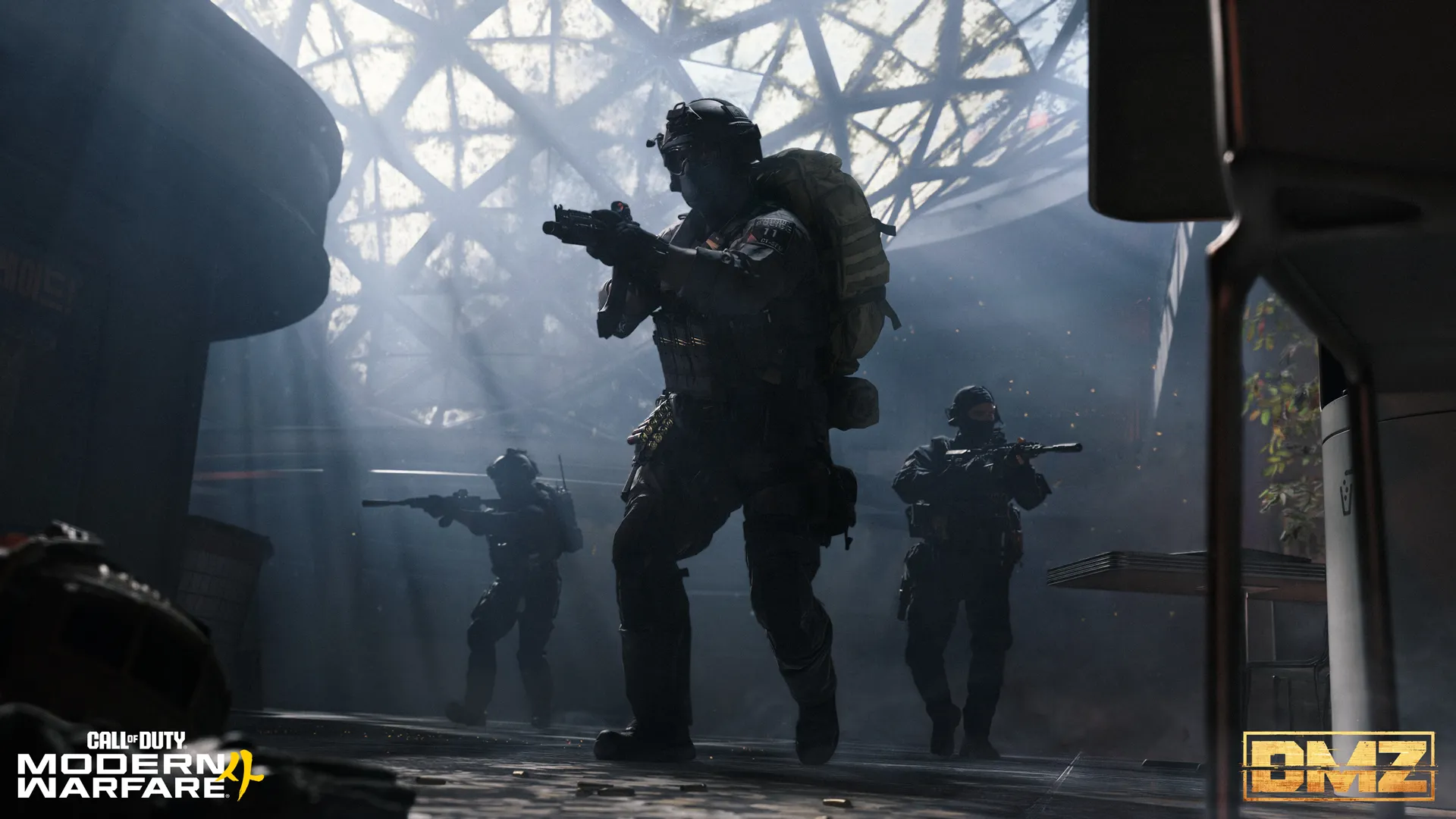
Modern Warfare 4 Carry Forward also adds an optional Operator Skin toggle for Warzone. Players who want the game to look more like its latest chapter can choose to see Modern Warfare 4 Operators in place of older characters worn by other people.
With the filter on, an enemy or teammate using an older Operator appears to you as an MW4 Operator. That includes squadmates and players in your party. Your own selected character stays visible as you chose it, even if it came from Black Ops 6 or another supported game.
Only your display changes, so other players don’t have to enable the filter. It will be off by default. Turning it on won’t delete an older Operator Skin from anyone’s inventory or change what another player sees.
Does Carry Forward work in MW4 Multiplayer or DMZ?
The confirmed Modern Warfare 4 Carry Forward features above are specifically for Warzone. Activision describes the Operator filter as Warzone-only and places the older weapons in Warzone’s Legacy loadout category.
There is no promise in that announcement that legacy guns, Operators or custom loadouts will also become selectable in ordinary MW4 Multiplayer or DMZ. Those modes have their own weapon unlocks and progression. For those systems, see our Create-a-Class guide and DMZ early access guide.
When does Warzone Season 1 begin?
Modern Warfare 4 releases on 23 October 2026, but the Modern Warfare 4 Carry Forward changes take effect with Warzone Season 1 later in the year. Those are separate dates, and Activision’s Carry Forward blog does not provide a precise Season 1 start hour.
You’ll be able to check the Legacy tab and the Armory when Season 1 is live. Meanwhile, our Modern Warfare 4 weapons in Warzone guide explains the new game’s integration.
The complete information, including the corrected camo rules, appears in Activision’s official Warzone Carry Forward and Operator Skin announcement.