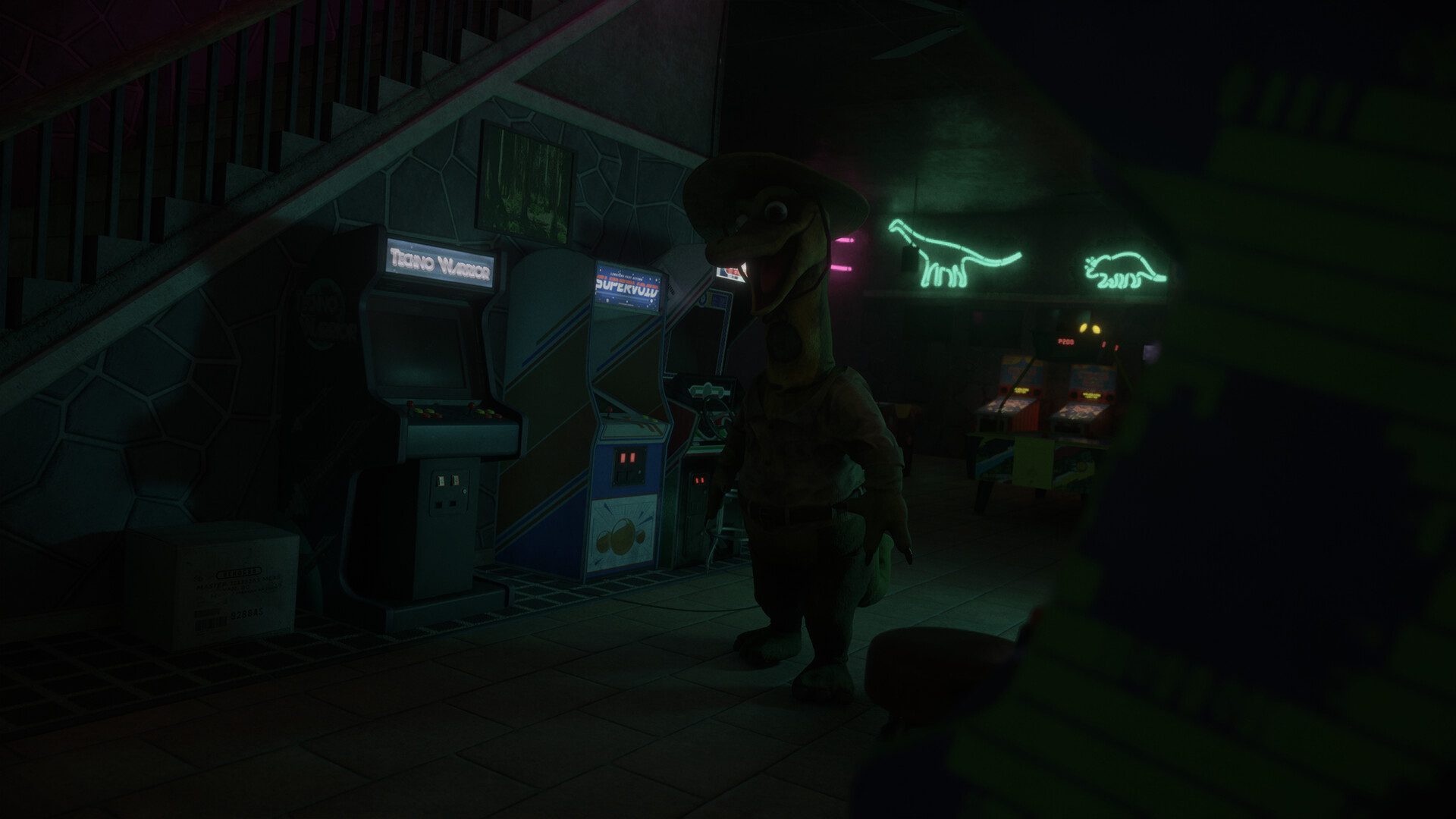
Terrible Lizards Demo is free on Steam right now, letting you step inside Dalton’s Dinos ahead of the October 29 release. It arrived on September 24 and includes a story-led opening followed by a separate gameplay section that makes fuller use of the game’s frantic movement.
If you’ve only played the introduction, there’s more to unlock. This guide covers the download, the second section, October’s demo update and a few useful fixes if your first trip into the dinosaur attraction doesn’t go to plan.
Terrible Lizards Demo: How to download the Terrible Lizards Demo
Open the official demo’s Steam page and look for Install Demo. This is a separate free listing from the upcoming full game, so the wishlist button won’t download anything.
Sign into the Steam desktop client on your Windows PC, press Install Demo and choose a library drive. After Steam finishes downloading and installing the files, select the new demo entry in your library and click Play.
Terrible Lizards Demo: Is the Terrible Lizards Demo free?
Yes. Steam labels it a free demo, available since 24 September 2026. No preorder, purchase or special edition is required. The full game launches 29 October, but the trial is available now.
It is a single-player game, so there’s no multiplayer lobby to set up. You’ll be exploring an abandoned dinosaur attraction on Route 66 rather than joining a co-op dinosaur-hunting match.
Terrible Lizards Demo: How to unlock the second gameplay section
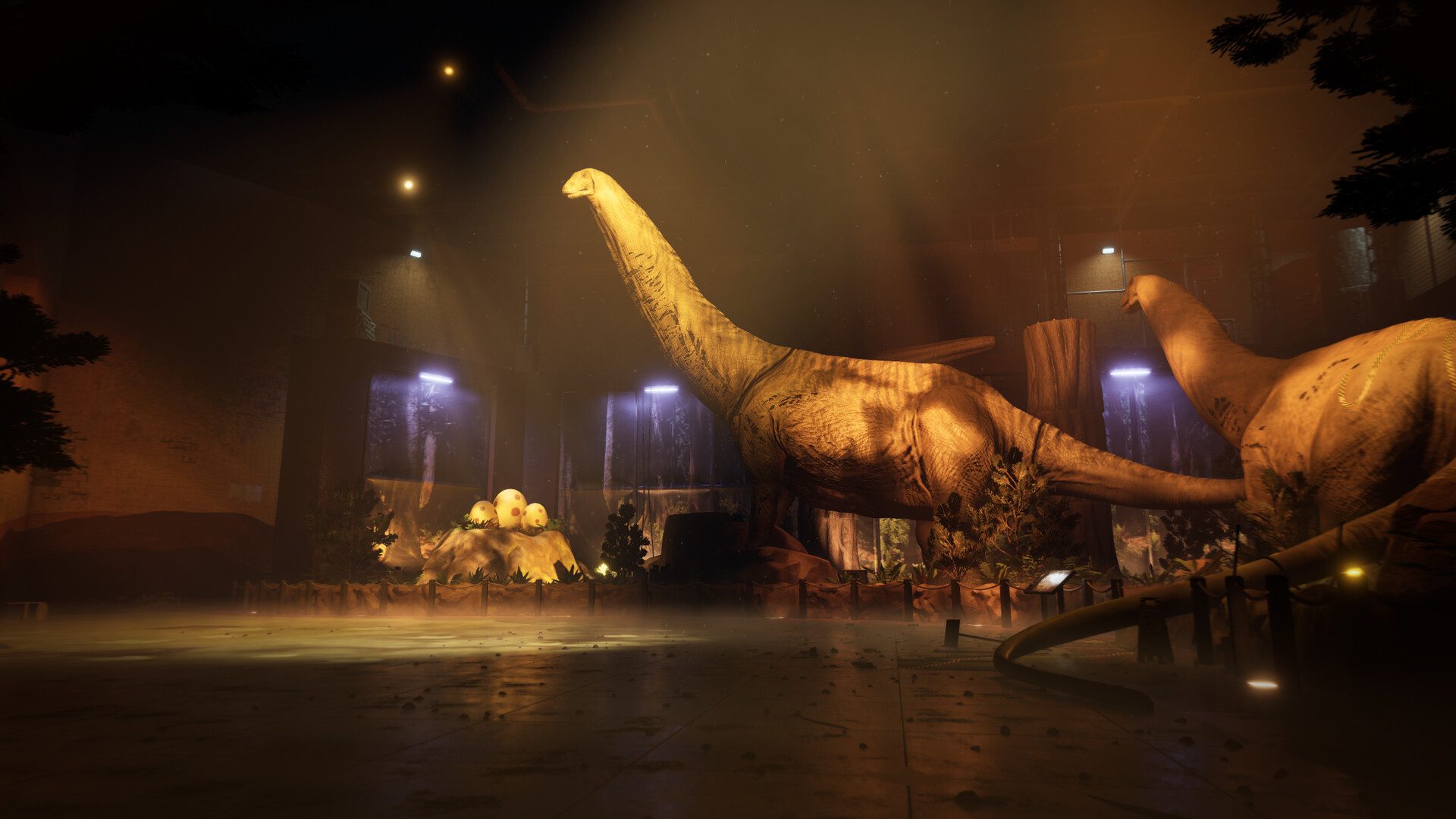
There are two parts in the trial. The first is more focused on story and introduces Dalton’s Dinos, a Paleo Pal and a frightening encounter. The second concentrates on movement and gameplay.
You unlock that second portion by finishing the story section first. If you tried the opening and thought that was everything, go back and finish it. There’s no confirmed shortcut that unlocks the gameplay area on a fresh save.
Terrible Lizards Demo: What can you do in the Terrible Lizards Demo?
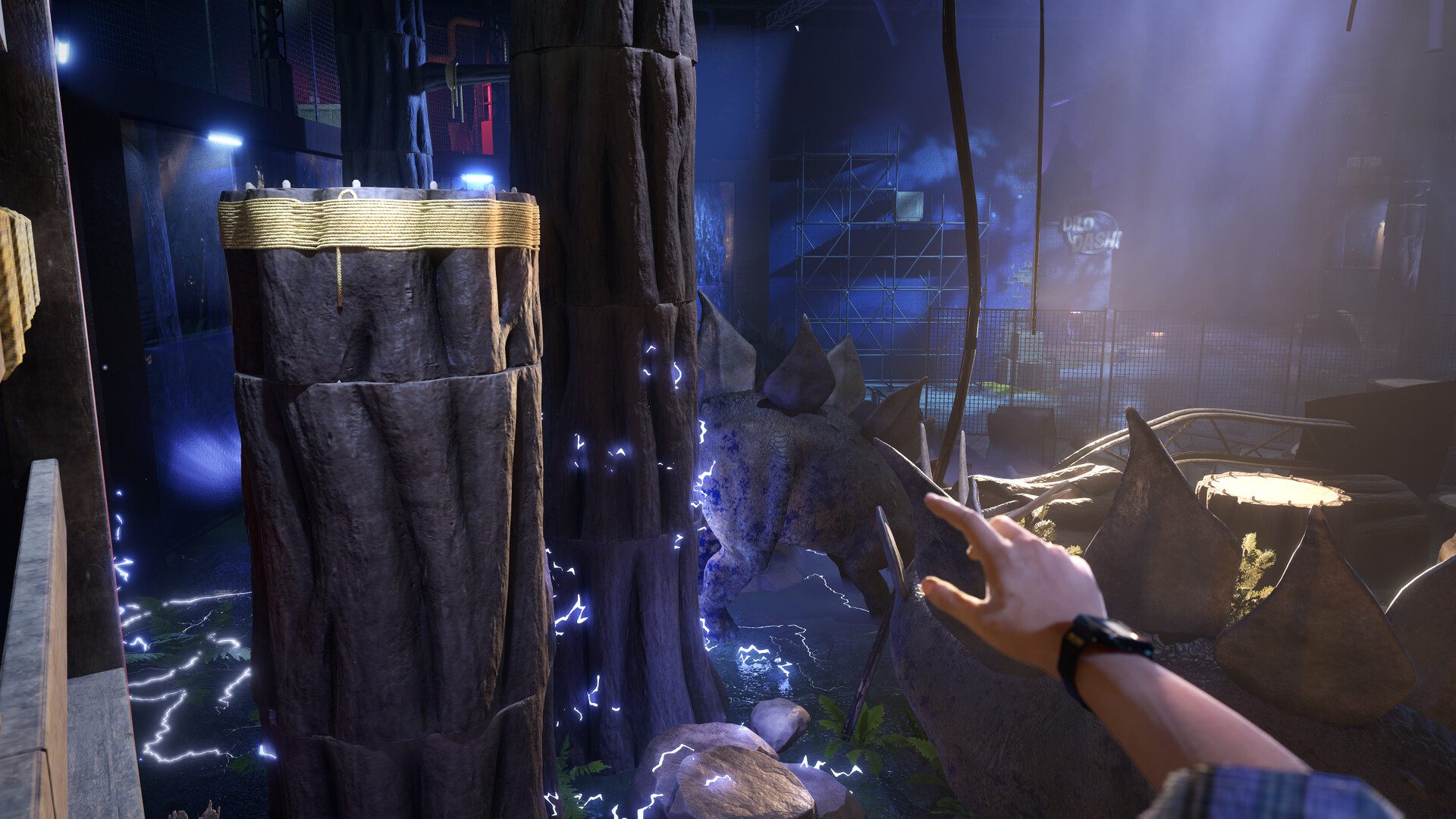
The game’s biggest twist is that you can’t solve your dinosaur problem by pulling out a gun. Survival comes from movement, using jumps, climbs, wall runs, bounces and slides to keep going.
The setting also contains tapes, notes and recordings to help tell its story. The demo gives you an early taste of the experience, although there’s no official statement that every area or collectible from the full October release appears in the trial.
Terrible Lizards Demo: October 1 patch: Hints and Terrible lighting
The v0.9.51 patch on 1 October added a Hints setting under Accessibility. Hints are enabled by default; switching them off reduces visual guidance and some spoken commentary from the main character.
That update also introduced a Terrible lighting option and fixed issues with controls, mantling and collision. If you played the September build and found a movement section difficult because of a bug, it’s worth checking again after Steam updates.
Terrible Lizards Demo: Terrible Lizards Demo PC requirements
Steam’s minimum specifications include Windows 10, Intel i5-6400 or AMD Ryzen 3 1200, 6 GB RAM, GTX 1050 2 GB or RX 560 2 GB and DirectX 11. Recommended hardware includes 12 GB RAM and an RTX 2080 or RX 6800 XT.
The store lists 25 GB available storage, but doesn’t specify the exact compressed demo download size. Steam will show the size of the files it needs to transfer during installation.
Terrible Lizards Demo: Terrible Lizards Demo crashing or not responding
First, update the demo through Steam. The developer has released fixes for progression, collision, controller input and other problems since the first demo build. An old installation can make an ordinary sequence feel broken.
The developer has also reported some crashes on hardware with 4 GB VRAM or less. A DirectX 11 launch option or lower Terrible lighting preset may help some setups, though these aren’t guaranteed fixes.
Terrible Lizards Demo: Does the demo work with a controller or Steam Deck?
Steam lists controller support, so trying a gamepad on PC is reasonable. If the controls don’t behave as expected, check Steam Input or the game’s control settings before assuming your controller is unsupported.
Steam Deck compatibility for the demo is currently listed as Unknown. That isn’t the same as Verified or Unsupported, so don’t promise smooth handheld performance until there’s evidence from the specific build.
Related Guides
Official source: Terrible Lizards Demo on Steam.