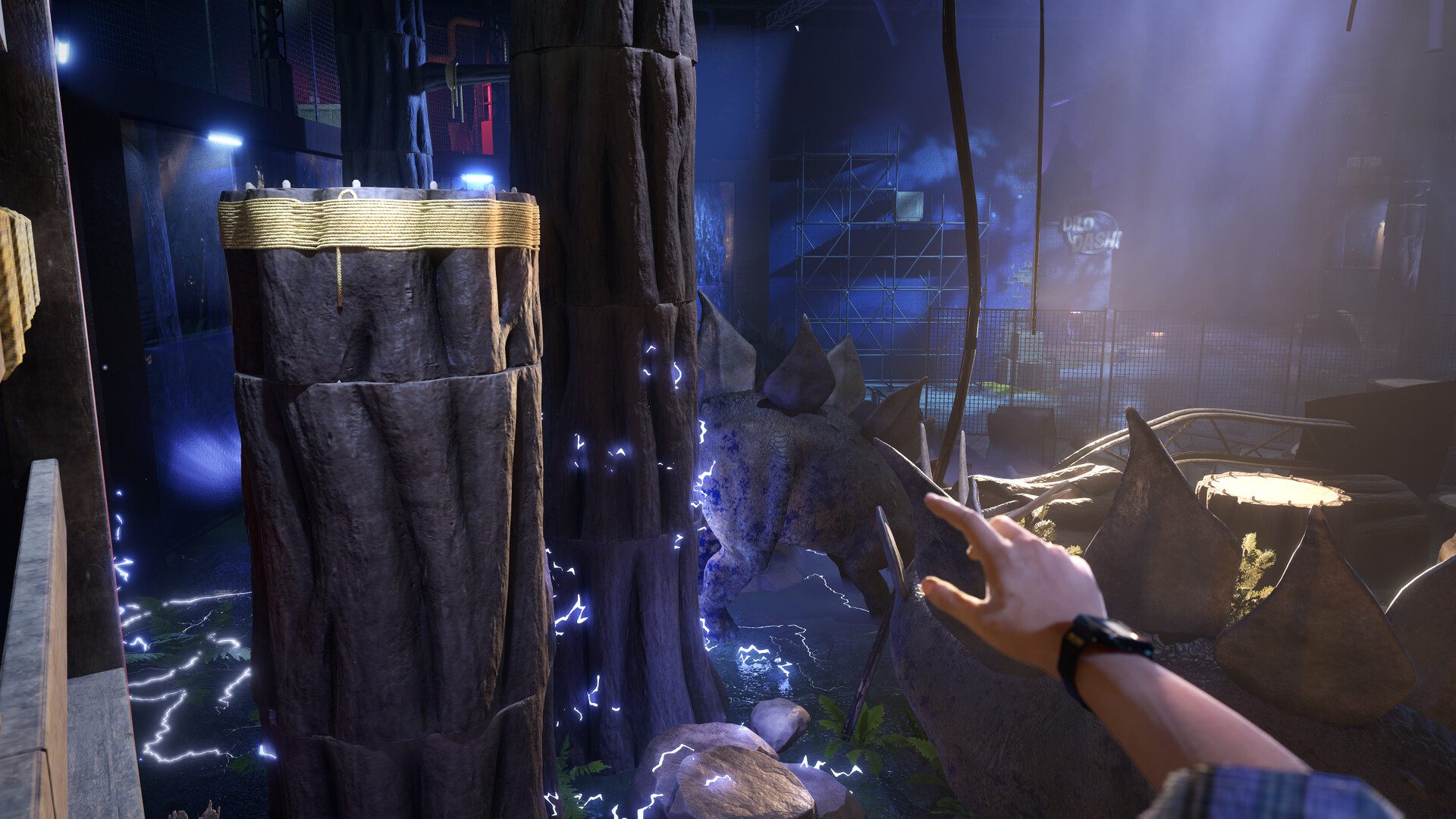
Terrible Lizards PC Requirements start at 6 GB RAM and a GTX 1050 2 GB or Radeon RX 560 2 GB, but the recommended GPUs are noticeably more demanding. The parkour-heavy dinosaur horror game is due on 29 October, with a free Steam demo already available.
Before you clear space or start changing settings, it’s worth understanding two different numbers: what hardware Steam recommends and how much room installation needs. The listed 25 GB storage requirement isn’t necessarily the amount you’ll download.
Terrible Lizards PC Requirements: minimum specs
The official minimum is Windows 10, Intel Core i5-6400 or AMD Ryzen 3 1200, 6 GB RAM, Nvidia GTX 1050 2 GB or AMD RX 560 2 GB, and DirectX 11. Steam requires a 64-bit processor and operating system.
These are the developer’s baseline specifications rather than a guarantee of a particular frame rate. Older laptops with little shared memory should be checked carefully, even if other retro-looking games run on them.
Terrible Lizards PC Requirements: recommended specs
For the recommended configuration, Steam lists Windows 11, Intel Core i3-10100F or AMD Ryzen 3 3100, 12 GB RAM, RTX 2080 or RX 6800 XT, and DirectX 12. The recommended GPU jump is substantial.
If you’re trying to work out which settings your own machine will handle, note that no official 30 FPS or 60 FPS targets are attached to this list. Testing the free demo is more useful than assuming every 12 GB PC will run identically.
Terrible Lizards PC Requirements: Terrible Lizards download size versus 25 GB storage
Steam lists 25 GB of available storage for both minimum and recommended hardware. That means leaving at least 25 GB of free disk space before installing the release.
The compressed download size is not confirmed. Steam often distinguishes network transfer size from required disk allocation, and the final figures can change with updates. Check the installation window for the actual transfer.
Terrible Lizards PC Requirements: How to check your PC hardware
Open Windows Settings → System → About to inspect RAM and processor information. Then check Task Manager → Performance for your graphics card and its reported memory.
You can open the DirectX Diagnostic Tool by searching for dxdiag. Compare the actual GPU model, not simply the brand name, with the GTX 1050 or RX 560 minimum.
Terrible Lizards PC Requirements and VRAM crashes
The demo developers say they’ve received crash reports on GPUs with 4 GB VRAM or less. That doesn’t mean every such card is unsupported, but it is useful information if your PC is around the minimum.
In the October demo update, WDR Studios added Terrible lighting and suggested trying a DirectX 11 launch option for some affected PCs. These are troubleshooting options, not guaranteed cures.
Terrible Lizards PC Requirements: Does the game work on Windows 10?
Yes. Windows 10 is supported at minimum, while Windows 11 is recommended. Both need a 64-bit system. Steam doesn’t list a separate native macOS or Linux build for release.
The full game is also confirmed for PlayStation 5 and Xbox Series X/S, but those consoles don’t use the Windows requirements shown here. PC and console purchases are separate.
Can you test Terrible Lizards before launch?
Yes. The free demo has been on Steam since 24 September 2026. It includes a story section and an unlockable second section focused on gameplay and movement.
It’s a useful test for PC performance, but still an earlier version of the software. Improvements and patches before October 29 can change how the final game behaves.
Related Guides
Official source: Terrible Lizards on Steam.