
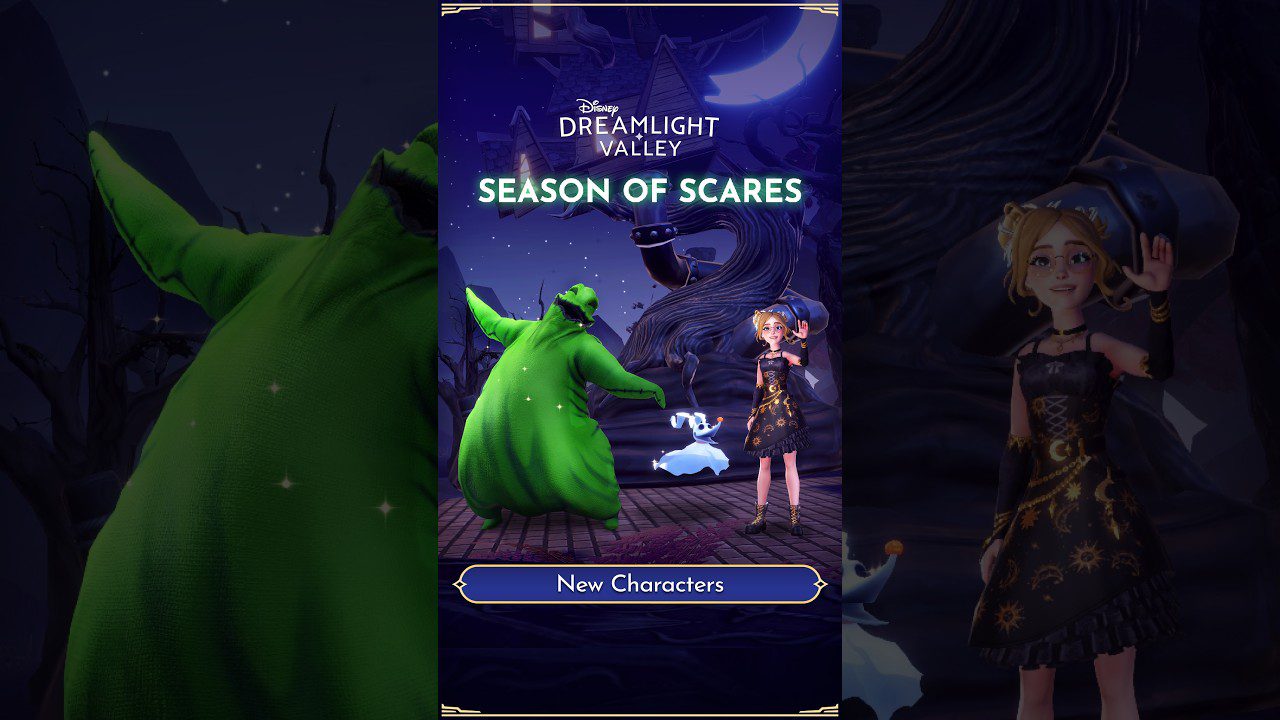
Buildings That Can Move to Floating Islands Disney Dreamlight Valley expanded with the September 23 update, which lets several functional Valley buildings and stalls move onto Floating Islands. The confirmed list includes Tiana’s Palace, The Boutique, Olaf’s Grand Exhibition, Stables, the Valley Visit Station, WALL-E’s Garden, Moana’s Boat, Beast’s Greenhouse and several character stalls.
The important caveat for Buildings That Can Move to Floating Islands in Disney Dreamlight Valley is that moving a building does not guarantee every function behaves exactly as it does in the Valley. Gameloft specifically warns that the Valley Visit Station cannot be interacted with while it is on a Floating Island. If you are rebuilding whole areas, the Clear Biome guide covers the new bulk cleanup tool.
Buildings That Can Move to Floating Islands Disney Dreamlight Valley: Full List
Buildings That Can Move to Floating Islands Disney Dreamlight Valley Image credit: Gameloft
| Building or stall | Floating Island status |
|---|---|
| Tiana’s Palace | Can be moved |
| The Boutique | Can be moved |
| Olaf’s Grand Exhibition | Can be moved |
| Stables | Can be moved |
| Valley Visit Station | Can be moved, but cannot be interacted with there |
| WALL-E’s Garden | Can be moved |
| Moana’s Boat | Can be moved |
| Beast’s Greenhouse | Can be moved |
| Aladdin’s Gem Stall | Can be moved |
| Kristoff’s Stall | Can be moved |
| Mulan’s Tea Stall | Can be moved |
| Tiana’s Meal Stall | Can be moved |
The table above is the confirmed Buildings That Can Move to Floating Islands Disney Dreamlight Valley list from the Season of Scares patch notes. Gameloft also says expansion versions of these buildings and stalls can move to that expansion’s Floating Islands, which opens more space for themed service districts outside the main Valley.
The Valley Visit Station has a major limitation
The biggest exception inside Buildings That Can Move to Floating Islands Disney Dreamlight Valley is the Valley Visit Station. You can place it on a Floating Island, but Gameloft says you cannot interact with it while it is there. If multiplayer access matters to your normal routine, keep that limitation in mind before moving it purely for decoration.
That warning is unusually specific, so do not assume every building has an identical restriction. The other listed structures are simply described as movable in the official notes. Use the live interaction prompts after moving a functional building if you rely on it for a daily routine.
Use Floating Islands to separate functional districts
Buildings That Can Move to Floating Islands Disney Dreamlight Valley is useful because it allows a Floating Island to become more than a decorative showcase. You can group stalls, gardens and larger service buildings into themed districts, freeing the main Valley for character houses, paths or seasonal builds.
Olaf’s Grand Exhibition is especially large, so moving it can reclaim a useful footprint. If you are still completing the final Exhibition rooms and rewards, the Scholarly Fox guide covers the eight-room completion requirement.
Expansion versions can move too
Gameloft confirms that expansion versions of the listed structures are also part of Buildings That Can Move to Floating Islands Disney Dreamlight Valley, but only to that expansion’s Floating Islands. That wording matters. Do not assume an expansion-specific service can automatically be moved into any Valley island regardless of ownership or map context.
For a large redesign, decide which functional buildings genuinely need to stay close to your main travel routes. A Floating Island can look cleaner, but moving every service away from the Valley can add unnecessary travel if you use those structures constantly.
What if a building is not on the list?
If a structure is absent from Buildings That Can Move to Floating Islands Disney Dreamlight Valley, do not assume the update supports it. The September 23 notes publish a defined list. Gameloft can expand that list later, but the safest approach is to rely on the structures the game currently allows rather than forcing placement tricks or old glitches.
The official Disney Dreamlight Valley site is the best place to confirm future additions. For Buildings That Can Move to Floating Islands Disney Dreamlight Valley, the practical win is flexibility: move the supported services where they improve your layout, keep the Valley Visit Station caveat in mind and leave unsupported buildings alone until the game says otherwise.
For another permanent decorating tool from the same update, the Decoration Presets guide covers code sharing and Mirages without mixing those systems into Floating Island placement.
Buildings That Can Move to Floating Islands in Disney Dreamlight Valley are most useful when you plan the island as a working district, not just as overflow storage. Keep frequently used services convenient and move the confirmed structures that genuinely improve the layout.





