How to Download EA FC 27 Lite is the main question for players who want to try EA SPORTS FC 27 without buying the full game. EA FC 27 Lite launches on September 25, 2026 at 16:00 UTC, and the free version is available on supported PlayStation, Xbox and PC storefronts.
If you are checking How to Download EA FC 27 Lite because the listing is missing, timing and platform support matter. Lite does not launch at midnight local time, and EA does not list Nintendo Switch or Switch 2 among the supported Lite platforms.
How to Download EA FC 27 Lite
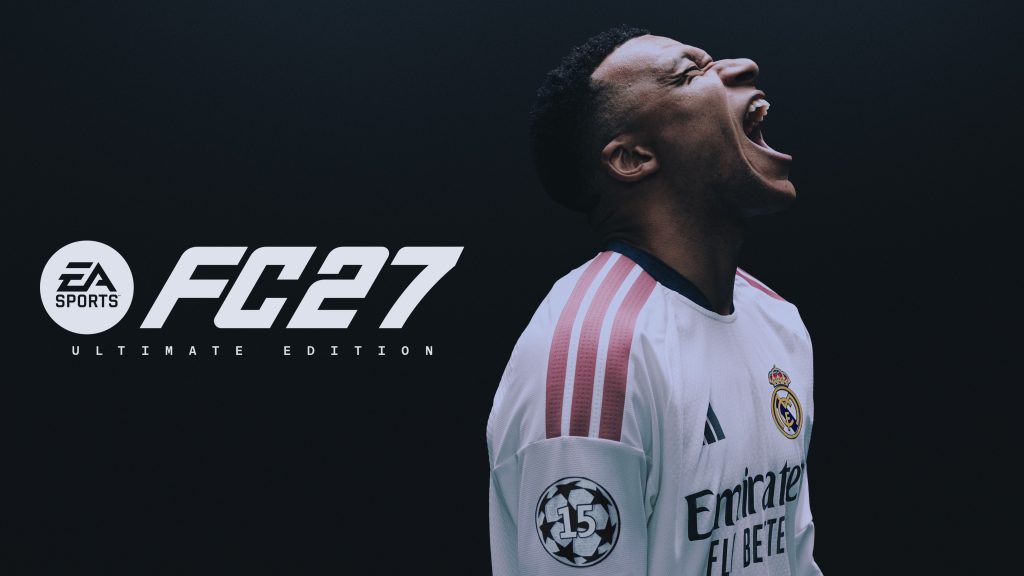
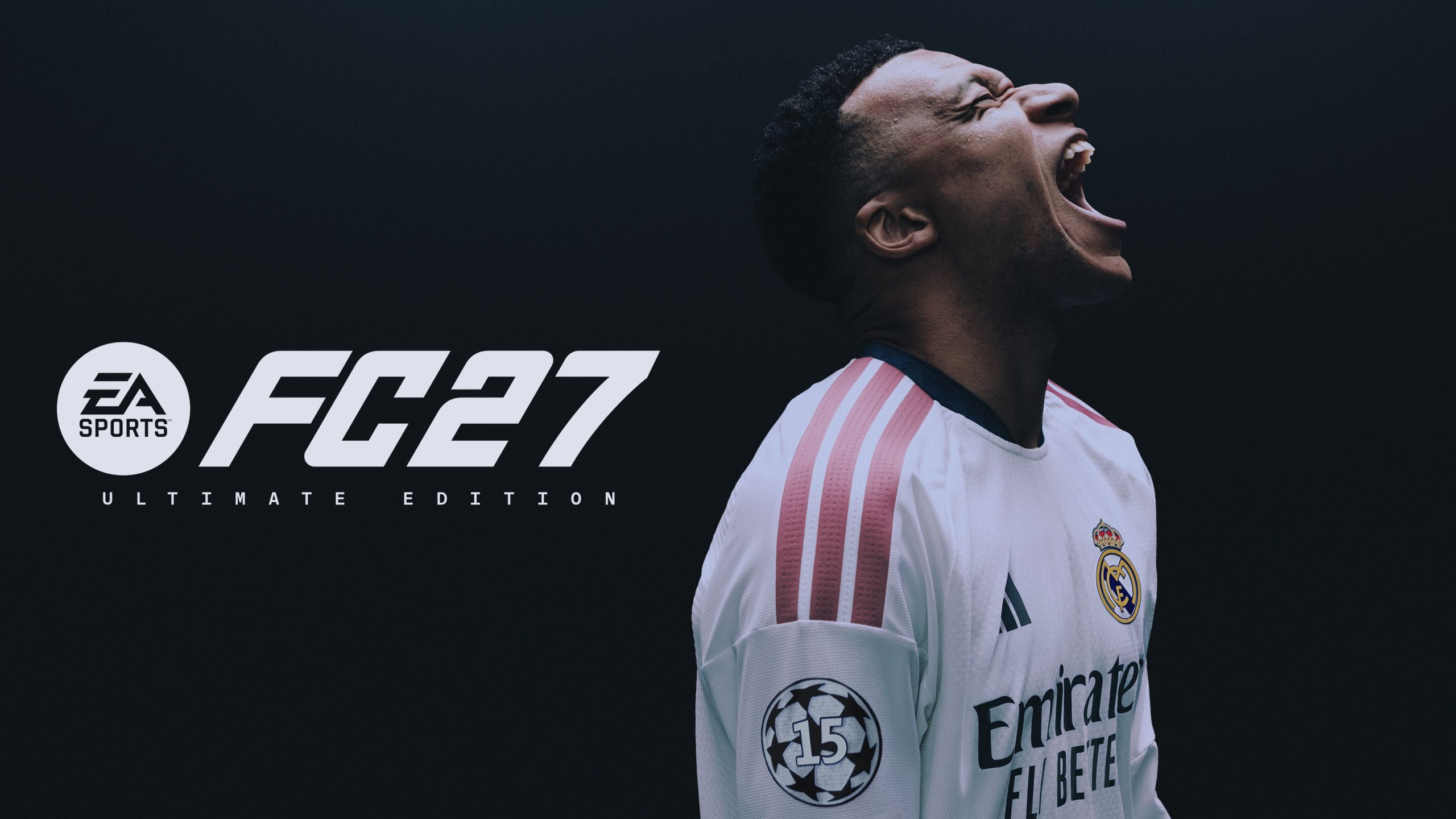
Image credit: EA SPORTS
To follow How to Download EA FC 27 Lite after the 16:00 UTC launch, open the store or launcher for your platform and search for EA SPORTS FC 27 Lite. Make sure you select the free Lite product rather than Standard Edition or Ultimate Edition, then install it while signed into the EA Account you plan to keep using.
- Open the PlayStation Store, Microsoft Store, EA app, Steam or Epic Games Store.
- Search for EA SPORTS FC 27 Lite.
- Select the free Lite version rather than a paid FC 27 edition.
- Download and install the game.
- Launch it while signed into your usual platform account and EA Account.
The key detail when following How to Download EA FC 27 Lite is that the game requires a persistent internet connection. Even the included local-style modes are part of an online-only Lite experience, so a connection problem can stop the game from working after installation.
How to Download EA FC 27 Lite on PlayStation, Xbox and PC
EA lists PlayStation 4, PlayStation 5, Xbox One, Xbox Series X|S, the EA app for PC, Steam and the Epic Games Store as supported. That means How to Download EA FC 27 Lite is essentially the same process on each system: use that platform’s digital storefront, search for the Lite product and install the free version.
| Platform | EA FC 27 Lite |
|---|---|
| PlayStation 5 | Yes |
| PlayStation 4 | Yes |
| Xbox Series X|S | Yes |
| Xbox One | Yes |
| EA app | Yes |
| Steam | Yes |
| Epic Games Store | Yes |
| Nintendo Switch / Switch 2 | Not listed for Lite |
Nintendo players should not keep refreshing the eShop looking for a Lite download. EA’s announced platform list for this free version excludes both Switch systems even though the full FC 27 release is available on Nintendo hardware.
What is included after you download EA FC 27 Lite?
Knowing How to Download EA FC 27 Lite is useful only if the free version contains the modes you want. EA currently includes Kick-Off, Learn to Play, Online Friendlies and Online Seasons. Lite is designed as a smaller entry point into FC 27 rather than free access to the complete game.
- Kick-Off: Classic Match, House Rules and Rush 3v3 with the available Lite teams.
- Learn to Play: tutorials and practice for controls and core mechanics.
- Online Friendlies: online matches against invited friends.
- Online Seasons: 1v1 online matches with divisional progression.
Football Ultimate Team, The Grounds and Manager Career are not included. If you specifically want those modes, the Lite download will not unlock them and you will need the full game. For current launch fixes, see our EA FC 27 Update 1.0.1 guide.
Which teams are in EA FC 27 Lite?
At launch, the Lite team selection includes Real Madrid men’s team, Bayern Munich men’s team, Chelsea women’s team and OL Lyonnes women’s team. EA describes the selection as rotating, so the available clubs can change over time rather than remaining fixed permanently.
That is another reason to understand How to Download EA FC 27 Lite before treating it as a replacement for the paid release. Lite gives players a free way to sample FC 27, but both its team selection and its mode selection are intentionally limited.
How to Download EA FC 27 Lite if it is not showing
If How to Download EA FC 27 Lite is not matching what you see in the store, first check the release time. The launch is 16:00 UTC on September 25, so searching earlier can make the product appear unavailable even on a supported system.
- Confirm it is after 16:00 UTC on September 25, 2026.
- Check that your platform appears in EA’s supported Lite list.
- Search for the full EA SPORTS FC 27 Lite product name.
- Refresh or restart the storefront or PC launcher.
- Check your internet connection before launching the installed game.
If the PC version installs but will not launch, that is a different problem from the store listing being absent. Our EA FC 27 not launching on PC guide covers anti-cheat failures, EA app loops and other launch problems.
How to Download EA FC 27 Lite and keep your progress
Players researching How to Download EA FC 27 Lite can also carry eligible Lite progress into the full version later. EA says this works when you upgrade using the same EA Account on the same platform, so it is worth signing into the account you actually intend to keep before starting.
The upgrade option is available through the game’s main menu. On PC, EA advises restarting the game after upgrading before launching the full version. If you already bought Ultimate Edition but its launch content is missing, use our EA FC 27 Ultimate Edition rewards missing guide instead.
EA keeps its current release information on the official EA SPORTS FC 27 website. In short, How to Download EA FC 27 Lite comes down to using a supported PlayStation, Xbox or PC storefront after the 16:00 UTC release, choosing the free Lite product and staying on the same EA Account if you later upgrade.