
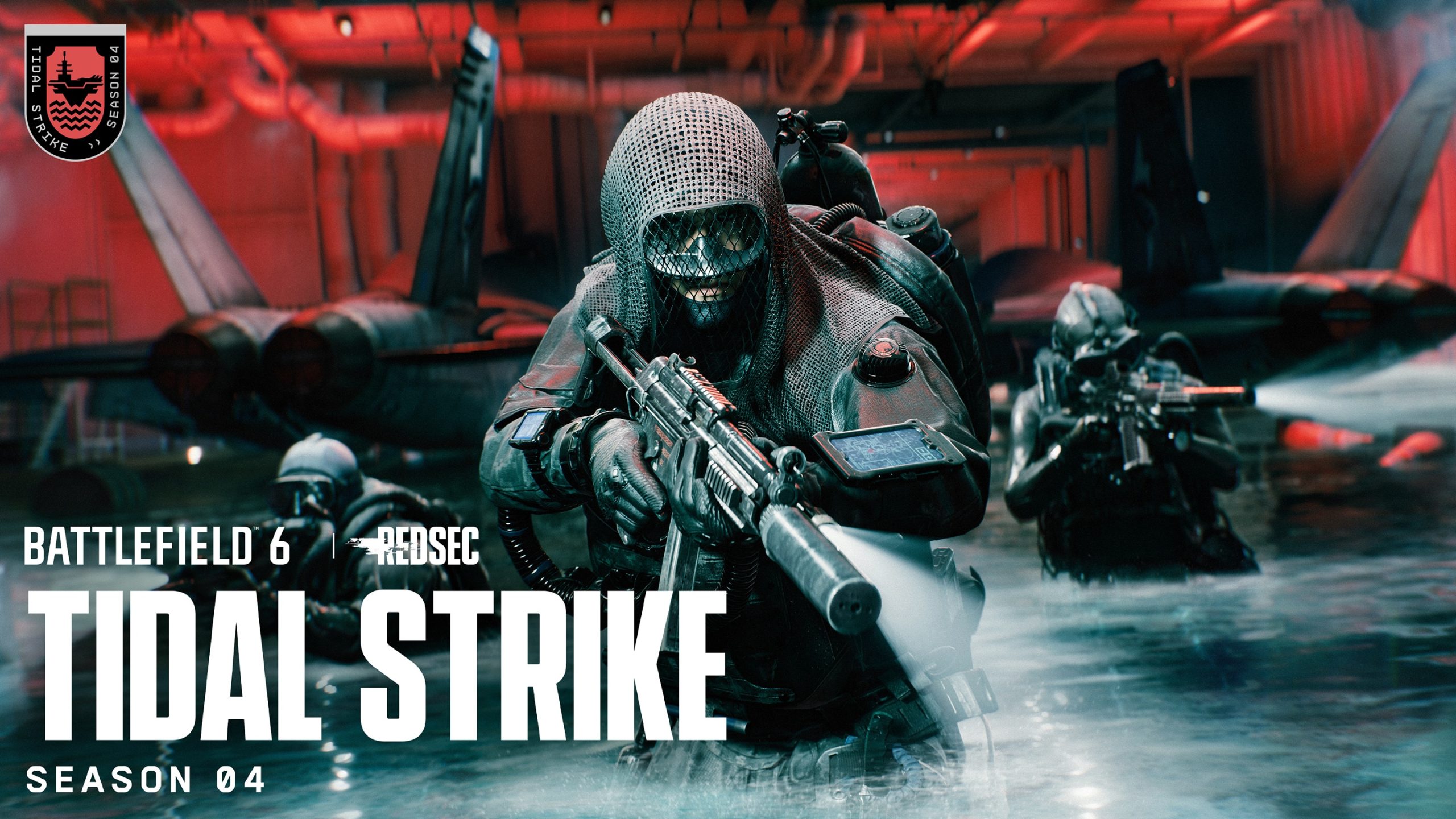
Mute Proximity Chat in Battlefield 6 globally from the quick voice controls below the Commo Rose, or mute individual players from the Battle Royale scoreboard. EA built both options into the Tidal Strike version of REDSEC.
The global toggle is useful if you do not want nearby enemy or stranger voice chat at all, while the scoreboard route is better when only one specific player is the problem.
Mute Proximity Chat in Battlefield 6 globally
Mute Proximity Chat in Battlefield 6 by opening the quick voice and channel controls below the Commo Rose and switching Proximity Chat off. EA says this control can globally turn the feature on or off without requiring you to leave the match.
You can turn it back on later from the same control when you want spatial voice interactions again.
How to Mute Proximity Chat in Battlefield 6 for one player
Open the Battle Royale scoreboard and look for the recent Proximity Chat users you have heard. Select the player to open the EA Connect popup, then choose the mute option.
This keeps Proximity Chat available for everyone else while silencing the selected speaker.
Mute, report or block
The same recent-speaker flow can also be used to report or block a player. Reporting is appropriate for conduct issues, while blocking is stronger than a temporary mute.
EA added these moderation tools because Proximity Chat exposes players to nearby strangers outside the normal squad channel.
Why a player may not appear immediately
The scoreboard list is based on recent Proximity Chat users you have actually heard. A nearby player who never spoke will not necessarily appear as a recent speaker.
The system also limits simultaneous audible speakers to four.
Solo and party defaults
EA says solo players and parties default to Game voice chat so they can take advantage of Proximity Chat interactions. If you would rather keep communication private, use the quick channel controls and global toggle.
Do not assume being in a party automatically disables nearby voice.
What if you cannot Mute Proximity Chat in Battlefield 6?
Proximity Chat is still a Battlefield Labs in Live feature. EA says it may be switched on or off during testing, so a missing control can reflect the feature being temporarily disabled rather than a broken local setting.
Mute Proximity Chat in Battlefield 6 for one speaker
Mute Proximity Chat in Battlefield 6 per player when the overall system is useful but one voice is disruptive. The recent-speaker list in the Battle Royale scoreboard is designed specifically for that case.
Because the list shows people you actually heard, it is faster than hunting through a giant server roster for an unfamiliar username.
When blocking is more appropriate than muting
Muting stops the voice you hear, while blocking and reporting are stronger moderation tools available through the same EA Connect flow. Use the option that matches the behaviour instead of globally disabling nearby voice for everyone.
Mute Proximity Chat in Battlefield 6 globally only when you genuinely do not want the feature at all.
Remember the feature can disappear during testing
If the global control is missing entirely, do not assume your mute setting caused it. EA says Proximity Chat can be switched off server-side during Labs testing while fixes are applied.
When it returns, recheck the quick control before the next match.
THE CLICK
More Battlefield 6 guides
For official game information, visit the Battlefield 6 website.





