
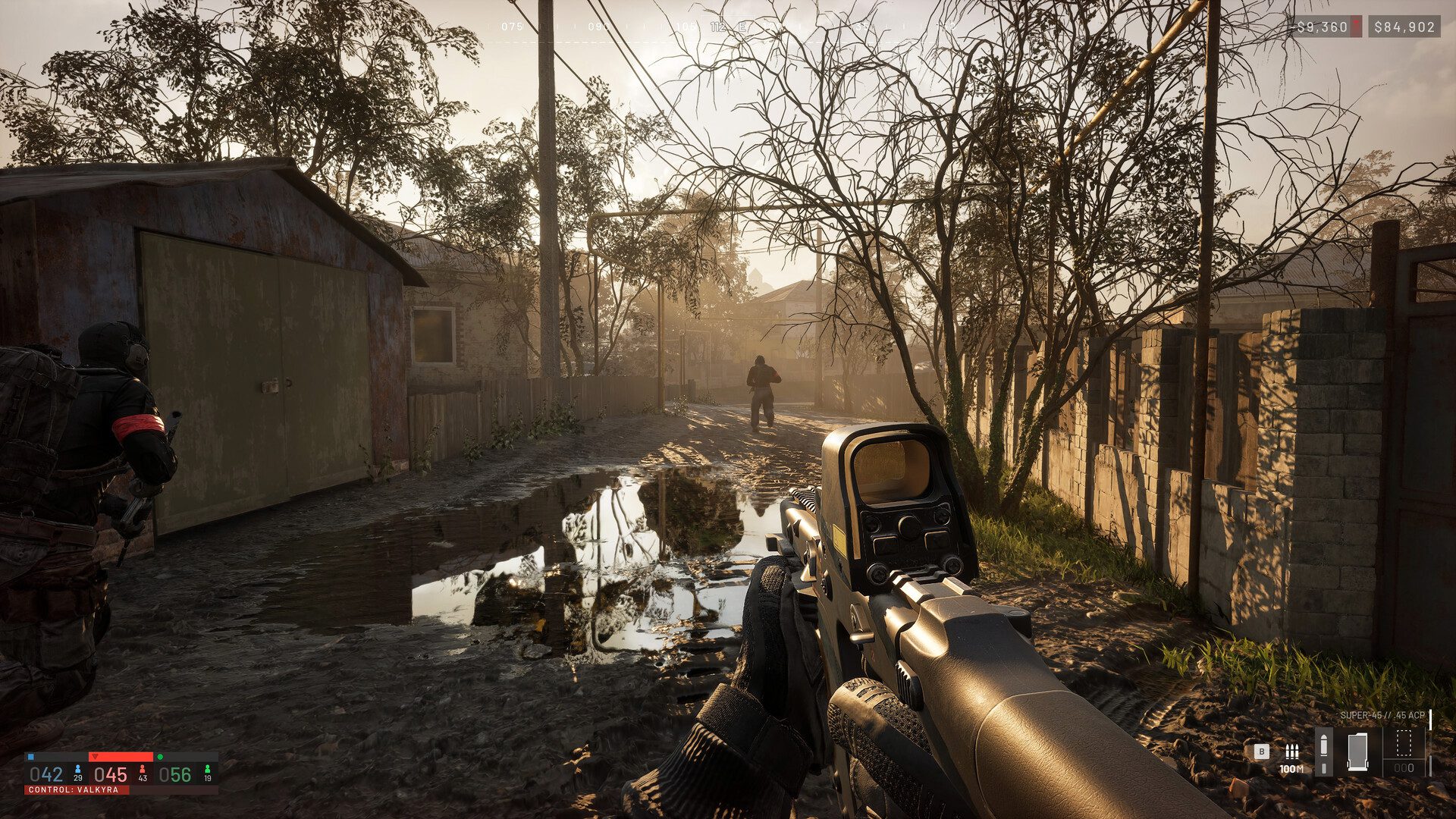
WARDOGS Failed to Authenticate With Server appears when the client cannot complete its online login, and during the Early Access launch the most common cause was overloaded or unavailable backend services rather than a broken PC. The same symptom can also appear if your client is outdated or your own connection cannot reach the service.
Was the authentication error a server problem?
Yes, for many launch players. Bulkhead confirmed widespread joining problems, long queues and unexpected kicks, then released Launch Stability Hotfix #1 to improve the situation.
Players could sit through a huge queue and still receive an authentication or access-denied message when the backend was under extreme load. In that situation, WARDOGS Failed to Authenticate With Server was not fixed by reinstalling graphics drivers or changing random DNS settings.
WARDOGS Failed to Authenticate With Server: update first
Close the game and check Steam Downloads. Hotfix #1 forced everyone to restart and download a new client before re-entering the queue.
If Steam has a pending WARDOGS update, let it finish before trying again. A client and server version mismatch can create login problems that look similar to a service outage.
2. Restart Steam, not just the game
Exit WARDOGS, fully close Steam and reopen it. This refreshes the Steam session and gives the launcher another chance to detect a pending build.
WARDOGS Failed to Authenticate With Server after a hotfix is much more worth testing with one Steam restart than with ten rapid reconnect attempts.
WARDOGS Failed to Authenticate With Server: check the wider service
Look at current developer notices and the live player count. If Bulkhead has acknowledged a restart or thousands of players are reporting the same failure, there is no meaningful local repair until the service is available again.
If friends are already in matches and there is no wider incident, move on to your own connection checks.
4. Check your internet connection
WARDOGS requires an online connection. If Steam itself is struggling to load pages, other multiplayer games are disconnecting or your router has dropped, fix that network issue first.
A wired connection can be more stable than weak Wi-Fi, but do not tear apart a working home network merely because WARDOGS had a known launch outage.
5. Verify the game files if the problem is only yours
Use Steam’s installed-files verification if you continue receiving WARDOGS Failed to Authenticate With Server while everyone else appears able to play. Verification checks the local installation without forcing a complete redownload.
This is especially sensible if Steam recently interrupted an update or the game crashed during patching.
Do not keep rejoining a massive queue
If the login service is being throttled, repeatedly cancelling and restarting can put you back at the end rather than helping. During Hotfix #1, Bulkhead deliberately admitted players in controlled batches.
Stay in a moving queue unless the developer specifically tells everyone to restart for another update.
Is the error a ban?
Not by itself. A generic WARDOGS Failed to Authenticate With Server message is a connection symptom, not proof of enforcement against your account.
Bulkhead has separate anti-cheat and enforcement systems. If your account is actually suspended or banned, the relevant restriction should be handled through the official support and enforcement process rather than inferred from a launch authentication failure.
When should you stop troubleshooting?
If the game is under maintenance, the queue has failed for a large number of players or Bulkhead has posted another service warning, stop changing local settings and wait for the backend to recover.
The useful order is simple: update the client, restart Steam once, confirm the wider service state, check your connection and verify files only if the issue appears isolated. That avoids turning WARDOGS Failed to Authenticate With Server into a much bigger problem on your own machine.
WARDOGS Failed to Authenticate With Server after waiting in queue
During launch, one of the nastiest versions of the problem happened after players had already waited through a huge queue. Reaching the front did not guarantee the authentication service could complete the session, so some players were returned to another queue after the error.
WARDOGS Failed to Authenticate With Server in that situation is especially unlikely to be fixed by graphics settings. The failure is happening before the game has even reached a match.
Check that you launched the right WARDOGS app
Players who joined earlier tests may still have WARDOGS Playtest in their Steam library. The September Early Access release is the purchased WARDOGS application, not the old temporary test client.
If WARDOGS Failed to Authenticate With Server appears on an obsolete playtest build, exit and launch the current Early Access game. That is a much more useful check than following videos that tell you to delete network adapters, disable security software or make unrelated registry changes.
Official site: WARDOGS





