Minecraft Java Snapshot 8 fixes the Ender Dragon’s flight, makes undead mobs immune to Freezing and reduces Ice Ball damage. Mojang released the Java Edition 26.4 test build on 10 November 2026, so anyone trying the winter features has a few important changes to get used to.
You can download the snapshot through the Minecraft Launcher, but it isn’t a stable update. If you’re coming back to the End fight or experimenting with Ice Caves, make a copy of your world first. Here’s what changed and how to play this particular build.
Minecraft Java Snapshot 8 Ender Dragon fixes
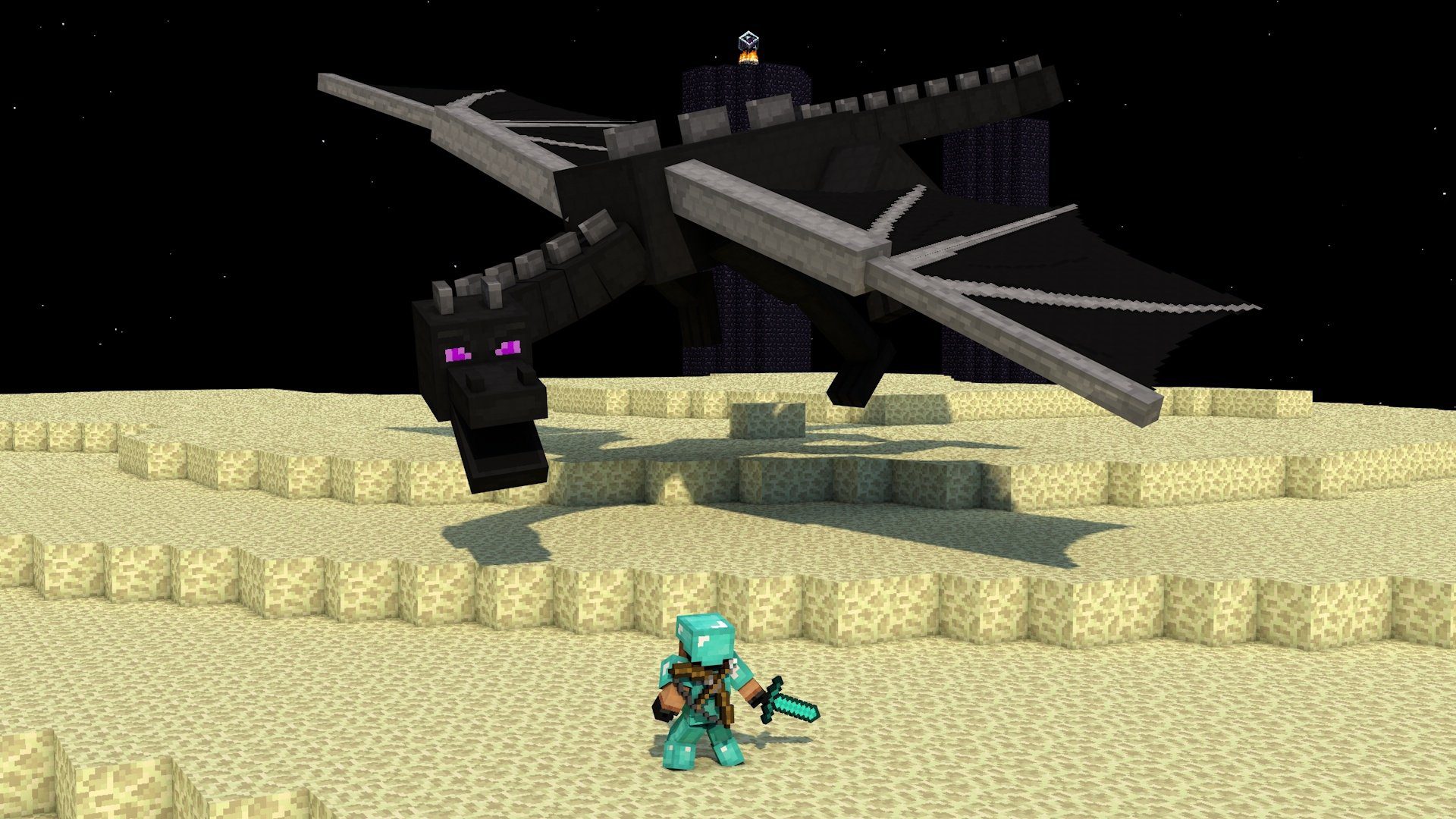
The Ender Dragon had several movement problems. It could get stuck going back and forth between two points, fly at the wrong vertical speed or head for the exit portal incorrectly. Minecraft Java Snapshot 8 fixes those bugs, which should make the fight behave more consistently.
The dragon can also dive towards players again. That behaviour had stopped working as intended, so the correction may change the timing of attacks during the fight. Mojang hasn’t added a new boss phase or a different reward; this patch repairs how the existing dragon moves.
If you rely on the dragon’s usual flight or perch timing, test your approach in a copied world before relying on it. Minecraft Java Snapshot 8 changes movement that players may have grown used to, even though Mojang lists the changes as bug fixes.
Freezing immunity and Ice Ball damage changes
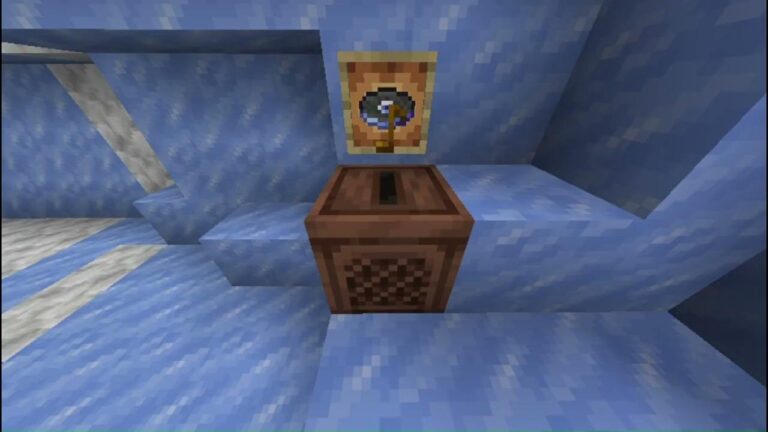
All undead mobs are now immune to the Freezing effect in Minecraft Java Snapshot 8. This is broader than the earlier changes to specific mobs, and it matters if you use Potions of Freezing, tipped arrows or a cold-themed mob setup. Undead targets should not be treated like other mobs that can be frozen.
Ice Balls now do less damage too. Mojang hasn’t supplied a new numerical value in the Snapshot 8 notes, so there’s no confirmed figure to quote for this build. They’re still throwable projectiles that deal direct-hit damage and knockback.
Don’t confuse these two changes. Freezing immunity deals with a status effect, while an Ice Ball can hit a target directly. For the distinction and brewing uses, see our Minecraft Ice Balls guide and Freezing Effect guide.
Small block and mob changes in Snapshot 8
Snow Layers and Snow Blocks now sit alongside the Snow Bricks set in the Creative inventory. It’s a small change, but handy when you’re building with the new winter materials.
The Cold Sulfur Cube archetype also no longer floats. That brings it into line with similar Sulfur Cube archetypes. Anyone testing the cold variant should expect it to behave differently from earlier snapshots.
Javanese and Chavacano (Zamboanga) are the two newly supported languages. Other fixes cover sounds, accessibility, textures and menus, including corrections to Frostbite throwing captions and Freezing particle animation.
Technical changes for packs and servers
For creators, Minecraft Java Snapshot 8 updates Data Pack version to 127.0 and Resource Pack version to 103.0. Mojang changed several validation rules for loot tables and related registries, and added a loot_context_requirements.json report so pack authors can check which context values are permitted.
Shader and terrain vertex handling have changed as well, alongside the entity position packet’s head rotation precision. Regular Survival players can leave these technical details alone. If you make resource packs, data packs or run a snapshot server, check your work against the new versions before updating an existing setup.
How to install Minecraft Java Snapshot 8
Open the Minecraft Launcher, select Java Edition, and go to the Installations tab. Enable snapshots, then choose or create an installation for the 26.4 Snapshot 8 build. Launch that profile rather than your normal stable profile.
Make a backup before loading an existing world. Mojang warns that test versions can corrupt saves, and using a separate game directory or test world is the safer option. If you’re only interested in the finished release, stay on the stable installation for now.
Is Minecraft Java Snapshot 8 the same as Bedrock Preview 26.70.24?
No. Both arrived with changes for the upcoming winter drop, but they are different builds for different editions. The Bedrock Preview adds an Invisible Armor setting and fixes Nintendo Switch 2 migration crashes. Those are not Java Snapshot 8 features.
For Bedrock players, our Preview 26.70.24 guide covers where the test build is available and what changed. Neither set of notes announces a final launch date for the next stable drop.
Related Guides
Official source: Mojang Studios’ Java 26.4 Snapshot 8 changelog.