Epic Games Launcher Preview November 2026 covers six builds released from 2 to 9 November, starting with 0.109.0 and ending with 0.113.1. The newest patch corrects an Unreal Engine version shown incorrectly, closes a Fab page left open after switching accounts, and changes how Store checkout windows appear on macOS.
If you’re having trouble installing games, some earlier fixes are more useful. Epic changed how a full drive affects the download queue, fixed games lingering in the Library after their folders were deleted and addressed an add-on failing to update its main game. Here’s what changed in each build, which problems those fixes actually address, and how to check your installed version.
Epic Games Launcher Preview November 2026 patch notes
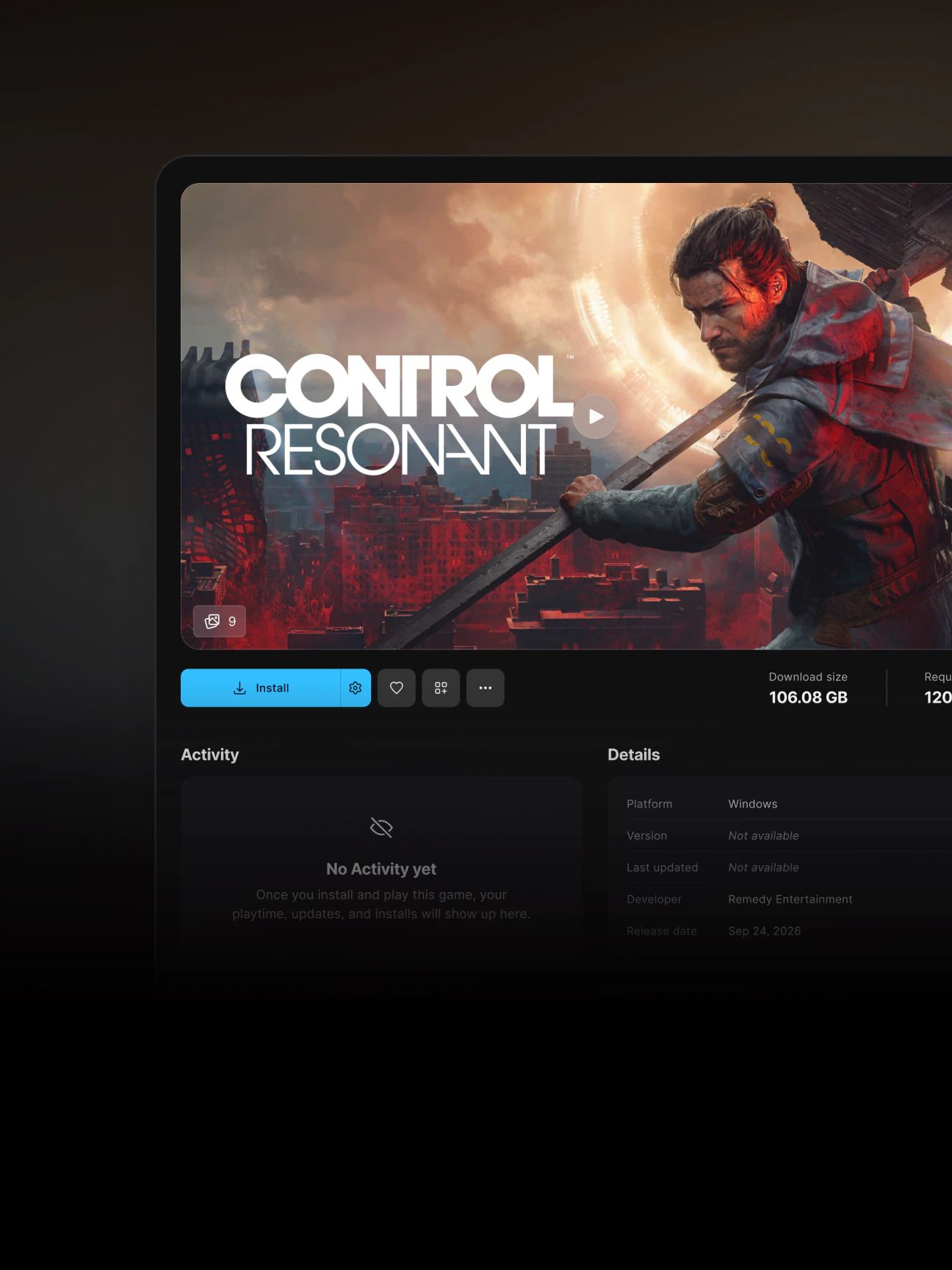
These Epic Games Launcher Preview November 2026 version numbers belong to the rebuilt Preview, not the Legacy launcher. Epic lists these six releases as of 10 November:
| Version | Released | Changes |
|---|---|---|
| 0.109.0 | 2 Nov | Collapsible Social Panel, Switch account option, Dev and Stage sandbox labels in the Library. |
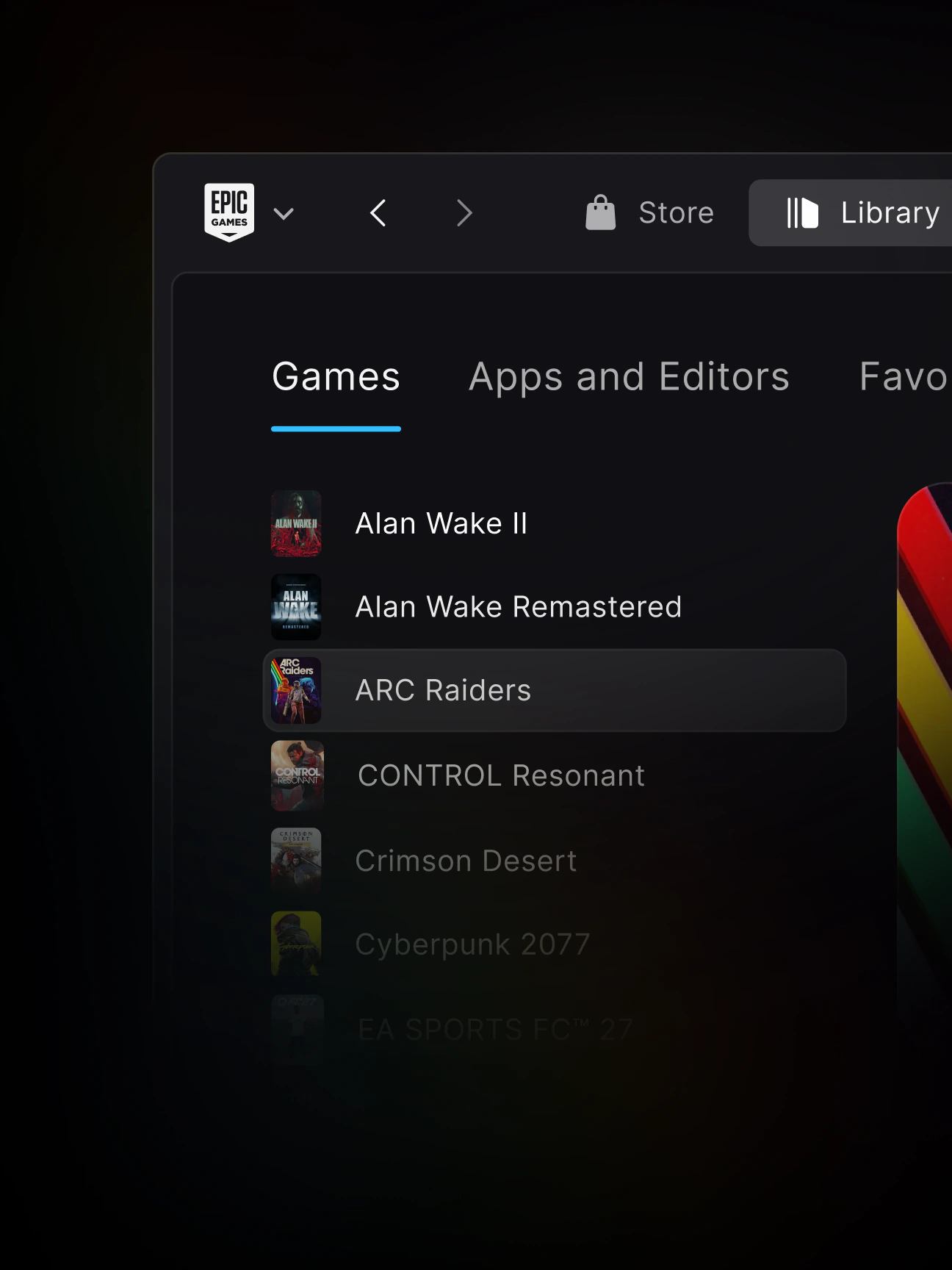
| 0.110.0 | 3 Nov | Install rolls back if installer window is closed, Library grid keyboard navigation, fix for stale game entries after a deleted install folder. |
| 0.111.0 | 4 Nov | Develop tab plugin update controls and saved grid/list preference, corrected Go to store page link, fixes for add-on updates and offline Fab sorting/filtering. |
| 0.112.0 | 5 Nov | Warnings for errors on a game’s drive, Library list opens on most recently played game, About shows a pending build version, fix for resuming paused installed-component changes. |
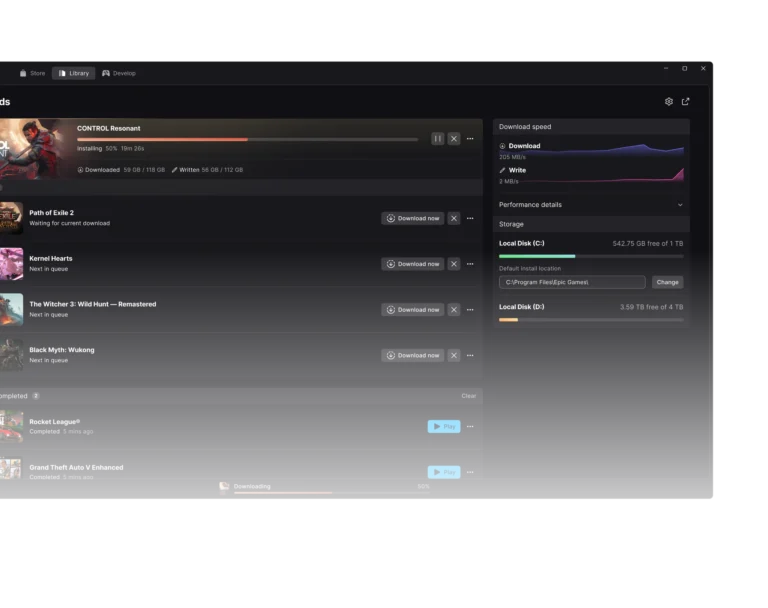
| 0.113.0 | 6 Nov | When a drive fills up, the download queue pauses and waits. Adds customizable Develop Projects columns; fixes an undismissable disk-full update error, a required launcher update starting during Store checkout, and Fab language settings. |
| 0.113.1 | 9 Nov | macOS checkout popups open in launcher windows, installed Unreal Engine version shown correctly, previous account’s Fab page closes on switching accounts. |
Epic Games Launcher Preview November 2026 fixes that affect players
A game still shows as installed after its folder was deleted: that’s the issue fixed in 0.110.0. It isn’t the same as an owned game disappearing from your Library or a scan showing only part of your collection. Our missing games guide covers the separate scan issue.
Add-ons: build 0.111.0 fixes launching an add-on without first queueing an update for its parent game. It does not guarantee every DLC installation issue has been fixed.
Full drives: build 0.113.0 changes downloads to pause and wait when a drive is full. It also fixes an error that could not be dismissed when a required launcher update failed because the disk filled up. For practical storage checks and recovery, see our Epic Games Launcher Preview disk full guide.
Drive warnings: 0.112.0 now tells you if the drive holding an installed game has errors. Don’t assume this means the disk is simply full. A drive reporting errors may need attention even when plenty of free space remains.
Developers: the Epic Games Launcher Preview November 2026 builds also add plugin update controls, remembered Develop layouts, customizable Projects columns and fixes to Unreal Engine version displays and Fab filters. These Develop-tab changes are mainly useful if you work with Unreal Engine or plugins.
How to update Epic Games Launcher Preview November 2026
Open the Preview, select the Epic Games logo in the top-left, then Settings > About. In the Version row, click Check now. If an update is available, Epic says the launcher asks you to confirm installation. Your current version also appears near Give Feedback in the launcher menu.
Don’t use Legacy launcher instructions for updating the Preview. There’s also no reason to uninstall just to get a new version: removing Preview can remove installed games. Since version 0.100.0, the removal prompt has offered a choice to keep your games, so read it carefully. Our safe uninstall guide explains the risk.
Epic Games Launcher Preview November 2026 on Mac and Linux
You can install Preview on Windows 10 or 11 (64-bit), Macs with Apple Silicon and supported Linux distributions. Intel Macs are not supported. Epic lists Ubuntu 22.04 LTS and Debian 12 or newer; see the Linux Preview setup guide for compatibility details.
Not every change applies to every device. In 0.113.1, the checkout popup change is specifically for macOS. Epic still calls it Preview, and it has not reached Stable.
Epic Games Launcher Preview November 2026 questions
What is the newest version?
As of 10 November, the newest listed version is 0.113.1, dated 9 November. Epic’s page does not yet list a 0.114.0 build. Check About for the version installed on your own machine.
Does the update reinstall every game?
No. A normal launcher update does not require reinstalling games. If you are coming from the older launcher, read our migration guide instead of deleting installations first.
Does 0.113.1 fix all download errors?
No. Epic identifies specific fixes. It does not say every download, connection or storage problem is solved. For the previous changes, see our 0.108.0 patch notes.
This Epic Games Launcher Preview November 2026 roundup covers the releases available on 10 November. Check Epic’s notes for any newer builds added after that date.
Epic Games Launcher Preview November 2026 Related Guides
- Epic Games Launcher Preview Disk Full
- Epic Games Launcher Preview 0.108.0 Patch Notes
- Epic Games Launcher Preview Games Missing From Library
- Epic Games Launcher Preview Migration
- Uninstall Epic Games Launcher Preview Safely
- Move Epic Games Launcher Preview Games To Another Drive
- Epic Games Launcher Linux Setup
Official source: Epic Games Launcher Preview release notes.