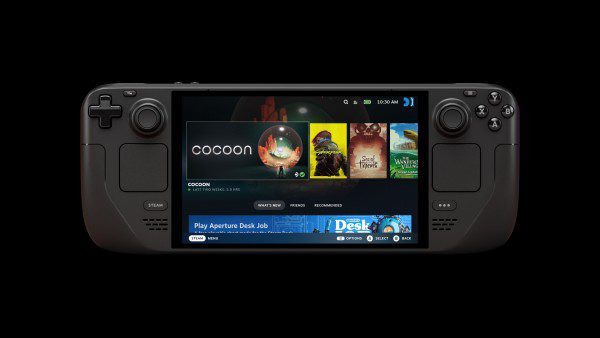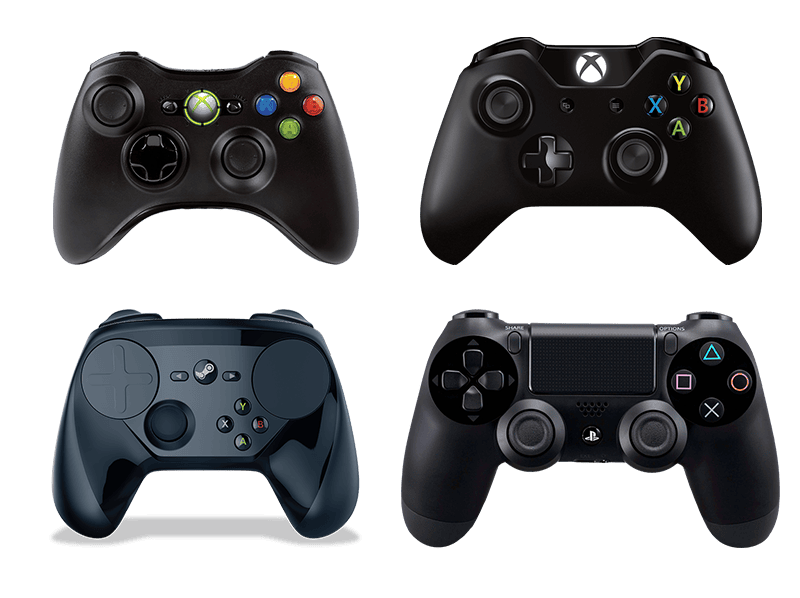
Steam Input GameInput v4 support was added in Valve’s 26 October 2026 Steam Client Beta, giving Steam Input support for version 4 of Microsoft’s controller input API. It is a change to Steam’s controller handling, not a new Xbox controller update or a patch for a particular game.
If your controller has been showing up twice, losing button presses or refusing to work in one game, you might be wondering whether this beta will help. Here’s what Valve has actually changed, how to test your own setup and which controller problems need separate troubleshooting.
What does Steam Input GameInput v4 support do?
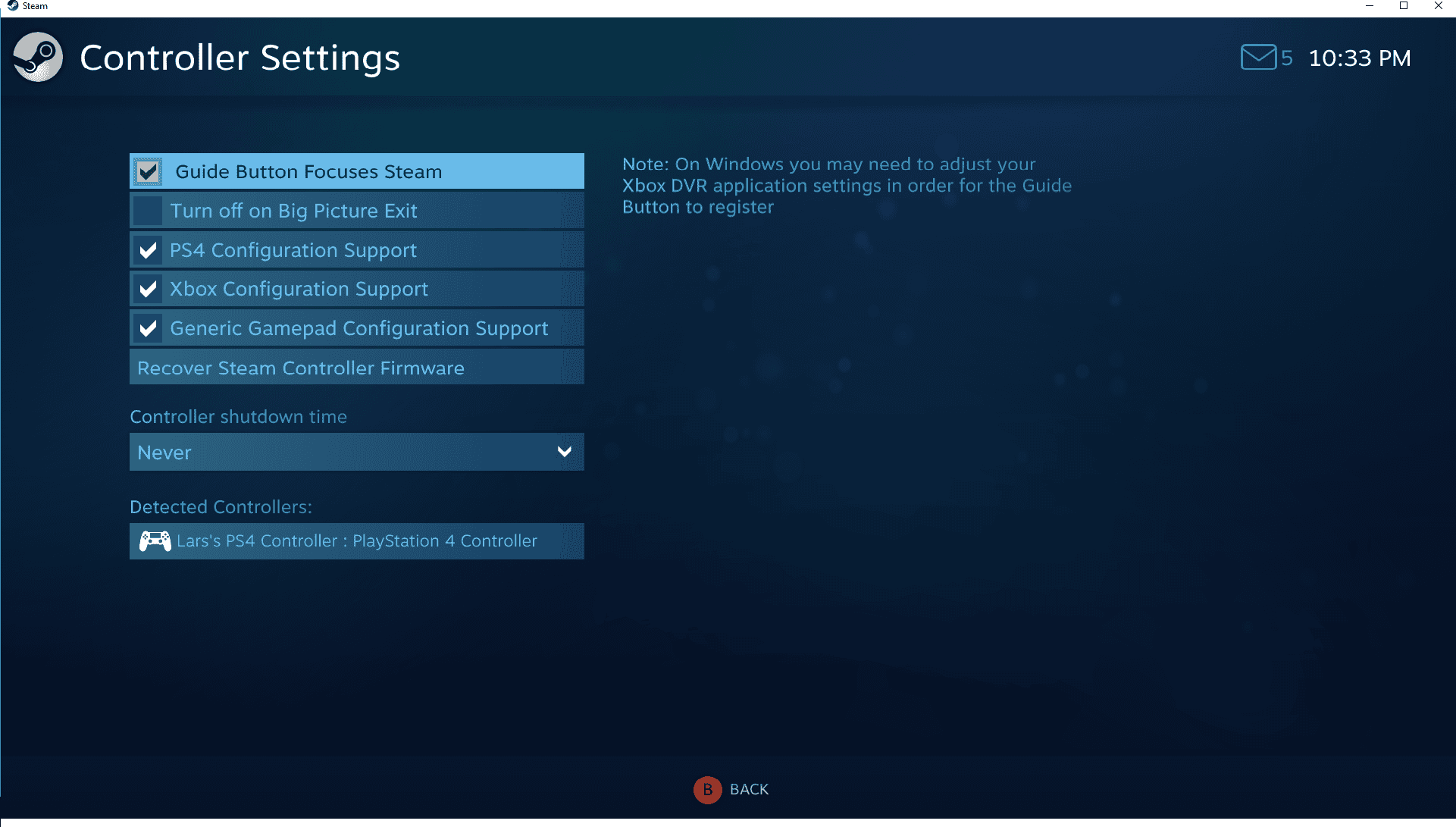
Microsoft’s GameInput is an interface that software can use to receive input from controllers and other devices. Steam Input is Valve’s system for recognising controllers, assigning layouts and passing inputs into games. They serve different purposes, although they can be involved in the same controller setup.
Valve’s release notes contain one specific change under Steam Input: support for GameInput v4. There is no device-by-device compatibility list attached to that announcement and no claim that a particular controller model now works in every game. It also doesn’t mean that a game has switched from XInput or another controller API to GameInput.
The Steam Input GameInput v4 update is therefore most useful to understand as added API support within Steam. If you are testing a problem, judge it by what changes with your own controller and game, not by the API version number alone.
Does Steam Input GameInput v4 fix double input?
It is not listed as a general double-input fix. A single press registering twice can happen when a game receives both its own controller input and remapped input. Seeing two controllers in a game can be a different issue again, especially if other software creates a virtual controller.
Begin by finding out which symptom you have. Does the controller appear twice in Steam’s controller settings? Is it shown once in Steam but twice when the game starts? Or does only one game’s menu respond twice to every button press? Those details help narrow down the problem.
For the fixes that apply specifically to duplicate controllers and doubled buttons, use our Steam controller double input guide. Avoid uninstalling Microsoft GameInput, changing the registry or copying unverified Steam configuration tweaks simply because you have seen the term GameInput in a forum post.
How to test Steam Input GameInput v4 on Windows
Use a controller and game you already play, and change only one setting at a time. This makes it much easier to spot a genuine improvement or regression.
- Open Steam > Settings > Interface on your Windows PC.
- Under Client Beta Participation, select Steam Beta Update, then restart Steam when prompted. Our Steam Client Beta guide covers the full process.
- Connect your controller as you normally do and visit Steam > Settings > Controller. Check whether the device appears there.
- In your library, open the game you want to test. Under Properties > Controller, check its Steam Input setting if that option is present. Note the existing setting before changing it.
- Launch the game. Test movement, face buttons, triggers and menus in the same places where you previously had trouble.
- If possible, compare with the regular Steam client using the same controller connection, game and settings.
If you report a problem, include the controller model, whether it uses USB, Bluetooth or a receiver, the affected game, the Steam build and whether Steam detects the device outside the game. Those details are more useful than reporting that a controller simply ‘doesn’t work’.
How to tell whether the beta helped
If Steam recognises your controller on both versions but a particular game does not, check that game’s controller support and per-game Steam Input setting. If the problem started only after opting into the beta, revert to stable and test again before adjusting Windows drivers.
If your controller works through USB but not wirelessly, keep the connection type in your notes. Don’t assume the beta is responsible unless you can reproduce the difference with comparable settings.
Valve has not tied Steam Input GameInput v4 to a named Xbox, 8BitDo or Steam Controller fix. Results on one controller cannot stand in for testing every model or every game.
How to leave the beta after testing Steam Input GameInput v4
Open Steam > Settings > Interface > Client Beta Participation, select the non-beta option and restart Steam. Your account, purchased games and library remain in place. If you changed an individual game’s Steam Input setting during testing, put it back as well.
Valve’s 28 October beta notes also discuss friend notification sounds and per-friend settings. Those are different client changes, covered in our October 28 beta patch notes.
Steam Input GameInput v4 questions answered
Is GameInput v4 an Xbox controller firmware update?
No. GameInput is a Microsoft software input API. Valve added support for it inside Steam Input; that is not an instruction to update your controller firmware.
Do I need to update every Steam game?
No game-by-game update requirement is listed in Valve’s announcement. Steam Input GameInput v4 support is a Steam client change, not a requirement for every developer to rewrite its controller support.
Is the change already on stable Steam?
The 26 October announcement identifies the Steam Client Beta. It does not establish when the feature will reach the public stable release, so check your client channel before expecting it there.
Steam Input GameInput v4 is worth testing if you have a specific controller issue, but it should not be treated as a guaranteed repair. Record what happens with one controller and one game, then compare it with stable Steam before making bigger changes to your PC.
Related Guides
- Steam Big Picture Game Invites: How Group Chat Invites Work
- Steam Client Beta: How to Join and Leave
- Steam Client Beta October 28: Patch Notes and Fixes
- Steam Controller Double Input: How to Fix It
- Steam Friend Notifications Not Working
- Steam Per-Friend Notification Settings
- Steam Big Picture Keyboard Not Showing
- Steam Remote Play HDR Settings
Official source: Valve’s Steam Client Beta notes for 26 October 2026.