WoW Forever Getting Slower Over Time was a real beta problem, not just the usual feeling that an MMO client gets heavier after a long session. Blizzard’s September 24 build specifically fixes a memory leak that caused gradual performance degradation for some players.
If you were seeing WoW Forever Getting Slower Over Time, the most important step is to update the beta client before changing graphics settings or reinstalling the game. The developer has already identified and fixed one cause that made performance worsen the longer the client remained open.
WoW Forever Getting Slower Over Time: the September 24 memory leak fix
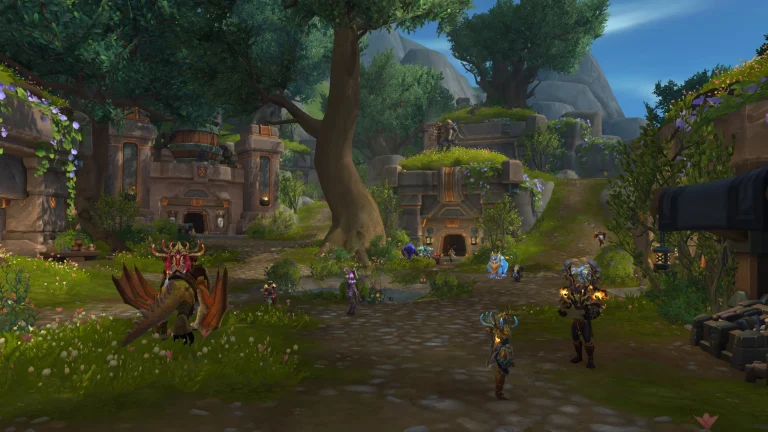
WoW Forever Getting Slower Over Time Image Blizzard Entertainment.
Blizzard’s patch note is unusually direct: the build “fixed a memory leak causing gradual performance degradation for some players.” That matches the pattern behind WoW Forever Getting Slower Over Time: acceptable performance after launch followed by steadily worse frame pacing, FPS or responsiveness during a longer session.
A memory leak happens when software keeps holding memory it should have released. Over time, the client can consume more resources and put increasing pressure on the system, which is why a restart can temporarily make the game feel normal again even though none of your graphics settings changed.
What to do if performance improves after restarting
Before the September 24 fix, restarting the client was a sensible temporary workaround for WoW Forever Getting Slower Over Time because it cleared the process and reclaimed leaked memory. After updating, you should test a fresh long session before assuming the same leak still exists.
If FPS now remains stable for much longer, the patch likely addressed the behaviour you were seeing. If performance still degrades at roughly the same rate, the cause may be different and worth reporting with hardware details, playtime and the area where the slowdown starts.
Do you need to lower your graphics settings?
Not necessarily. WoW Forever Getting Slower Over Time is different from having consistently low FPS from the moment the game launches. If performance starts poor and stays poor, graphics settings, resolution or hardware limits are more likely. If it starts well and deteriorates over time, a leak or long-session bug is a better fit.
That is why immediately dropping every setting to Low can hide the symptom without addressing the cause. Update first, reproduce the same play session and compare how performance behaves after the memory-leak fix.
How to tell a memory leak from normal FPS drops
- Memory-leak pattern: performance gradually worsens across a long session and improves after a full client restart.
- Normal heavy-area pattern: FPS drops in specific cities, fights or crowded scenes but recovers when you leave.
- Hardware-limit pattern: performance is consistently low at the same resolution and settings from the start.
- Background-process pattern: performance changes when another application starts using CPU, GPU or memory.
Those distinctions make WoW Forever Getting Slower Over Time easier to diagnose without guessing. The September 24 fix confirms that at least some players really were hitting a client-side memory problem, but it does not mean every FPS complaint has the same cause.
What if WoW Forever is still getting slower?
If WoW Forever Getting Slower Over Time continues after you have installed the September 24 build, reproduce it cleanly. Restart the game, note your starting FPS or frame-time behaviour, play the same type of content for an hour or more and record whether performance declines steadily.
Then check memory use in Windows Task Manager if you are comfortable doing so. A steadily increasing memory footprint can be useful evidence, but do not treat one high number as proof by itself. Modern games legitimately use significant RAM, and total usage can vary by zone and asset load.
Should you reinstall the beta?
A full reinstall is not the first fix for WoW Forever Getting Slower Over Time. Because Blizzard shipped a direct memory-leak correction, simply updating the client is more relevant. Reinstall only if the Battle.net client reports damaged files or you have separate corruption symptoms that survive a normal scan and repair.
The September 24 build gives players a concrete answer to WoW Forever Getting Slower Over Time: there was a confirmed memory leak, and Blizzard says it has been fixed. Any remaining long-session slowdown should now be tested on the updated build rather than assumed to be the same bug.
The fix is listed in Blizzard’s WoW Forever beta development notes.