WARDOGS server status is the first thing to check when login queues, empty server lists or failed joins suddenly affect lots of players at once. WARDOGS had major capacity problems at Early Access launch, and BULKHEAD has already shipped a launch-stability hotfix aimed at players being unable to join servers, unexpected kicks and extended login queues.
Are the WARDOGS servers down right now?
There is no public component-by-component live WARDOGS server status dashboard from BULKHEAD that works like the status pages used by some larger publishers. The most reliable live signal is the official WARDOGS Steam news and announcements feed, where maintenance, hotfixes and major incidents are posted when the team needs players to restart, update or wait.
As of September 13, WARDOGS is live in Steam Early Access, but the launch has been unusually busy. The game passed hundreds of thousands of concurrent players, and launch demand was high enough to cause queues, failed joins and temporary downtime. A connection error therefore does not automatically mean your PC or internet is broken.
Scheduled WARDOGS maintenance
The current WARDOGS server status also needs to account for scheduled work. BULKHEAD announced Patch 0.11 maintenance for September 14 at 08:00 UTC, with the servers expected to be offline for about one hour while server-browser improvements are deployed. During a planned window like that, reinstalling the game will not get you online sooner.
How to check WARDOGS server status
- Check the latest official WARDOGS Steam announcement for maintenance or an incident.
- Make sure Steam has downloaded the newest WARDOGS client update.
- Compare whether the login queue, server browser or one specific server is failing.
- Try one different official server or region if the browser is populated.
- If every server fails for many players, wait for a service update rather than changing Windows settings.
A useful WARDOGS server status check separates a global outage from a single-server failure. If the browser loads normally and only one server refuses entry, that server may simply be full, restarting or temporarily unhealthy. If the queue, authentication and browser all fail together, a wider service problem becomes much more likely.
Why WARDOGS can look down even when it is online
The WARDOGS server status can appear worse than it is because WARDOGS uses a server browser and a login queue rather than hiding everything behind conventional matchmaking. A full login queue, a stale browser listing or an individual server at capacity can all stop you playing without the entire WARDOGS service being offline.
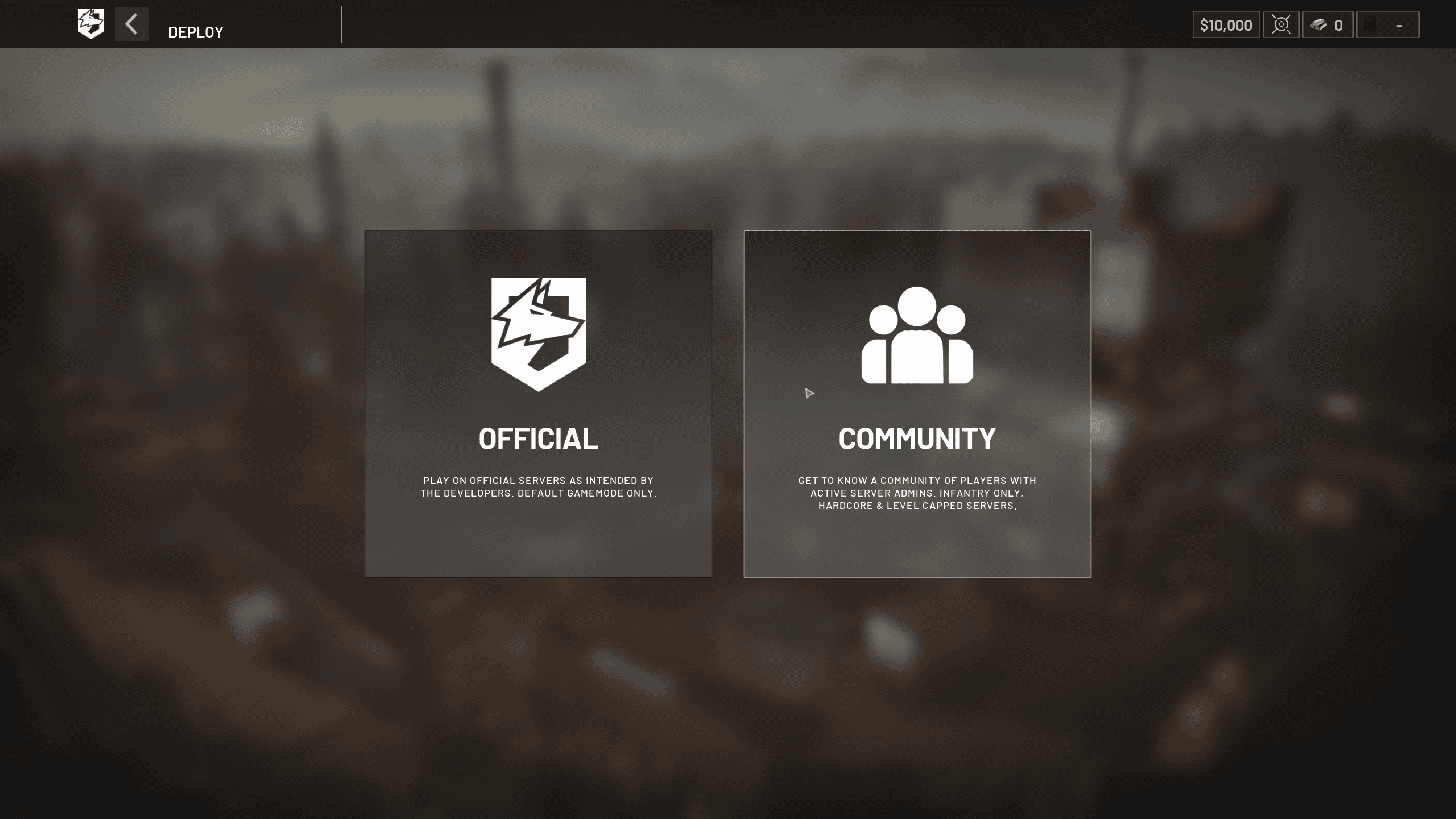
Patch 0.11 is also changing the browser by separating Official and Community servers, improving community filtering, adding text search and adding quick controls for showing empty or full servers. If the interface suddenly looks different after the patch, that is intentional rather than a sign that servers disappeared.
Should you restart or wait?
If official WARDOGS server status information says a hotfix has just released, close WARDOGS completely, restart Steam, install the update and relaunch. BULKHEAD used exactly that process for Launch Stability Hotfix #1. If there is active maintenance or a confirmed capacity incident, stay out of the reinstall loop and wait for the service to recover.
WARDOGS server status FAQ
WARDOGS server status problems are most often easiest to diagnose by identifying the stage that failed: login queue, authentication, server browser or server entry. Keep the exact error code and message. A queue or browser problem is not the same as an Elytra anti-cheat failure, and treating every issue as a local installation problem can waste a lot of time.
If you are checking during the first weeks of Early Access, also remember that a server-browser patch can deliberately take services offline for maintenance. Matching the time of your failure to the latest developer post is faster than changing network settings first.
If you are checking during the first weeks of Early Access, also remember that a server-browser patch can deliberately take services offline for maintenance. Matching the time of your failure to the latest developer post is faster than changing network settings first. Keep the exact time and full on-screen wording because WARDOGS is changing quickly during Early Access and those details make later troubleshooting much more precise.
For official game information, updates and support information, visit the WARDOGS website.