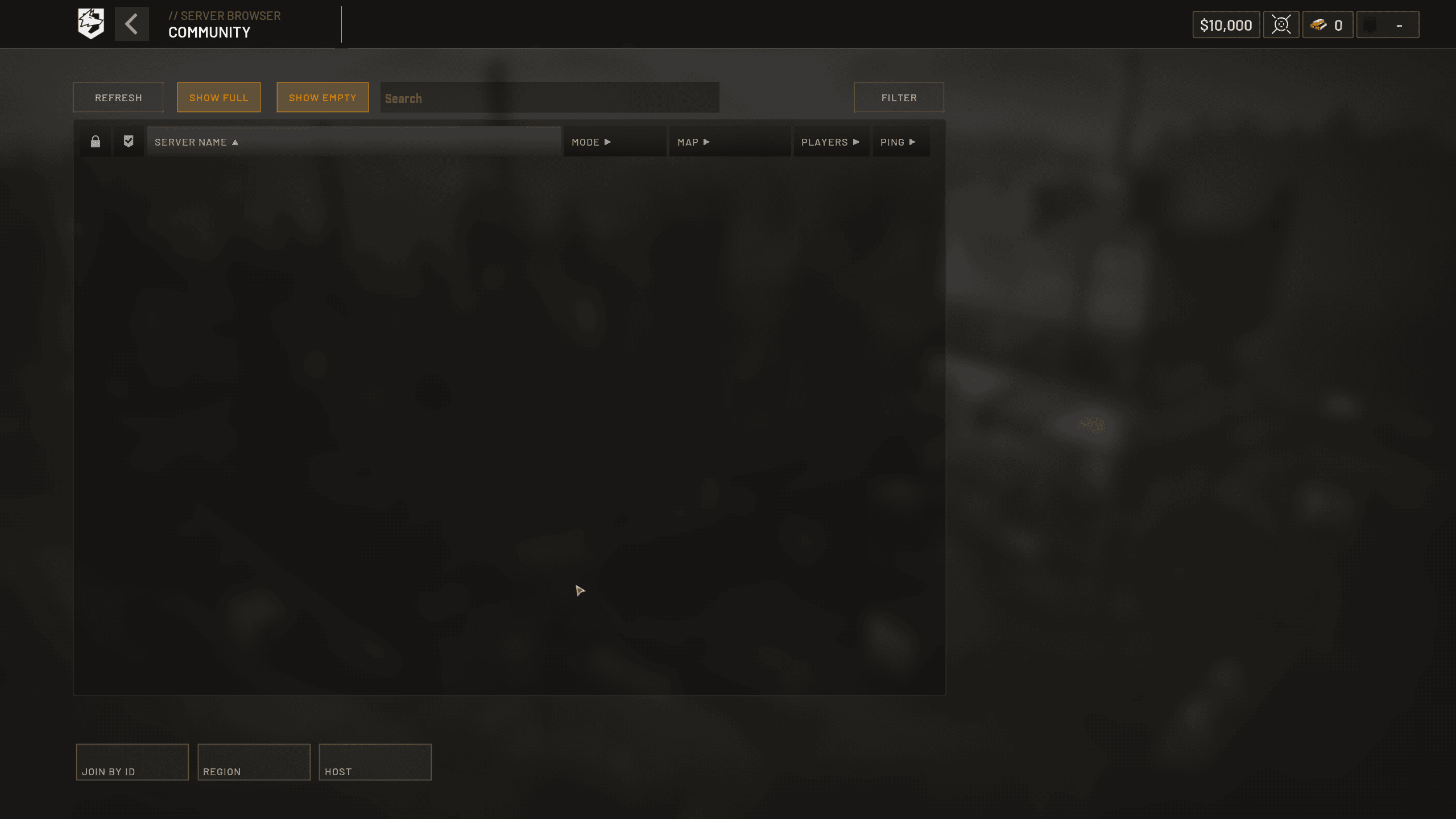
WARDOGS Error Code 1147405316 is a server-entry error players have reported when trying to join WARDOGS servers, including cases where the connection queue was full. BULKHEAD has not published a public numeric error-code dictionary, so the safest interpretation is that 1147405316 points you toward server capacity, queue or region checks rather than proving that your files or account are damaged.
What does WARDOGS Error Code 1147405316 mean?
Current reports around WARDOGS Error Code 1147405316 place it at the server-entry stage. Players can reach the browser, select a server and then fail to enter. During earlier testing, the same code appeared alongside full-queue reports and some players found that another available EU route worked. That is useful evidence, but it is not an official promise that every occurrence has exactly one cause.
The distinction matters because a full server cannot be repaired by reinstalling WARDOGS. A server that says it has spaces may also be changing rapidly while dozens of people join and leave, so the displayed population can lag behind the actual connection queue.
How to fix WARDOGS Error Code 1147405316
- Close WARDOGS and make sure Steam has installed the newest client update.
- Check official WARDOGS announcements for a capacity incident or maintenance.
- Try a different available server once instead of hammering the same full server.
- If regions are selectable, compare one other sensible nearby region.
- Wait a few minutes when servers are heavily loaded, then retry.
The best first response to WARDOGS Error Code 1147405316 is deliberately conservative. Launch-week WARDOGS problems have repeatedly been server-side, and Launch Stability Hotfix #1 specifically targeted players who could not join servers. Updating the client is sensible; deleting anti-cheat files, disabling security or repeatedly reinstalling the game is not.
Does changing region fix 1147405316?
A region change can be a useful test for WARDOGS Error Code 1147405316, but it is not a guaranteed fix. If one route is overloaded and another is healthy, a nearby alternative may connect. If every region fails at the same stage, that points back toward wider capacity or service trouble rather than one bad route.
Should you verify WARDOGS files?
File verification is a safe secondary check for WARDOGS Error Code 1147405316 if everyone else is connecting and your problem started immediately after an interrupted update. In Steam, open WARDOGS, choose Properties, Installed Files and Verify integrity of game files. Do not expect verification to create space in a full server queue.
Is 1147405316 a ban or account problem?
WARDOGS Error Code 1147405316 by itself is not an explicit ban message. WARDOGS has separate enforcement systems, and the game can restrict accounts or hardware for cheating, but a server-entry code is not enough evidence to conclude that enforcement has happened. Preserve the complete on-screen wording before making that assumption.
What if the error keeps returning?
If WARDOGS Error Code 1147405316 continues after the latest update and there is no public incident, record the server name, region, approximate population, local time and the full message. That information is much more useful to support than a screenshot containing only the number, because it shows where in the connection process the failure happened.
WARDOGS Error Code 1147405316 FAQ
WARDOGS Error Code 1147405316 is best treated as a server-entry and capacity problem first. Update once, compare another server or region once, then wait if WARDOGS is under obvious load. Avoid invasive network or security changes unless official support specifically identifies a local problem.
A useful final check is whether the error appears before or after the server browser. If the browser itself never loads, you are dealing with an earlier service stage and should not assume the same 1147405316 server-capacity path applies.
A useful final check is whether the error appears before or after the server browser. If the browser itself never loads, you are dealing with an earlier service stage and should not assume the same 1147405316 server-capacity path applies. Keep the exact time and full on-screen wording because WARDOGS is changing quickly during Early Access and those details make later troubleshooting much more precise.
For official game information, updates and support information, visit the WARDOGS website.