WARDOGS failed to join server errors can happen even when the server browser loads normally. WARDOGS had a huge Early Access launch, and BULKHEAD has already released a stability hotfix for players unable to enter servers. The right fix depends on whether one server fails, every server fails, or the browser itself is not returning useful results.
Why WARDOGS failed to join server errors happen
A WARDOGS failed to join server message can sit at several different points in the connection path. The selected server may be full, the listing may be stale, the region may be under heavy load, the client may need the latest hotfix, or a wider login/server incident may be affecting everybody.
The displayed player count is not a reservation. A server showing spare slots can fill while you are clicking Join, particularly with hundreds of thousands of players refreshing the same browser. One failed attempt therefore does not prove your installation is damaged.
How to fix WARDOGS failed to join server
- Restart Steam and install the latest WARDOGS update.
- Check official announcements for maintenance or a live incident.
- Refresh the server browser once.
- Try a different official server with visible capacity.
- Compare one nearby region if WARDOGS allows it.
- Verify files only if the issue is isolated to your PC.
BULKHEAD’s first launch hotfix specifically targeted WARDOGS failed to join server problems alongside unexpected kicks and long queue times. If your game has been open through an update, fully closing it matters because the server may expect a newer client build before accepting another join.
The server browser is changing in Patch 0.11
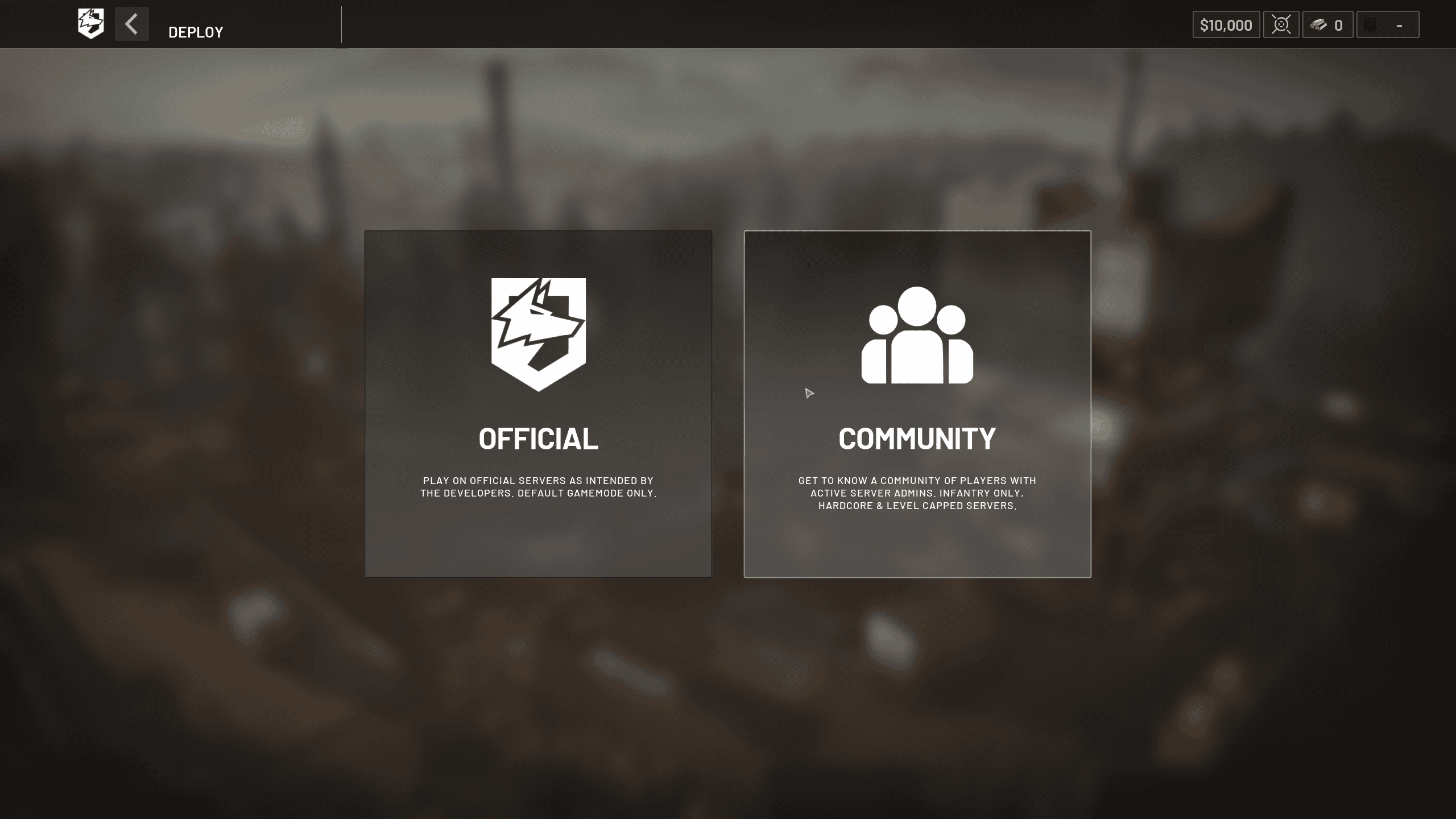
If WARDOGS failed to join server starts after the September 14 update, remember that the browser itself is being reworked. WARDOGS is splitting Official and Community browsing, improving community filtering, adding text search and adding Show Empty/Full controls. A filter or tab choice can make servers appear missing even when the service is online.
What if only one server fails?
When WARDOGS failed to join server affects one server but another opens normally, stay away from the failing server for a while. It may be restarting, full, unhealthy or processing a backlog of joins. Repeatedly clicking the same entry usually provides no new information.
What if every server fails?
If WARDOGS failed to join server affects every visible server, check whether other players are reporting the same thing. A widespread pattern points to service load, authentication or a launch incident. If nobody else is affected, then Steam file verification and a normal network restart become more useful local tests.
Avoid extreme fixes first
Do not reinstall Windows, change BIOS settings, disable antivirus or wipe WARDOGS simply because one join attempt fails. Work from reversible checks to invasive ones. The game is in Early Access and the developer is actively changing server capacity and browser behaviour, so server-side problems are currently common.
WARDOGS failed to join server FAQ
WARDOGS failed to join server issues should be diagnosed by scope. One server failing suggests that server; every server failing suggests a broader route or service issue; a completely empty browser suggests browser/filter/backend trouble. Keep the exact error code if one appears because 1628505091, 1147405316 and authentication errors belong to different troubleshooting branches.
Community servers can also have their own restart schedules and administration decisions. A failure on one community server does not necessarily say anything about Official servers, so compare the two sections before diagnosing a game-wide outage.
Community servers can also have their own restart schedules and administration decisions. A failure on one community server does not necessarily say anything about Official servers, so compare the two sections before diagnosing a game-wide outage. Keep the exact time and full on-screen wording because WARDOGS is changing quickly during Early Access and those details make later troubleshooting much more precise.
Community servers can also have their own restart schedules and administration decisions. A failure on one community server does not necessarily say anything about Official servers, so compare the two sections before diagnosing a game-wide outage. Keep the exact time and full on-screen wording because WARDOGS is changing quickly during Early Access and those details make later troubleshooting much more precise. Keep the exact time and full on-screen wording because WARDOGS is changing quickly during Early Access and those details make later troubleshooting much more precise.
For official game information, updates and support information, visit the WARDOGS website.