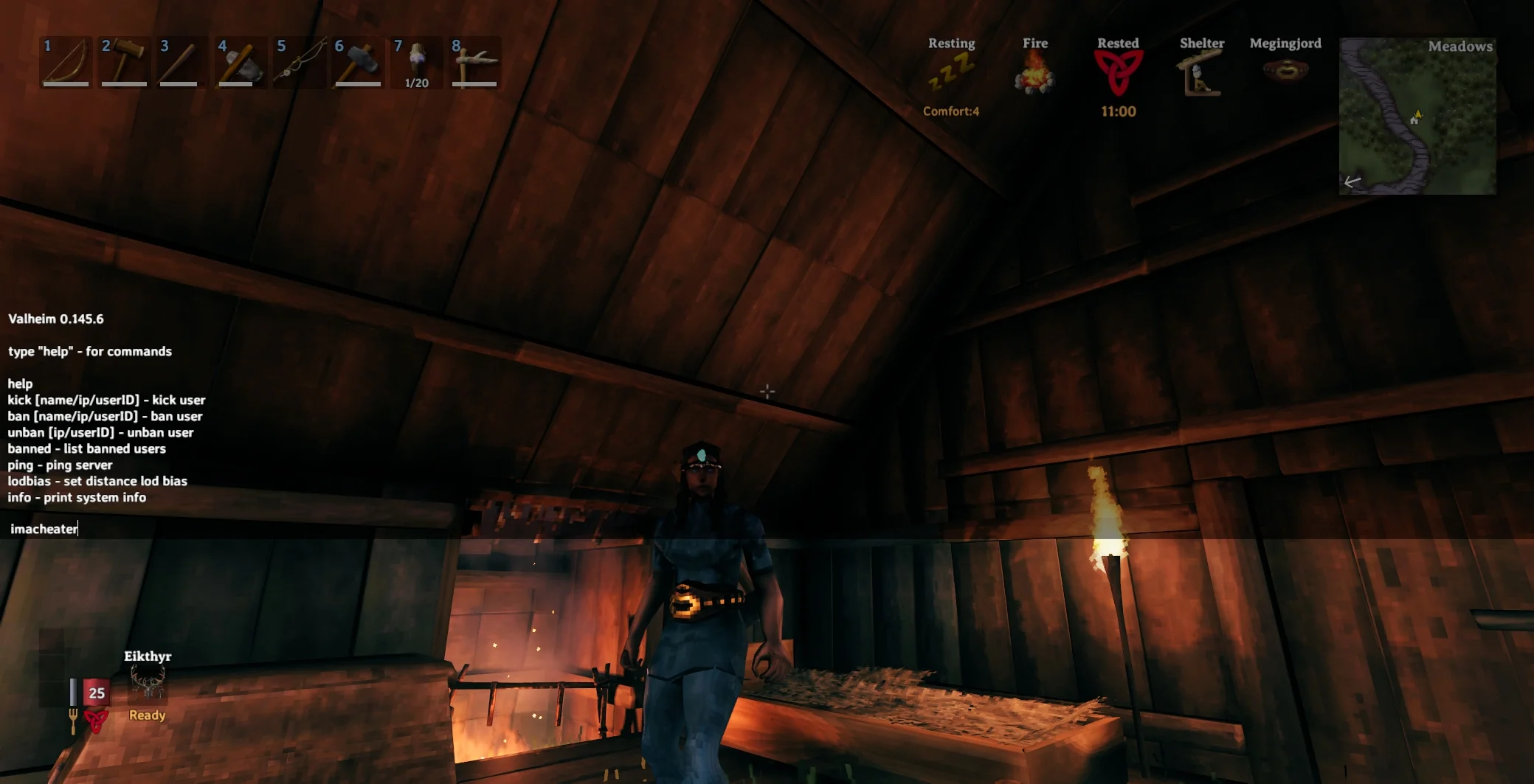
Valheim console commands can completely change how the game feels. For some players, they are a handy way to manage a server or force a save. For others, they open up full creative freedom with cheats, debug tools, and powerful building shortcuts. That is why valheim console commands remain one of the most searched parts of the game.
The real value of valheim console commands is flexibility. They can help with server control, testing, building, and troubleshooting, but they can also remove a lot of the survival challenge if they are used too heavily. In other words, they are best treated like tools rather than a replacement for normal progression.
For a complete breakdown of progression, bosses, gear, and survival mechanics, check out our full Valheim guides hub.
How to enable Valheim console commands
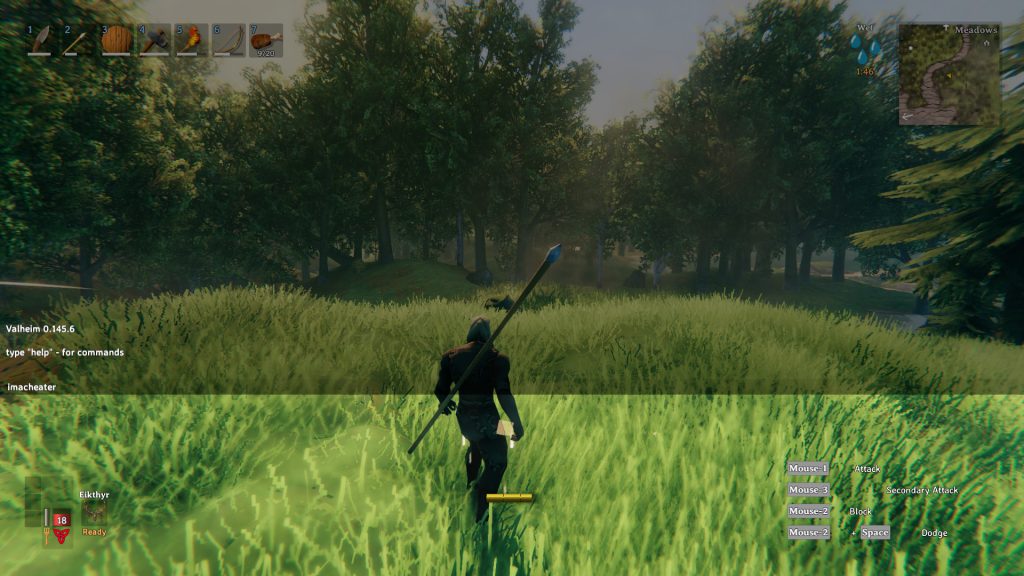
To use valheim console commands on PC, the launch argument you need is -console. Add -console to Valheim’s launch options, then start the game and load into a world. Once you are in game, press F5 to open the console window.
If the console does not appear, the most common cause is that Valheim was not launched through the shortcut or launcher where -console was added. That small detail matters more than many players expect.
On Xbox, the console is enabled by default. The controller shortcut is LB + LT + Start, which opens the same console system without needing to add the launch argument first.
Read More: Valheim Multiplayer Guide: Servers, Co-op, Crossplay and How to Play With Friends
How devcommands works
Many valheim console commands are limited until devcommands is entered. Once the console is open, type devcommands and press Enter. That unlocks the more powerful side of the command system, including cheats and debug features.
This is the point where valheim console commands shift from simple utility to full sandbox control. If the goal is testing mechanics, building freely, or experimenting with the game, devcommands is the setting that makes that possible. If the goal is preserving a normal survival run, it is usually better to use it carefully or keep it to a separate world.
Read More: Valheim Boss Guide: Boss Order, Summons and Best Strategy
Basic valheim console commands
Some valheim console commands are useful without turning the game upside down. These are the ones many players actually end up using most.
help shows a list of available commands.
clear clears the console window so you can start fresh.
save forces the game to save.
ping can be useful for checking connection response in multiplayer.
info shows game information.
fov 90 is an example of changing the field of view, with the number adjusted to whatever value feels right.
These simpler valheim console commands are useful because they offer control without removing the whole survival feel of the game.
Read More: Valheim Beginner Guide: Progression, Building and Farming Tips
Valheim console commands for admins
Valheim console commands are especially useful for multiplayer admins. In a shared world, the command system is often less about cheating and more about control.
kick PLAYERNAME removes a player from the server.
ban PLAYERNAME bans a player.
unban PLAYERNAME removes a ban.
banned shows the current banned list.
save is also important for admins because it forces a world save when needed.
For anyone running a community world or private server, these valheim console commands are some of the most practical tools in the game.
Read More: Valheim Best Weapons Guide: Best Armour, Shields and Gear
Cheat style valheim console commands
Once devcommands is active, the more powerful valheim console commands become available. These are the commands most players mean when they talk about cheats.
god enables god mode.
fly allows flying.
ghost makes enemies ignore the player.
heal restores health.
killall kills nearby enemies.
tame tames nearby tameable creatures.
location shows the current location name.
pos shows your current coordinates.
spawn Wood 50 is an example of spawning 50 wood, and the same format works with many other items.
env Clear changes the weather to clear conditions.
tod 0.5 changes the time of day.
These valheim console commands are powerful, and they can be useful for testing, recovery, or pure sandbox play. They can also make the normal game feel trivial very quickly, so they are usually best used with intention.
Debug mode in Valheim
Debug mode is one of the most powerful parts of valheim console commands. After enabling devcommands, type debugmode to turn it on.
Once debug mode is active, extra controls become available. Press B to build without a workbench or resource cost. Press Z to toggle flying. Press K to kill all nearby enemies. Ctrl + left click can be used for powerful debug actions depending on the situation.
This is where valheim console commands become especially useful for builders. Debug mode makes it possible to test layouts, create showcase bases, and experiment with large builds without hours of gathering materials first.
Dedicated server startup commands
Some of the most useful Valheim commands are not typed into the in game console at all. Dedicated servers use startup arguments that matter just as much.
-name "My Server" sets the server name.
-port 2456 sets the port.
-world "Dedicated" sets the world name.
-password "YourPassword" sets the password.
-savedir "path" chooses the save directory.
-crossplay enables crossplay support.
These startup options are essential for players running a dedicated world, and they often come up in the same searches as valheim console commands because they are part of the same overall control system.
Do valheim console commands work on dedicated servers
This is where players often get caught out. Not all valheim console commands work the same way on dedicated servers as they do in solo or personally hosted worlds. Admin commands are the main focus on dedicated servers, while many cheat style commands are more limited or tied to local sessions.
That distinction is important. A player who uses valheim console commands regularly in a singleplayer world may find that the same commands do not behave the same way in a dedicated multiplayer environment. Server control is built around permissions and management, not around giving every player access to a full developer toolbox.
Best way to use valheim console commands
The smartest way to use valheim console commands is to decide what kind of experience you want before you start typing. If the goal is normal survival, light utility commands are usually enough. If the goal is creative building, testing, or setting up a server, the more advanced commands make a lot more sense.
Many players get the best results by separating those experiences. Keep one world for normal progression, and use another for experiments, admin tests, or creative builds. That way the command system stays useful without taking the fun out of the main game.
Final thoughts on valheim console commands
Valheim console commands are far more than a simple cheat list. They cover utility, admin control, building freedom, debugging, and full sandbox play. From -console and F5 to devcommands, god, fly, spawn, kick, and ban, the system gives players a huge amount of control over how Valheim works.
Used carefully, valheim console commands can make the game more flexible and more enjoyable. Used too heavily, they can strip away the tension and progression that make Valheim satisfying in the first place. The best approach is usually the balanced one. Learn the commands, use them with purpose, and let them support the way you actually want to play.