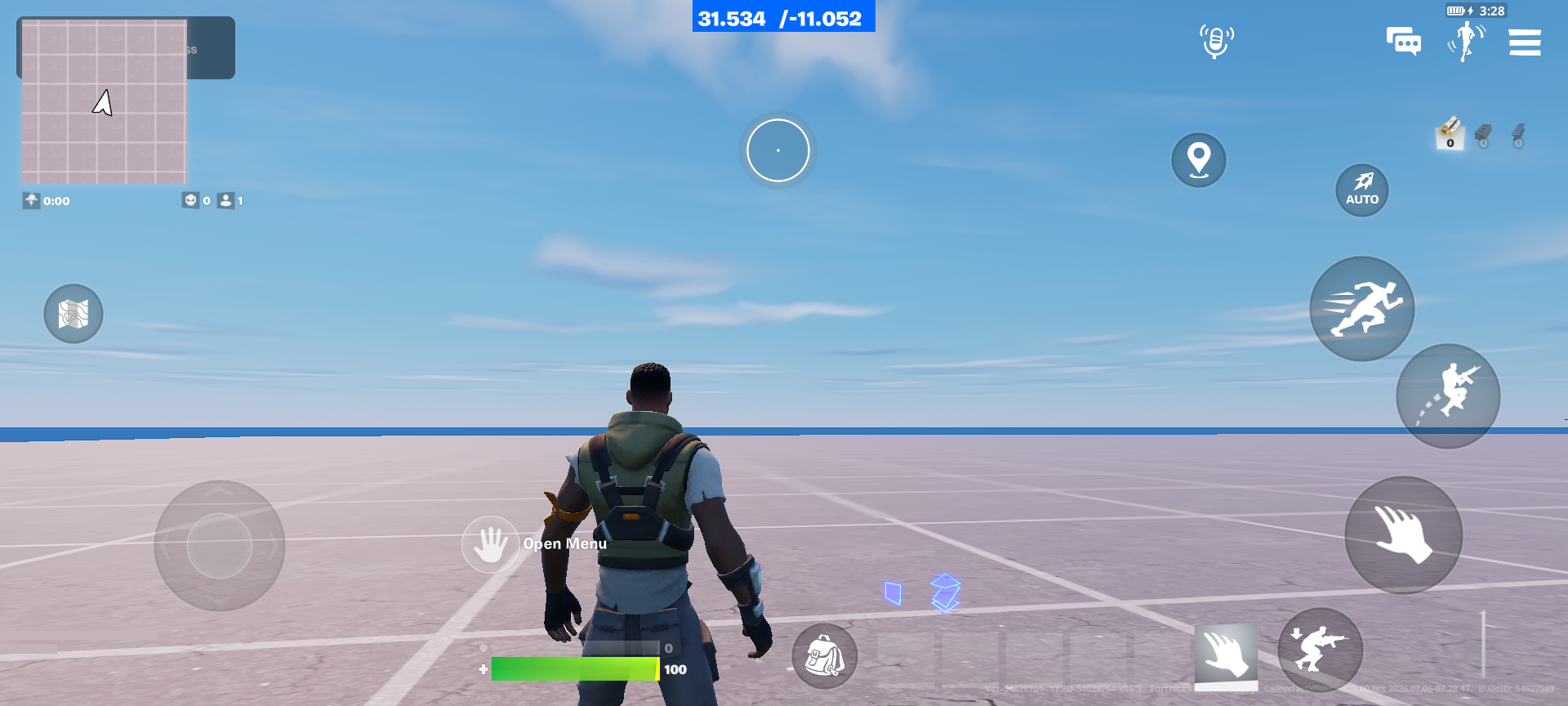
The UEFN Virtual Pointer rotate gesture is a new experimental input in Fortnite 43.10. Its Pointer Rotate Input Action detects a two-finger twist on a touchscreen. You could use that to turn a map or inspect a 3D object, but islands using this experimental feature cannot be published yet.
Rotation and pinch-to-zoom are different movements. With rotation, your fingers turn around a shared point; with a pinch, the gap between them changes. In practice, players do a little of both at once. Epic is gathering feedback on how sensitive the new input feels.
What the UEFN Virtual Pointer rotate gesture detects
Pointer Rotate is an input action, not a ready-made interface. It tells your test project that a two-finger rotation happened; your UI or gameplay logic still has to decide what changes on screen. It also doesn’t replace the normal movement or camera-look controls.
Test the UEFN Virtual Pointer rotate gesture on a touchscreen
Build a small unpublished test with one object that can rotate. Try it on a real touchscreen instead of relying on a mouse. Turn two fingers slowly, then speed up. Try near the edge and centre of the screen so you can spot any unintended movement or sensitivity changes.
UEFN Virtual Pointer rotate gesture versus pinch-to-zoom
If the same area also handles pinch zoom, the actions can interfere: people rarely keep the exact same distance between their fingers when rotating. Design the experience so a small accidental pinch does not create a sudden zoom while the user is trying to rotate.
Epic’s feedback request is a reminder that this part of the implementation is still being tuned. Avoid hard-coding a specific sensitivity guarantee into help text for players.
UEFN Virtual Pointer rotate gesture: keep the interface usable without the experiment

An experimental gesture may not be available or consistent on every target device, and the publishing restriction is a bigger issue than the control design itself. Provide a conventional supported interaction when designing a live island, and reserve this rotation gesture for private UEFN testing until Epic changes its status.
The 43.10 release notes do not give grounds to promise production compatibility with every published Fortnite input configuration.
Why the UEFN Virtual Pointer rotate gesture may not fire
Check that the test is on a touchscreen, that Virtual Pointer is configured for the current experimental input workflow and that the input action is associated with the interface you are testing. Make sure another touch interaction is not consuming the movement. Keep the screen free of overlapping controls when diagnosing a gesture.
If the editor labels differ from a tutorial, verify them against the installed v43.10 build instead of inventing menu paths.
What to record during a rotation test
Try the same gesture on two different touchscreens if you can. Note the device, whether your fingers stay in contact and how far the object turns compared with your movement. Watch for accidental zooming, sudden jumps or rotation stopping when your fingers cross. Those observations are more useful than simply saying the control worked.
Repeat the test with a slow twist and a fast one. Then deliberately pinch a little while turning, because real players rarely move two fingers perfectly. Keep a conventional touch control in your prototype so you can compare the experience. You still cannot publish an island using this experimental input, but the tests help you report specific problems.
UEFN Virtual Pointer rotate gesture FAQ
What does Pointer Rotate Input Action detect? A two-finger rotation gesture on a touch device.
Is rotation the same as pinch zoom? No. Rotation changes the fingers’ angle; pinching changes the gap between them.
Is this a stable publish-ready input? Epic released it as experimental and is collecting feedback on sensitivity and pinch data.
Related Guides
- UEFN Day Sequence Verse API: Control Time of Day, Sun and Fog
- UEFN AddModifier Position Removed: Fix Verse Modifier Stack Order
- Fortnite Communities Scheduled Posts: Save Drafts and Publish Later
- UEFN Scene Graph Sight Detection: Make Guards See Entities
- UEFN HUD Controller Interact and Pickup
- UEFN Scene Graph Camera Modifiers
- UEFN Scene Graph Camera Not Working
- UEFN Lore VS Code Diff
Official source: Epic Games documentation.