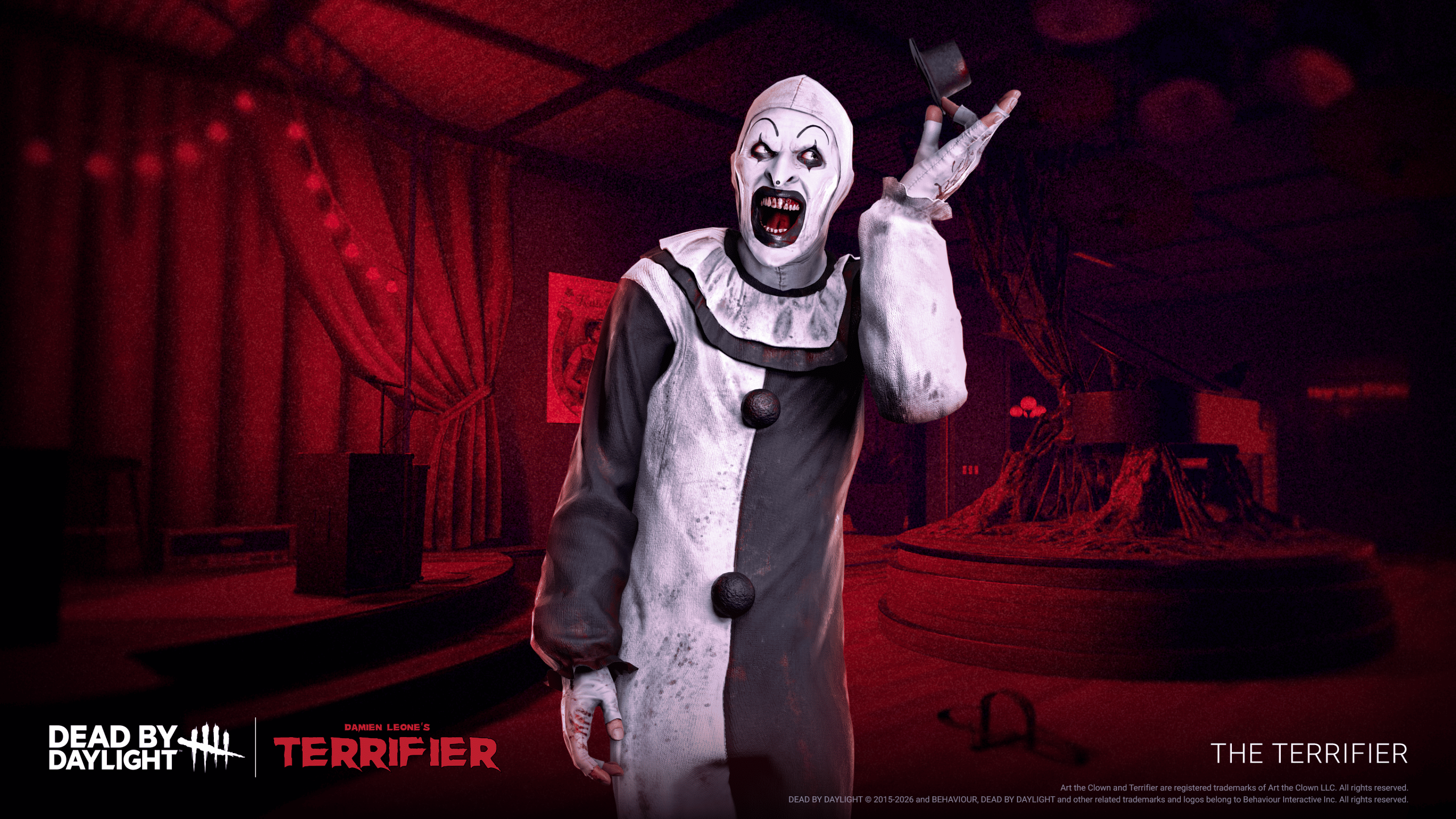
The Terrifier PTB download is available through Steam for Dead by Daylight players who want to test Art the Clown, Sienna Shaw and Update 10.3.0. You join from the game’s beta settings, not from a separate installer or third-party download page.
The Steam test branch opened October 28, 2026, ahead of the chapter’s November 24 release. Here are the exact installation steps, how to deal with a missing beta option and how progress works when you switch between the test and live games.
Terrifier PTB Download: Steam Installation Steps
For the Terrifier PTB download, open your Steam Library and right-click Dead by Daylight. Choose Properties > Betas, then select Public Test Build. Allow Steam to download and install the test files, and launch Dead by Daylight from your library when the update finishes.
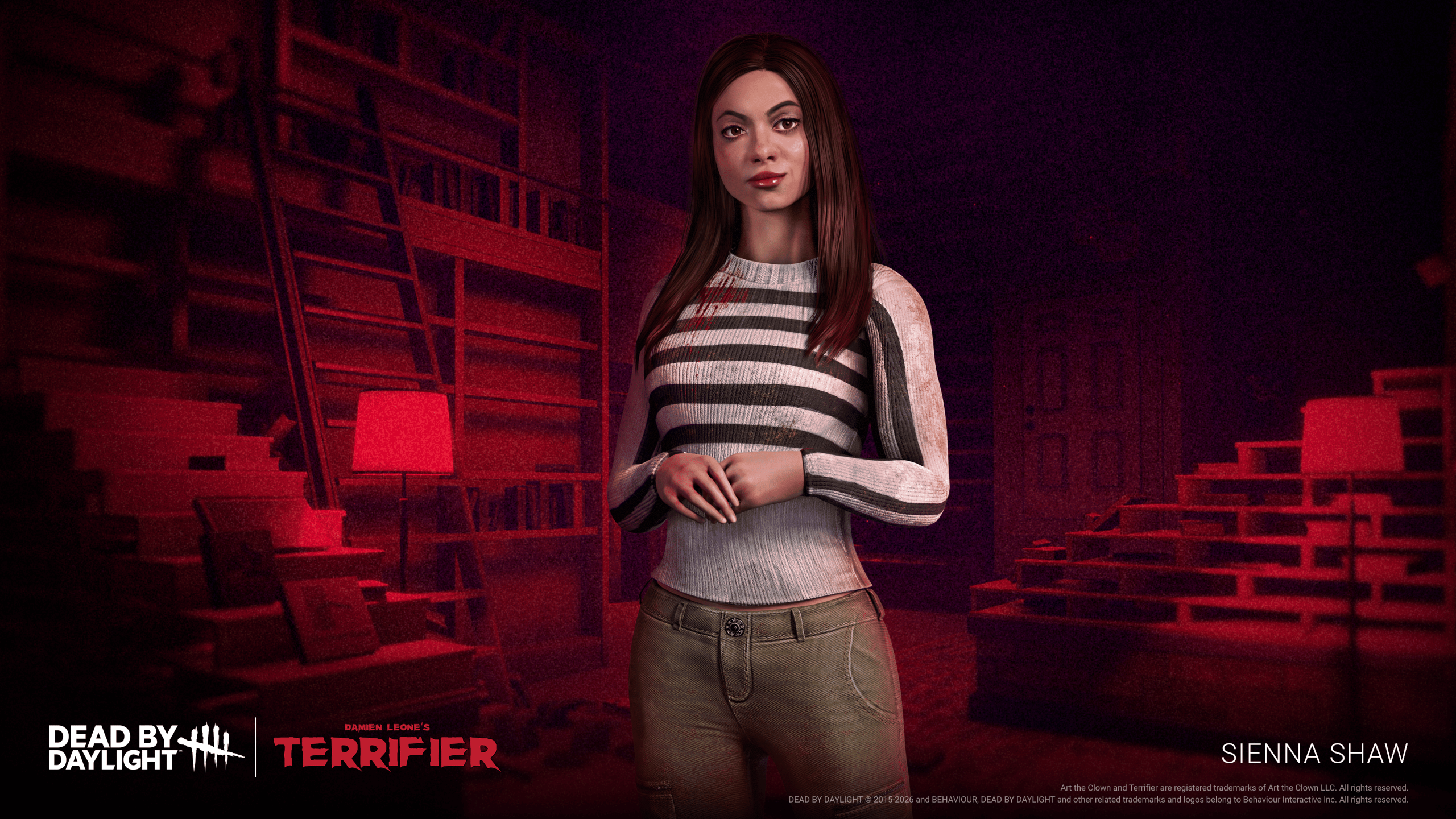
Once installed, the test branch contains Art the Clown, Sienna Shaw and changes to Moris, gore settings and existing perks.
What Can You Test in the Terrifier Beta?
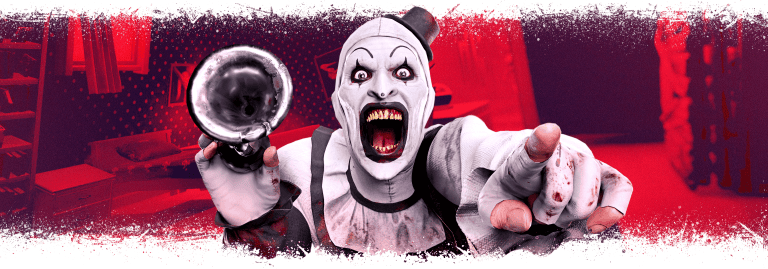
Art the Clown joins as The Terrifier with Bag of Toys, letting him select from two randomly offered weapons. His five options include Acid Bottle, Flail, Handgun, Flamethrower and Bike Horn. Each can contribute to Torture and Deadliness, and his three Killer perks are Laughingstock, Kill Spree and Funny Business.
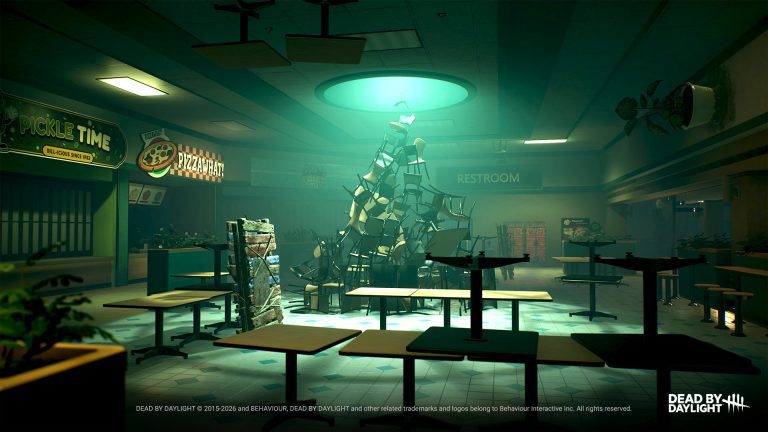
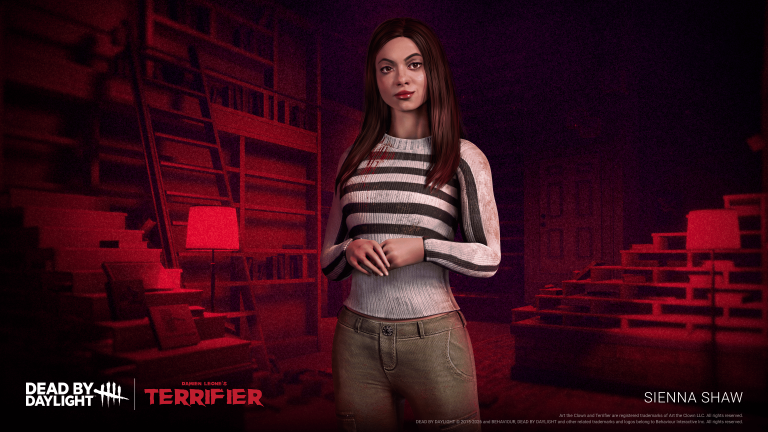
The Terrifier PTB download also includes Sienna Shaw’s three Survivor perks, Hartshorne Mall and changes to gore settings, Moris and six existing perks. Those changes can all be explored through the test branch while it’s available.
Why the PTB Is Not Showing on Steam
If the Terrifier PTB download is missing from the Betas dropdown, check that you’re looking at Dead by Daylight’s Properties rather than Steam’s own beta settings. Restart Steam and look again. Behaviour says a missing option usually means there is no active PTB branch.
Behaviour’s support FAQ explains that if Public Test Build is not listed, the most likely reason is that the PTB is no longer running. Check the current test window before troubleshooting further. There is no official manual download you can use to reactivate a closed beta branch.
Can You Play the Dead by Daylight PTB on PS5 or Xbox?
The Terrifier PTB download is Steam-only. PS5, Xbox, Switch and other PC storefront versions cannot join this public test branch. The November 24 chapter release is separate from the beta.
The Terrifier chapter launches November 24, 2026. That is the release date for the chapter, not a console PTB date. Steam players get the test separately through the beta participation menu.
Does PTB Progress Carry Over?
Terrifier PTB download progress does not carry to the regular live game. Behaviour creates the test build from an older snapshot of your account, which means your recent unlocks might not show while you are on the PTB.
Switching back to the live version restores your normal account progress. Your regular save is separate from the test snapshot, so playing Terrifier early is for trying the new content rather than levelling your main account.
How to Leave the PTB and Return to Live Servers
To return to normal matches, open Steam Properties > Betas again and switch to None or the default branch. Let Steam finish replacing the files, then launch the live game.
Steam may need to replace test-build files as you switch back. Leave the download running until it finishes. You can then continue from your live save, with your regular Bloodpoints, characters and progress.
When Does the Terrifier PTB End?
The Public Test Build branch is available to select only while Behaviour is running that test. October 28 was the confirmed opening date; the beta dropdown tells you whether the branch is currently accessible.
Use the Terrifier PTB download to experiment with Art’s five toys and Sienna’s perks before November 24. When you return to the normal branch, your original progression is there.
Official source: Behaviour Interactive PTB support FAQ.