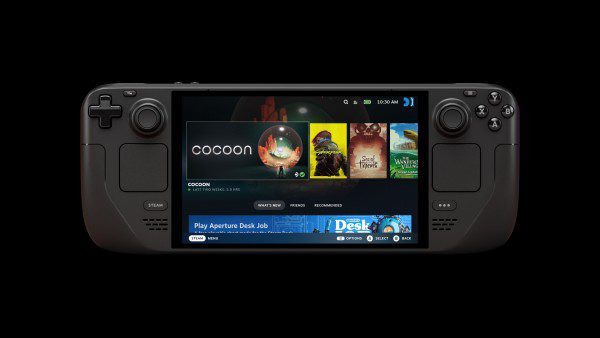
SteamOS frame limiter not working with VRR enabled? Valve fixed the issue in SteamOS 3.9.5 Stable, released on 23 October 2026. The update also corrects frame limits producing lower FPS than intended on certain external monitors.
Those are two different problems, even though both involve frame limits. If the Disable Frame Limiter switch doesn’t respond when variable refresh rate is turned on, you’re looking at the first one. If an external monitor produces lower frame rates than the limit you selected, the second fix is more relevant.
SteamOS frame limiter not working with VRR: what changed?
Valve says the Disable Frame Limiter toggle could fail when VRR was enabled. SteamOS 3.9.5 includes a fix for that behaviour. VRR lets a compatible display vary its refresh timing to match the frames being sent to it, which can make gameplay appear smoother when frame rates change.
The setting still depends on the hardware you’re using. Your monitor, its connection and the SteamOS device must support VRR. Installing the update cannot add VRR support to a screen or connection that doesn’t have it.
How to check the limiter after updating
- Open Settings, then System on your SteamOS device.
- Check for the SteamOS 3.9.5 Stable update, or a later Stable release containing the same fix.
- Install the update and restart the device.
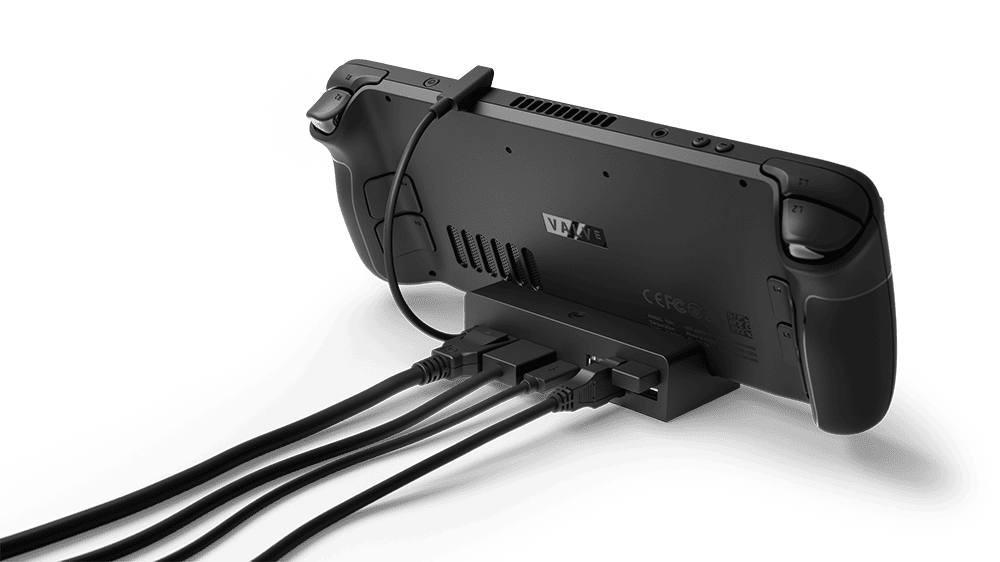
- Connect your external display if you use one, and confirm its refresh rate and whether VRR is available.
- Open the frame limiter options and test Disable Frame Limiter while VRR is enabled.
- Try the same game with the setting changed, so you can compare its behaviour.
If SteamOS frame limiter not working with VRR is the problem you had, the new Stable build is the fix Valve published. You don’t need Beta, a registry edit or a third-party utility for this particular update.
Why is FPS lower than the selected frame limit?
Valve’s second fix concerns certain external displays where setting a frame limit produced a lower frame rate than intended. That’s distinct from the VRR toggle failing. Both changes are in the same SteamOS release, but one doesn’t explain every low-FPS result.
Check the refresh rate selected for the monitor and the frame limit set in SteamOS. Then look for a frame cap or VSync option inside the game itself. A game can also run below its target because the scene is demanding, even when the OS limiter is working properly.
Don’t assume SteamOS frame limiter not working with VRR simply because an FPS counter is lower than the cap. Test whether the switch responds, then check the display settings and the game’s own limits separately. A 60 FPS cap is a ceiling, not a promise that a game can render 60 frames every second.
What about Steam Machine and Steam Frame?
Valve fixed a third frame-limiter issue affecting VR games streamed from Steam Machine to Steam Frame. The limiter was being applied incorrectly to those VR titles. That doesn’t describe an ordinary Steam Deck connected to a TV or monitor.
Keeping those cases separate makes SteamOS frame limiter not working with VRR easier to diagnose. The VRR switch, an external display showing a low cap, and a streamed VR title each have their own entry in Valve’s release notes.
SteamOS frame limiter not working with VRR after 3.9.5?
Restart once more and compare a single game with VRR and the limiter settings changed one at a time. Note the SteamOS version, display model, cable or dock connection, selected refresh rate and whether the game has its own cap.
When reporting SteamOS frame limiter not working with VRR to Steam Support, include those settings and what the switch actually does. That is much more useful than treating every performance drop as a frame-limiter bug.
For the rest of the changes, read our SteamOS 3.9.5 update guide and the separate Desktop Mode changes.
Official source: Valve’s SteamOS 3.9 release notes.