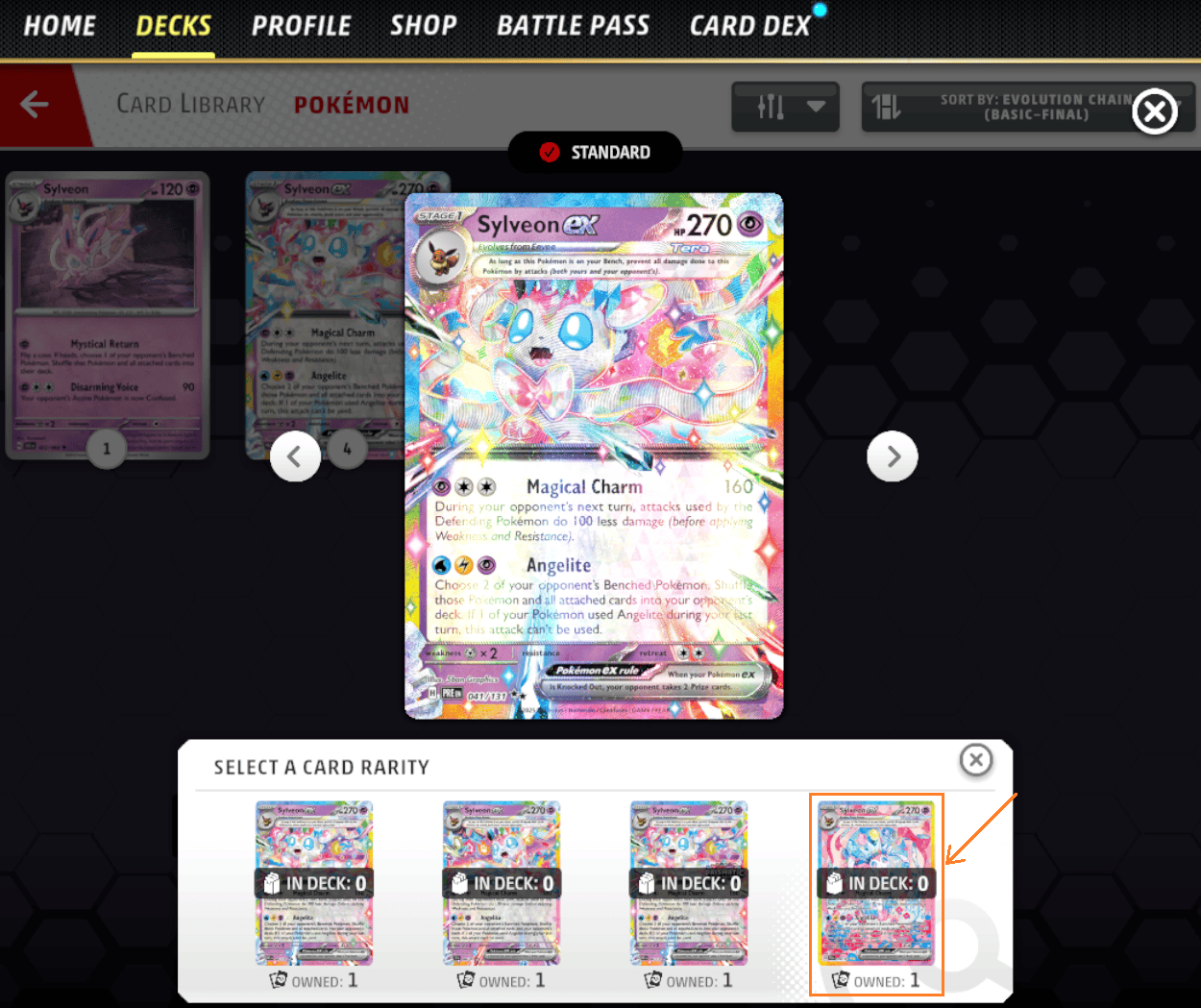
Pokémon TCG Live VFX settings are changing on Tuesday, November 3, 2026. Update 1.44.0 introduces controls to slow or stop holofoil animations, replaces the card sway effect with more readable visuals and reorganises several settings under Accessibility.
You can open Settings from the home screen or during a match. The new options affect how cards are displayed, not how their attacks work, and they should be available once the November 3 update is installed.
Where to find Pokémon TCG Live VFX settings
Open the game Settings menu from the home screen or while playing. The developer says the updated accessibility controls will be available there from November 3. Mouse hover and Battle Log VFX options will be in the Accessibility tab, although other Battle Log settings remain under General.
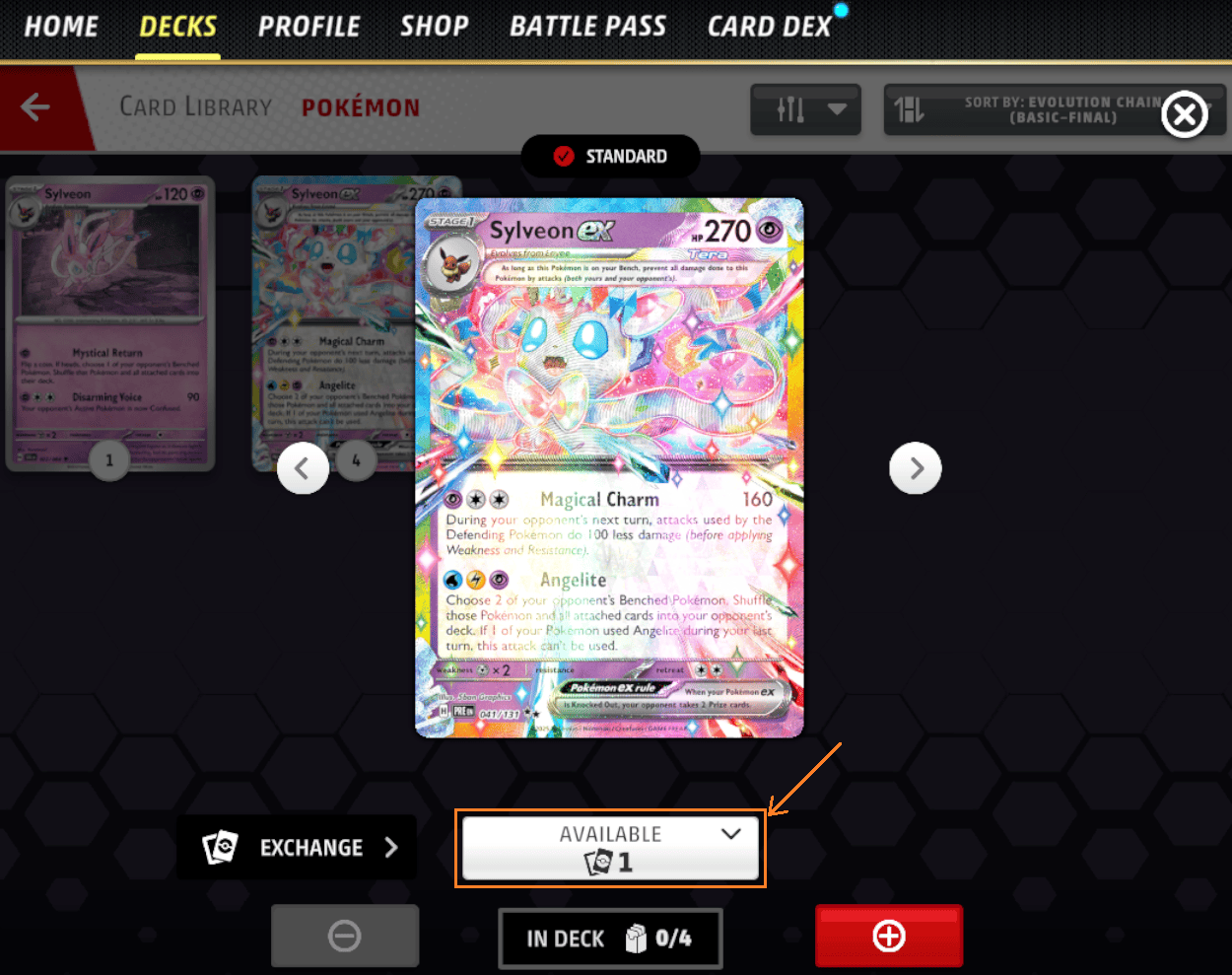
These aren’t all the same kind of animation. The holofoil option deals with the shining effect on a card, while card battle VFX covers the replacement for the old sway motion. Mouse hover and Battle Log effects have their own controls.
Pokémon TCG Live VFX settings: how to reduce holofoil effects
Pokémon is adding the ability to disable or reduce the speed of holofoil animation on cards inside and outside a match. That gives players who find the movement distracting a more comfortable way to view card artwork and text.
Look for the holofoil animation option in Settings and choose a slower speed or turn it off. Pokémon hasn’t specified the exact names of the new choices, so the updated menu is the best reference for what you’ll see on screen.
Pokémon TCG Live VFX settings: card sway changes
The old card sway or hover animation is being removed in favour of new effects designed to keep cards more legible during play. Pokémon says its existing card battle VFX option under Accessibility will also control the replacement effect.
If card sway was what bothered you, start with the battle VFX control. If it’s the moving shine on foil cards, adjust holofoil animation instead. You can change one without assuming the other has been switched off.
Mouse hover and Battle Log VFX options
The enable/disable mouse-hover setting for desktop and 4:3 aspect-ratio platforms is moving to Accessibility. Battle Log VFX controls move there too, but Pokémon explicitly says some other Battle Log settings remain in General.
If you’re on a phone, mouse-hover behaviour may not be relevant to the way you interact with cards. The holofoil option still applies to cards shown both during matches and elsewhere in the game.
When do Pokémon TCG Live VFX settings arrive?
The controls are part of version 1.44.0 on November 3. Pokémon has scheduled maintenance from 16:00 GMT for an estimated four hours. They can’t be checked in the live interface until the update and any required downtime are complete.
The Mega Evolution—Delta Reign expansion isn’t scheduled until November 5. These interface changes are part of the earlier client patch, so the two dates shouldn’t be confused.
Can Pokémon TCG Live VFX settings fix performance problems?
Pokémon describes the VFX changes as helpful for accessibility and device performance, but hasn’t promised a guaranteed frame-rate boost on every device. Reducing animation may help with visual comfort. It won’t automatically repair a disconnection, broken card effect or service outage.
For other bugs, see our 1.44.0 patch notes and known issues guide. The incoming update addresses several specific game and card bugs separately from animation options.
The Pokémon TCG Live VFX settings update gives you more choice over movement and readability. Start with the specific effect you want to reduce, whether that’s the shine on a card or an animation during play, and check the result before changing another option.
Official source: Pokémon TCG Live Development Team Community Letter.