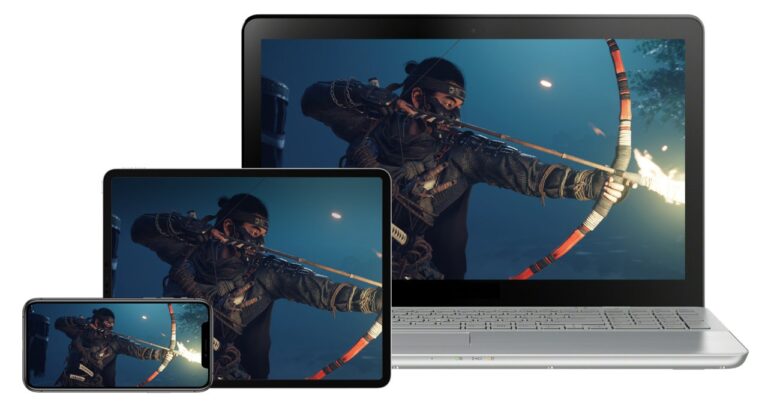
If you’re hoping for a PlayStation Plus PC app shutdown refund, there’s no dedicated compensation scheme in Sony’s published announcements as of 28 November 2026. The Windows cloud streaming app is due to retire from 10 December, with Sony’s UK notice listing decommissioning as of 11 December.
If you subscribed solely to stream games on your computer, you’ll lose the main benefit you paid for. Premium won’t automatically end with the app, though, so it’s worth checking your next payment date now.
PlayStation Plus PC App Shutdown Refund: what Sony has announced
Sony says it will contact affected users directly. Neither its November announcement nor the UK support notice offers automatic credit, a partial refund or a downgrade. Check any account-specific message from PlayStation before changing your plan.
Premium continues to offer its other benefits on PS5 and PS4, including supported cloud streaming, and Portal streaming is unaffected. A PC-only subscriber may have little use for those remaining benefits.
PlayStation Plus PC App Shutdown Refund: UK Cancellation Policy
Under Sony’s usual UK policy, you can request a refund within 14 days of signing up. This covers your first subscription payment, not subsequent renewals. If you’ve already used Premium, Sony may reduce the refund to account for the service you’ve received.
If your membership started with a free trial, the trial counts towards those 14 days. A seven-day trial, for example, leaves seven days after the first payment. The app closure doesn’t start a new 14-day refund period.
If you’re within the refund window, open your order details through Sony’s refund support page below, select an eligible transaction and choose Cancel Purchase. If that option is unavailable or your original 14 days have passed, contact PlayStation Support with your payment date and explain that you subscribed for PC streaming. Ask whether a partial refund or another remedy is available. Sony hasn’t promised one, and its standard policy doesn’t override any additional rights you have under UK consumer law.
How to stop your next Premium payment
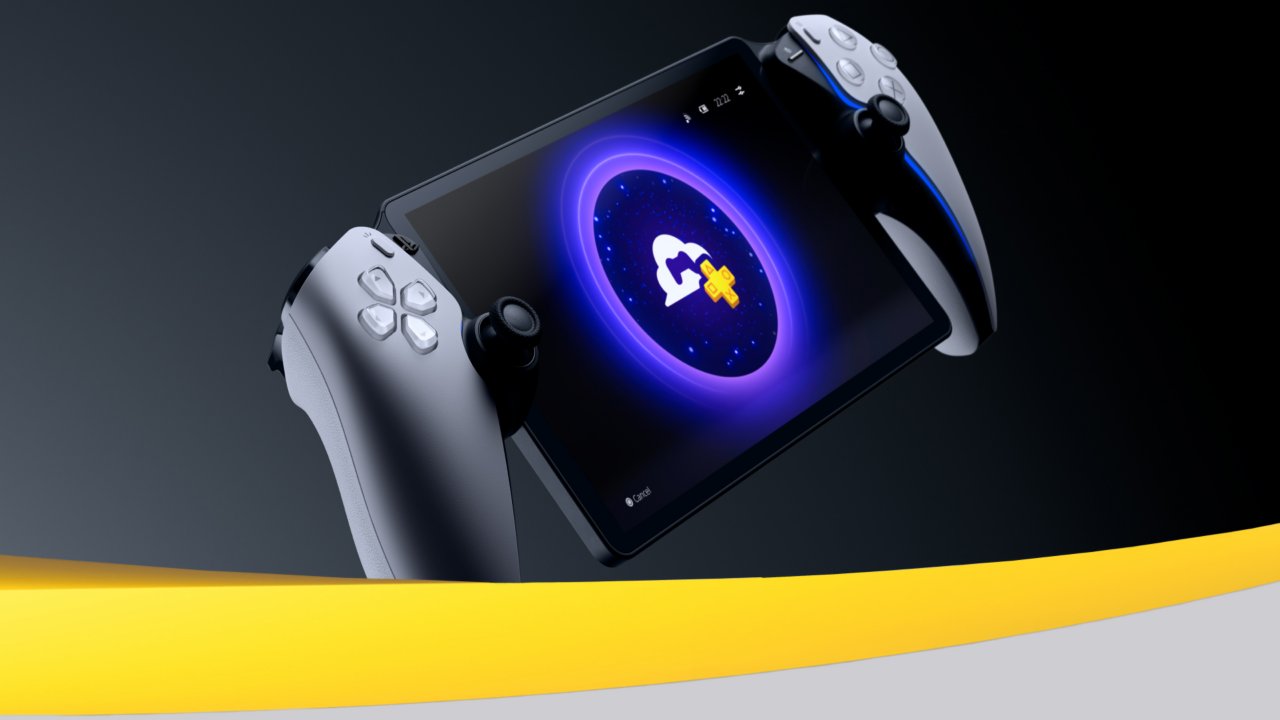
You can manage the subscription from a web browser without a console. Sign into PlayStation Account Management, open Subscription, find PlayStation Plus and select Cancel Subscription. Check the displayed end date after confirming.
Cancelling renewal leaves your benefits active until the end of your paid period, but doesn’t refund that payment. On PS5, follow Settings > Users and Accounts > Account > Payment and Subscriptions > Subscriptions > PlayStation Plus. On PS4, open PlayStation Plus > Manage Membership > Subscription. Select Cancel Subscription on either console.
PlayStation Plus PC App Shutdown Refund: What Happens to Your Saves?
Before the app closes, copy important streamed saves to PlayStation Plus online storage if you plan to continue in a compatible downloaded console game. A separate Steam purchase won’t automatically import that progress.
Once your membership expires, you lose access to subscription benefits such as claimed monthly games and online storage. Games you purchased separately at a Plus discount remain yours. If you’re considering a Portal, check whether the games you streamed on PC are supported before buying one.