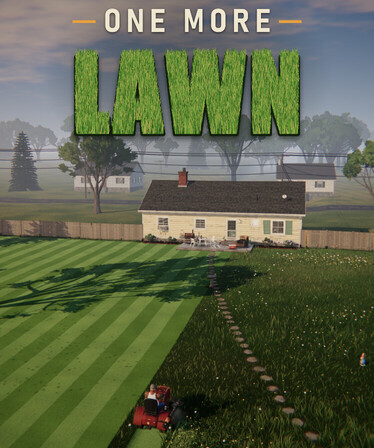
One More Lawn map editor is a full-game feature that lets you create custom lawns and share them through Steam Workshop. It is not included in the free October demo, which is why you will not find the editor while playing its front yard or Elvira’s backyard.
You can paint grass, sand, paths and dirt, shape hills, dig ponds and put up trees, fences or gnomes. When you’re happy with a layout, the Test Drive option lets you see how it feels from the mower. The game’s Steam Workshop support then lets players share their lawns and try other people’s creations.
Is the One More Lawn map editor in the demo?
No. The One More Lawn map editor and Steam Workshop are reserved for the full game. The free demo gives you two jobs, your own front yard and Elvira’s backyard, but no option to build new levels. That isn’t a hidden menu you need to unlock. The PC release is scheduled for 12 November 2026, and the editor is one of the main additions beyond the demo. Check the game’s Steam page for the final local price once it becomes available to buy.
What can you build with the editor?
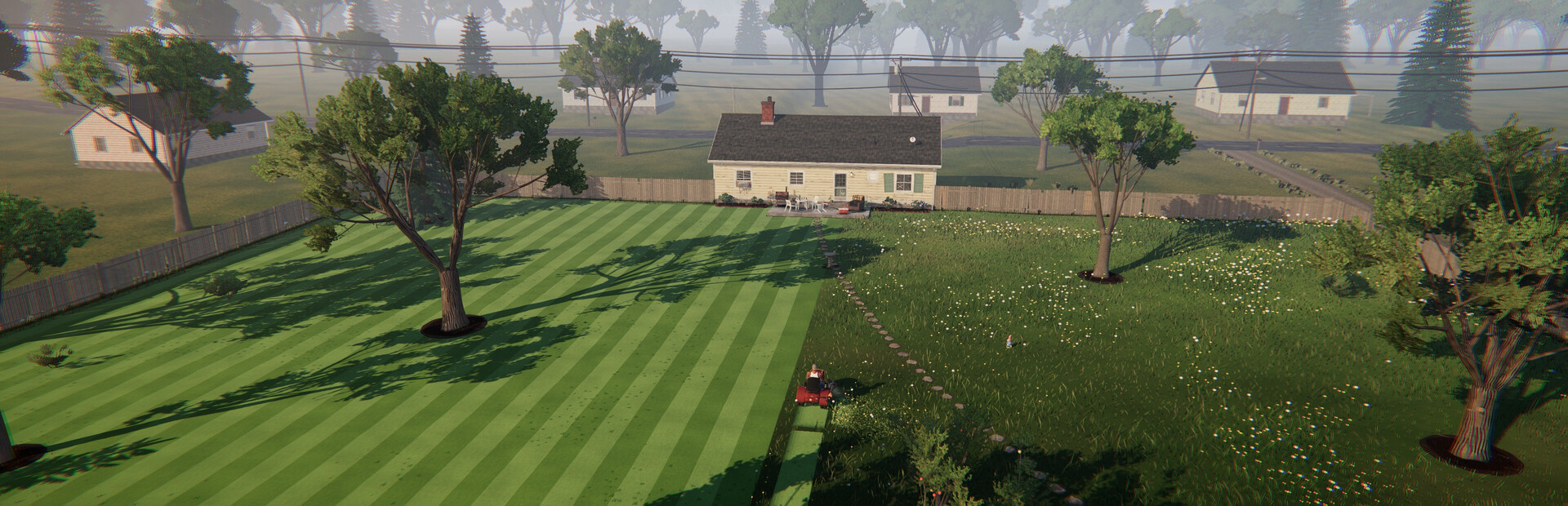
The official feature list describes painting grass, sand, dirt and paths. You can dig ponds, raise hills, plant trees, add fences and scatter decorations such as garden gnomes. That gives you control over both the shape of the terrain and the little obstacles a mower has to work around. Since you’re building a place to mow, make sure the finished lawn has room for the riding mower to get around. A complex space might look impressive, but its layout still needs to be usable by a riding mower. The game simulates cutting height, wind-blown grass and visible stripes, so the surface and terrain choices affect how a job feels when you play it.
How does Test Drive work?
The editor includes a Test Drive option, which is exactly what it sounds like: a chance to take your mower around the lawn you’ve built. Start with the ground, add hills and obstacles, then try cutting it. A garden can look great from above but become a headache when the mower has no room to turn. If a fence is in the way or a pond makes an area awkward, go back and adjust the layout. Superdou has shown the features, although there isn’t a complete button-by-button editor guide in the store description yet.
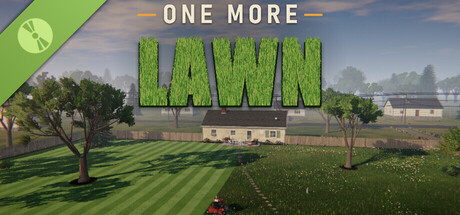
How do you share maps on Steam Workshop?
The full version supports sharing custom lawns on Steam Workshop and playing levels that other users have made. Build a map, try it with Test Drive and use the Workshop feature to share the finished result. You’ll need the full game to access the Workshop controls; they’re not included in the demo. The One More Lawn map editor is a level-creation tool, not an announcement of unrestricted modding or custom scripts.
Which four official jobs are in the full game?
The base game describes four locations: your front yard, neighbour Elvira’s backyard, Rubén’s golf course and Marcela’s island. Elvira wants a careful, exact cut and is protective of her garden gnome. Rubén’s old Los Teros course has greens, fairways and tees that require different cutting heights. Marcela’s island job is connected to a wedding and involves taking the mower across the water on a ferry. The game also advertises activities away from the machine, including fishing and swimming. Only the front yard and Elvira’s area are included in the free demo, so do not expect the golf course or island to appear there.
Is the map editor the same as the built-in jobs?
The four built-in jobs have their own clients and work to complete. Custom maps are lawns made by players through the editor. You can test those creations with the same riding mower and finishing tools you use in the main game, but they don’t automatically become new chapters in the four-job campaign. If you enjoy Elvira’s fussy cutting requirements or Rubén’s golf-course stripes, the One More Lawn map editor gives you a way to make similar challenges of your own and share them with other players.
Official source: One More Lawn on Steam (Superdou).