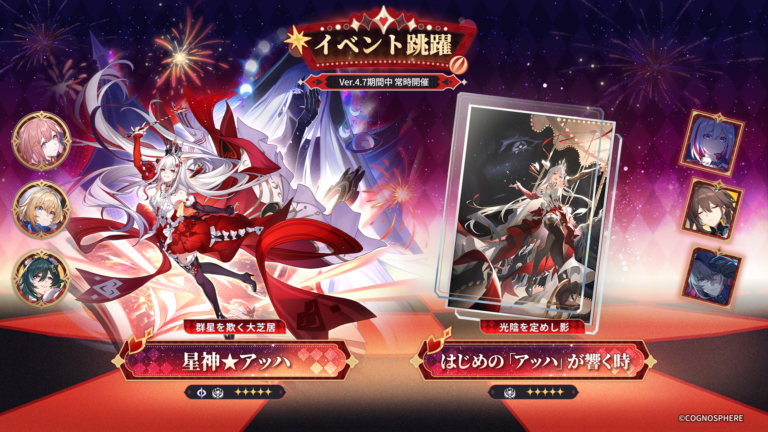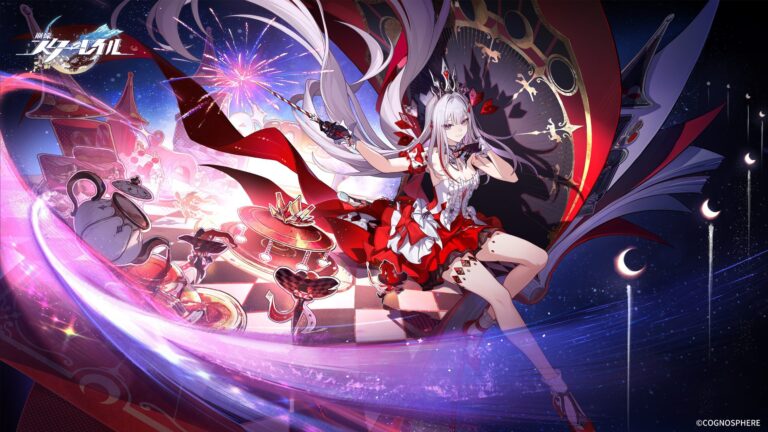
Honkai Star Rail 4.7 Discord Quest offers 30 Stellar Jade, Credits and upgrade materials if you accept the Quest on Discord and play Honkai: Star Rail on PC for 15 minutes. The reward comes as a personal redemption code in Discord, so you’ll need to claim that code and redeem it before the deadline.
Before you start, there’s one catch: the codes are limited. HoYoverse is handing them out on a first-come, first-served basis, and the event can close early if they run out. Completing the 15 minutes doesn’t guarantee a reward once the supply has gone.
How to complete the Honkai Star Rail 4.7 Discord Quest
- Create a character in Honkai: Star Rail if you haven’t already.
- Open Discord on your computer, using either the desktop app or the web version to accept the Quest.
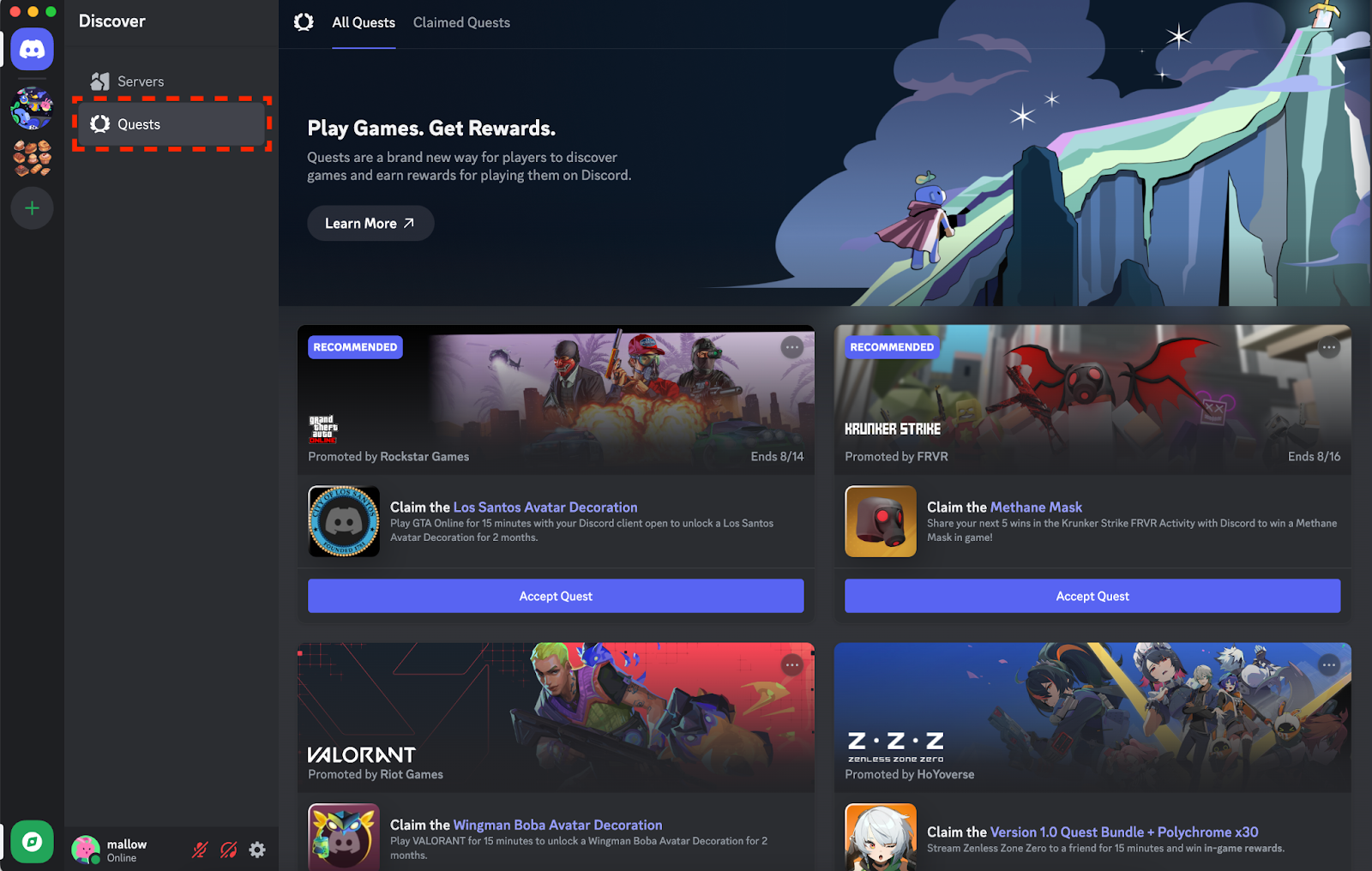
- Find Honkai: Star Rail V4.7 Quest in the Discord Quest prompt, or look for Quests under Direct Messages.
- Click Accept Quest before playing.
- Run the PC version of Honkai: Star Rail for at least 15 minutes while keeping the Discord desktop app open to track your playtime.
- Return to the Quest page and select Claim Reward when your progress is complete.
- Open Discord User Settings > Gift Inventory and copy the personal Honkai: Star Rail code.
- Visit the official publisher redemption page at
hsr.hoyoverse.com/gift, sign in, select the correct server and enter the code. Collect the items from your in-game mail after a successful redemption.
The official notice includes a Join Now link for the Honkai Star Rail 4.7 Discord Quest. You can open it from the HoYoLAB announcement linked at the bottom of this guide, or go straight to Discord’s Quests area on desktop.
Honkai Star Rail 4.7 Discord Quest not appearing?
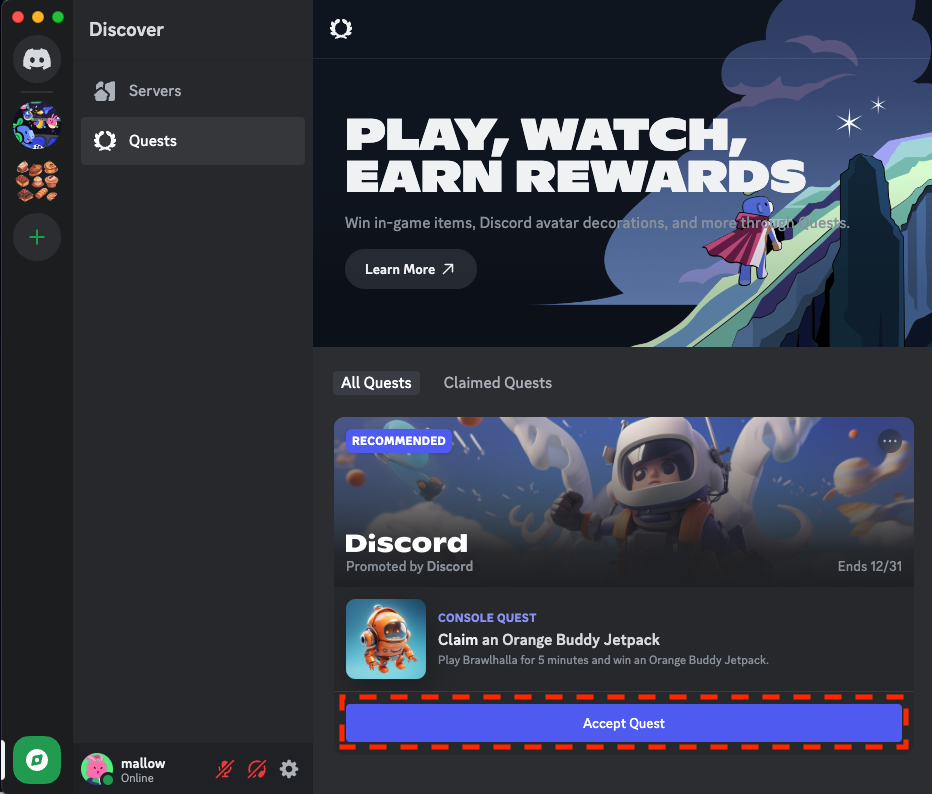
Start by checking which version of Discord you’re using. You cannot accept the Quest using only the mobile Discord app. HoYoverse says you need the desktop or web application to accept it. If you’re on your phone, move to a PC and look in Direct Messages for the Quests menu.
After accepting, make sure you’ve launched Honkai: Star Rail on a PC, rather than on a mobile device or console. Keep the Discord desktop client running while you play, then check the accepted Quest for progress. The Honkai Star Rail 4.7 Discord Quest tracks PC playtime, not simply whether you’ve logged into the game somewhere.
Even if you meet all the requirements, the promotion might not have codes left. HoYoverse specifically warns that it ends immediately once the available gift codes have been claimed. Don’t promise yourself a code or use an old livestream code in place of the Discord reward.
Honkai Star Rail 4.7 Discord Quest rewards
HoYoverse lists the following one-time bundle for a successful Quest claim and redemption:
- 30 Stellar Jade
- 20,000 Credits
- 4 Lost Gold Fragments
- 5 Condensed Aethers
- 3 Traveler’s Guides
These items arrive through in-game mail after you redeem your personal code. They’re not handed out as a public code that everyone can enter, and they’re separate from the 20 Special Passes available through the Version 4.7 cumulative login event.
When does the Honkai Star Rail 4.7 Discord Quest end?
The official participation period is 11 November to 1 December 2026 (UTC+8). HoYoverse doesn’t specify an exact closing hour in that date range, so don’t assume it’ll last until midnight in the UK. The earlier of the scheduled end or the code supply running out is what matters.
The code redemption deadline is later: 21 December 2026 at 11:00 (UTC+8), equivalent to 03:00 GMT on 21 December. If you already have a code, redeem it now rather than risk forgetting. The Honkai Star Rail 4.7 Discord Quest ends on a different date from the code’s expiry.
Codes are valid on the America, Europe, Asia and TW/HK/MO servers. Double-check your selected game server before redeeming so the reward goes to your actual character.
Is this the same as Discord’s account-linking check-in?
No. Around Version 4.7, HoYoverse also has a separate Discord account-linking promotion that uses the Astral Express bot and awards Stellar Jade for linked-account check-ins. That’s not the 15-minute PC playtime Quest.
If you’re following instructions that tell you to link accounts and check in through a bot, you’re looking at a different offer. The Honkai Star Rail 4.7 Discord Quest requires accepting an invitation, playing on PC and claiming a personal reward code through Discord’s Gift Inventory.
Can you do the Honkai Star Rail 4.7 Discord Quest on mobile?
Not from start to finish. You need a computer to accept the Quest in Discord and to complete the specified PC game activity. The mobile Discord app by itself doesn’t support acceptance for this promotion, and a mobile-only game session won’t count toward the PC requirement.
The simplest route is to accept the invitation in Discord’s desktop client, keep Discord open for the 15 minutes, claim your code straight away and redeem it on the official Honkai: Star Rail site.
Related Guides
- Honkai Star Rail Aha Reckons You Need This: Free 20 Special Passes
- Honkai Star Rail 4.7 Update: Release Date, Aeon Aha and Everything New
- Honkai Star Rail 4.7 Free Five-Star: Acheron, Dan Heng IL or Jing Yuan
- Honkai Star Rail 4.7 Banners: Aeon Aha and All Character Reruns
- Honkai Star Rail Quick Farm 24: New Calyx Batch Limit
- Honkai Star Rail Asat Pramad’s Gift: Free Custom Max-Level Relic
- Honkai Star Rail Relic Recon: Free +15 Relics and Access Cards
Official source: HoYoverse Version 4.7 Discord Quest announcement and Join Now link.