The Minecraft 26.4 snapshot install process starts in the official Minecraft Launcher. Choose Java Edition, open Installations, enable Snapshots, and select a 26.4 test build. That’s how you try the Deep Freeze update before it launches without installing a third-party mod.
Before launching any snapshot, make a backup. Mojang warns that unfinished versions can corrupt saves, so test the new Ice Caves and Frostbites in a different world rather than risking the only copy of your base.
Minecraft 26.4 snapshot install: Launcher steps
Open the official Minecraft Launcher and select Minecraft: Java Edition, not Bedrock Edition. Once snapshots are enabled, choose a 26.4 test build from the version dropdown beside Play.
If you don’t see the option, go to Installations and tick Snapshots. You can then create a separate installation profile for a specific 26.4 build. The Minecraft 26.4 snapshot install shouldn’t require downloading anything from an unofficial website.
Mojang confirms these steps in the Snapshot 8 announcement. If the Minecraft 26.4 snapshot install option isn’t appearing, check the Installations filter before resetting the Launcher or modifying game files.
How to play Deep Freeze features with Minecraft 26.4 snapshots
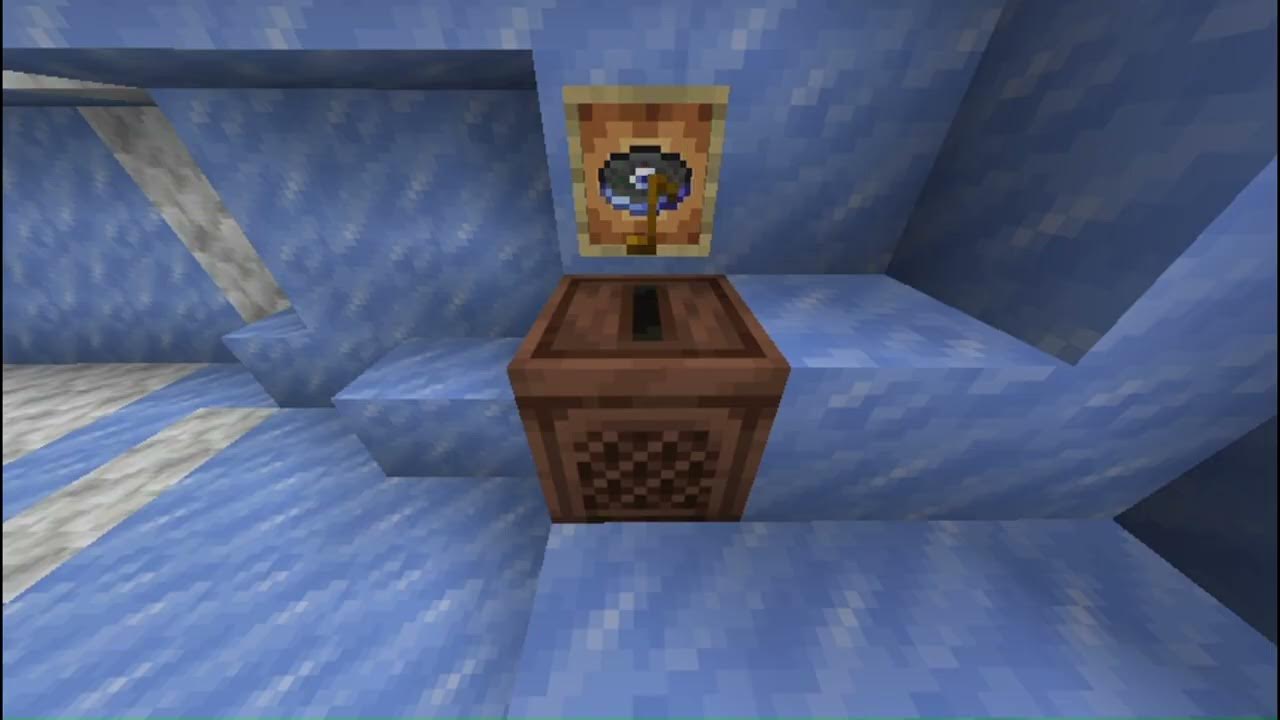
After the Minecraft 26.4 snapshot install, you’ll be testing Deep Freeze features such as the Calcite block set, winter mobs and the Flurry music disc. Different snapshots may contain different fixes, so a guide for Snapshot 7 won’t always match later versions.
Create a new test world, then explore cold Overworld regions for Ice Caves and Frostbites. Don’t expect a new cave biome underneath the same old mineshaft you’ve already explored for years. Freshly generated terrain is a better place to look when testing world-generation additions. If you want a particular block, follow its individual recipe or chest-loot guide rather than searching the Creative menu blindly.
Back up your world before installing a snapshot
Before opening an old save, make a copy using the world selection screen or save the world folder somewhere outside Minecraft’s active directory. A fresh test world is the easiest way to explore without risking months of work.
For extra protection, give your test profile a separate game directory. That keeps its worlds and settings away from your usual Java installation. If you’re not comfortable changing folders, simply create a fresh world.
If the game warns that your world was last opened in a different version, pay attention. Downgrading a world after a snapshot has changed it can damage chunks or data. Making a backup before the first snapshot launch gives you an untouched version to restore instead of gambling on a downgrade.
How to switch back from Minecraft 26.4 snapshot to normal Java
Close Minecraft and return to the Launcher. Select Latest Release in Java Edition’s version menu, or choose your normal installation profile. You can leave the snapshot installed and switch between profiles, but keep the worlds separate. Don’t open a world that has already been upgraded by the snapshot in a previous released version without restoring a backup.
The Minecraft 26.4 snapshot install doesn’t change your Minecraft account or permanently opt you into testing. You can switch the Launcher back to Latest Release, but that doesn’t reverse changes already made to a snapshot world.
Minecraft 26.4 snapshot install not showing in the Launcher
The most common reason is that snapshots are hidden in the Installations tab. Check that filter first, then check that you selected Java Edition rather than Bedrock. Next, make sure your Launcher is up to date and connected, because the version list needs to load. If you created a custom profile, confirm it is still set to the intended snapshot.
If you’re using a third-party modded Launcher, its version selection and snapshots filter may not match Mojang’s instructions. For a clean test, use the official Launcher. The Minecraft 26.4 snapshot guide you’re following should also be checked for the date: later snapshots can change behaviour, so a tutorial for Snapshot 2 won’t always match Snapshot 8.
Can I play Minecraft 26.4 snapshots with friends?
Java snapshots can support multiplayer if everyone runs compatible builds. Mojang’s help centre describes Java snapshot testing through singleplayer, local area network connections and Java Realms. For other servers, the server needs to use the appropriate snapshot version and compatible software. Don’t assume a stable-release multiplayer server will accept a snapshot client.
This isn’t the same as a Bedrock Preview Realm. If your friend plays Minecraft on Xbox, PlayStation or phone, enabling a Java snapshot won’t make ordinary Java-Bedrock crossplay available. Those platforms use the Bedrock Preview or Beta testing route instead.
When will Minecraft 26.4 release normally?
There is no confirmed exact Deep Freeze launch day as of 17 November 2026. The Minecraft 26.4 snapshot install is for an unfinished testing version; you can always go back to the stable installation while waiting for Mojang’s full release.
If you’ve installed the correct snapshot and still can’t find a certain item, check whether it came in a later snapshot, needs a crafting recipe or is rare chest loot. Our Deep Freeze and Chiseled Soulshale guides link the important changes without treating every test feature as immediately available in every world.
Minecraft 26.4 snapshot install: Related Guides
Official source: Mojang Studios’ Java 26.4 Snapshot 8 notes and installation instructions.