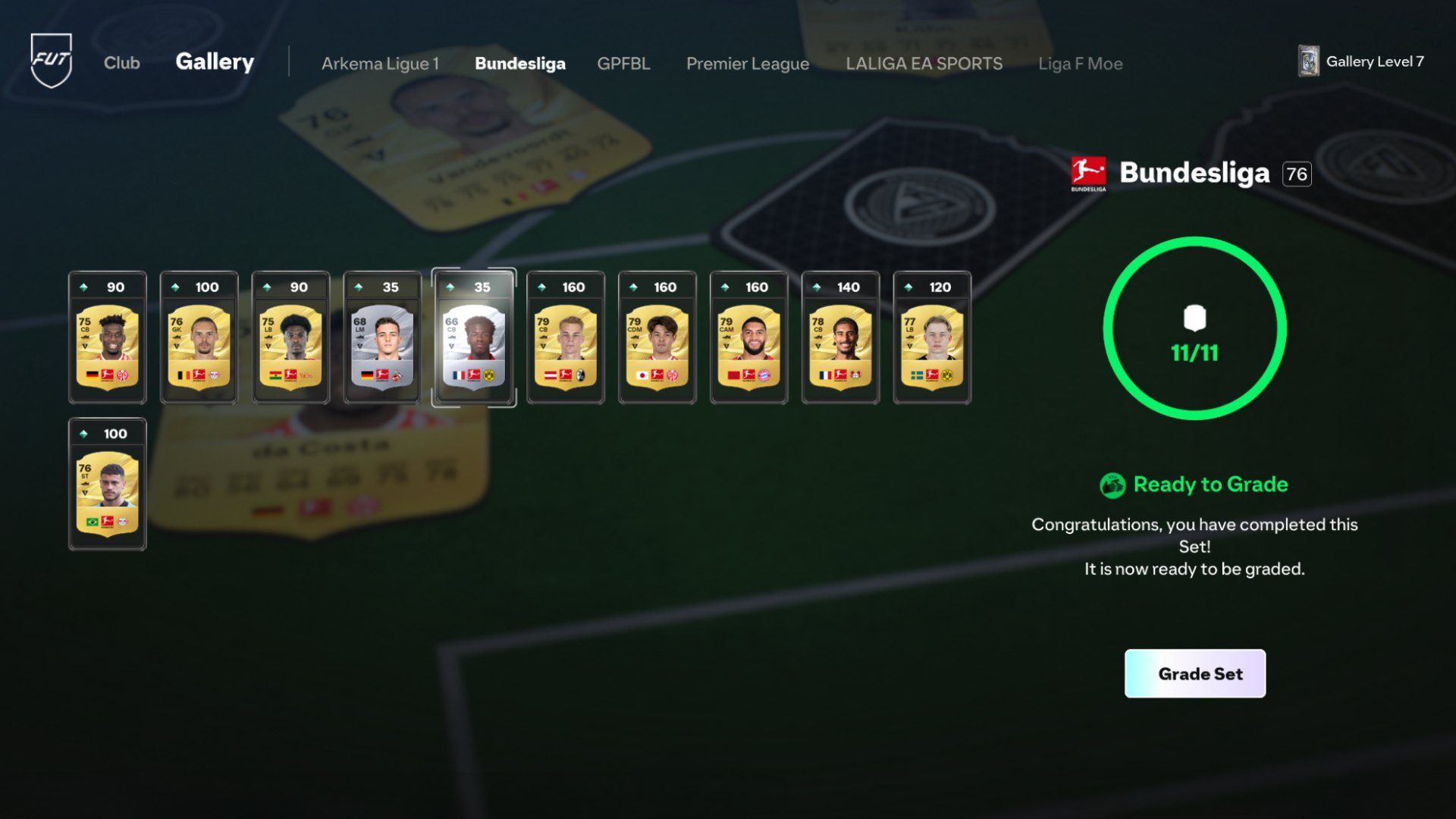
How to Complete FUT Gallery Sets in EA FC 27 starts by opening a themed Set and filling its available spaces with eligible Player Items from your Gallery history.
EA has built the feature to be more flexible than a one-time submission screen. You can add Items manually, use an autofill option for empty slots and return later to improve a completed Set with stronger cards.
Choose a Gallery Set and check its theme
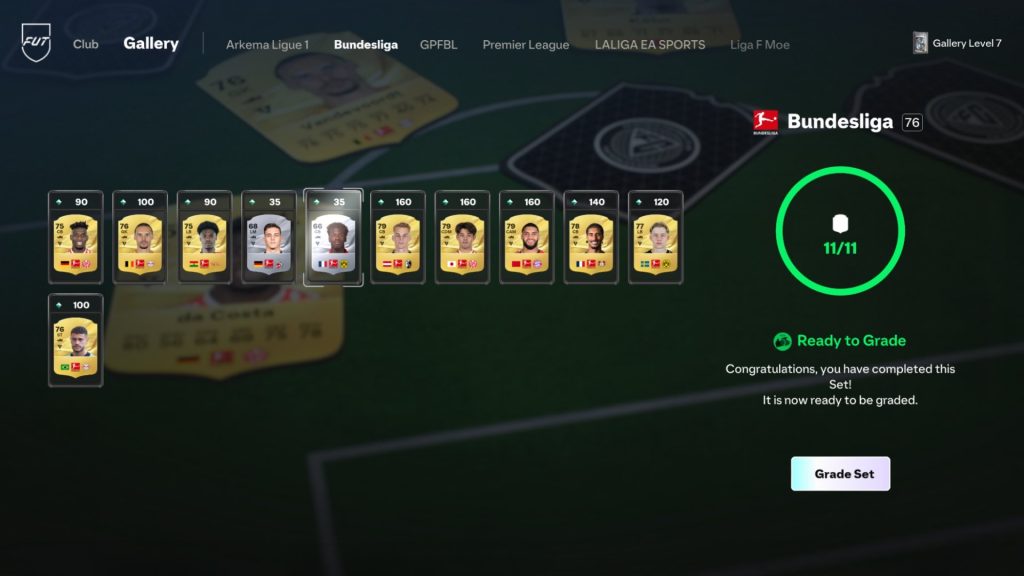
Gallery Sets can focus on leagues, clubs, nations, Campaigns and other themes. A league Set, for example, asks you to build the collection around Items from that competition rather than simply using your highest-rated cards everywhere.
At launch there are more than 100 Sets, including major men's and women's leagues plus Rarity Sets such as Squad Foundations and Team of the Week. A Starter Set is designed to introduce the feature.
For players learning how to complete FUT Gallery Sets in EA FC 27, manually filling the first few collections is useful because it shows which Item types actually qualify before autofill starts doing the routine work.
The biggest mistake when learning how to complete FUT Gallery Sets in EA FC 27 is assuming completion and optimisation are identical. Filling every slot finishes the Set, but the Grade can still improve dramatically later.
Add Items manually or use autofill
EA confirms that Player Items can be added manually when you want to shape the Set yourself. The Gallery also includes an autofill function that can fill open spaces more efficiently from eligible Items already available to the collection.
Manual selection is more useful when you care about Set score, Grades or Tags, while autofill can make basic completion faster when the exact Item combination is less important.
Because sold and submitted Items can remain recorded, how to complete FUT Gallery Sets in EA FC 27 is less restrictive than an SBC. The Gallery remembers eligible ownership history instead of demanding that every card stay untouched forever.
Completing a Set is only the first step
A completed Gallery Set receives a Grade based on the Items used. Every Item has its own point value, and EA says higher OVR cards and Special versions can contribute more to the Set's overall score.
That is why a completed Set can still be worth revisiting. Starting with ordinary Gold Items is fine, but replacing them later with stronger Campaign Items, Heroes, ICONs or Holographic Items can improve the Grade and unlock better rewards.
Another part of how to complete FUT Gallery Sets in EA FC 27 is checking Tags before replacing cards. A combination bonus can matter alongside raw Item score, so a seemingly weaker card can still have a reason to stay.
At launch, how to complete FUT Gallery Sets in EA FC 27 should begin with the Starter Set and straightforward collections rather than buying expensive cards solely to force a high Grade on day one.
Items do not need to stay in your active Club forever
Eligible Items remain part of Gallery history even after they are sold or submitted into an SBC. That rule makes Set completion less punishing because recorded Items can continue to matter after the active squad and Club inventory change.
Loan Items are the major confirmed exception: EA says they cannot be used in Gallery. Evolution Items are represented in the Gallery by the original base Item from before the Evolution began.
Over time, how to complete FUT Gallery Sets in EA FC 27 becomes more about refinement: finish the collection first, then return when new Campaign, Hero, ICON or Holographic Items can meaningfully improve it.
For long-term progression, How to Complete FUT Gallery Sets in EA FC 27 is therefore a two-stage process: fill the themed collection first, then improve the Item quality and combinations if you want a stronger Grade. Completion gets the Set on the board; optimisation is what pushes it further.
EA explains the system in the official FC 27 FUT Deep Dive.