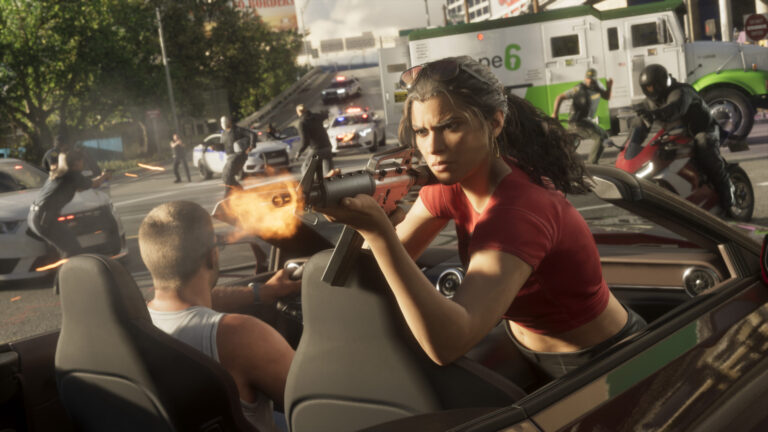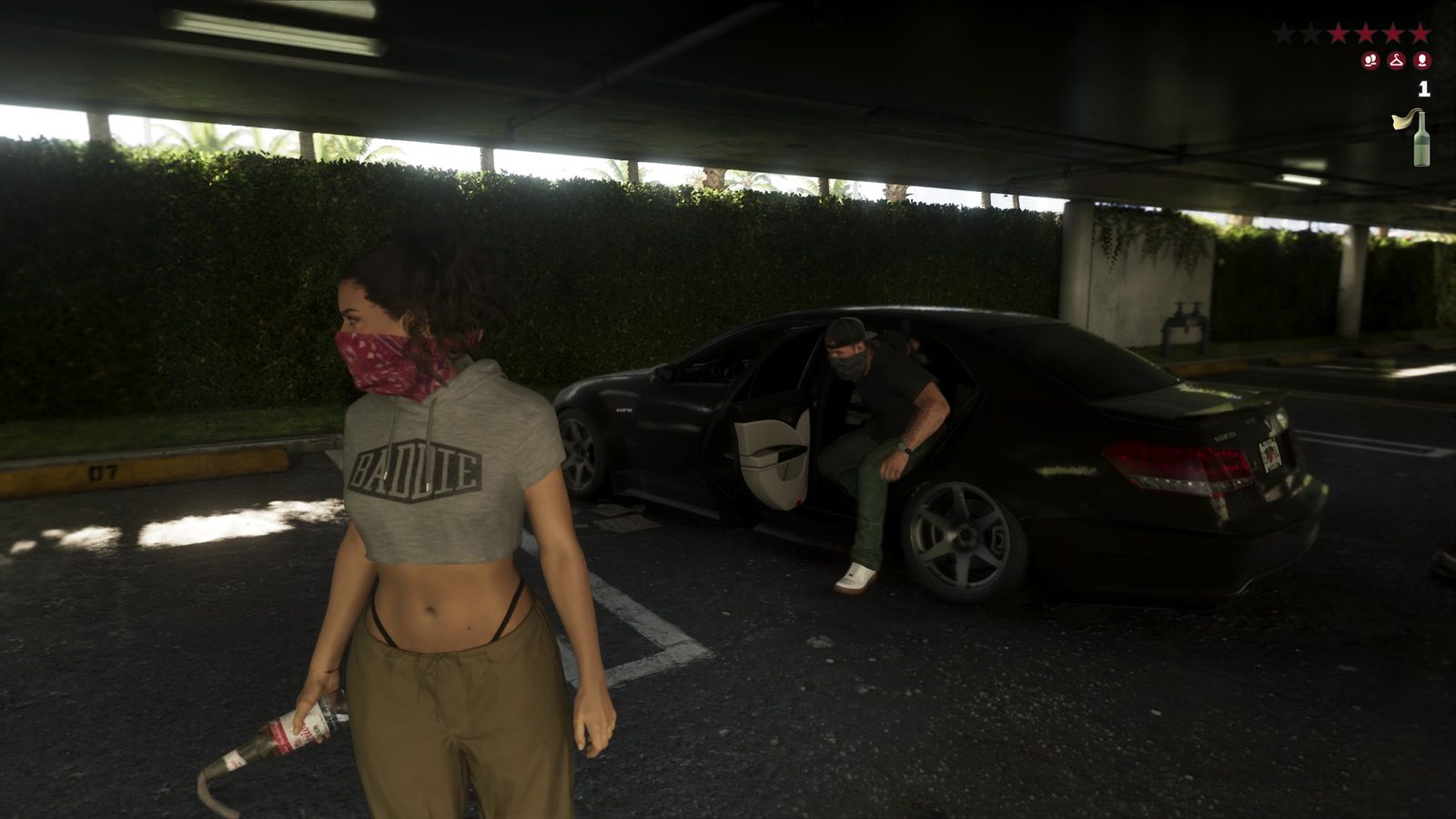
GTA 6 How to Throw Grenades starts by choosing an explosive from your loadout. Hold L1 on PS5 or LB on Xbox Series X|S, select a grenade, then hold L2 / LT to aim and press R2 / RT to throw it.
GTA VI gives throwables a few useful extras. You can prime an explosive, display its flight path and quickly throw the last equipped one without switching away from a firearm. Here’s how to use those buttons without confusing them with the grenade-launcher weapons.
GTA 6 How to Throw Grenades: selecting and throwing explosives
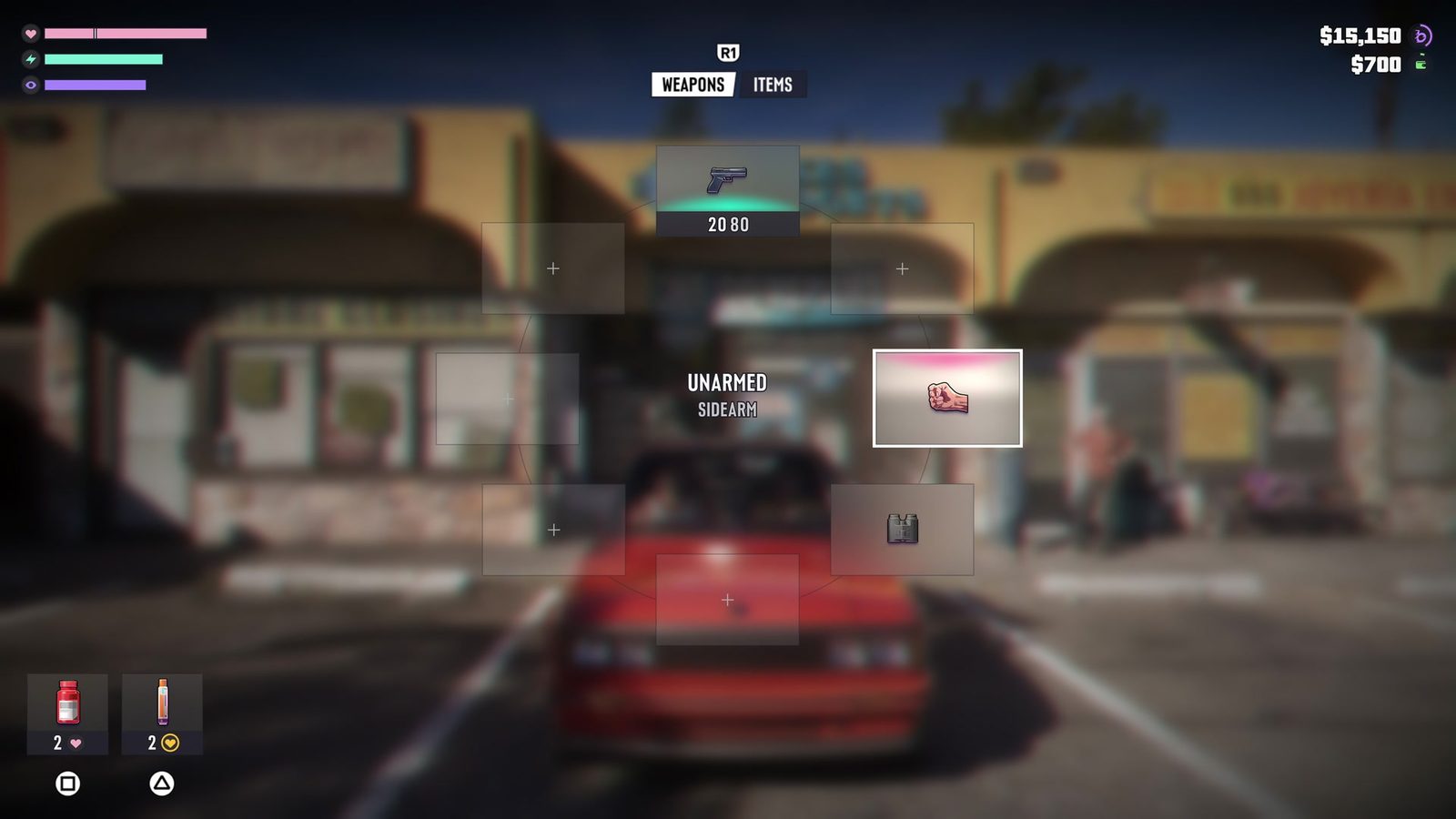
On foot, hold L1 / LB to bring up the equipment wheel. Move to the grenade or another throwable explosive you have in your inventory, select it and release the wheel. Your character is then carrying that item instead of a normal firearm.
Hold L2 / LT to aim. Move the right stick to line up the target area, then press R2 / RT to throw. A standard press throws the item without a separate menu confirmation, so make sure you’re pointing towards the intended spot first.
The throw needs a clear route. If you’re standing very close to a wall or a low ceiling, reposition before releasing it. A badly placed explosive can land much closer than planned. Check the area around allies and your own character before committing to the throw.
GTA 6 How to Throw Grenades: priming, trajectory and detonating
If you hold R2 / RT instead of tapping it, the game lists that action as Pull Pin & Prime. It’s the preparation control for a held explosive. Pay attention to how long you’ve been holding it, particularly when an enemy interrupts your aim.
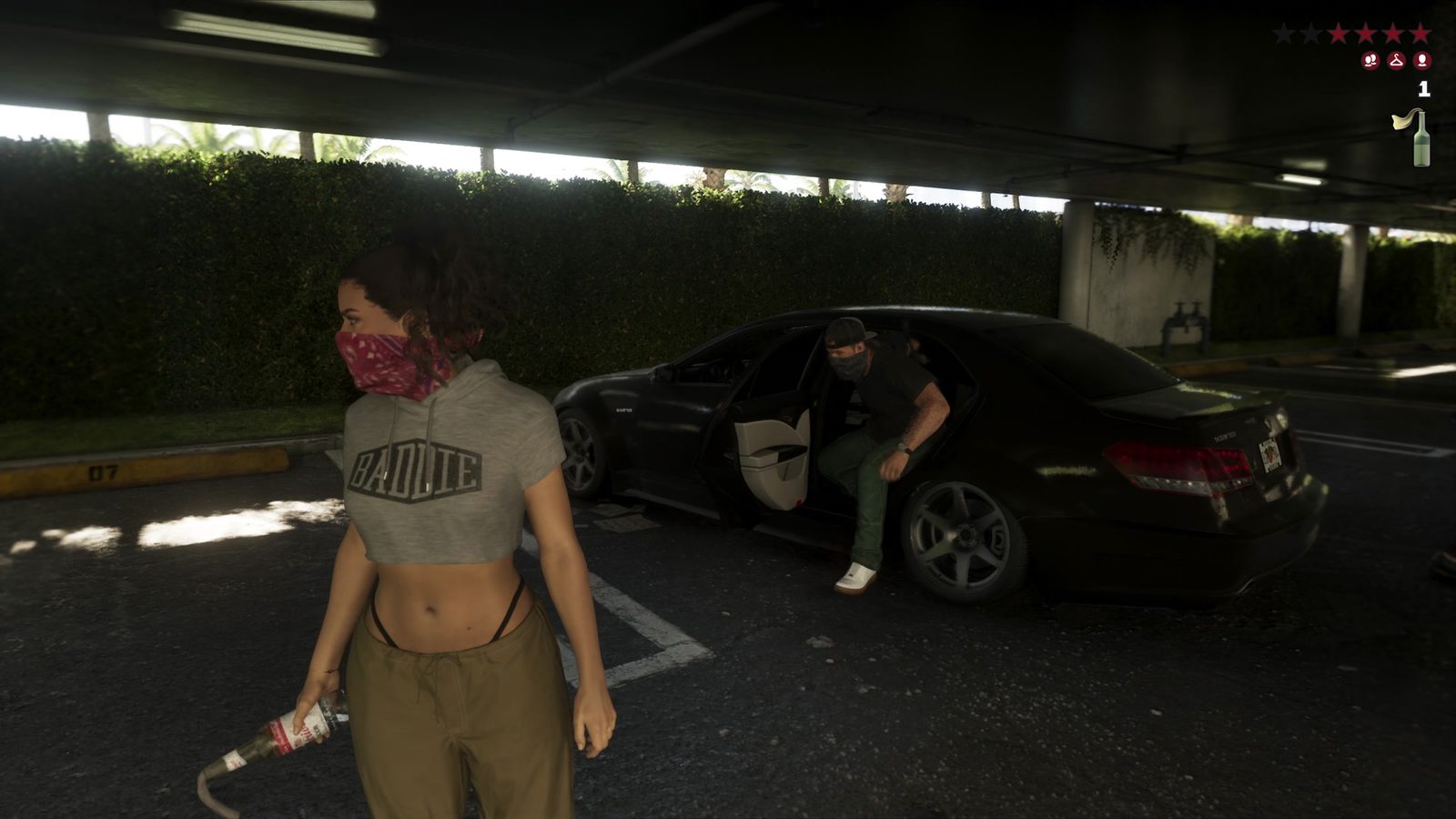
While aiming, click R3 on PS5 or RS on Xbox (press the right stick) to display the throw path. This is especially useful when judging an arc over cover or into an area beyond a fence. You can adjust the aim before throwing.
D-pad Right is the listed button for detonating remote explosives while aiming. That is a different mechanic from a regular thrown grenade. Pressing it isn’t a way to manually detonate an ordinary grenade in mid-air.
How to quick-throw while aiming a firearm
Once an explosive has been selected, hold R1 / RB while aiming to quick-throw the last equipped explosive. This saves reopening the loadout wheel in the middle of a firefight.
The same R1 / RB button handles taking and leaving cover when you’re standing by an obstacle. The difference is context: tapping it while on foot next to cover enters or leaves that position; holding it while aiming gives you the quick-throw action.
If that feels confusing, the How to Take Cover guide explains R1 / RB and aiming. The full controls guide also shows these inputs alongside the game’s other combat controls.
Grenades versus launchers
An ordinary grenade is a throwable. The Hillinger Boomer and Deever Tech GLR40 are purchased grenade-launcher weapons, and the Hauners H-AT fires rockets. They use different ammunition and equipment selection.
For prices and shops, see How to Get a Grenade Launcher and How to Get a Rocket Launcher. Selecting a launcher isn’t the same as holding a throwable grenade.
The GTA 6 How to Throw Grenades controls to remember are L1 / LB for the loadout, L2 / LT for aim, R2 / RT for the throw, and R3 / RS for the trajectory. Holding R1 / RB while aiming quick-throws your last equipped explosive.
Official controls and gameplay imagery: Rockstar Games, Grand Theft Auto VI.