For the Fortnite search containers while listening to Jam Track Player quest, you need 25 container searches while a song plays in Listen mode. You can open ordinary chests and ammo boxes; the trick isn’t where you loot, but how you start the music.
Fortnite’s Emote Wheel has two music options that look similar. Jam mode is for performing with an instrument. Listen keeps the track playing while you run around and open loot. Use Listen and you can work through this quest during an ordinary Treasure Hunters match.
Fortnite search containers while listening to Jam Track Player: turn it on
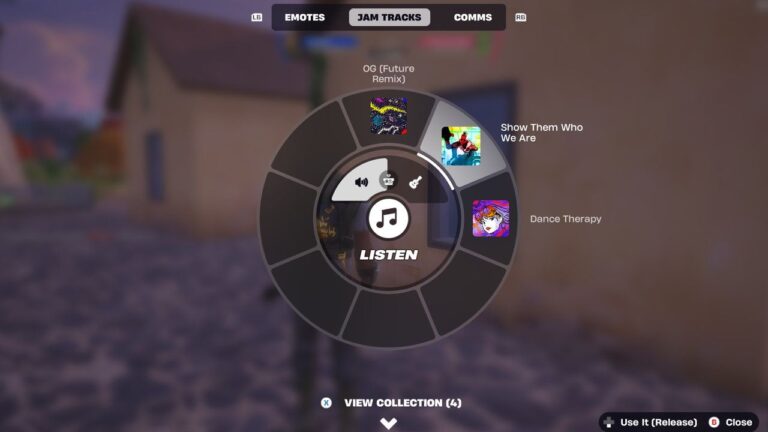
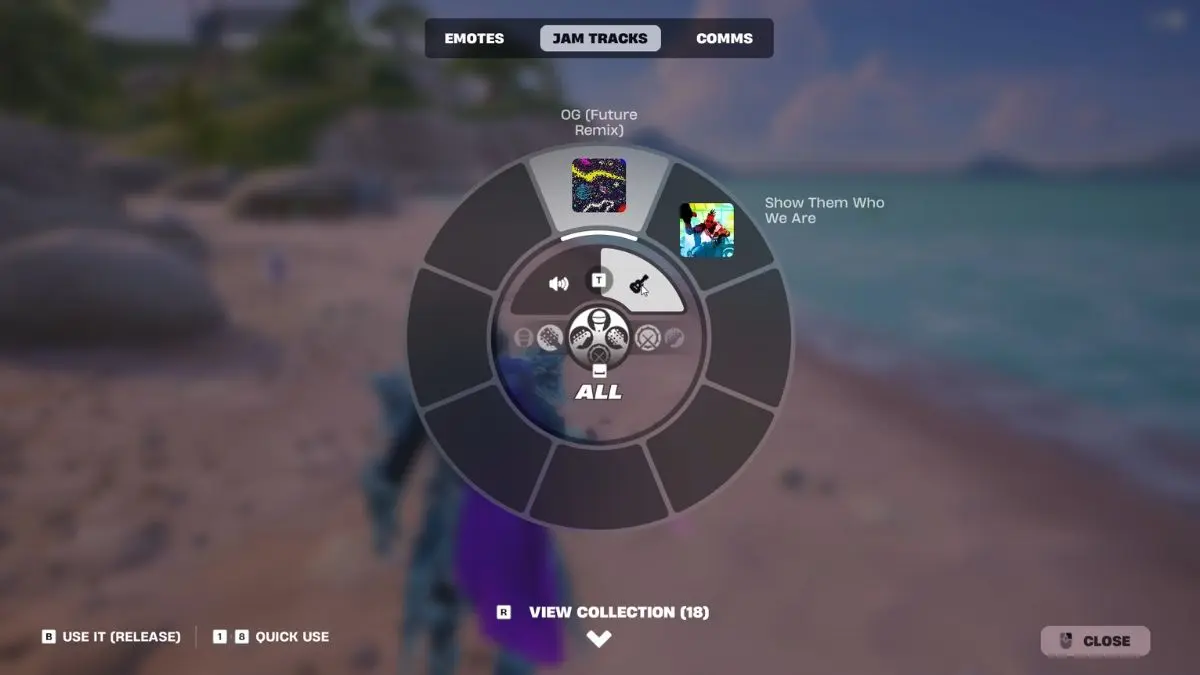
Open the Emote Wheel in a match, move to Jam Tracks, choose a track from your collection and select Listen. Epic’s support page specifically points out that some quests require this mode. Once the song is playing in the background, you’re free to move, fight and search containers.
Depending on your controls, the menu may show View Collection and Choose Your Song before you pick a track. Look for the Listen option in the music wheel rather than choosing an instrument. If your character is performing a Jam Loop, switch modes before opening the next chest.
Some players found that their count only began moving when they started Listen after landing. That’s a player-reported workaround, not a fix Epic has formally confirmed. Still, it’s a useful first test if you began the song on the pre-match island or during the Battle Bus sequence.
Fortnite search containers while listening to Jam Track Player: what counts?
For the Fortnite search containers while listening to Jam Track Player objective, chests and ammo boxes are the easiest containers to find. Walk up and use the normal Search interaction. The tracker needs 25 qualifying searches, and you can spread them across matches.

Avoid breaking a chest with your Pickaxe or destroying the floor under it. Players have reported that the quest doesn’t register loot spilled from a destroyed container. A manual Search is the safer choice: open the container normally, then look for the progress notification.
You don’t need a single building with 25 chests. Keep your music running as you rotate through a few nearby locations. Treasure Hunters chests refill over time, too, so an area you’ve already looted may become useful again. Our chest refill guide explains how that works.
Fortnite search containers while listening to Jam Track Player not counting?
A counter stuck at 0/25 usually deserves a quick check of the player mode before you look for a new loot route. Open the Emote Wheel and confirm Listen is active. An instrument performance isn’t the same thing, even if you can hear the tune.
If Listen is already active, try a fresh chest using Search. Restarting the song once you’ve landed is another reported workaround. Neither guarantees a fix for every player. We’ve gathered those checks separately in our Jam Track quest not counting guide.
Fortnite search containers while listening to Jam Track Player: do you need a song?
There’s no special paid track tied to the quest. Pick a song you already own from the Jam Tracks collection. If the music list is empty, check your Locker first rather than buying something just because you couldn’t find the right menu.
The Fortnite search containers while listening to Jam Track Player challenge awards 20,000 XP once you reach 25 searches. Listen mode and the Search interaction are the two things to get right; everything else is normal Treasure Hunters looting.
Related Guides
- Fortnite Treasure Hunters Week 3 Quests
- Fortnite Drop Off Sprite at Friendship Villa
- Fortnite Survive Storm Phases Quest
- Fortnite Launch Into the Air From a Cannon
- Fortnite Slone Phone Lantern Landing
- Fortnite Jam Track Quest Not Counting
- How to Use Jam Track Player in Fortnite
- Fortnite Board a Ship With the Leekcapper
- Fortnite Treasure Hunters Map
Official source: Epic Games’ instructions for the Jam Track Player.