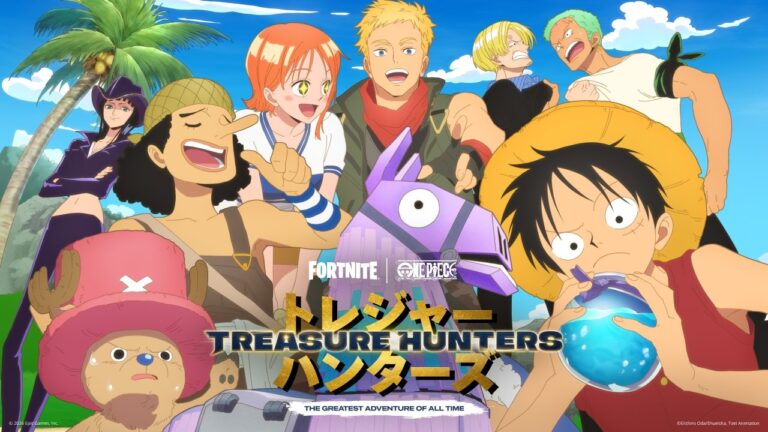
A Fortnite Treasure Hunters reward missing from Locker can be frustrating, especially when a rare chest animation looked like a big win. First check the name of the prize. Treasure Hunters gives out several kinds of rewards, and not everything you find is an Outfit or even a permanent cosmetic.
Epic’s current Locker guidance covers the usual culprits: the wrong item category, active filters, archived cosmetics and a different Epic account. Running through those checks is worthwhile before treating the chest opening as a failed reward grant.
Fortnite Treasure Hunters reward missing from Locker: check the item type
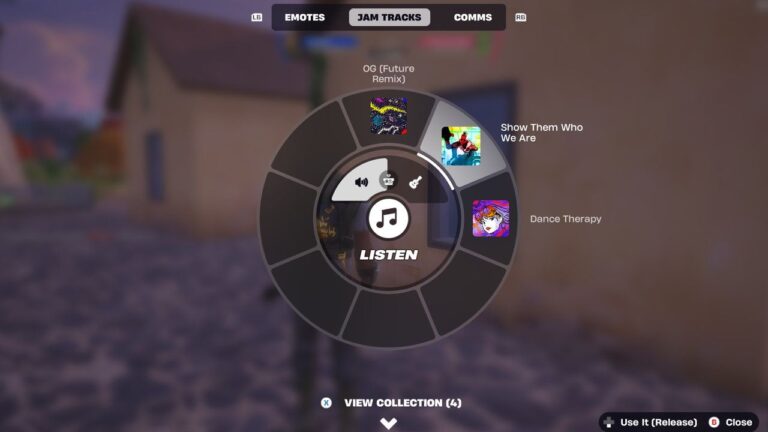
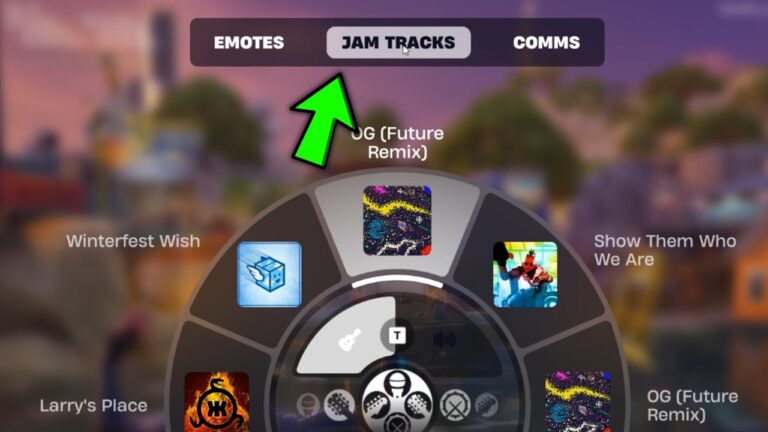
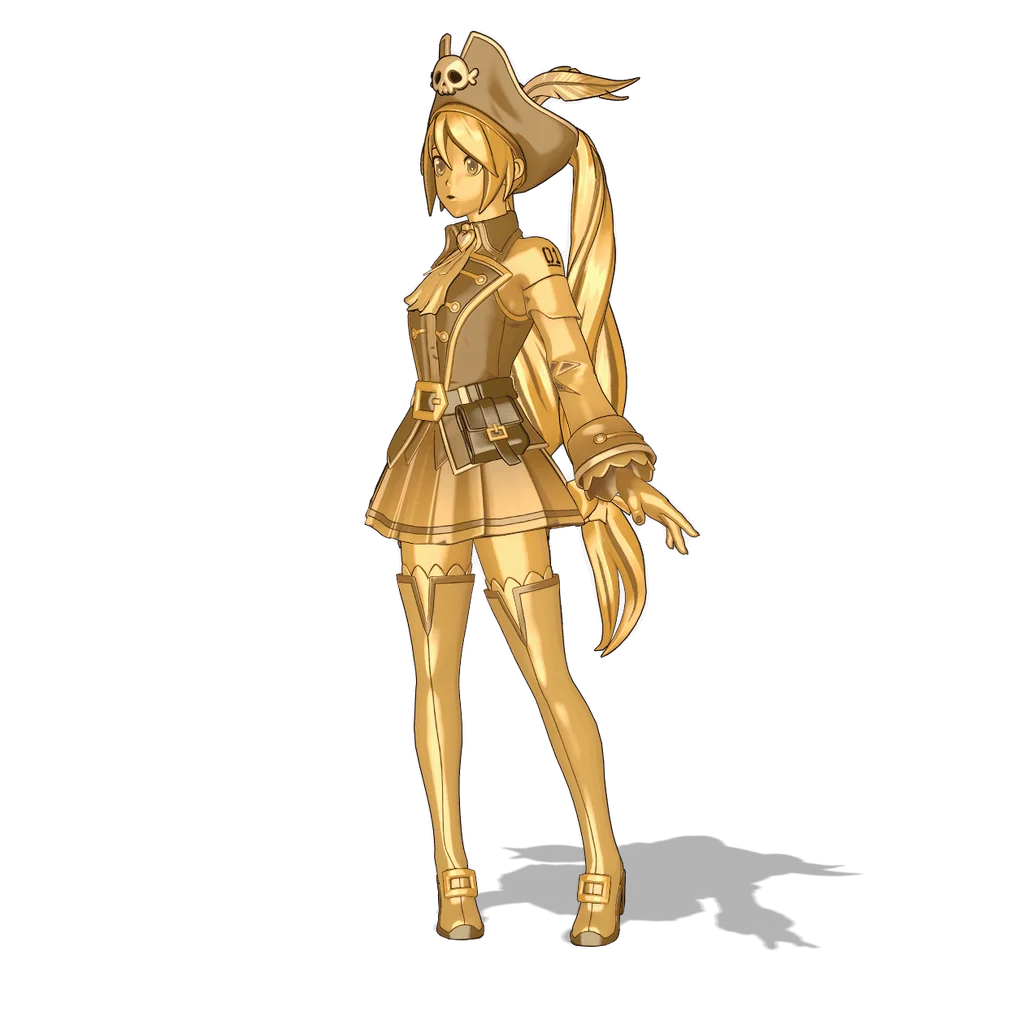
If the chest announced a Weekly Gold Outfit, look under Outfits. A Back Bling, Pickaxe, Jam Track, Loading Screen or vehicle cosmetic belongs in its corresponding collection. An Outfit won’t appear under music, and a Jam Track won’t appear under Outfits. The name on the reward screen is much more useful than its colour.
Gizmos are different again. They’re in-match tools rather than permanent Locker cosmetics. Pirate Shop Access also isn’t an Outfit; it’s a separate Treasure reward with its own activation rules. Don’t search the Outfit grid for a Pirate Shop token and conclude that it’s missing just because you can’t see a skin.
Fortnite Treasure Hunters reward missing from Locker: check filters and Archived
In the Locker, open the category for your prize and select Sort and Filter at the top right. Clear any applied filters, then select Apply. Check the heart beside the search bar as well; if it’s filled, you may be seeing favourites only.
Still no sign of it? Choose the Archived filter. Archiving hides a cosmetic without deleting it. To unarchive one, Epic says to select the item and either click the three dots on PC or hold the left stick on console, then choose Unarchive Item.
For a Fortnite Treasure Hunters reward missing from Locker, a hidden filter is a much better first suspect than assuming the server deleted the cosmetic. If you do find the item under Archived, you can return it to the normal view straight away.
Make sure you’re using the correct Epic account
If you play on more than one platform, check which Epic account is signed in. Cosmetics and progression are attached to the relevant account, so opening a different one can make your whole Locker look unfamiliar. Epic also advises checking linked console accounts when progress differs between devices.
When everything is missing, follow Epic’s account and progression help rather than trying to recover one chest prize. Disconnecting and reconnecting accounts at random isn’t a sensible way to investigate a single missing Outfit.
Fortnite Treasure Hunters reward missing from Locker after a Gold Outfit reveal?
Epic’s v43.10 patch changed the Weekly Gold Outfit reveal to distinguish it from Pirate Shop Access. There’s also a separate visual issue: Fortnite Status explained on 17 November that a chest animation can play when you already own a Treasure but someone else in your party doesn’t. That doesn’t mean another copy should appear in your Locker. Epic is working on a visual fix; our Gold Outfit animation guide covers both developments.
There’s also a known notification problem that Epic says is fixed. Some players saw “You found [Treasure]” but received nothing, and Epic says it granted the missing prizes to those affected. Our missing Treasure notification guide explains that separate issue.
Fortnite Treasure Hunters reward missing from Locker after all checks
If the Fortnite Treasure Hunters reward missing from Locker problem remains after those checks, search Epic’s Help Desk for the exact cosmetic name. Epic recommends that step because an individual item might have its own known issue or unlock condition.
When you’ve confirmed the item type, cleared filters, checked Archived and made sure you’re on the correct account, collect the reward name and match details before contacting support. Those checks won’t create a reward that was never granted, but they make it much easier to explain what is actually missing.
Start with the prize name, then the Locker category, filters and Archived view. That should either uncover your cosmetic or give you a specific missing-reward report instead of another guess about what the chest animation meant.
Related Guides
Official source: Epic Games’ official Fortnite support guidance.