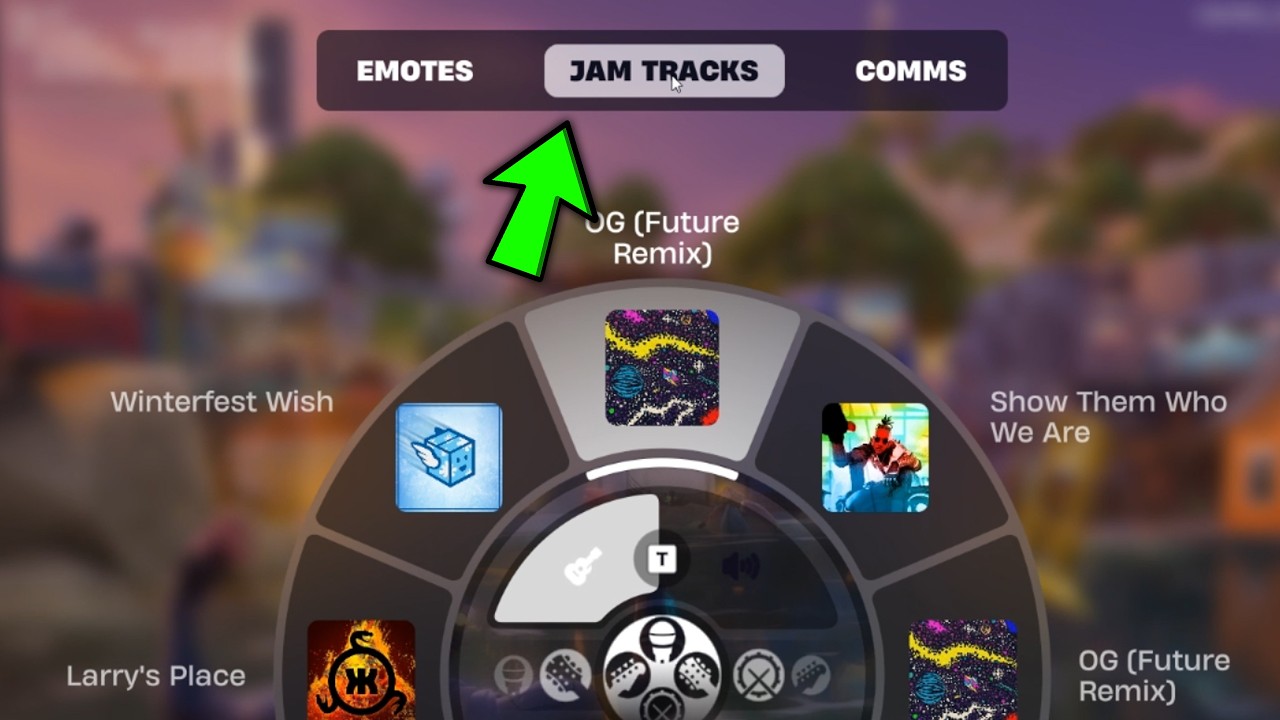
Here’s how to use Jam Track Player in Fortnite: open the Emote Wheel during a match, go to Jam Tracks, select one of your songs and switch to Listen. The music plays in the background while you move around. You don’t need to find a music player on the map.
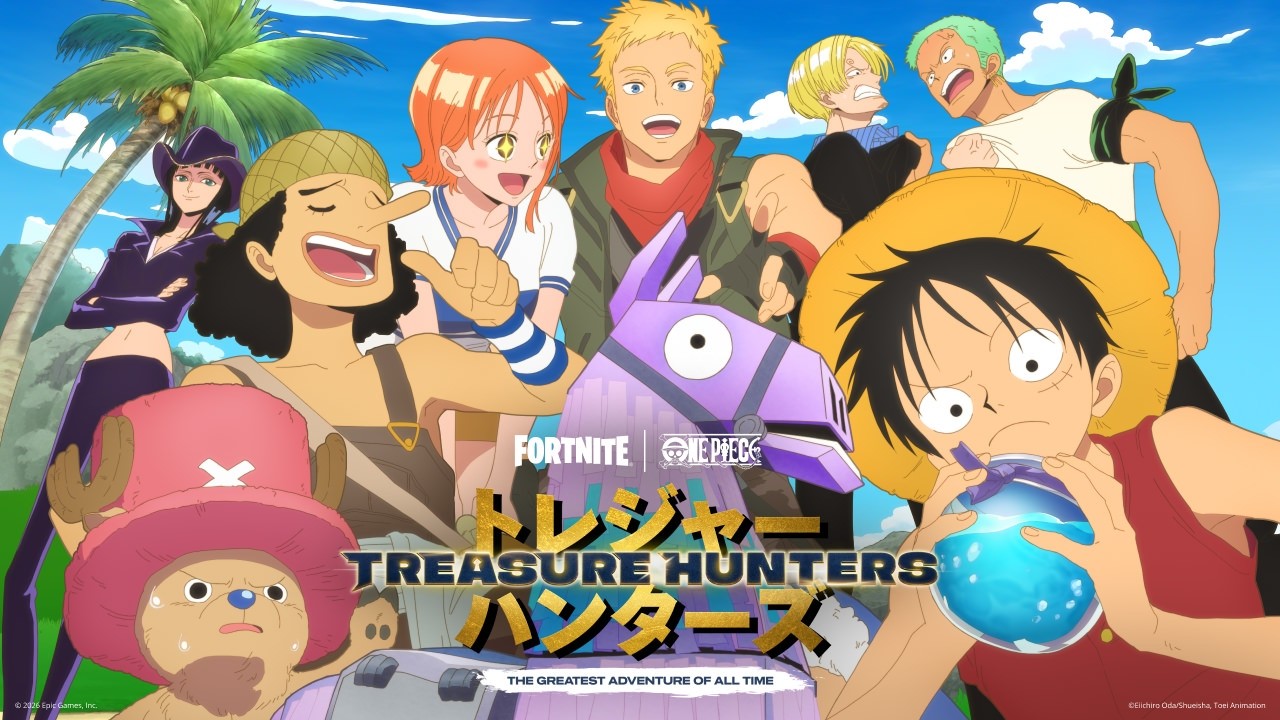
This has become a popular search because of the Treasure Hunters quest asking for 25 container searches while a track is playing. Players keep running into the same snag: Fortnite’s music wheel also offers instrument performances, but that isn’t what the quest means by listening.
How to use Jam Track Player in Fortnite: open the Emote Wheel
While you’re in a match, open the Emote Wheel with your usual control. The exact button depends on your platform and custom bindings, so follow the wheel prompt rather than an outdated shortcut. Switch across to the Jam Tracks tab.
Choose a song from your collection. You may first see View Collection or Choose Your Song. Once you’ve selected a track, look for Listen in the wheel instead of an instrument option. Epic’s support guide gives that same sequence.
With Listen active, the song runs in the background and you can carry on looting, moving and fighting. If your character starts a performance with a guitar or drums, you’ve selected Jam instead. Return to the wheel and change modes.
How to use Jam Track Player in Fortnite without searching the map
If you’re looking for a physical Jam Track Player in Treasure Hunters, there’s nothing to pick up. It’s part of the Emote Wheel. You can open it from your current Battle Royale match, whether you’re near Friendship Villa, Lantern Landing or somewhere else entirely.
Knowing how to use Jam Track Player in Fortnite also helps explain the Festival confusion. The Jam Stage is a separate experience where players perform music. The in-match player lets you listen without leaving Battle Royale, so you can complete ordinary quests at the same time.
How to use Jam Track Player in Fortnite: Listen versus Jam
Listen plays a track as background music. Jam uses the performance system and instruments. They use music from your collection, but Epic specifically warns that some challenges need Listen mode rather than instrument play.
You might hear a song during either mode, which makes this less obvious than it should be. For the Week 3 search-container objective, check that you’re in Listen before opening your next chest. If you’re stuck, our Jam Track quest troubleshooting guide covers the common causes.
How to use Jam Track Player in Fortnite without buying a new song
The player works with Jam Tracks you already own. There is no special paid song required for the Week 3 challenge. Songs can come from various rewards, passes and the Item Shop, but buying one just because you haven’t found Listen mode would be a waste.
If your collection looks empty, check the Jam Tracks section of your Locker. What appears in the music wheel depends on the tracks available to your account. Find something selectable there before trying the Week 3 objective.
How to use Jam Track Player in Fortnite for the 25-container quest
To use it for the 25-container challenge, start Listen, approach a chest or ammo box and choose the normal Search interaction. Keep the track playing while you loot. Our search containers while listening guide has the full quest route.
If the counter doesn’t move, double-check the mode and try another unopened container after landing. Some players report that starting the track before the Battle Bus sequence causes problems, although Epic hasn’t confirmed that as a general bug.
That’s how to use Jam Track Player in Fortnite without touching Festival Jam Stage: Emote Wheel, Jam Tracks, your song, then Listen. Once the music is running, you can get on with the match.
Related Guides
- Fortnite Treasure Hunters Week 3 Quests
- Fortnite Drop Off a Sprite at Friendship Villa
- Fortnite Survive Storm Phases With a Specialist
- Fortnite Search Containers While Listening to the Jam Track Player
- Fortnite Launch Into the Air From a Cannon
- Fortnite Slone Phone Lantern Landing
- Fortnite Jam Track Quest Not Counting
- Fortnite Board a Ship With the Leekcapper
- Fortnite Captain X Rewards
Official source: Epic Games’ Jam Track Player support page.