
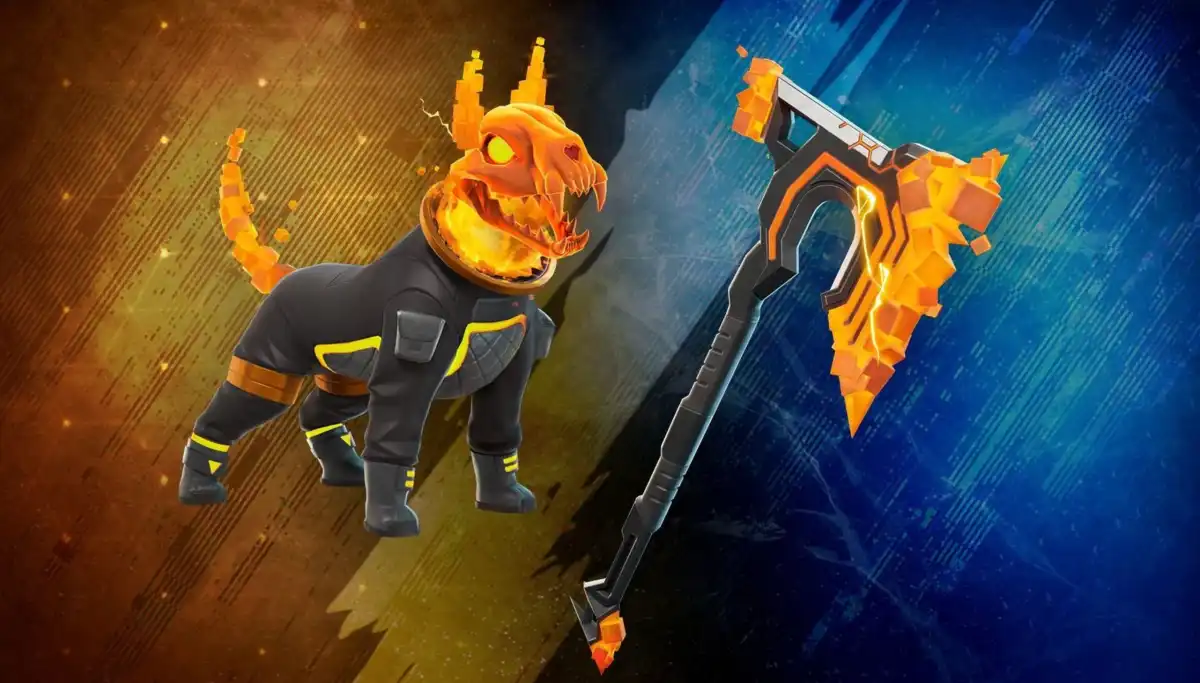
Fortnite live event reward missing after you joined the show? Epic Games says attendance rewards are delivered within 72 hours of the event ending. A cosmetic can also arrive in your Locker without a pop-up, so check there before assuming it was never credited.
That three-day deadline applies only when an event actually offers an attendance reward and you meet its rules. Quests, Twitch Drops, tournaments and paid passes work differently. Here is how to check your item, what a mid-show disconnect means and when Epic Support can help.
Fortnite live event reward missing: how long should you wait?
Allow 72 hours after the live event ends. The clock does not start when you join, enter matchmaking or lose your connection. Check the official event announcement for its end time and the item that was promised.
If you are looking for a Fortnite live event reward missing the following morning, you may still be comfortably inside Epic’s delivery window. Don’t assume the item was lost just because a friend found theirs first.
How to find your missing Fortnite reward in the Locker
Launch Fortnite on the Epic account you used for the show. Open the Locker category for the promised cosmetic, such as an Outfit, Back Bling, Pickaxe, Emote or Spray, and search for its name. Epic says some rewards are added without a notification.
- Go to the correct cosmetic category in your Locker.
- Open Sort & Filter, remove active filters and make sure the favourites-only heart is not selected.
- If the item still is not showing, filter by Archived. Archived cosmetics remain on your account.
- If you use more than one Epic account, confirm you are checking the one that attended the event.
An empty-looking Locker does not always mean an item is gone. If you find the cosmetic under Archived, select it and unarchive it to make it visible in your normal collection.
Fortnite live event reward missing after a crash or disconnect
If you got into the experience and were kicked, crashed or disconnected while the event was running, Epic says that still counts as attendance. You do not have to remain connected through the final seconds to preserve that recorded attendance.
Your friend’s connection does not count for you, though. Epic tracks attendance individually. If they made it into the event while you were stuck in the lobby, their reward does not establish that your account qualified.
For players who could not get into the show at all, our Fortnite live event not working guide explains Finding Server, party queues and locked playlists.
Do Twitch Drops, quests and Music Pass rewards use the same rule?
No. Epic’s 72-hour attendance guidance is not a blanket deadline for every Fortnite item. Quest cosmetics require their own objectives, and Twitch Drops have watch-time and account-linking conditions. Music Pass unlocks use XP, as our Neon Dreams Music Pass guide explains.
Nor does every special event give players something free. The November Arenas Test Cup, for instance, has no cosmetic or cash prizes. Check the actual event announcement rather than assuming that attending means earning a skin.
Fortnite live event reward missing after 72 hours
If your event offered an attendance reward, you connected while it was running and more than 72 hours have passed since it ended, contact Epic Games Support. Tell them exactly which item is missing.
- Include your Epic display name and the event date.
- Name the expected reward and describe when you joined or were disconnected.
- Mention that you checked the Locker and Archived filter after the delivery window ended.
- Keep passwords, verification codes and other private account information out of the request.
Support can investigate the circumstances of your own account. A friend’s screenshot, or the fact that you were in their party before the event, is not a substitute for your individual attendance record.
Fortnite live event reward missing: quick answers
Does the 72-hour countdown begin when I join? No, it starts when the event ends.
Do I qualify if my game crashed? Epic counts a connection interrupted during the running show as attendance, provided the event actually offered an eligible attendance reward.
Fortnite live event reward missing even though my friend got theirs? Check the correct account, Locker filters and event eligibility. Epic records each player’s attendance separately.
What should I tell Epic Support? Provide your display name, event date, missing item and a short account of what happened after the full 72 hours.
- Fortnite Live Event Not Working: Locked and Queue Fixes
- Fortnite Live Events History
- How to Watch the Fortnite OG Final Showdown Event
- Free Fortnite Cosmetics: How to Claim Rewards
- Fortnite Shattered End Event Rewards
- Fortnite Calaverita Free Rewards
- Fortnite Neon Dreams Music Pass: Lil Tecca Rewards and XP
- Fortnite Arenas Test Cup November 2026: Entry and Rewards
Official source: Epic Games live-event rewards and troubleshooting.





