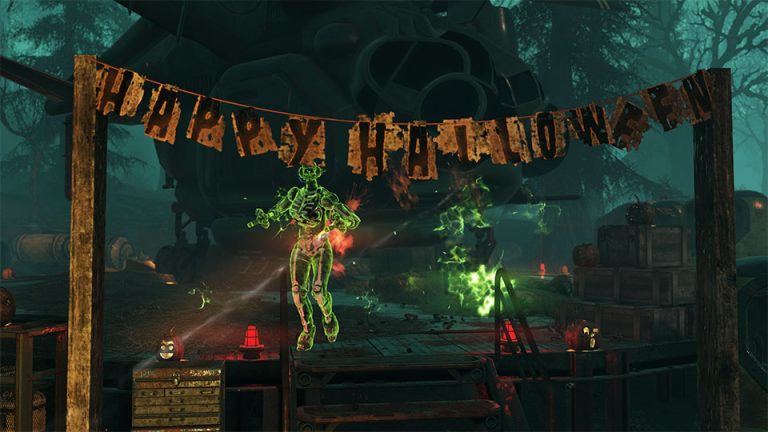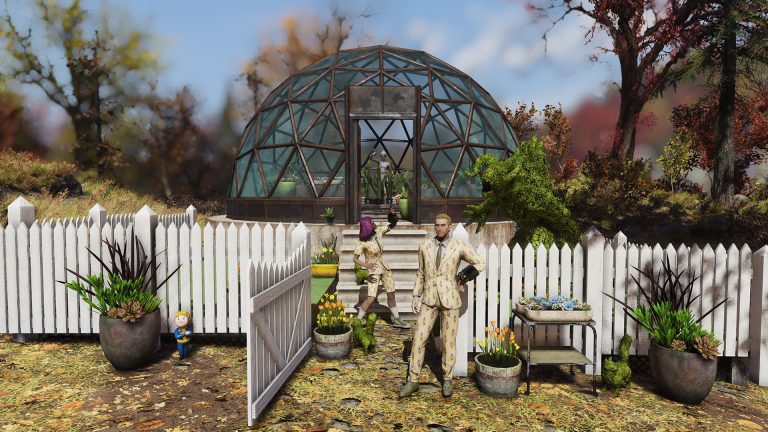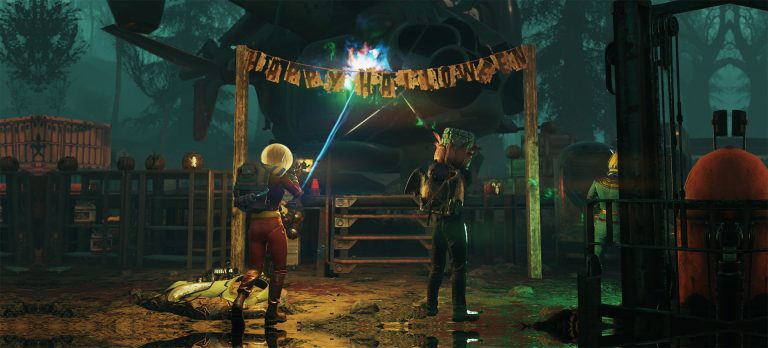
Fallout 76 Xbox Series Upgrade is now a native Xbox Series X|S version rather than the older Xbox One build running through backward compatibility. Bethesda launched the current-generation client with The Slasher update, giving Series X and Series S players a targeted 60 FPS experience and platform-specific performance improvements.
The important part is installation. Bethesda says accessing the native Xbox Series version requires the full game to be downloaded from the Xbox store. Digital owners can use Xbox Smart Delivery, physical owners can claim the disc upgrade, and Fallout 76 remains available through Game Pass on Xbox consoles.
Fallout 76 Xbox Series Upgrade: how to get the X|S version
Fallout 76 Xbox Series Upgrade Image Bethesda Game Studios.
To install the Fallout 76 Xbox Series Upgrade, open My games & apps or the Microsoft Store on your Xbox Series X|S and find Fallout 76. Make sure the console is installing the Xbox Series version rather than leaving you on an older Xbox One installation.
- Sign in to the Xbox account that owns Fallout 76 or has access through Game Pass.
- Open the Fallout 76 store page or your game library.
- Allow Smart Delivery to select the Xbox Series version where applicable.
- Download the full native client.
- Launch Fallout 76 and confirm your characters are available.
- Remove an older installation only after the native version is working correctly.
The Fallout 76 Xbox Series Upgrade is not just a small graphics patch. Bethesda explicitly says the native Xbox Series and PS5 versions require a complete redownload from their respective stores.
Is the Fallout 76 Xbox Series Upgrade free?
Bethesda’s Xbox upgrade guidance uses Microsoft’s Smart Delivery system for eligible games, which provides the appropriate Xbox Series version without a separate upgrade fee for eligible digital and physical ownership. For Fallout 76, Bethesda also directs Xbox players to Smart Delivery support from the native-version release notes.
Physical Xbox One owners can claim the native version from the store, but there is an important restriction: the Xbox One disc must remain inserted in an Xbox Series X whenever you play. Xbox Series S has no disc drive, so a physical Xbox One copy cannot provide disc authentication on that console.
Does Game Pass include the Xbox Series version?
Yes. Microsoft’s current Fallout 76 listing includes Xbox Series X|S and says the game is included with Game Pass. If Game Pass is how you access the game, install Fallout 76 from your library or store listing on the Series console and let the console download the current native version.
The Fallout 76 Xbox Series Upgrade does not replace the normal online multiplayer requirement. The Xbox store notes that console multiplayer requires an eligible Game Pass multiplayer subscription, so ownership of Fallout 76 and access to online multiplayer are separate questions.
Fallout 76 Xbox Series Upgrade and character transfer
Your existing Fallout 76 character progression is not a manual single-player save import. Bethesda says local save-data deletion does not affect character data or game progression, which is why moving to the native client does not require you to copy an offline campaign file from Xbox One.
The distinction matters because Bethesda does not support moving Fallout 76 characters between different platforms. The Fallout 76 Xbox Series Upgrade keeps you inside the Xbox ecosystem; it does not create a route for transferring an Xbox character to PlayStation or PC.
Fallout 76 Xbox Series Upgrade and achievements
Bethesda says Xbox achievements are grouped together regardless of which Xbox hardware was used to earn them. You therefore do not need to treat the Fallout 76 Xbox Series Upgrade as a fresh achievement list that must be rebuilt from zero simply because you switched from Xbox One to Series X|S.
This differs from the PlayStation trophy question, where Bethesda describes trophy syncing after logging into characters that completed the matching in-game Achievement. Our PS5 upgrade guide covers that PlayStation-specific process.
What performance does Xbox Series X|S get?
The native version targets 60 FPS on both Series X and Series S. Series X is also listed for 4K output on compatible displays, while both Series consoles support VRR with Bethesda listing a 60 FPS cap for that feature. Series S is not listed for the same 4K target as Series X.
Our Fallout 76 Xbox Series X 60 FPS guide goes deeper on frame rate and VRR. The broader The Slasher update guide covers the patch that introduced the native client alongside Season 26, Legacy Seasons and unique weapon crafting.
Can you delete the Xbox One version?
Once the Fallout 76 Xbox Series Upgrade has downloaded, launched and shown your characters correctly, you can remove an older installation if it is still taking up storage. Confirm the version you are launching before deleting anything, because the native client is a full download rather than a small add-on to the Xbox One app.
Local Fallout 76 save data mainly affects settings and local information rather than your server-side character progression. Bethesda does warn that clearing save data can remove saved photos, so back up anything you care about before troubleshooting storage or corrupted local files.
What to check if the Series X|S version is not installing
If the Fallout 76 Xbox Series Upgrade does not appear, open the store page directly and check that your console is fully updated. Digital owners should also check that they are signed into the purchasing account or the account with Game Pass access. Disc owners need the physical disc in a Series X to validate the upgrade and to play afterward.
Bethesda’s official native-version download guide confirms the full redownload and current performance targets, while the disc-upgrade support page explains physical ownership. If you are returning for the same update, our PS5 upgrade overview, PS5 vs PS4 comparison, unique weapon crafting guide and Season 26 rewards guide cover the other permanent and seasonal changes around The Slasher launch.