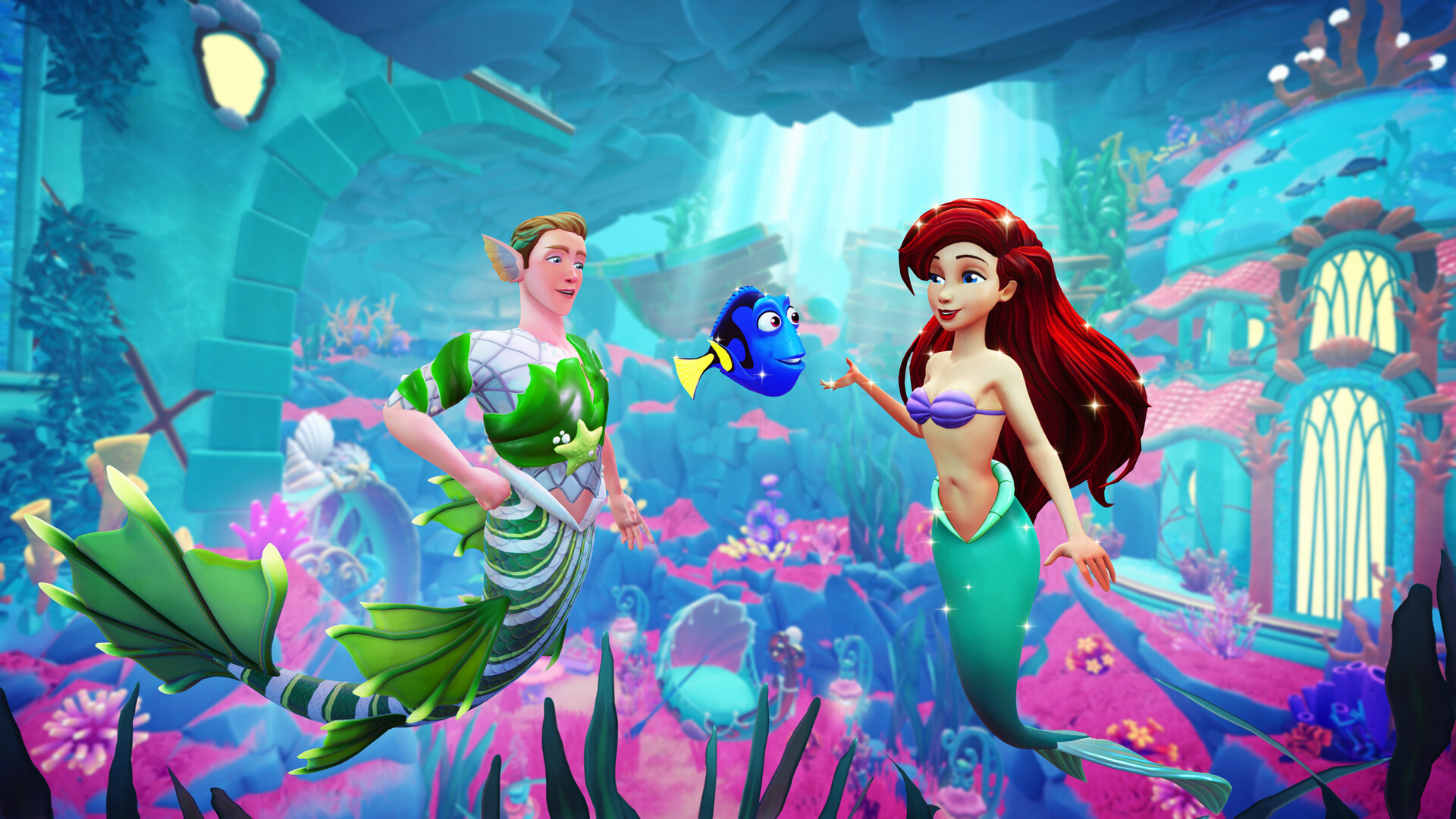
Dreamlight Valley Twitch Drops Not Showing after you’ve earned them? First check Twitch’s Drops Inventory. Finishing the watch time only unlocks a reward; you still have to press Claim, link the right game account and collect the item from your mailbox in Disney Dreamlight Valley.
The Keepsake Sea campaign has three rewards, and Gameloft says delivery can take up to 24 hours. Gameloft has a recovery process for rewards that never turn up, including a Cloud Save refresh. Start with the Twitch claim, then check the account link and your mailbox before changing anything in-game.
Dreamlight Valley Twitch Drops Not Showing: Check Twitch First
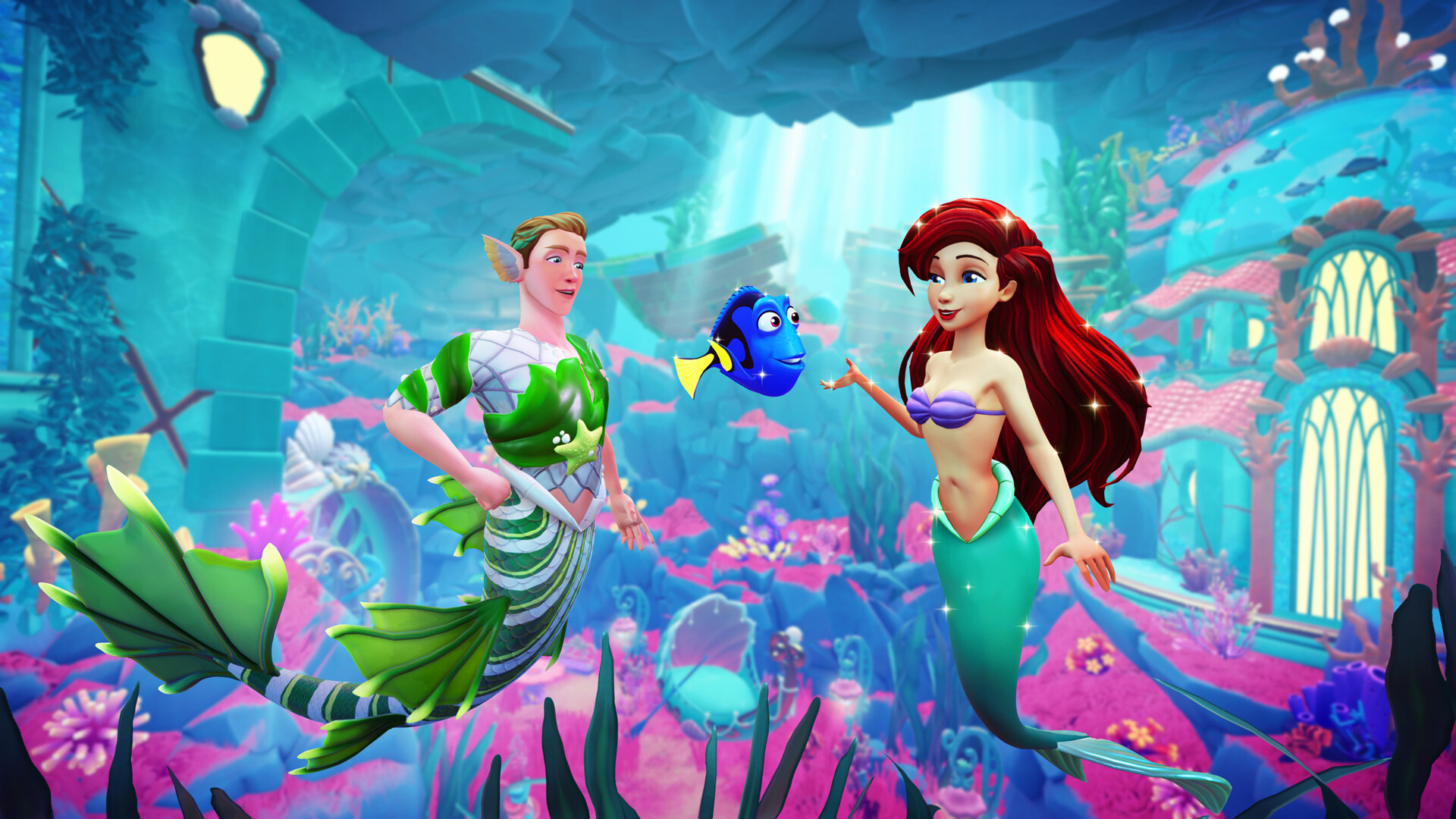
Visit Twitch → Drops & Rewards → Inventory and find the Disney Dreamlight Valley campaign. If the progress bar hasn’t reached its target, the Drop isn’t ready to claim. Only participating channels count, so choose a creator from the list on Gameloft’s campaign page rather than a random Dreamlight Valley stream.
Each eligible minute counts towards the next milestone, even if you change streamers. The three targets are 60 minutes for the Keepsake Sea Photo Frame, 90 for the Pirate Crocodile and 120 for the Sea Witch Ship. You only need two hours of eligible viewing altogether.
If the target is complete, press Claim next to that item in your Twitch inventory. You can also claim from the chat prompt when Twitch offers it. Don’t rely on the completed progress bar alone.
Dreamlight Valley Twitch Drops Not Showing: Check Account Links
Gameloft’s missing-reward guidance says your game account must be linked to Gameloft Cloud using an email address, and your Twitch account must also be connected. The game account on the Twitch Drops website needs to be the one you actually play on. If you have multiple profiles, check this before making any account changes.
If you’re having trouble linking, Gameloft recommends logging out of the game, resetting your Gameloft account password, signing back in and trying the link again. You can also use Unlink Accounts on the official Twitch Drops page and link Twitch again, choosing Cloud Save when prompted for your Dreamlight Valley login. Only try re-linking if the existing connection looks wrong or has failed.
Dreamlight Valley Twitch Drops Not Showing on a second platform can be an account mismatch too. Gameloft says rewards you’ve claimed from the mailbox follow your player profile across supported platforms. One Twitch account can link to one Dreamlight Valley game account, and each reward can only be claimed once per account.
Wait for Mailbox Delivery and Check the Game Version
Once Twitch shows Claimed, launch Disney Dreamlight Valley while online and open your in-game mailbox. Gameloft gives delivery a 24-hour window. It also requires game version 1.19 or later; older installations won’t receive the items. Updating and waiting through that window are better first steps than changing your save.
The Sea Witch Ship is a look for the Enchanted Pirate Ship in the expansion, not a second ship. Gameloft confirms you can earn the Twitch reward without owning The Keepsake Sea yet; it is saved to your account until you purchase the expansion. A ship style you can’t use yet isn’t necessarily a missing reward.
Dreamlight Valley Twitch Drops Not Showing After 24 Hours
For Dreamlight Valley Twitch Drops Not Showing even after a confirmed claim and delivery wait, Gameloft suggests this in-game refresh: open your save, go to Settings → Help → Change Avatar Name, give your character a different name, then use Save Game and Save to Cloud. Return to the title screen, reload your Valley and check the mailbox again.
This is the refresh Gameloft recommends for a reward that’s still missing. It changes your avatar name, so check the simpler things first. If Dreamlight Valley Twitch Drops Not Showing persists after those steps, contact Gameloft Support with a screenshot of your claimed Drop and the game account you’ve linked.
When Do the Keepsake Sea Twitch Drops End in the UK?
The dedicated campaign page lists 2 December 2026 at 11:59 PM EST, which is 3 December at 4:59 AM GMT in the UK. Gameloft’s 18 November launch announcement mentioned an earlier 25 November finish, so the published pages aren’t entirely consistent. The dedicated live campaign page and Twitch’s own countdown are the best places to check before leaving your claims until the final day.
If Dreamlight Valley Twitch Drops Not Showing is stopping you from claiming one of the rewards near the deadline, check whether Twitch still marks it as earned and claimable. Once the campaign closes, simply having watched the stream may not be enough to retrieve an unclaimed Drop.
Official source: Gameloft’s missing Twitch Drops help and recovery steps.